

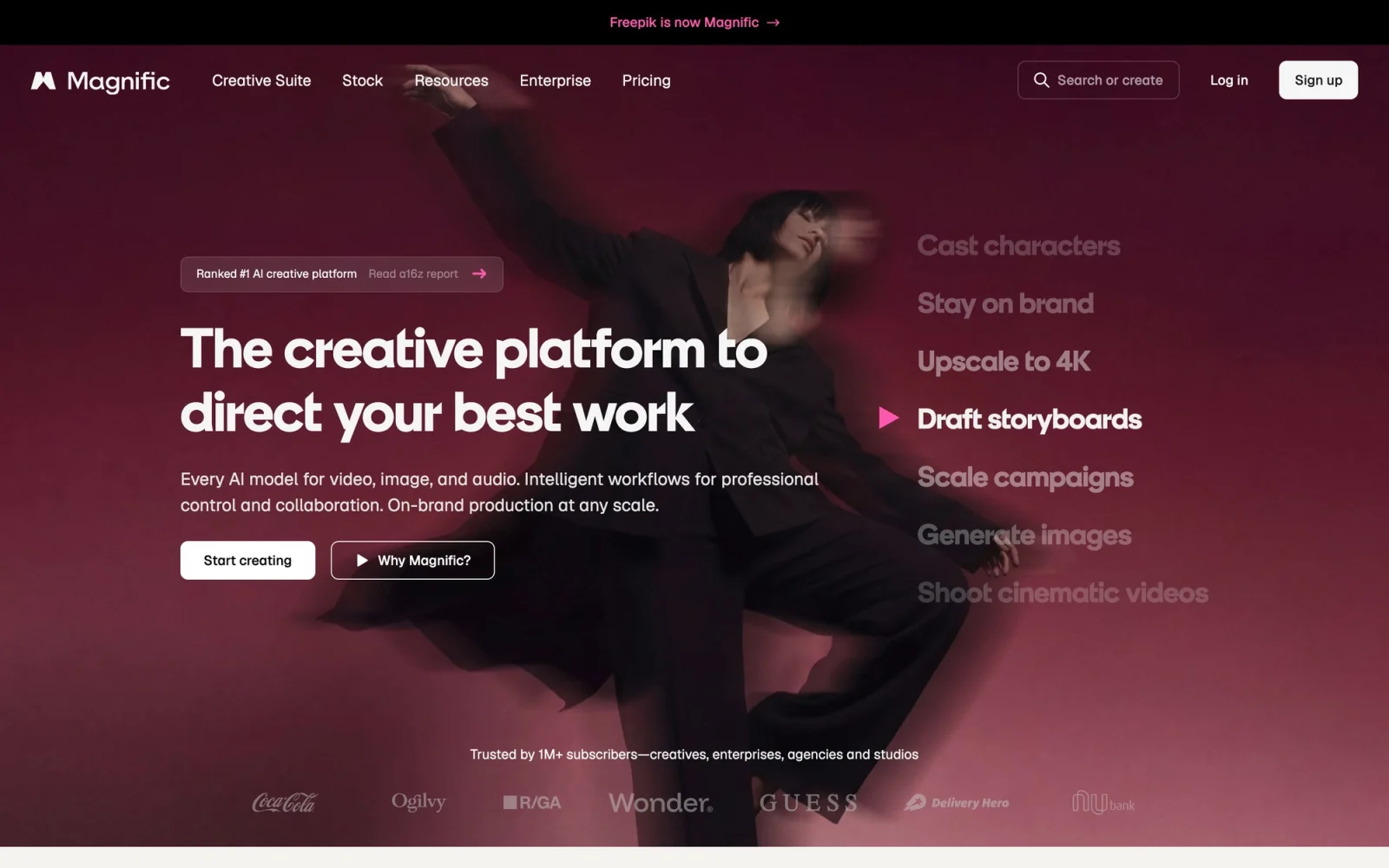

Magnific
Exclusive deal
20%
off annual
Magnific is now Magnific
Now part of Magnific — the all-in-one AI creative platform (formerly Freepik). Usetools readers get an exclusive extra 20% off Magnific annual plans, applied automatically at checkout.
Usetools may earn a commission if you subscribe — and you get a lower price. It never affects what you pay.
What it costs
- Free tier
- No
Magnific.ai has merged/rebranded into magnific.com (formerly Freepik); the page shows no explicit prices, so the paid/free model needs a manual check.
Auto-checked on 8 August 2026Source
About Magnific
Magnific: Magnific Overview
Magnific is an AI image upscaler and enhancer that doesn't just enlarge pixels — it reimagines detail, adding realistic texture, skin, foliage, and structure as it scales. It has become a go-to finishing step for AI-generated art, product renders, and low-resolution source images that need to look print-ready.
Key Features
- Generative upscaling: Increase resolution up to 16x while inventing believable, high-frequency detail.
- Creativity slider: Control how faithful or how imaginative the enhancement is, from subtle cleanup to dramatic reinterpretation.
- Prompt guidance: Steer the added detail with text so the model emphasizes the right materials and textures.
- Photo & art modes: Tuned profiles for photography, illustration, 3D renders, and CG.
Who It's For
Magnific suits creators who need their visuals to hold up at large sizes:
- AI artists finishing midjourney/SD outputs
- Product and 3D designers polishing renders
- Photographers rescuing low-res shots
- Agencies preparing assets for large-format print
Conclusion
Magnific fills the gap between a rough generated image and a deliverable one, giving designers a fast way to make visuals sharp, detailed, and ready to ship.
Featured Tools
Sponsored
Artlist
Royalty-free music, SFX, 8K footage, templates, LUTs and 100+ AI models on a single subscription for video creators.

Icons8
Large icon packs featuring over 10,000 icons for consistent design themes.

Vidu
AI video generator with text, image and reference-to-video modes, producing 3–16 second clips at up to 1080p with characters that stay consistent across shots.
Your tool here
The tools above are our own picks until the slots sell.

Tools we recommend


getimg.ai
20+ AI models for image, video & audio in one workspace


Hailuo AI
Cinematic AI video with camera control


OpenArt
All-in-one AI image, video & audio generator
Editorially chosen. Some links above are affiliate links — if you sign up we may earn a commission, at no extra cost to you.
More AI Tools Tools


Vidu
AI video generator with text, image and reference-to-video modes, producing 3–16 second clips at up to 1080p with characters that stay consistent across shots.
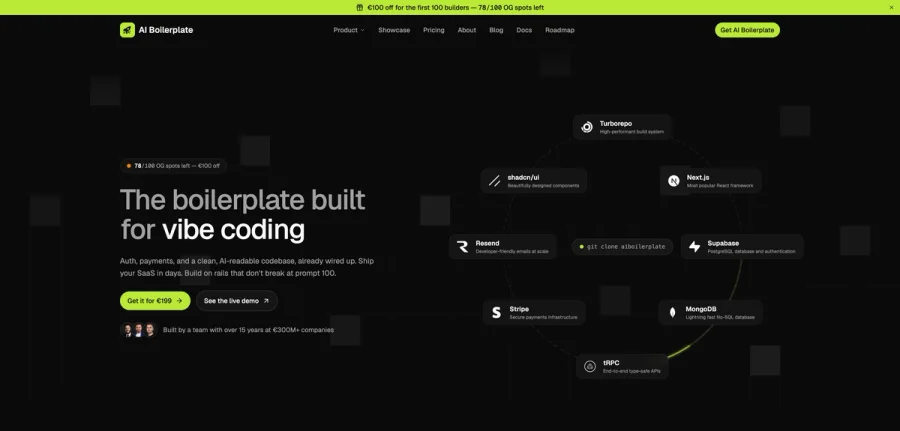

AI Boilerplate
The boilerplate built for vibe coding. Includes authentication, payments, storage, and a clean, AI-readable codebase, already wired up. Build on rails that don't break at prompt 100.
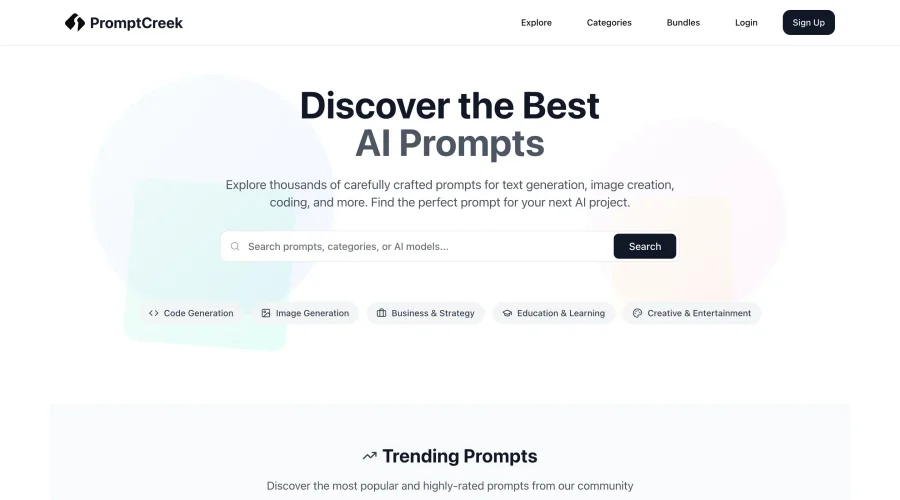

PromptCreek
Prompt Creek is a free community-driven repository featuring thousands of AI prompts. Discover, bookmark, and share quality prompts for ChatGPT, Claude, and other AI tools.
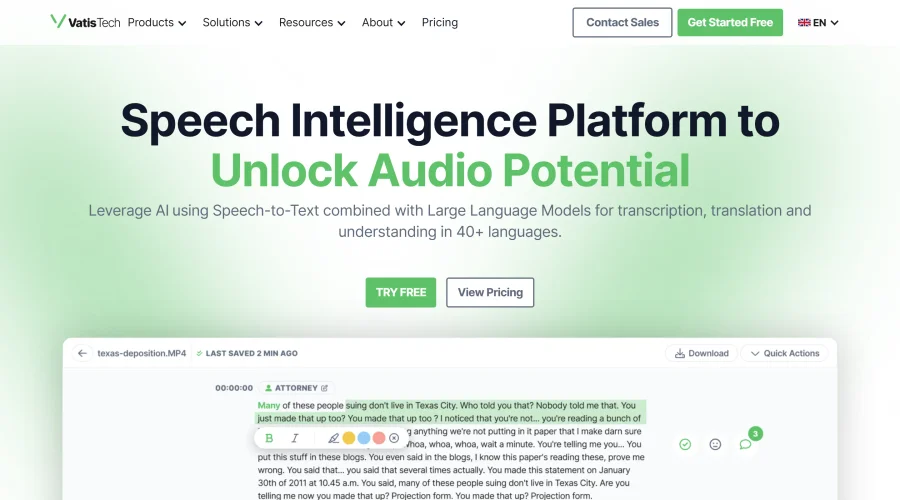

Vatis Tech
Vatis Tech is the most powerful speech-to-text infrastructure. It can be used to transcribe user interviews and client meetings.


DomoAI
AI animation platform that turns text, images, and video into anime, realistic, and custom styles — with video restyle, lip sync, upscaling, and more.

Meshy
AI 3D model generator that turns text or images into game- and print-ready models.
Explore Other Categories
Discover more design resources
New to Design?
Explore our comprehensive design glossary to master essential terminology from A/B Testing to Wireframes.
Browse GlossaryLooking for something specific?
Search through our entire collection of design tools and resources