

For website builders looking for speed and flexibility.
What it costs
- Free tier
- Yes
Homepage offers 'Sign up free' but shows no prices; paid tiers are on the separate /pricing page not scraped.
Auto-checked on 8 August 2026Source
About Makeswift
What Is Makeswift?
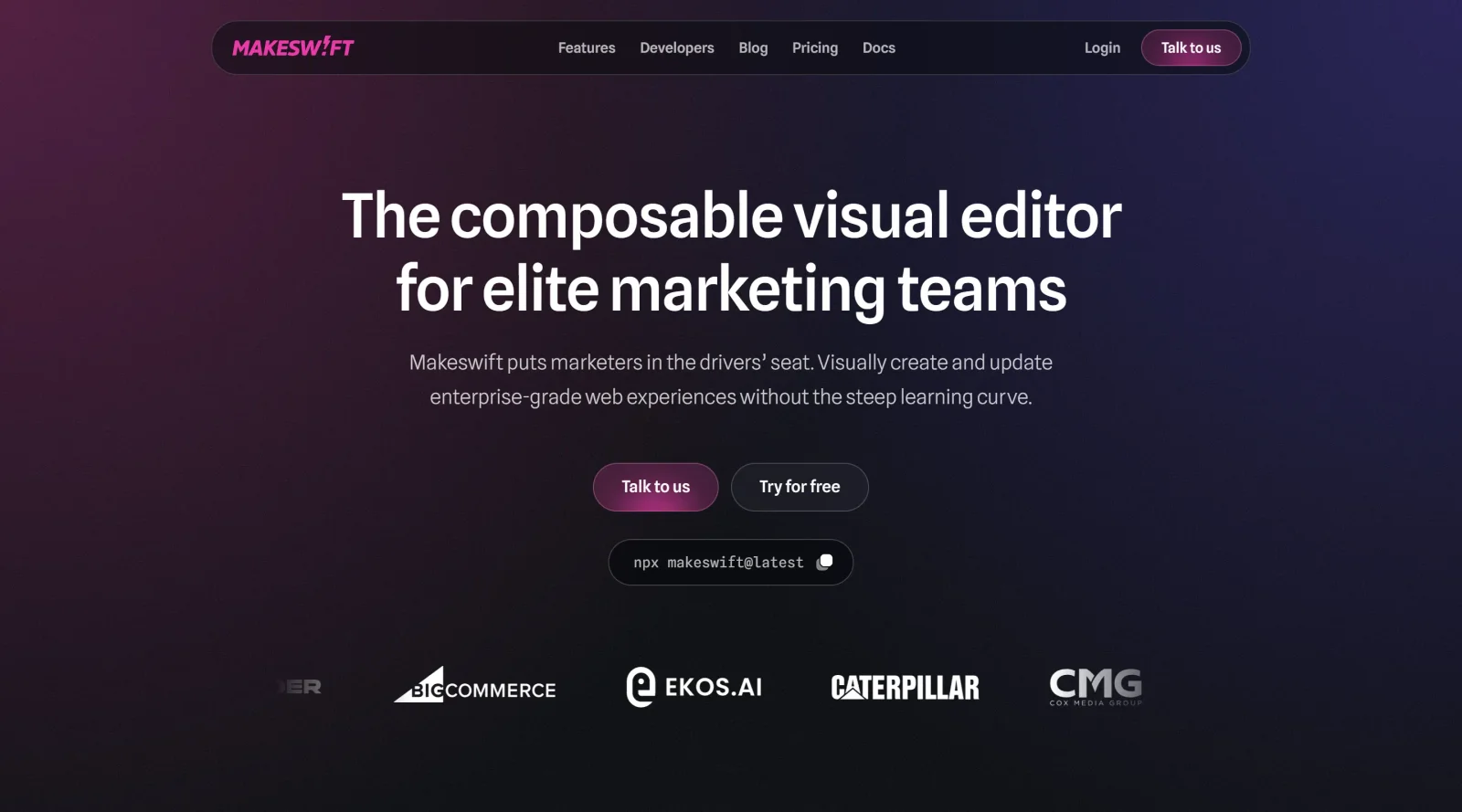
Makeswift is a no-code website builder designed for users seeking speed and flexibility in creating professional websites. It operates on a freemium pricing model, offering a free plan for building and testing sites with limited publishes, alongside paid plans starting at $79 per month for more extensive use. Makeswift fits into the design workflow as a visual frontend generator, allowing teams to construct responsive sites without starting from rigid templates, bridging the gap between marketers, designers, and developers.
What Makeswift Does
- Provides multiplayer editing for real-time collaboration without locking users out or overwriting changes.
- Supports responsive design by default across devices, with customizable breakpoints and layout controls.
- Enables creation of custom components using React, reusable across pages visually.
- Offers localization features for editing pages in multiple locales, up to 10+ on higher plans.
- Includes unlimited sites, pages, and read-only guest access on all plans for stakeholder previews.
- Delivers built-in tools for animations, typography from Google Fonts or custom uploads, and SEO controls like meta tags.
How Makeswift Can Be Used
- Teams build marketing landing pages by dragging predesigned sections like calls-to-action or footers into responsive layouts.
- Designers prototype site updates collaboratively, using interact mode to preview behaviors before publishing with rollbacks available on paid plans.
- Developers extend functionality by integrating custom React components or CMS data while non-technical users handle visual edits.
- Global businesses localize content visually for multiple regions, managing publishes via bulk or scheduled options on Team and Enterprise plans.
- Small teams test ideas on the free plan with 5 monthly publishes, scaling to 50 or unlimited on higher tiers for frequent updates.
Who Is Makeswift For?
Makeswift serves individuals, startups, small to medium businesses, and enterprise teams needing a flexible website builder for frequent site updates without heavy coding. It suits designers handling layouts and responsiveness, marketers managing content and previews with guests, and developers providing custom extensions. Paid plans accommodate growing teams with member limits from 3 to 10+, higher publish frequencies, and advanced workflows like approvals. Early-stage users start free, while those publishing daily opt for Team or Enterprise. Visit Makeswift
Featured Tools
Sponsored
Artlist
Royalty-free music, SFX, 8K footage, templates, LUTs and 100+ AI models on a single subscription for video creators.

Icons8
Large icon packs featuring over 10,000 icons for consistent design themes.

Vidu
AI video generator with text, image and reference-to-video modes, producing 3–16 second clips at up to 1080p with characters that stay consistent across shots.
Your tool here
The tools above are our own picks until the slots sell.
Spotlight
SponsoredRotates daily
HyNote
Records and transcribes interviews and meetings, then turns them into summaries and action items.
Tools we recommend

Base44
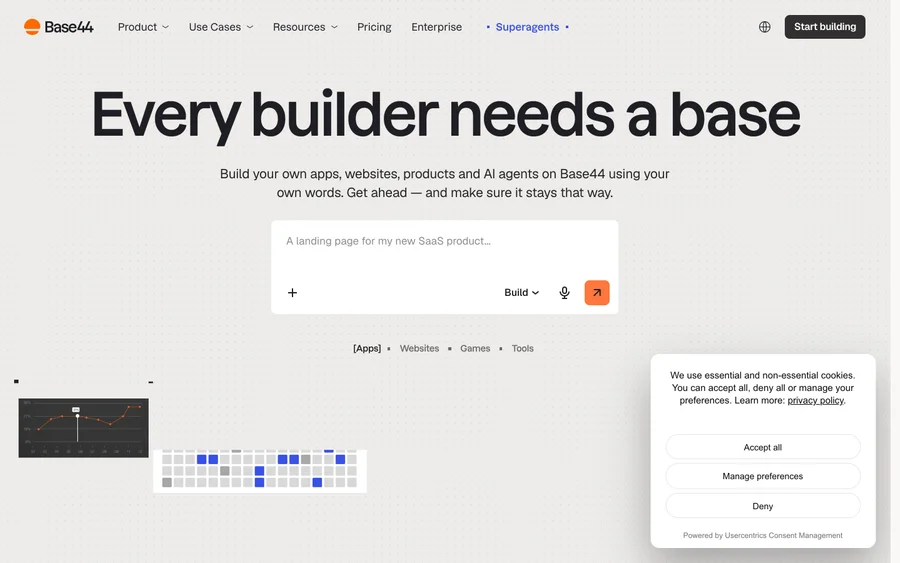
Build full-stack apps from a prompt (by Wix)

SITE123
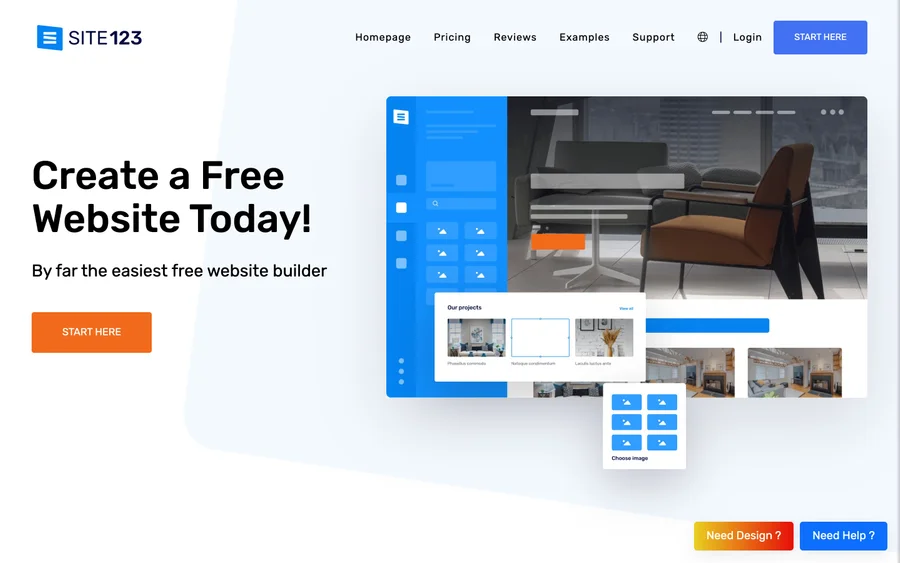
Free website builder with hosting included

Wegic
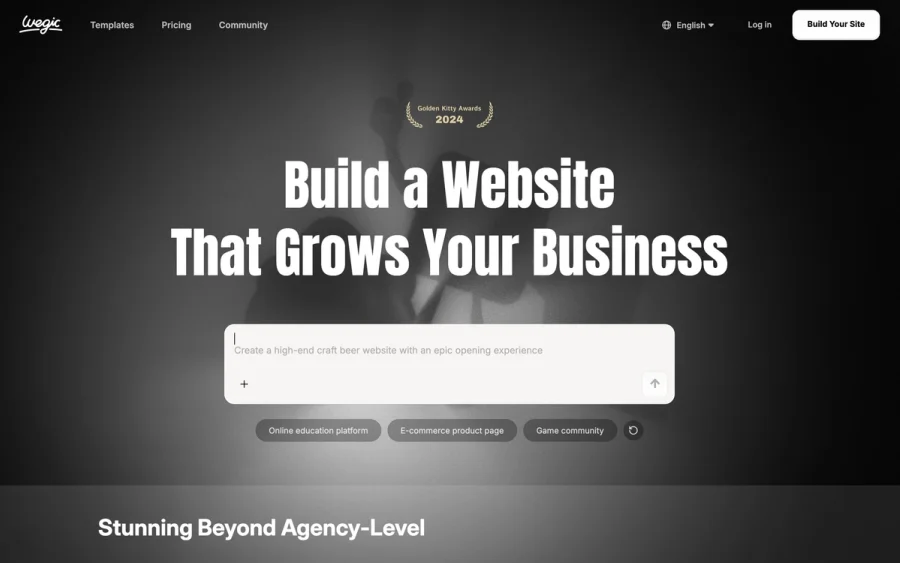
Build & manage a whole site by chatting with AI
Editorially chosen. Some links above are affiliate links — if you sign up we may earn a commission, at no extra cost to you.
More Website Builders Tools


Framer
Design and launch your dream website with no coding required.

Webflow
Accelerate website creation without needing to code.

10Web
AI-enhanced WordPress website builder for easy site creation.
Adalo
Turn app ideas into reality without needing to code.
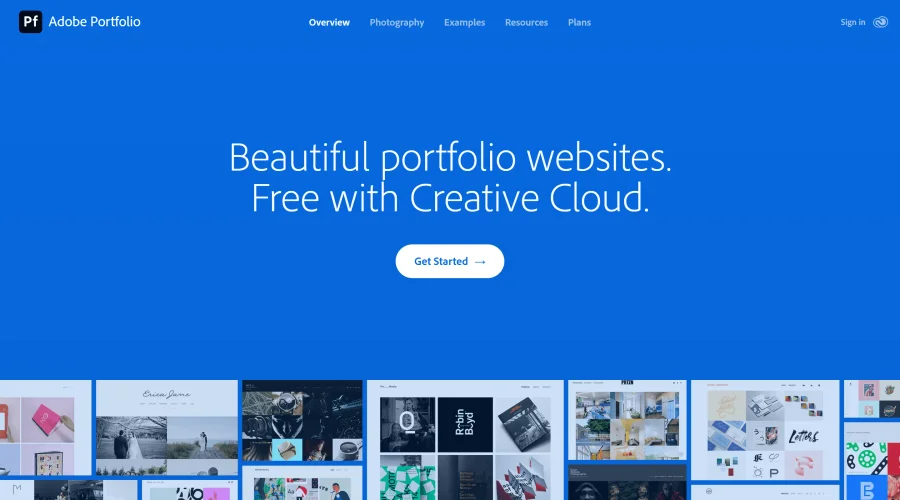

Adobe Portfolio
Build stunning portfolio websites, free with Creative Cloud.
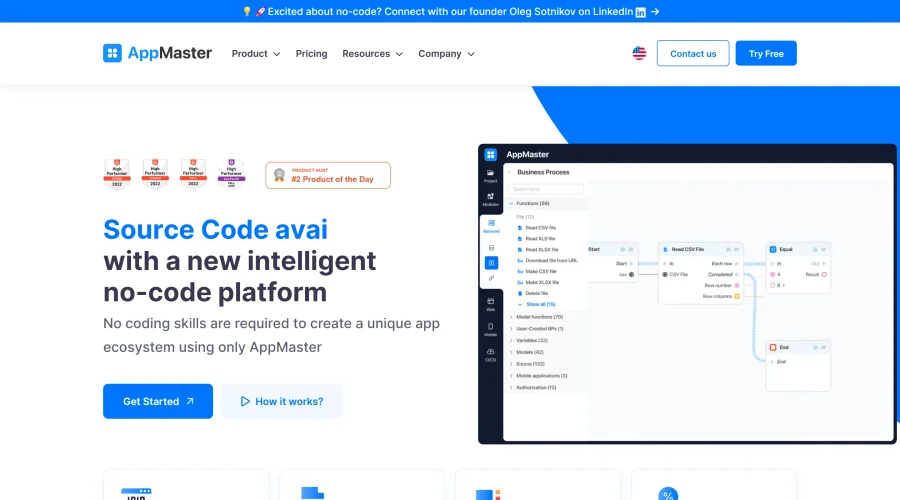

AppMaster
Next-gen no-code platform for automating business processes and building native apps.
Explore Other Categories
Discover more design resources
New to Design?
Explore our comprehensive design glossary to master essential terminology from A/B Testing to Wireframes.
Browse GlossaryLooking for something specific?
Search through our entire collection of design tools and resources