
Material 2 design kits for Sketch and Figma, along with other Google tools.
What it costs
- Free tier
- Yes
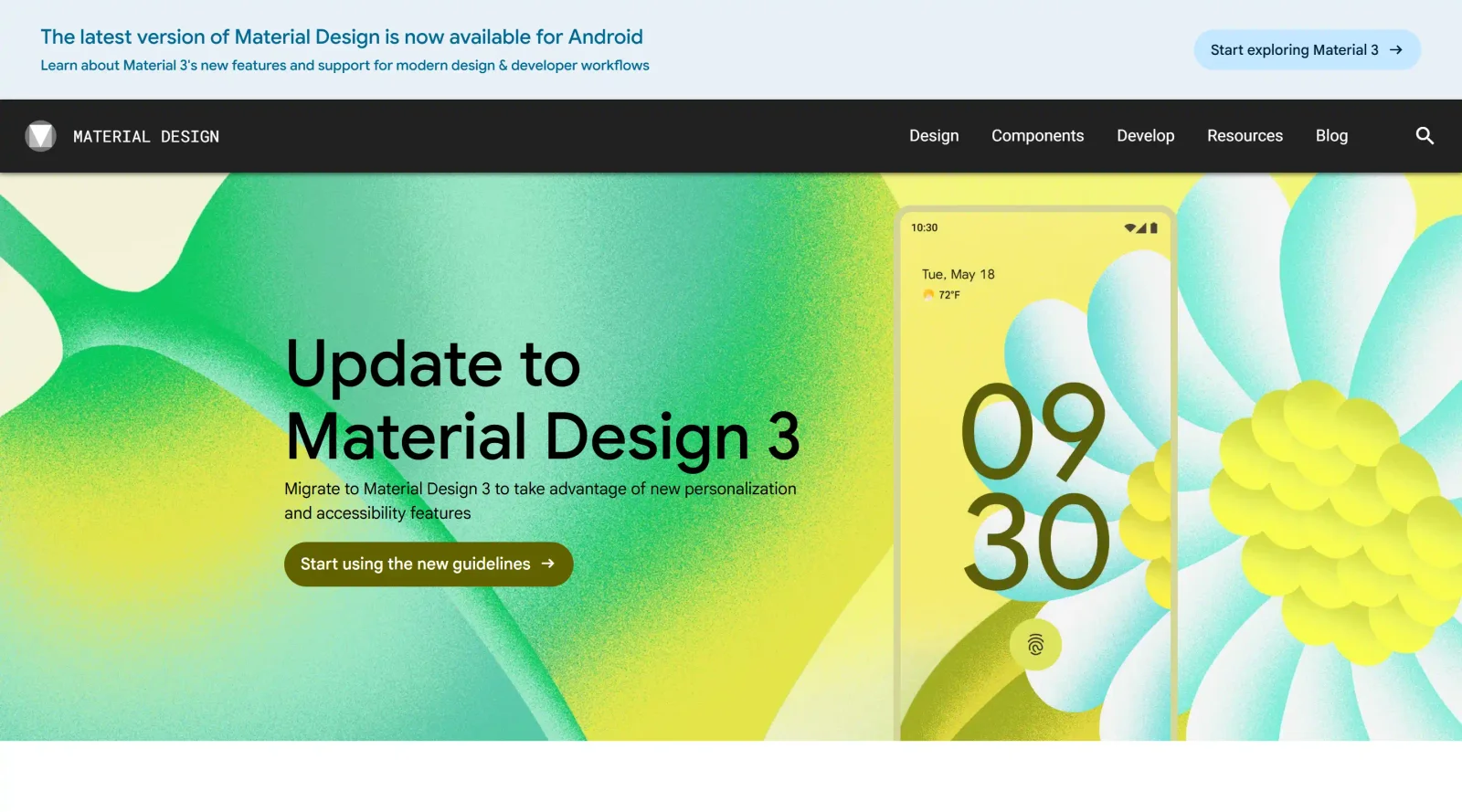
Free open-source design system (Apache License), but the page carries a banner that Material 2 is no longer maintained and superseded by Material 3.
Auto-checked on 8 August 2026Source
About Material 2 Design Resources
What Is Material 2 Design Resources?
Material 2 Design Resources is a collection of UI kits for Material Design 2, available for Sketch and Figma. It provides free design assets aligned with Google's Material Design guidelines, enabling designers to build interfaces that follow established principles of Material 2. These resources fit into the early stages of the design workflow, where teams establish visual consistency using pre-built components and styles before prototyping or development.
What Material 2 Design Resources Does
- Supplies baseline components for Material Design 2, including buttons, cards, and navigation elements, compatible with Figma and Sketch.
- Offers theming guidance to customize color palettes, typography, and elevations according to Material 2 specifications.
- Provides design kits that support creation of app interfaces with consistent styling across platforms.
- Includes resources for both standard and specialized themes, such as dark mode variants in Figma kits.
- Delivers scalable elements using features like Auto Layout in Figma for adjustable and responsive designs.
- Integrates with Google tools to maintain alignment between design files and Material Design documentation.
How Material 2 Design Resources Can Be Used
- Designers import the Figma kit to assemble wireframes and high-fidelity mockups for Android or web apps requiring Material Design compliance.
- Teams in Sketch use the UI kit to prototype user flows, applying Material 2 components for rapid iteration on mobile interfaces.
- Product designers reference the resources during theming sessions to define custom styles while adhering to baseline guidelines.
- Cross-functional teams collaborate by sharing Figma files built with the kit, ensuring developers receive designs matched to Material 2 React libraries.
- Freelancers or small studios start projects with the free kit to accelerate setup of consistent UI patterns without building from scratch.
Who Is Material 2 Design Resources For?
Material 2 Design Resources serves UI designers and product teams working on applications that follow Google's Material Design 2 system. It suits junior to senior designers familiar with Figma or Sketch who need free, ready-to-use UI kits for prototyping Android apps, web interfaces, or hybrid projects. Developers transitioning designs to code also benefit from its guideline-aligned assets. Experience levels range from those learning Material Design to professionals maintaining legacy Material 2 projects before upgrading. Visit Material 2 Design Resources
Featured Tools
Sponsored
Artlist
Royalty-free music, SFX, 8K footage, templates, LUTs and 100+ AI models on a single subscription for video creators.

Icons8
Large icon packs featuring over 10,000 icons for consistent design themes.

Vidu
AI video generator with text, image and reference-to-video modes, producing 3–16 second clips at up to 1080p with characters that stay consistent across shots.
Your tool here
The tools above are our own picks until the slots sell.

More UI Kits Tools
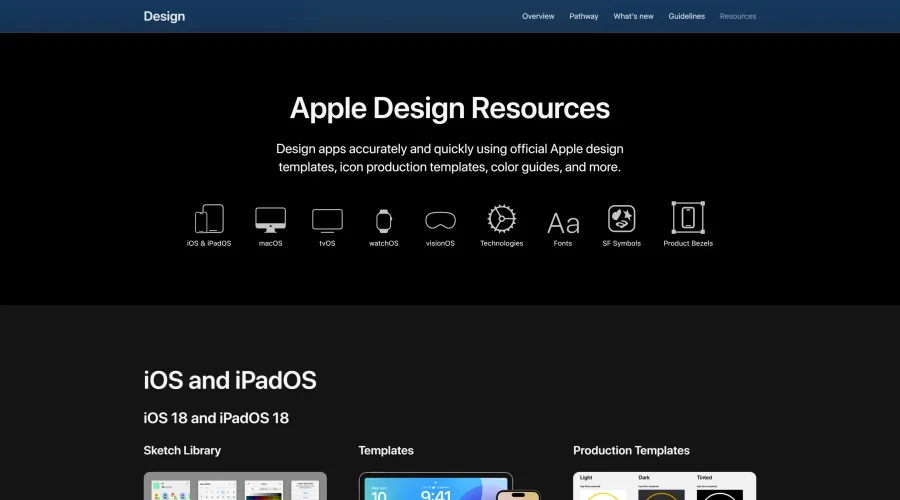
Apple Design Resources
Apple’s official resources for iOS: Sketch, Photoshop, and XD templates and guides.
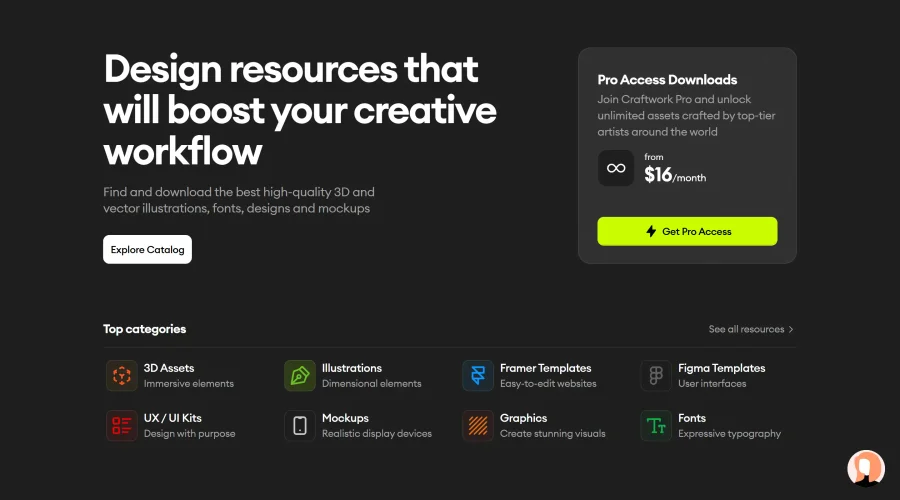
Blank 2.5
Fast and efficient UI kit and design system for landing page projects.
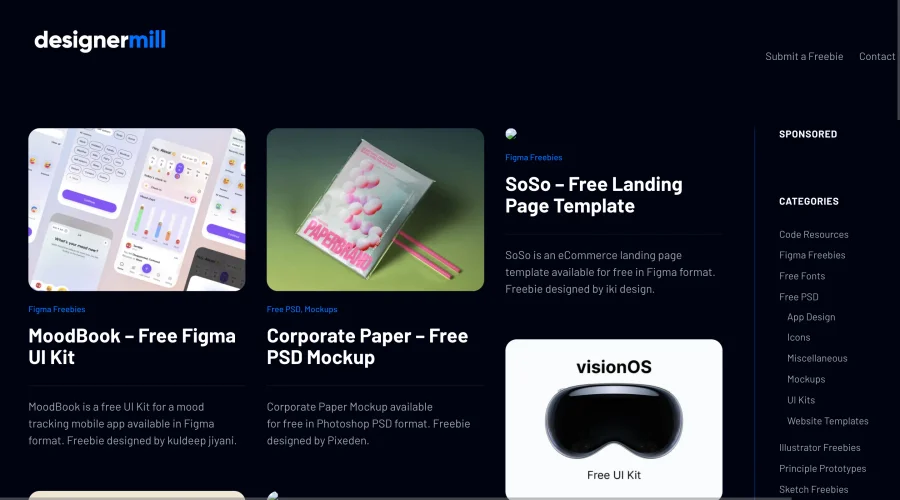

DesignerMill
Free collection of PSDs, Sketch files, fonts, and more for designers.
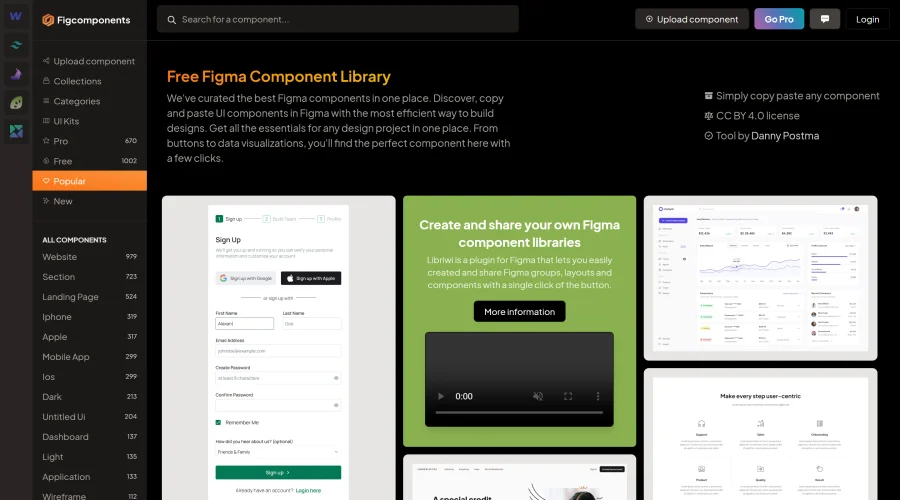

Figcomponents
A free library of Figma components for easy copying and pasting.
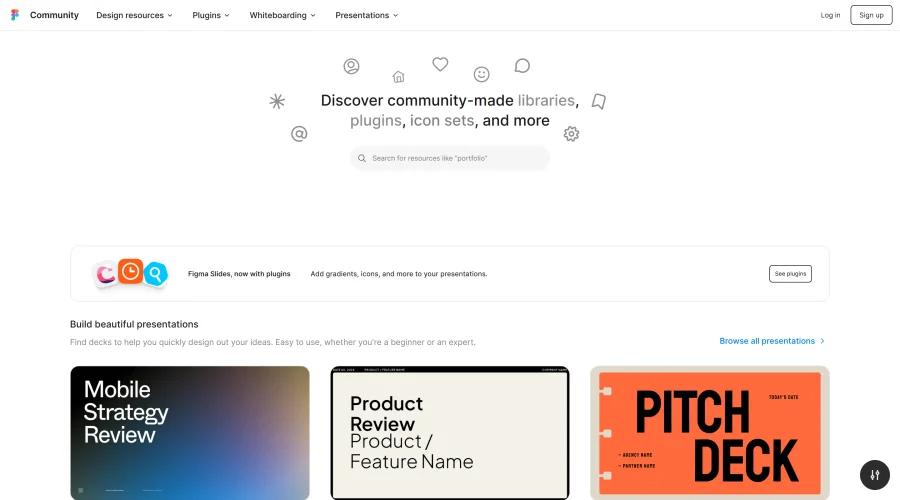
Figma Community
Exclusive files and plugins designed for Figma.
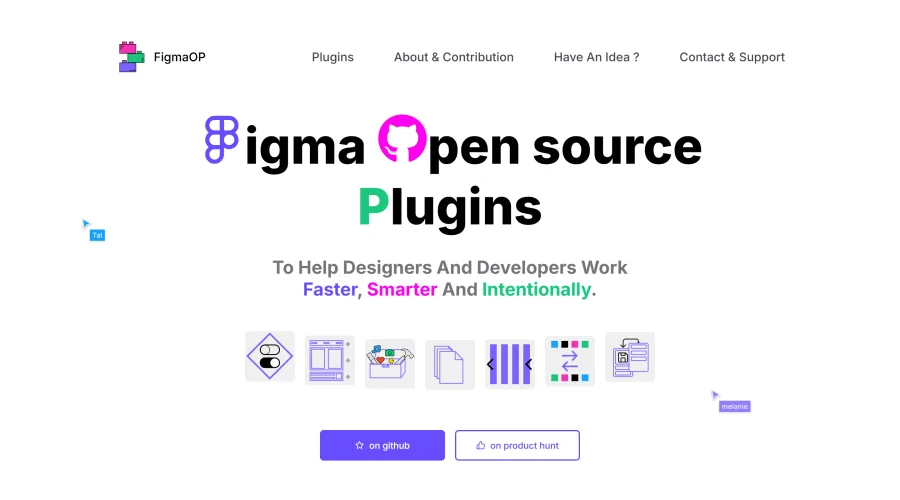
FigmaOP
Open-source plugins to enhance efficiency and intentionality in design.
Explore Other Categories
Discover more design resources
New to Design?
Explore our comprehensive design glossary to master essential terminology from A/B Testing to Wireframes.
Browse GlossaryLooking for something specific?
Search through our entire collection of design tools and resources