

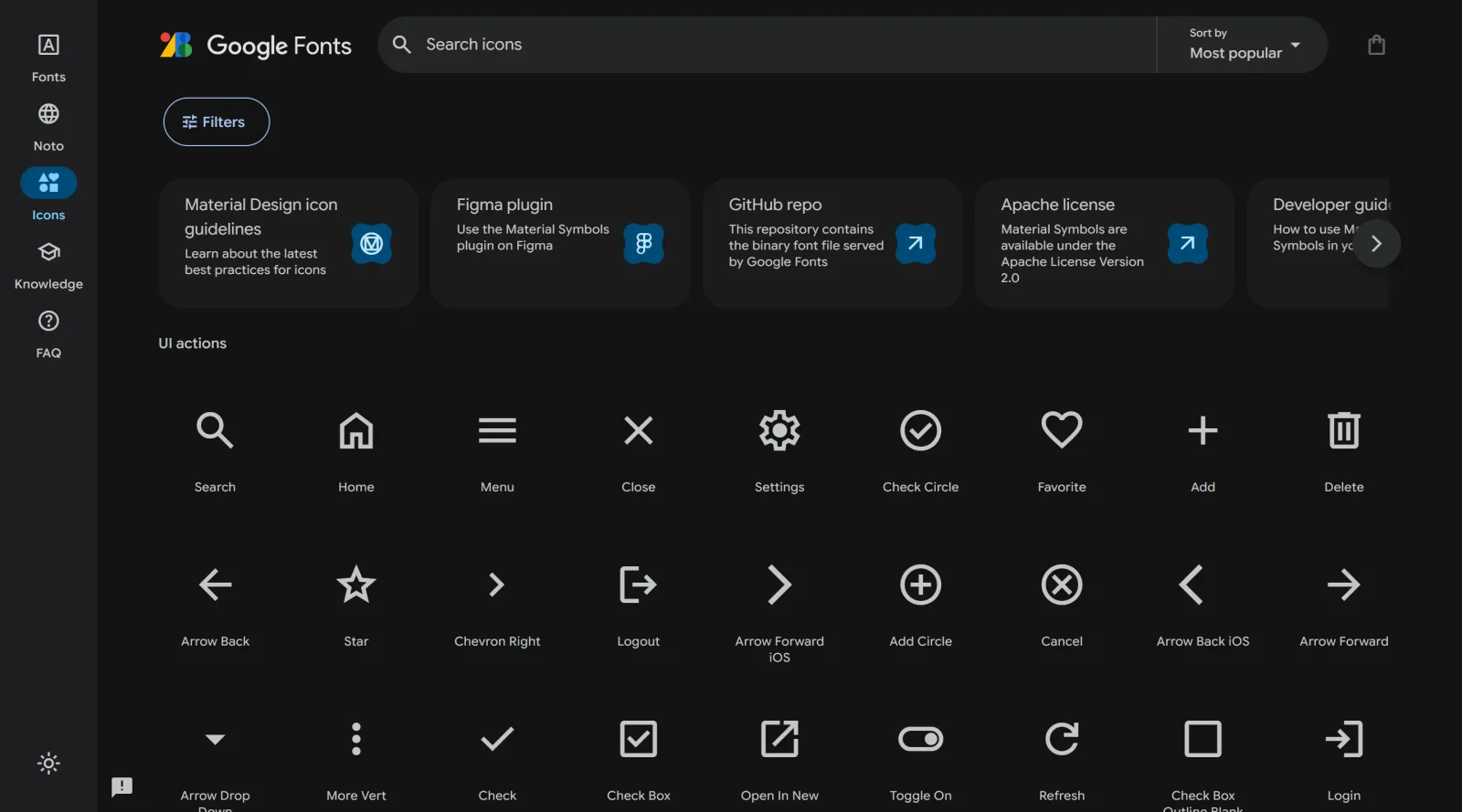
Access a vast collection of over 2,500 glyphs in one font file, offering diverse design possibilities.
What it costs
- Free tier
- Yes
Free, open-source icon set from Google (Google Fonts); no paid plan.
Auto-checked on 8 August 2026Source
About Material Symbols
What Is Material Symbols?
Material Symbols is a free, variable icon font developed by Google that provides over 2,500 glyphs consolidated into a single font file. It represents the newest generation of Google's icon library, building on the earlier Material Icons system with enhanced customization capabilities. As a variable font, Material Symbols allows designers and developers to fine-tune icon appearance through multiple design axes without needing separate font files for each variation, making it an efficient solution for projects requiring diverse icon styles.
What Material Symbols Does
- Provides access to over 2,500 icon glyphs in a single downloadable font file
- Offers three distinct visual styles: Outlined, Rounded, and Sharp
- Enables customization across four design axes: Weight (7 levels from Thin to Bold), Fill (filled or outlined states), Grade (3 levels of embossment), and Optical Size (4 steps from 20 to 48 pixels)
- Supports variable font technology, reducing file size and eliminating the need for multiple font files
- Available through Google Fonts with both variable and static font formats
- Licensed under Apache License Version 2.0 for use in commercial and personal projects
How Material Symbols Can Be Used
Material Symbols works across web design, app development, and UI kit creation. Developers can integrate the font into web applications through CSS styling and font-variation-settings, adjusting icon appearance dynamically based on context or user interaction. Designers use Material Symbols in mockups and prototypes to maintain visual consistency with Material Design principles. The icon set supports animated fill effects for user feedback, responsive icon sizing across different screen densities, and theme switching between light and dark interfaces. Teams can implement a single icon system across platforms while maintaining design flexibility through variable font parameters.
Who Is Material Symbols For?
Material Symbols serves web developers, product designers, and UI/UX teams building applications aligned with Material Design 3 standards. It is particularly suited for teams requiring a large, consistent icon library without managing multiple asset files. Product teams using Google's design system benefit from direct integration with Material Design resources. Frontend developers appreciate the lightweight variable font format and CSS customization options. Developers and designers seeking a free icon library with extensive customization and professional design standards will find Material Symbols effective for both rapid prototyping and production-ready applications. Visit Material Symbols
Featured Tools
Sponsored
Artlist
Royalty-free music, SFX, 8K footage, templates, LUTs and 100+ AI models on a single subscription for video creators.

Icons8
Large icon packs featuring over 10,000 icons for consistent design themes.

Vidu
AI video generator with text, image and reference-to-video modes, producing 3–16 second clips at up to 1080p with characters that stay consistent across shots.
Your tool here
The tools above are our own picks until the slots sell.
Spotlight
SponsoredRotates daily
HyNote
Records and transcribes interviews and meetings, then turns them into summaries and action items.
Tools we recommend


Editorially chosen. Some links above are affiliate links — if you sign up we may earn a commission, at no extra cost to you.
More Icons Tools
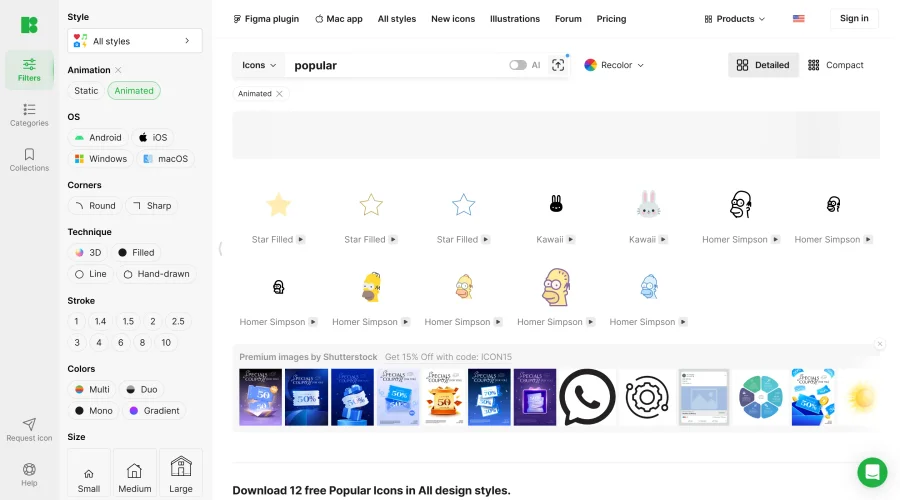

Animated Icons 2.0
Enhance your projects with 900+ animated icons.
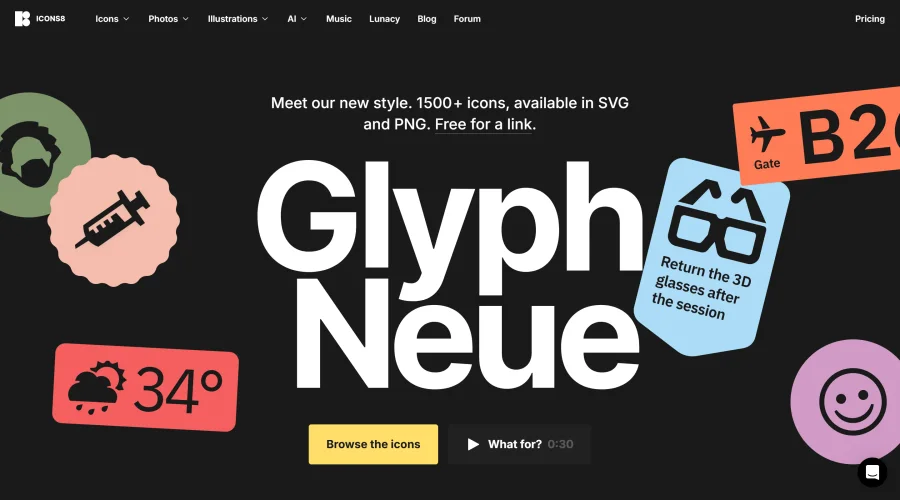

Glyph Neue
Over 1,500 icons in SVG and PNG formats, free with attribution.
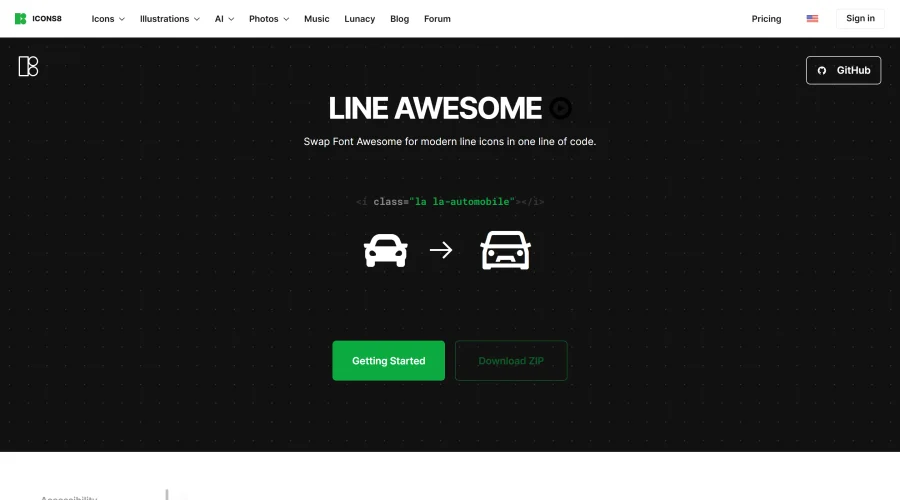

Line Awesome
Easily replace Font Awesome with modern line icons using one line of code.
Pichon
Drag and drop the best design graphics with ease.

Akar Icons
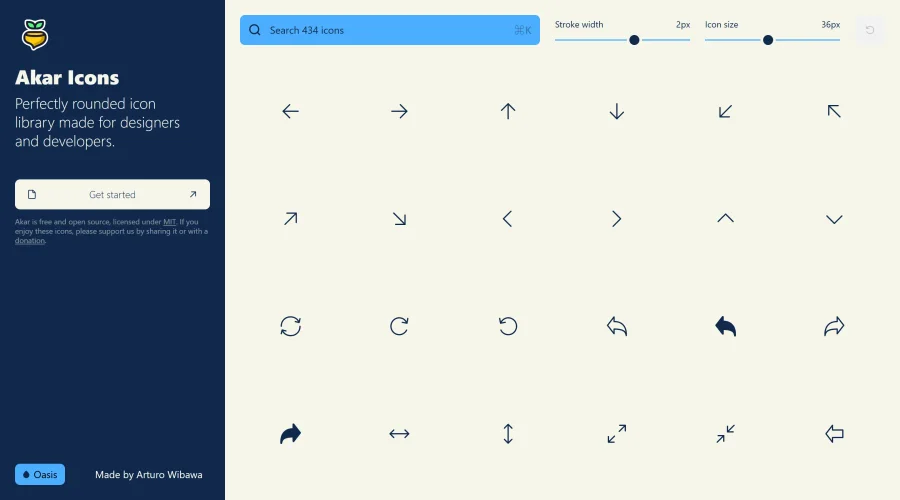
A perfectly rounded icon library designed for designers and developers.

Atlas Icons
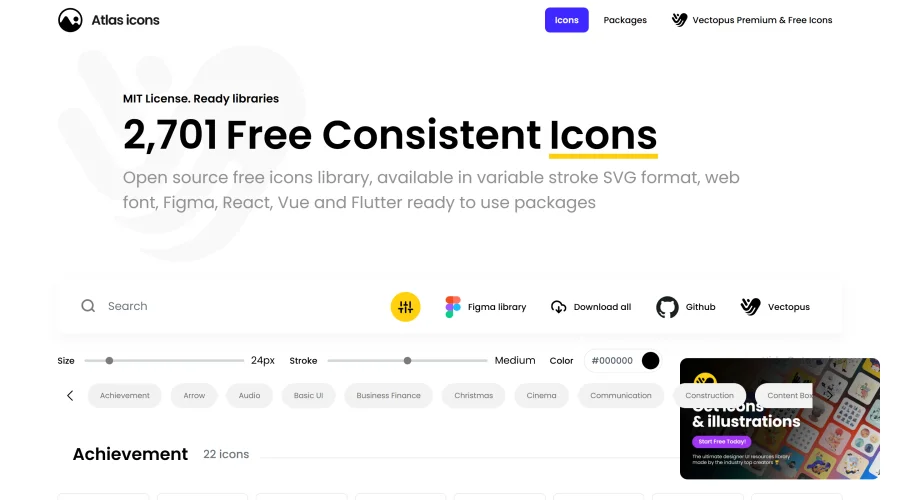
Versatile open-source icon library, offering various stroke widths and formats.
Explore Other Categories
Discover more design resources
New to Design?
Explore our comprehensive design glossary to master essential terminology from A/B Testing to Wireframes.
Browse GlossaryLooking for something specific?
Search through our entire collection of design tools and resources