

What it costs
- Free tier
- No
Enterprise brand-hub is demo-based with no prices on the homepage; pricing lives on a separate /pricing page not captured.
Auto-checked on 8 August 2026Source
About Niice
What Is Niice?
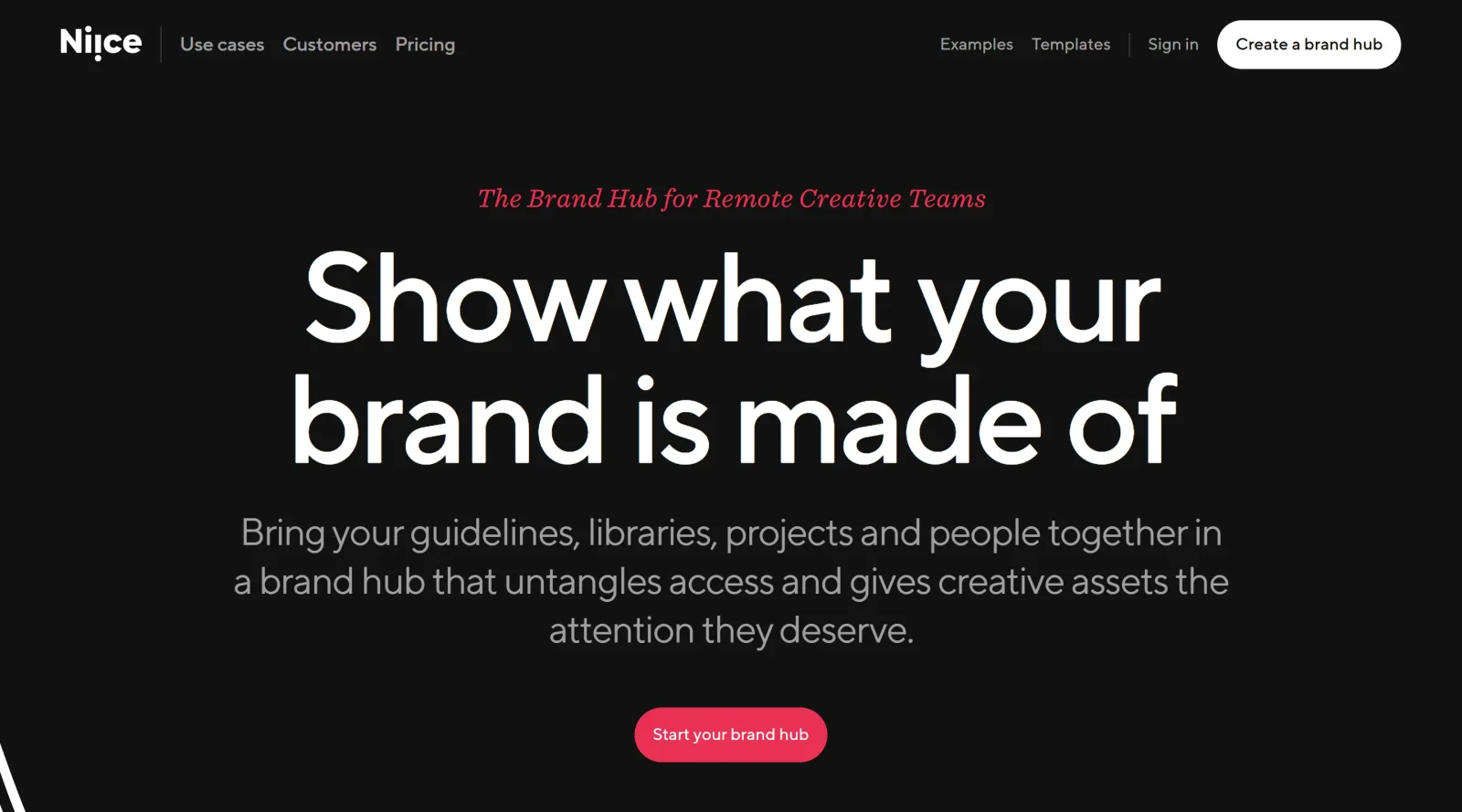
Niice is a paid design tool in the design-tools category that serves as a brand hub for centralizing brand guidelines, libraries, projects, and team collaboration. It enables remote creative teams to organize and access visual assets through canvases and modular blocks, replacing traditional folder systems with visual presentations. Niice fits into the design workflow by providing a centralized platform for asset management, moodboard creation, and feedback, integrating with tools like Adobe Creative Cloud, Figma, Notion, and Slack to streamline processes for designers and teams handling brand assets.
What Niice Does
- Centralizes brand guidelines, design libraries, projects, and assets in a visual brand hub accessible to teams and partners.
- Supports creation and sharing of moodboards with curated image search from high-quality design sources and a Chrome bookmarklet for external images.
- Offers advanced search, customizable metadata fields, AI-driven automated tagging, and batch processing for efficient asset organization.
- Provides drag-and-drop upload, flexible user permissions, and secure access management including SSO for controlling visibility at scale.
- Integrates with tools such as Adobe Creative Cloud, Slack, Figma, and Notion, with API support for custom embeddings and workflows.
- Allows canvas-based presentation of assets, feedback tools, and export options like JPEG for moodboards, enhancing visual collaboration.
How Niice Can Be Used
- Designers curate visual inspiration by searching preselected high-quality image sources, clipping images to moodboards, and sharing unique URLs with colleagues or clients for feedback without public exposure.
- Teams build modular brand portals to present guidelines, media assets, verbal identity, and design systems, as used by organizations like Fox Entertainment and Wayflyer for partner access.
- Remote creative groups upload and organize assets via drag-and-drop, apply metadata and tags, then share single links for visual review, reducing email-based discussions.
- Agencies manage evolving brands by adding blocks for strategy, visual identity, and projects, with custom branding and permissions to maintain integrity across distributed workflows.
- Non-creative stakeholders access controlled views of libraries and projects, fostering involvement in reviews and asset usage without disrupting creative processes.
Who Is Niice For?
Niice suits remote creative teams, designers, agencies, and organizations managing brand assets, including roles like brand designers and directors handling guidelines, libraries, and projects. It supports teams of various sizes needing visual asset management, collaboration tools, and integrations for workflows involving moodboards, feedback, and partner portals. Experience levels range from individual designers seeking inspiration tools to enterprise groups requiring secure, scalable hubs.
Featured Tools
Sponsored
Artlist
Royalty-free music, SFX, 8K footage, templates, LUTs and 100+ AI models on a single subscription for video creators.

Icons8
Large icon packs featuring over 10,000 icons for consistent design themes.

Vidu
AI video generator with text, image and reference-to-video modes, producing 3–16 second clips at up to 1080p with characters that stay consistent across shots.
Your tool here
The tools above are our own picks until the slots sell.
Spotlight
SponsoredRotates daily
HyNote
Records and transcribes interviews and meetings, then turns them into summaries and action items.
Tools we recommend


getimg.ai
20+ AI models for image, video & audio in one workspace


OpenArt
All-in-one AI image, video & audio generator


YouCam Online Editor
Free online AI photo & video editor
Editorially chosen. Some links above are affiliate links — if you sign up we may earn a commission, at no extra cost to you.
More Design Tools Tools


Pryzm
Pryzm is a real-time studio for designers who need backgrounds that don't look like everyone else's. Layer procedural gradients, then stack glass, grain, light and blobs.


Modeinspect
Mode turns your product’s codebase into editable canvas frames. Refine real UI with visual controls, experiment with AI then share or hand off for review.


GoProd
Remove backgrounds and upscale images effectively.


Kittl
AI-first design platform with image, vector, and video generation, plus templates, mockups, and print-ready exports.


Lunacy
Free design software enhanced with AI tools and built-in graphics.


Smart Upscaler
Automatically improve image clarity using AI technology.
Explore Other Categories
Discover more design resources
New to Design?
Explore our comprehensive design glossary to master essential terminology from A/B Testing to Wireframes.
Browse GlossaryLooking for something specific?
Search through our entire collection of design tools and resources