

Interactive tool for creating self-guided tours of design projects.
What it costs
- Free tier
- No
Part of the paid Overflow product; free 14-day trial only, Pro subscription pricing on a separate /pricing page not captured.
Auto-checked on 8 August 2026Source
About Overflow Stories
What Is Overflow Stories?
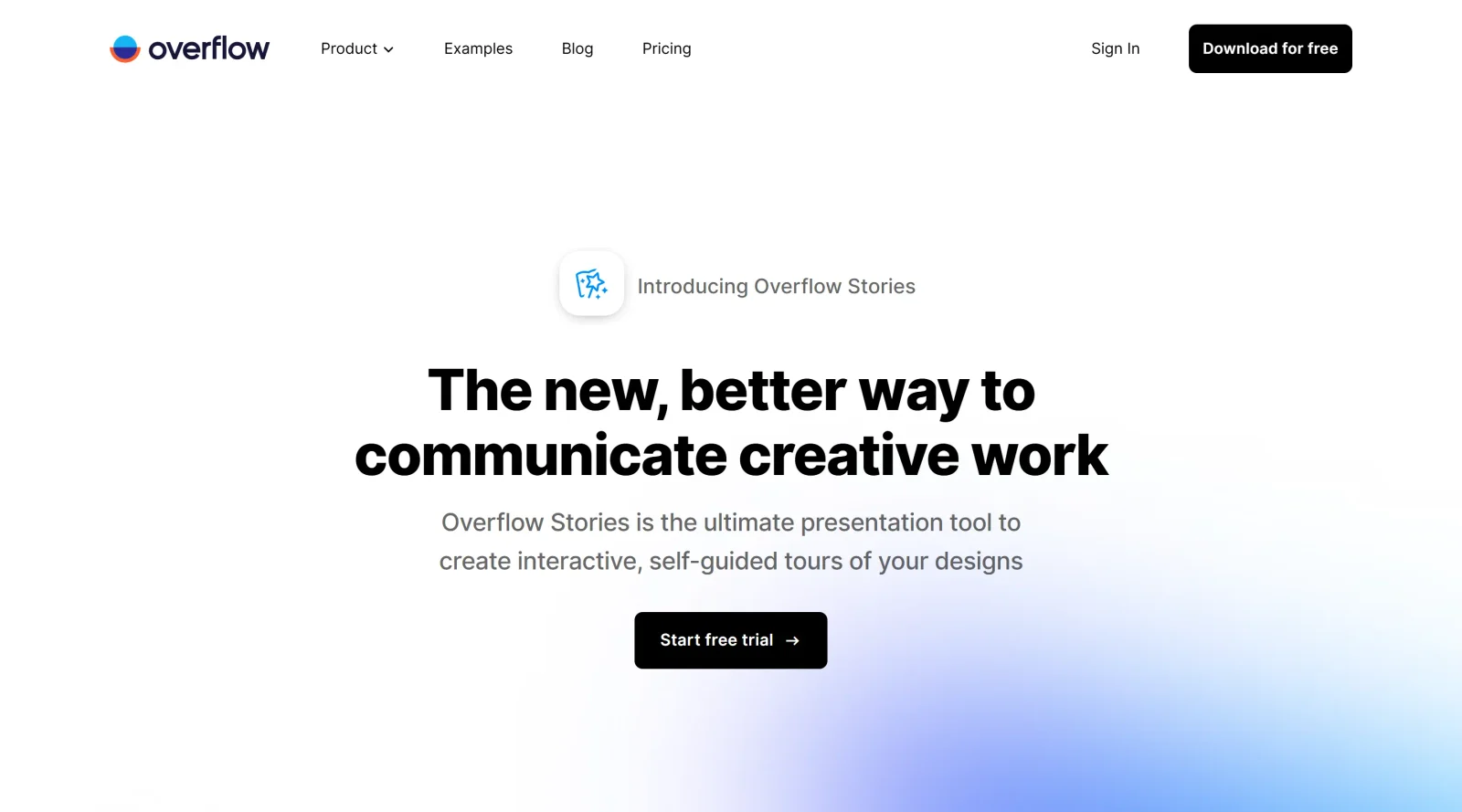
Overflow Stories is a paid design tool feature that enables designers to create interactive, self-guided presentations of their design work. Built as part of the Overflow platform, Overflow Stories transforms static design files into step-by-step walkthroughs that audiences can explore at their own pace without requiring a live presentation. The tool integrates with popular design applications like Figma, Sketch, and Adobe XD, allowing designers to build narrative-driven presentations directly from their existing design projects.
What Overflow Stories Does
- Syncs designs from Figma, Sketch, Adobe XD, and Photoshop to preserve layers and prototyping links
- Creates scenes that focus viewers on specific areas of a design, serving as presentation steps
- Adds text prompts to each scene to provide context and narrative structure without requiring the designer to present live
- Generates interactive presentations that allow audiences to navigate through design flows using arrow keys or clickable elements
- Supports customization of visual elements including colors, typography, and branding without altering the original design
- Enables asynchronous feedback and design critique through comment functionality on presentation documents
How Overflow Stories Can Be Used
Overflow Stories addresses the challenge of communicating complex user journeys and design decisions to stakeholders, team members, and clients. Instead of organizing synchronous critique meetings or writing lengthy explanation emails, designers can structure their work as guided narratives that stakeholders review independently. This approach works well for documenting user flows, explaining interaction patterns to developers, presenting feature updates to product teams, and sharing design rationale with clients who may be distributed across different time zones.
Who Is Overflow Stories For?
Overflow Stories serves product designers, UX designers, and design teams who need to communicate complex design work beyond simple static mockups. It is particularly valuable for teams working with developers who need to understand interaction flows, organizations conducting asynchronous design reviews, and agencies presenting work to distributed stakeholders. The tool works best for projects with multiple screens or complex user journeys where context and narrative structure improve comprehension. Learn more at Visit Overflow Stories
Featured Tools
Sponsored
Artlist
Royalty-free music, SFX, 8K footage, templates, LUTs and 100+ AI models on a single subscription for video creators.

Icons8
Large icon packs featuring over 10,000 icons for consistent design themes.

Vidu
AI video generator with text, image and reference-to-video modes, producing 3–16 second clips at up to 1080p with characters that stay consistent across shots.
Your tool here
The tools above are our own picks until the slots sell.

Tools we recommend


getimg.ai
20+ AI models for image, video & audio in one workspace


OpenArt
All-in-one AI image, video & audio generator


YouCam Online Editor
Free online AI photo & video editor
Editorially chosen. Some links above are affiliate links — if you sign up we may earn a commission, at no extra cost to you.
More Design Tools Tools


Pryzm
Pryzm is a real-time studio for designers who need backgrounds that don't look like everyone else's. Layer procedural gradients, then stack glass, grain, light and blobs.


Modeinspect
Mode turns your product’s codebase into editable canvas frames. Refine real UI with visual controls, experiment with AI then share or hand off for review.


GoProd
Remove backgrounds and upscale images effectively.


Kittl
AI-first design platform with image, vector, and video generation, plus templates, mockups, and print-ready exports.


Lunacy
Free design software enhanced with AI tools and built-in graphics.


Smart Upscaler
Automatically improve image clarity using AI technology.
Explore Other Categories
Discover more design resources
New to Design?
Explore our comprehensive design glossary to master essential terminology from A/B Testing to Wireframes.
Browse GlossaryLooking for something specific?
Search through our entire collection of design tools and resources