

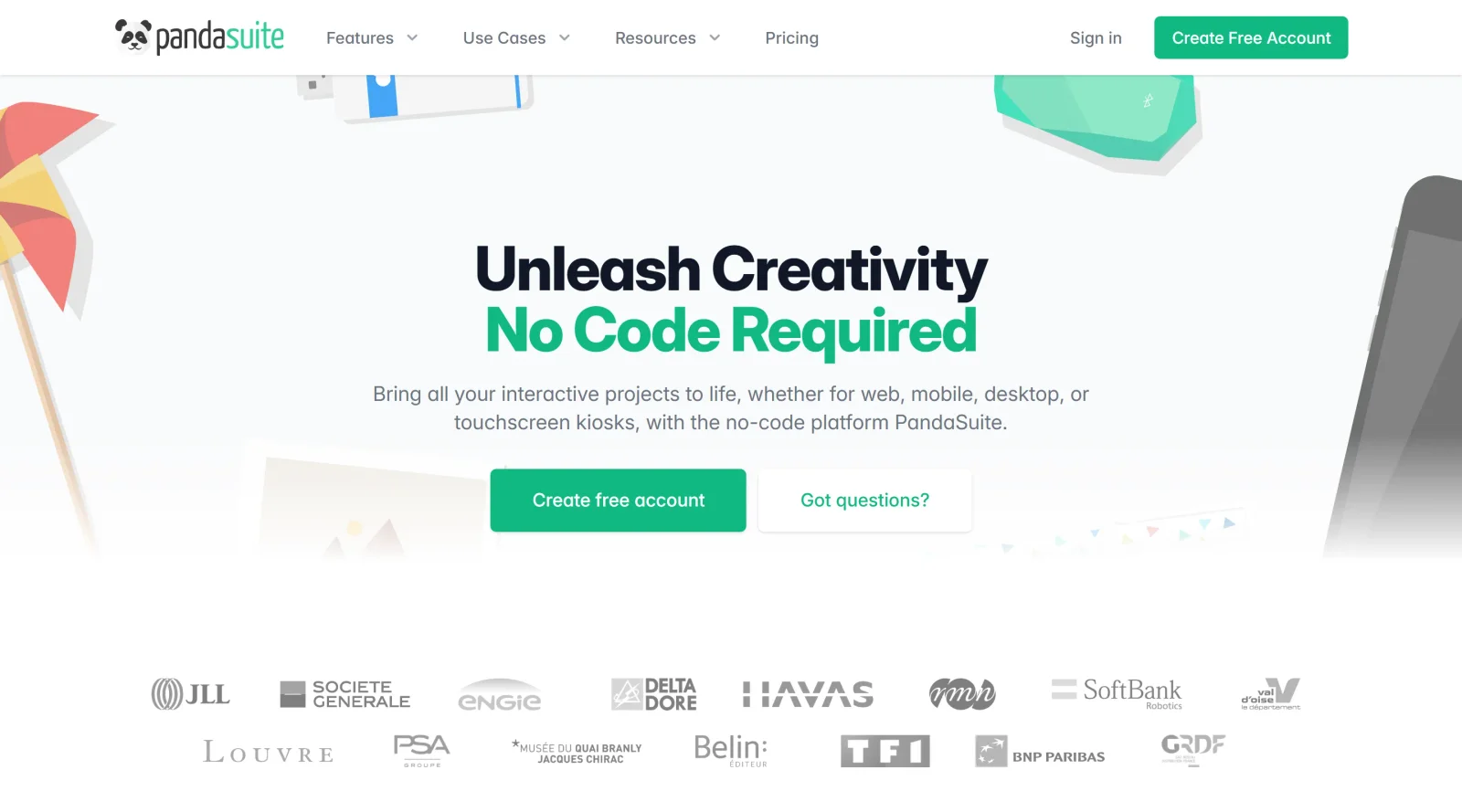
Build apps, digital publications, and interactive presentations without coding.
What it costs
- Free tier
- Yes
No-code app builder offers a free account, but paid plan prices live on a separate /pricing page that wasn't fetched.
Auto-checked on 8 August 2026Source
About PandaSuite
What Is PandaSuite?
PandaSuite is a no-code platform classified under website builders that enables users to build apps, digital publications, and interactive presentations without coding. It serves as a visual editor for creating multimedia-rich web applications and native apps deployable across web, mobile, desktop, and kiosks. With a freemium pricing model, PandaSuite supports projects from simple interactive content to complex experiences, fitting into design workflows where creators need to prototype and publish immersive content rapidly without technical expertise.
What PandaSuite Does
- Provides a visual editor for inserting images, videos, animations, and multimedia content with automatic optimization for performance across devices.
- Supports responsive design and adaptive layouts to scale objects and create device-specific project versions.
- Enables interactivity through transitions, multi-state animations, drag-and-drop objects, hotspots, and triggers for user actions.
- Allows integration of external content like PDFs, maps, HTML components, Google Fonts, and APIs for dynamic data.
- Facilitates multi-language management and offline access for projects viewable without internet connection.
- Offers project management tools including instant updates, sharing links, duplication, and transfer between users.
How PandaSuite Can Be Used
- Design interactive web apps or PWAs by combining media library assets with animations and real-time previews in browsers or mobile viewers.
- Convert existing websites into native mobile apps by inputting a URL, customizing navigation, and adding features like push notifications or GPS.
- Create digital publications or presentations with embedded PDFs, 360° content, and multi-state interactions for educational or marketing scenarios.
- Build kiosk or desktop apps for offline use, exporting to standalone executables with tracking for user behavior analysis.
- Prototype immersive experiences using sensors, AR elements, or 3D models, then deploy to iOS, Android, or web with one-click publishing.
Who Is PandaSuite For?
PandaSuite targets designers, content creators, and non-technical teams handling interactive projects such as digital magazines, educational apps, corporate presentations, or branded web experiences. It suits beginners seeking intuitive tools for rapid prototyping as well as experienced users managing multi-platform deployments without developer involvement. Roles like marketing specialists, educators, and e-learning developers benefit from its focus on multimedia and no-code interactivity for scenarios requiring quick iterations and broad accessibility. Visit PandaSuite
Featured Tools
Sponsored
Artlist
Royalty-free music, SFX, 8K footage, templates, LUTs and 100+ AI models on a single subscription for video creators.

Icons8
Large icon packs featuring over 10,000 icons for consistent design themes.

Vidu
AI video generator with text, image and reference-to-video modes, producing 3–16 second clips at up to 1080p with characters that stay consistent across shots.
Your tool here
The tools above are our own picks until the slots sell.

Tools we recommend

Base44
Build full-stack apps from a prompt (by Wix)

SITE123
Free website builder with hosting included

Wegic
Build & manage a whole site by chatting with AI
Editorially chosen. Some links above are affiliate links — if you sign up we may earn a commission, at no extra cost to you.
More Website Builders Tools


Framer
Design and launch your dream website with no coding required.
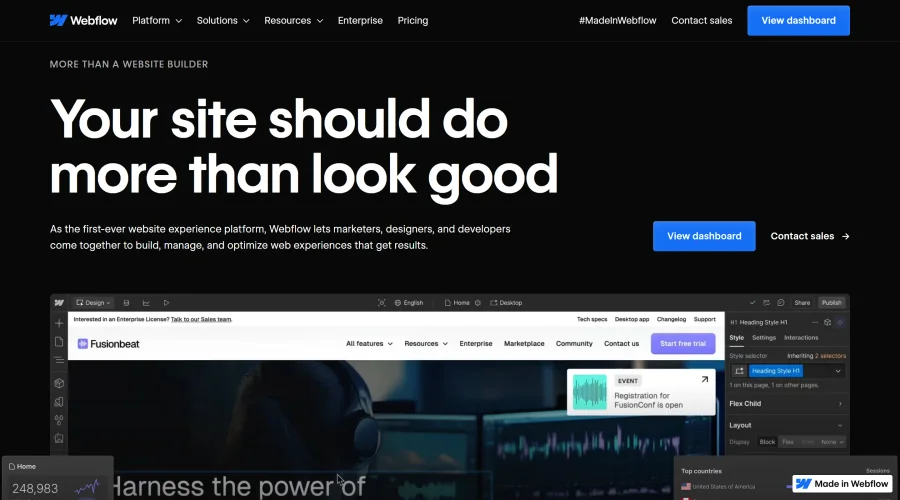

Webflow
Accelerate website creation without needing to code.
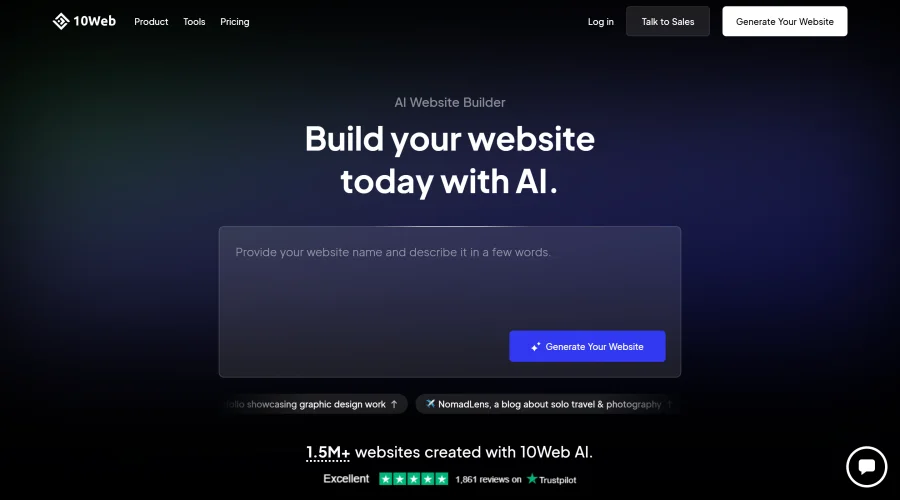

10Web
AI-enhanced WordPress website builder for easy site creation.
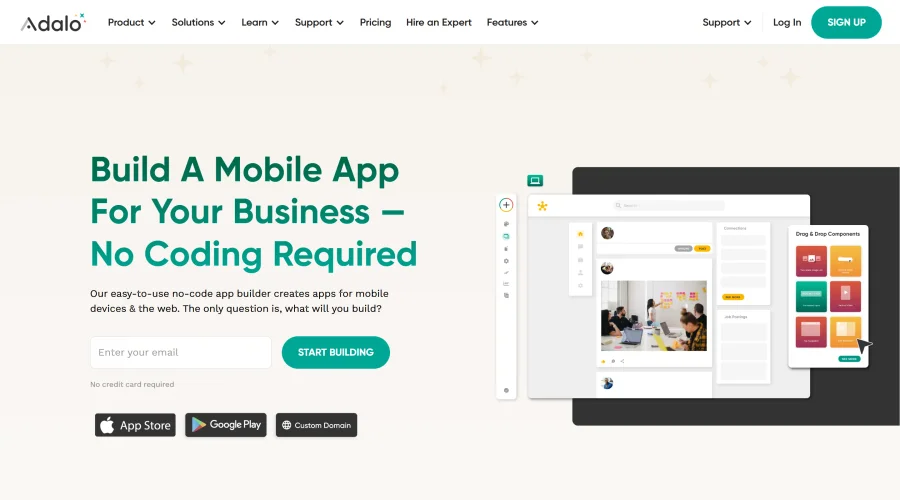

Adalo
Turn app ideas into reality without needing to code.
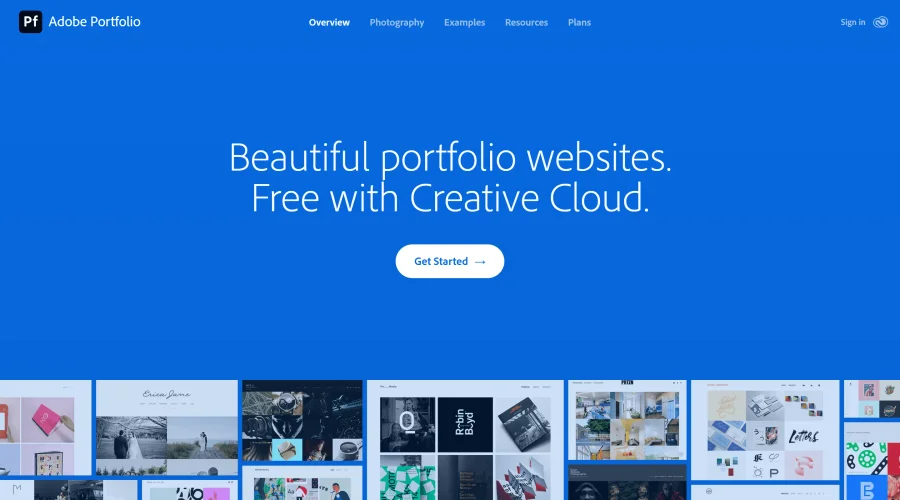

Adobe Portfolio
Build stunning portfolio websites, free with Creative Cloud.
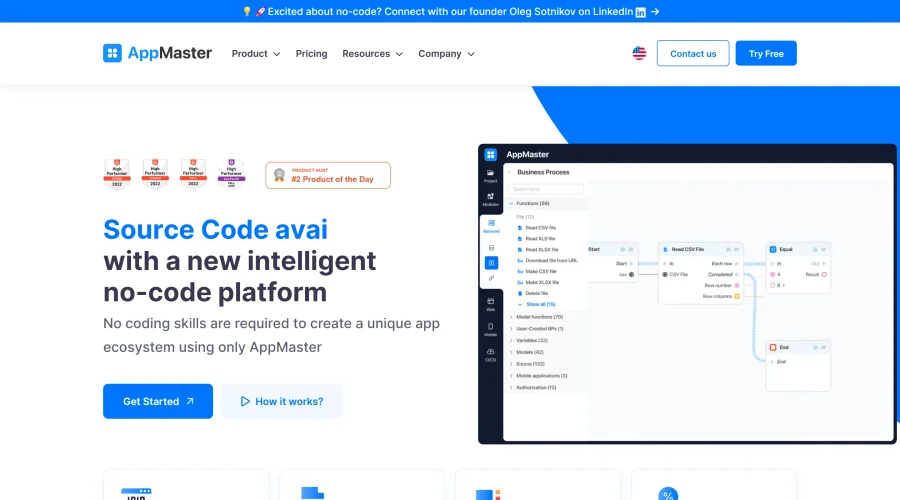

AppMaster
Next-gen no-code platform for automating business processes and building native apps.
Explore Other Categories
Discover more design resources
New to Design?
Explore our comprehensive design glossary to master essential terminology from A/B Testing to Wireframes.
Browse GlossaryLooking for something specific?
Search through our entire collection of design tools and resources