

What it costs
- Free tier
- Yes
Free pattern-making app; combine images from a free library and download in high resolution.
Auto-checked on 8 August 2026Source
About Patterninja
What Is Patterninja?
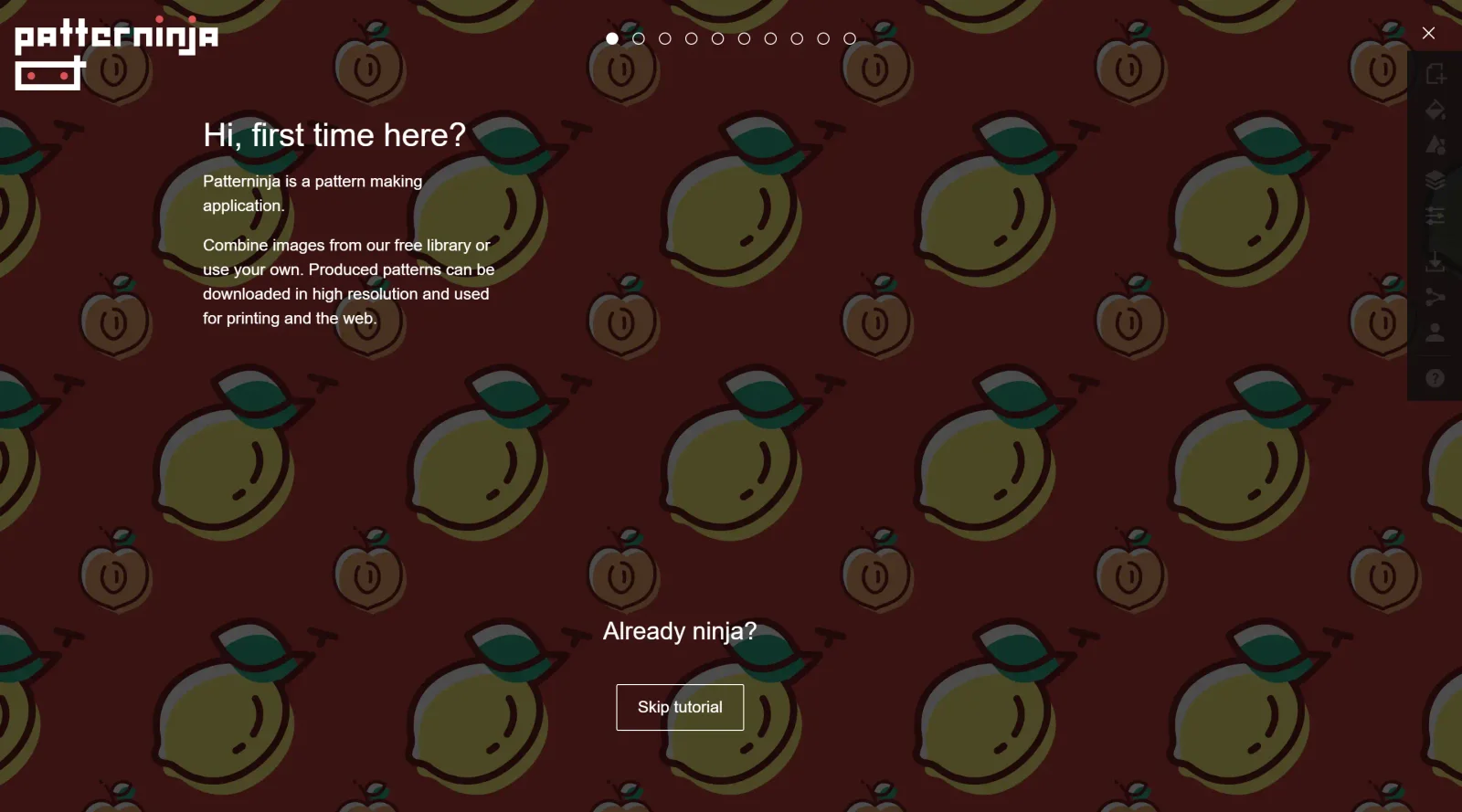
Patterninja is a free design tool in the pattern-making category that enables users to combine images for generating seamless patterns. It serves as a web-based application where designers select elements from a free library or upload custom images to create repeatable designs suitable for print and web applications. Patterninja fits into the early stages of the design workflow, particularly for developing backgrounds, textures, and visual elements in graphic design projects.
What Patterninja Does
- Combines images from a free library or user-uploaded files to build patterns.
- Allows repositioning, rotating, and resizing of individual image elements using drag handles.
- Supports multiple layers for stacking and ordering images, with top layers appearing in front.
- Provides color customization tools, including eyedropper for sampling colors from the canvas, hex code input, and opacity adjustments.
- Enables filling specific fragments, with automatic application to identical fragments across the pattern.
- Exports high-resolution patterns compatible with print and web formats.
How Patterninja Can Be Used
- Designers create repeatable backgrounds for websites by combining icons like flowers or nature elements, adjusting scale and rotation for seamless tiling.
- Graphic artists develop custom textures for digital illustrations or packaging by layering uploaded images and applying color fills.
- Web developers generate patterned elements for UI components, exporting high-resolution files for integration into projects.
- Educators and students experiment with pattern creation in art classes, using library icons to build seasonal designs like snowflakes or strawberries with targeted coloring.
- Print designers produce motifs for textiles or stationery by merging multiple layers and fine-tuning positions for balanced repeats.
Who Is Patterninja For?
Patterninja suits graphic designers, web developers, and illustrators who need to create custom seamless patterns without complex software. It works well for beginners exploring pattern generation due to its intuitive controls, as well as intermediate users handling layered compositions for client projects in digital or print media. Art educators find it useful for teaching pattern design concepts through hands-on icon manipulation and color tools. Visit Patterninja
Patterninja pros and cons
- Free in the browser, and downloading a pattern doesn't require an account
- Exports SVG for print-ready vector repeats or PNG, plus a data URI option for embedding
- Filling one fragment recolors every matching fragment across the pattern at once
- Numeric controls for image position, size and rotation, plus hex colors, opacity and tile size
- Eyedropper, layer ordering and toggleable tile boundaries and grid lines
- Your own images must be SVG, and the help panel calls custom images experimental and unreliable
- Saving patterns and creating a share link both require signing in with Google or email
- PNG export is described as regular resolution; the app points print use toward SVG
- A one-person project run for fun, with no terms, FAQ or license page for the image library
Patterninja is a small, focused pattern maker: place motifs from its free library on a tile, recolor them and export the repeat as SVG or PNG. Its most useful feature is fragment filling, which recolors every matching shape in the pattern at once. That makes it a good fit for quick backgrounds, gift-wrap-style repeats and classroom exercises. The trade-offs are scope and support: uploads are limited to SVG and flagged as experimental, the site states no license for its library images, and one person runs it for fun. For client work that needs clear usage rights or complex repeats, a full vector editor is the safer choice.
Frequently asked questions
Is Patterninja free?
Yes. The app and its image library are free to use in the browser, and no paid plan appears anywhere on the site. An account is only needed to save patterns or share them.
What file formats does Patterninja export?
Patterns download as SVG, which the app recommends for printing, or PNG, which it describes as a regular-resolution image. You can also copy the pattern as a data URI instead of downloading a file.
Can I upload my own images to Patterninja?
Yes, but only SVG files, which you drop onto the canvas. The app's help panel labels custom images as experimental and warns they may work unreliably.
Can I use Patterninja patterns commercially?
The site says produced patterns can be used for printing and the web, but it has no terms or license page spelling out commercial rights for its library images. Patterns built entirely from your own SVGs avoid that question.
Featured Tools
Sponsored
Artlist
Royalty-free music, SFX, 8K footage, templates, LUTs and 100+ AI models on a single subscription for video creators.

Icons8
Large icon packs featuring over 10,000 icons for consistent design themes.

Vidu
AI video generator with text, image and reference-to-video modes, producing 3–16 second clips at up to 1080p with characters that stay consistent across shots.
Your tool here
The tools above are our own picks until the slots sell.

Tools we recommend


getimg.ai
20+ AI models for image, video & audio in one workspace


OpenArt
All-in-one AI image, video & audio generator


YouCam Online Editor
Free online AI photo & video editor
Editorially chosen. Some links above are affiliate links — if you sign up we may earn a commission, at no extra cost to you.
More Design Tools Tools


Pryzm
Pryzm is a real-time studio for designers who need backgrounds that don't look like everyone else's. Layer procedural gradients, then stack glass, grain, light and blobs.


Modeinspect
Mode turns your product’s codebase into editable canvas frames. Refine real UI with visual controls, experiment with AI then share or hand off for review.


GoProd
Remove backgrounds and upscale images effectively.


Kittl
AI-first design platform with image, vector, and video generation, plus templates, mockups, and print-ready exports.


Lunacy
Free design software enhanced with AI tools and built-in graphics.


Smart Upscaler
Automatically improve image clarity using AI technology.
Explore Other Categories
Discover more design resources
New to Design?
Explore our comprehensive design glossary to master essential terminology from A/B Testing to Wireframes.
Browse GlossaryLooking for something specific?
Search through our entire collection of design tools and resources