

What it costs
- Free tier
- No
Only a 'Start free trial' is shown; requires a paid Adobe subscription and no actual price appears on the page.
Auto-checked on 8 August 2026Source
About Photoshop (Web App)
What Is Photoshop (Web App)?
Photoshop (Web App) is a browser-based image editing platform that delivers core Photoshop functionality without requiring software installation. As a paid design tool, it enables users to create, edit, and enhance images directly in their web browser, making it accessible from any device with internet connectivity. The web app integrates generative AI capabilities alongside traditional editing tools, positioning it as a flexible option for designers, content creators, and photographers who need professional-grade editing without desktop software overhead.
What Photoshop (Web App) Does
- Provides core image editing tools including color adjustment, cropping, and spot healing for removing unwanted elements
- Offers generative AI features such as Generative Fill and Generative Expand, powered by Adobe Firefly, to add, remove, or extend image content
- Supports multiple file formats including JPEG, PNG, and PSD files, with uploads up to 40MB
- Includes a library of over 30,000 fonts for adding and styling text overlays on designs
- Enables hue, saturation, and vibrance adjustments to modify color palettes and tones
- Allows background replacement and object removal using AI-assisted tools
How Photoshop (Web App) Can Be Used
Photoshop (Web App) serves designers and creators across several practical workflows. Content creators use it to quickly enhance social media graphics, adjust photo colors, and remove unwanted elements before publishing. Graphic designers leverage the typography tools and generative fill features to prototype layouts and create eye-catching designs combining images and text. Photographers use the color adjustment and healing tools for quick retouching and batch edits. Teams collaborating remotely benefit from the browser-based access, which eliminates the need for desktop installation while maintaining compatibility with PSD files for seamless handoff to desktop Photoshop workflows.
Who Is Photoshop (Web App) For?
Photoshop (Web App) serves freelancers, small teams, and individual contributors who need professional image editing without desktop software constraints. It suits designers working across multiple devices, content creators producing social graphics and marketing materials, and photographers performing routine edits and enhancements. The tool accommodates creators of all skill levels, from those new to image editing to professionals seeking a lightweight, accessible alternative to desktop applications. Those requiring advanced compositing or specialized workflows may benefit from Photoshop's full desktop version, but the web app covers common editing, enhancement, and generative AI use cases effectively. Visit Photoshop (Web App)
Featured Tools
Sponsored
Artlist
Royalty-free music, SFX, 8K footage, templates, LUTs and 100+ AI models on a single subscription for video creators.

Icons8
Large icon packs featuring over 10,000 icons for consistent design themes.

Vidu
AI video generator with text, image and reference-to-video modes, producing 3–16 second clips at up to 1080p with characters that stay consistent across shots.
Your tool here
The tools above are our own picks until the slots sell.

Tools we recommend

getimg.ai
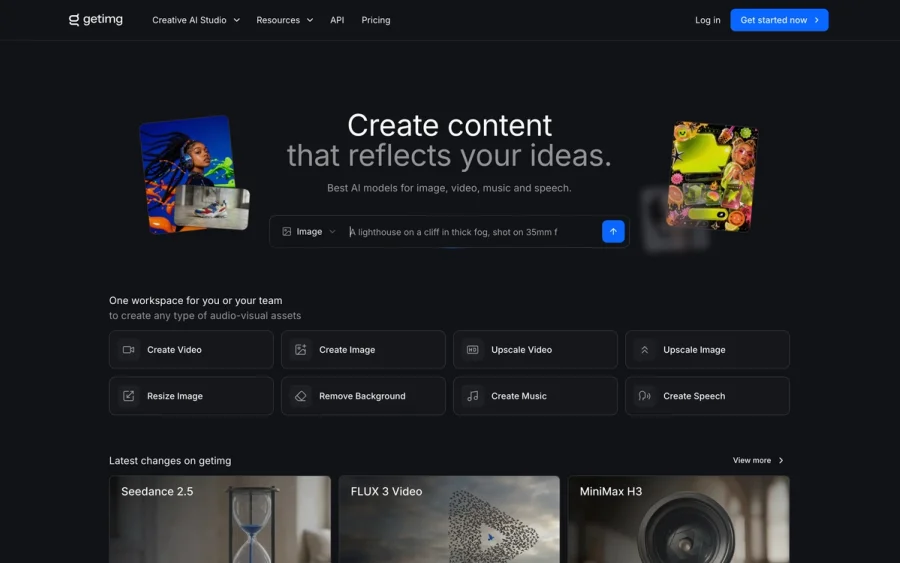
20+ AI models for image, video & audio in one workspace

OpenArt
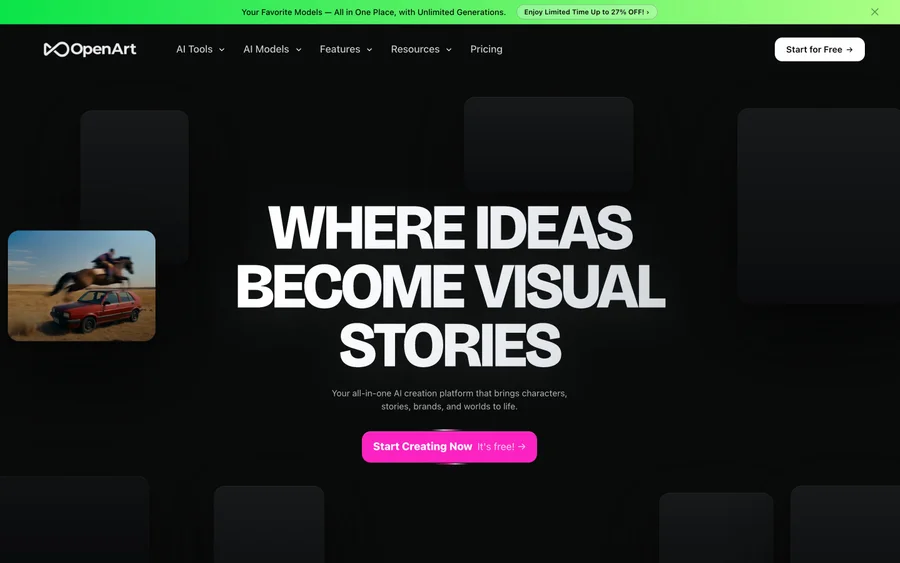
All-in-one AI image, video & audio generator


YouCam Online Editor
Free online AI photo & video editor
Editorially chosen. Some links above are affiliate links — if you sign up we may earn a commission, at no extra cost to you.
More Design Tools Tools

Pryzm
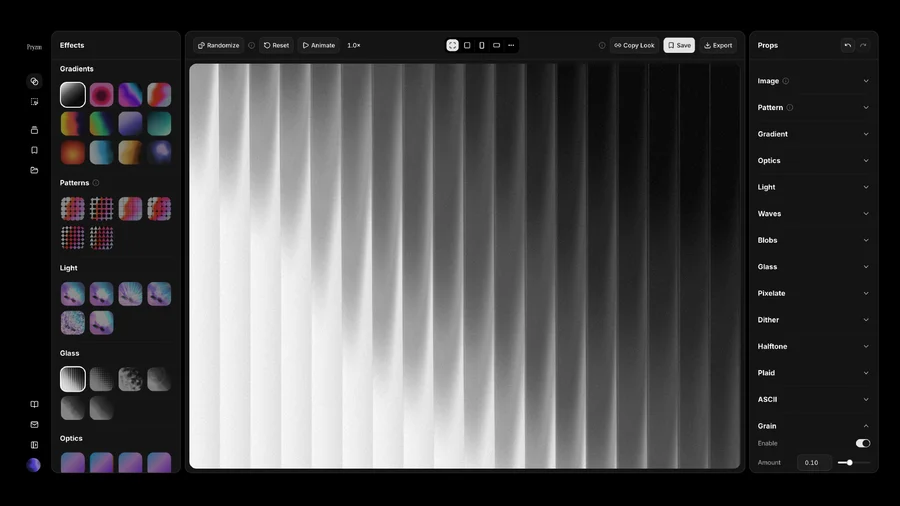
Pryzm is a real-time studio for designers who need backgrounds that don't look like everyone else's. Layer procedural gradients, then stack glass, grain, light and blobs.

Modeinspect
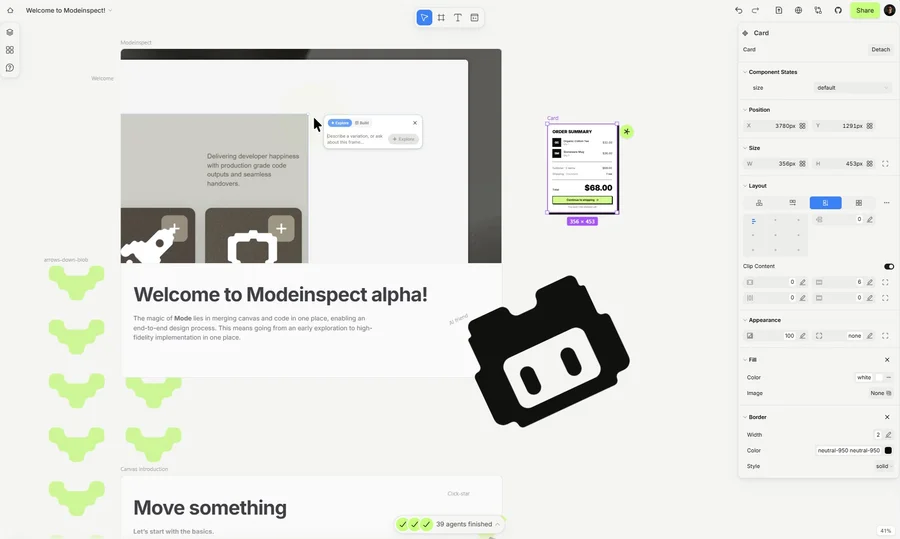
Mode turns your product’s codebase into editable canvas frames. Refine real UI with visual controls, experiment with AI then share or hand off for review.

GoProd
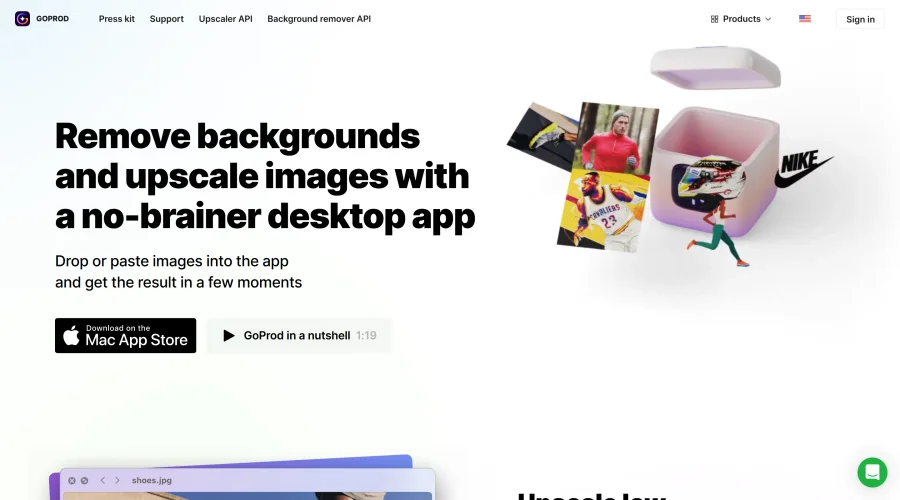
Remove backgrounds and upscale images effectively.

Kittl
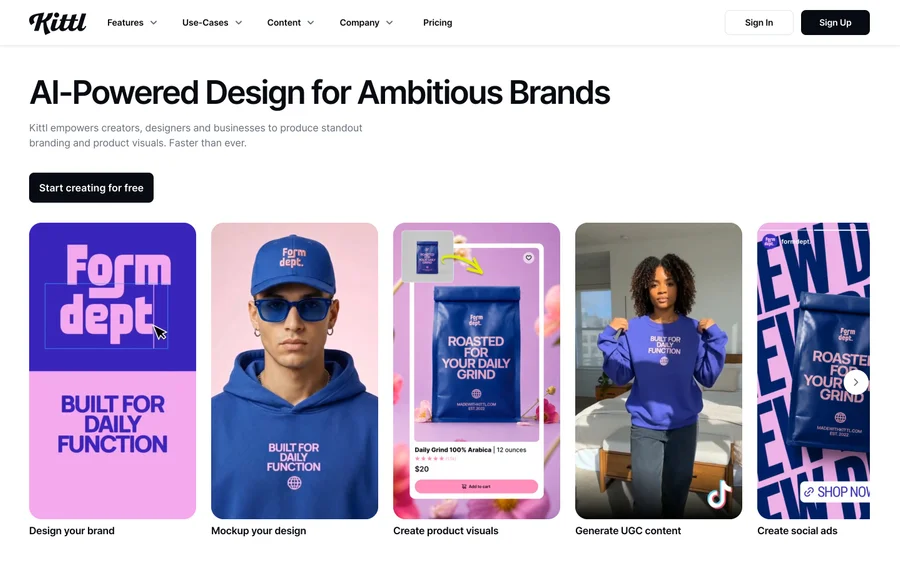
AI-first design platform with image, vector, and video generation, plus templates, mockups, and print-ready exports.

Lunacy
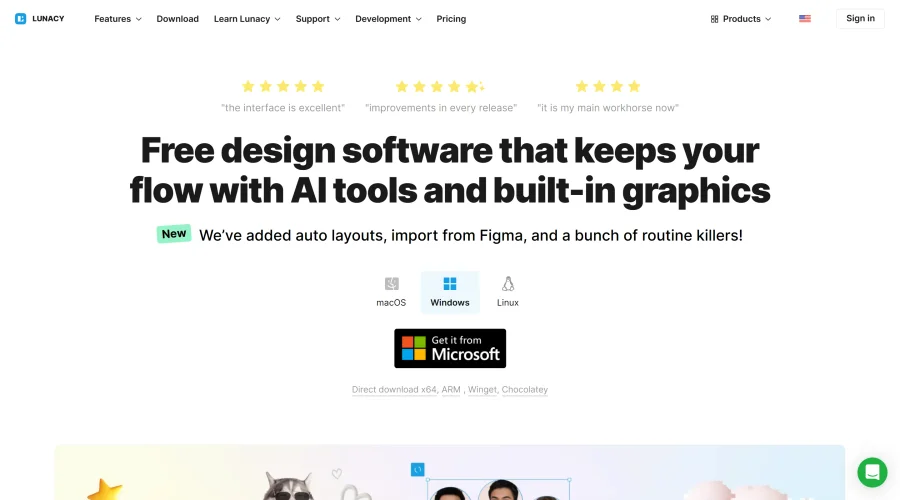
Free design software enhanced with AI tools and built-in graphics.
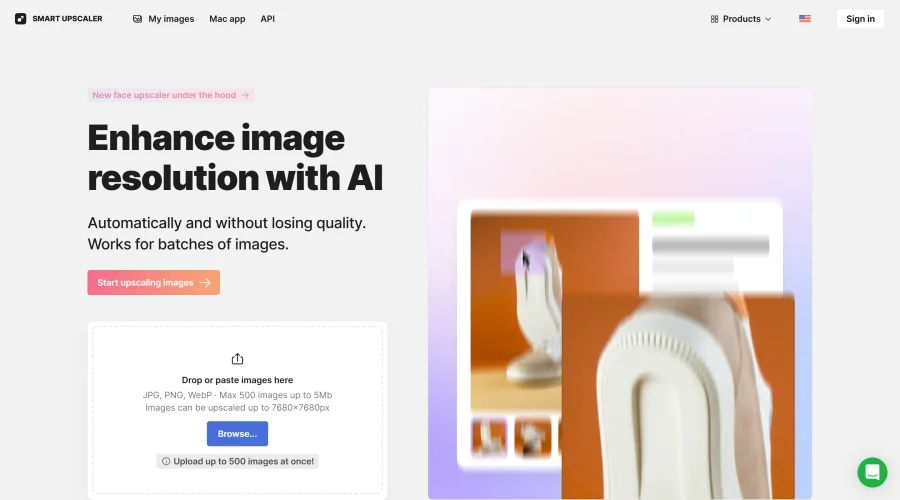

Smart Upscaler
Automatically improve image clarity using AI technology.
Explore Other Categories
Discover more design resources
New to Design?
Explore our comprehensive design glossary to master essential terminology from A/B Testing to Wireframes.
Browse GlossaryLooking for something specific?
Search through our entire collection of design tools and resources