

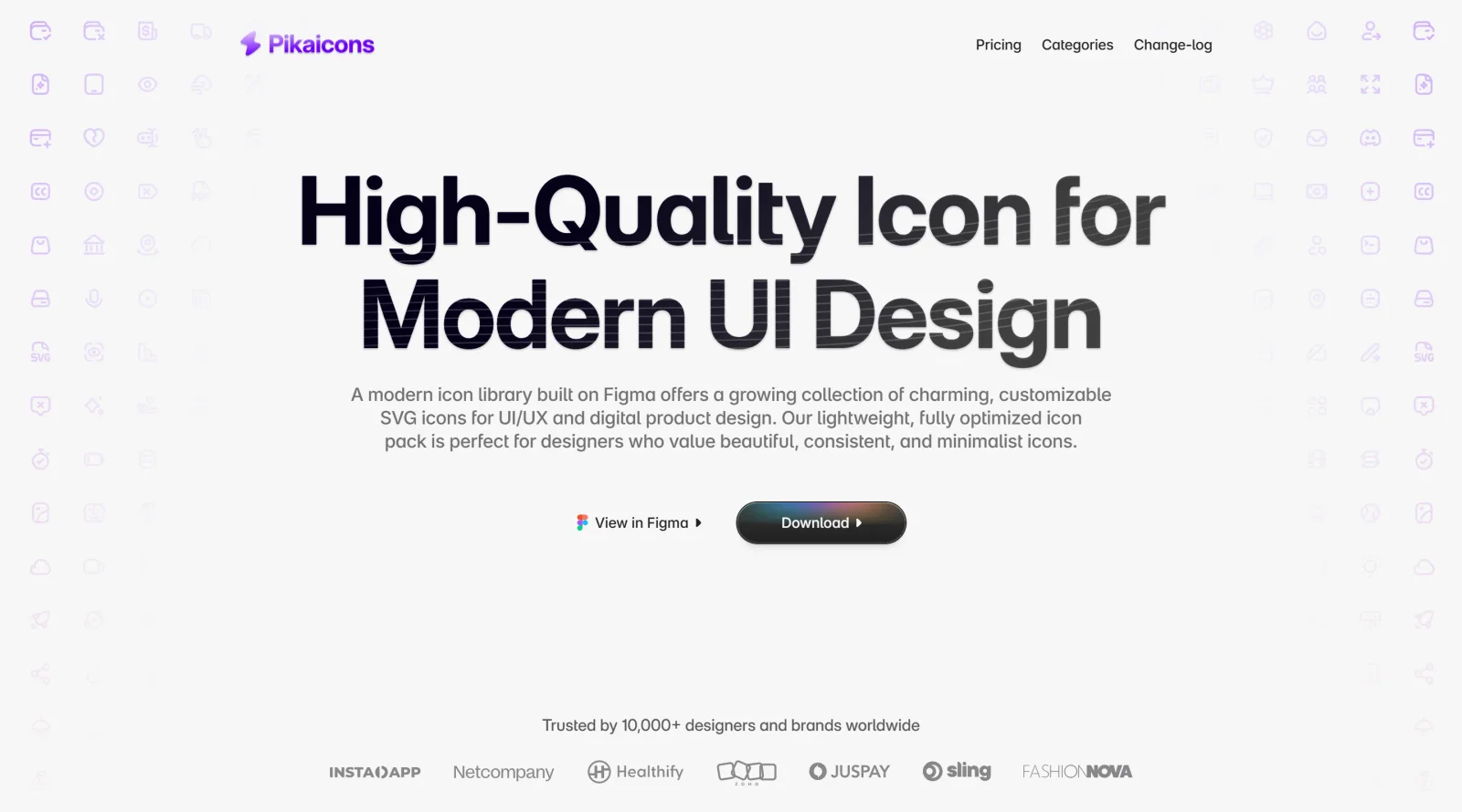
A growing collection of unique icons, designed to capture attention.
What it costs
- Free tier
- Yes
- Paid plans from
- $99 one-time
Free tier with ~500 icons; paid plans are one-time lifetime purchases — Solo $99, Startup $149, Enterprise $299.
Auto-checked on 8 August 2026Source
About Pikaicons
What Is Pikaicons?
Pikaicons is an icon libraryproviding a collection of SVG icons for use in web and mobile design projects. It offers over 5,000 icons across more than 25 categories, available in a free tier with limited access and paid plans starting at $99 for lifetime updates and full access. Pikaicons fits into the design workflow as a resource for UI designers and developers needing scalable vector icons with consistent styling, including Figma integration for direct import and editing.
What Pikaicons Does
- Provides 5,000+ SVG icons in styles such as line, solid, duo-tone, contrast, and duo solid, designed on a 24px grid with 2px stroke weight.
- Supports Figma integration through native files and components for searching, inserting, and customizing icons.
- Delivers lifetime access to updates via community-driven PikaDrops, adding new icons, variants, and features without subscriptions.
- Includes intelligent search with tagging across categories like files and folders, media and multimedia, and UI elements.
- Offers icons with 60% corner smoothing for a consistent, polished appearance in interfaces.
- Allows icon requests for custom additions tailored to specific project needs.
How Pikaicons Can Be Used
- In Figma prototypes for UI design, where designers import the Figma file to drag-and-drop icons into wireframes or high-fidelity mockups.
- For web development by downloading optimized SVGs or using React packages to integrate icons into dashboards, apps, or landing pages.
- In mobile app interfaces to represent file types, folders, media controls, or navigation elements with consistent stroke and smoothing.
- During file management app design, applying icons for documents, cloud storage, uploads, and downloads across operating system-like UIs.
- For multimedia projects, incorporating icons for video players, audio controls, podcasts, and streaming services in creative workflows.
Who Is Pikaicons For?
Pikaicons serves UI designers, developers, and freelancers working on web, mobile, and creative projects requiring expressive icons with personality, such as consumer apps or modern interfaces. It suits solo designers with the Solo plan for lifetime access and Figma usage, as well as teams needing priority support and expanded features in higher tiers. Experience levels range from intermediate users familiar with Figma to professionals handling pixel-perfect interfaces. Those seeking neutral system icons may prefer larger libraries, while Pikaicons fits projects valuing rounded, friendly aesthetics over strict minimalism.Visit Pikaicons
Featured Tools
Sponsored
Artlist
Royalty-free music, SFX, 8K footage, templates, LUTs and 100+ AI models on a single subscription for video creators.

Icons8
Large icon packs featuring over 10,000 icons for consistent design themes.

Vidu
AI video generator with text, image and reference-to-video modes, producing 3–16 second clips at up to 1080p with characters that stay consistent across shots.
Your tool here
The tools above are our own picks until the slots sell.
Spotlight
SponsoredRotates daily
Hailuo AI
AI video generator from MiniMax with cinematic, language-driven camera control.
Tools we recommend


Editorially chosen. Some links above are affiliate links — if you sign up we may earn a commission, at no extra cost to you.
More Icons Tools
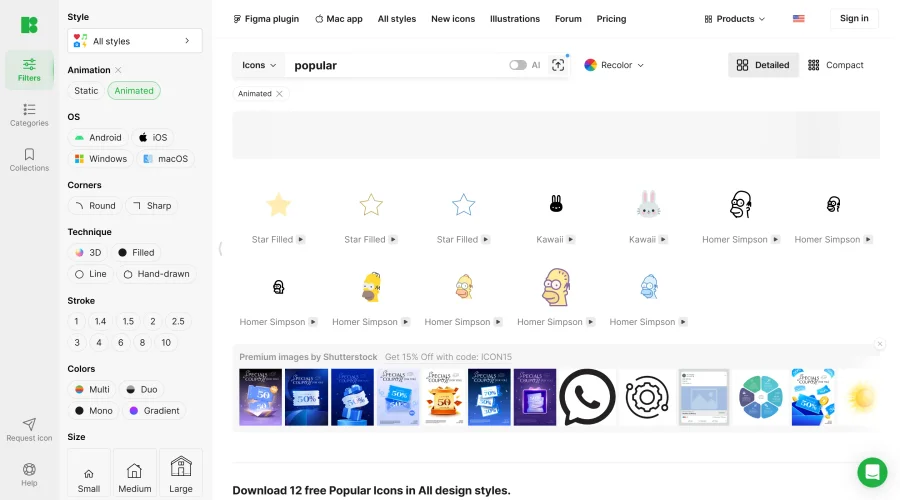

Animated Icons 2.0
Enhance your projects with 900+ animated icons.
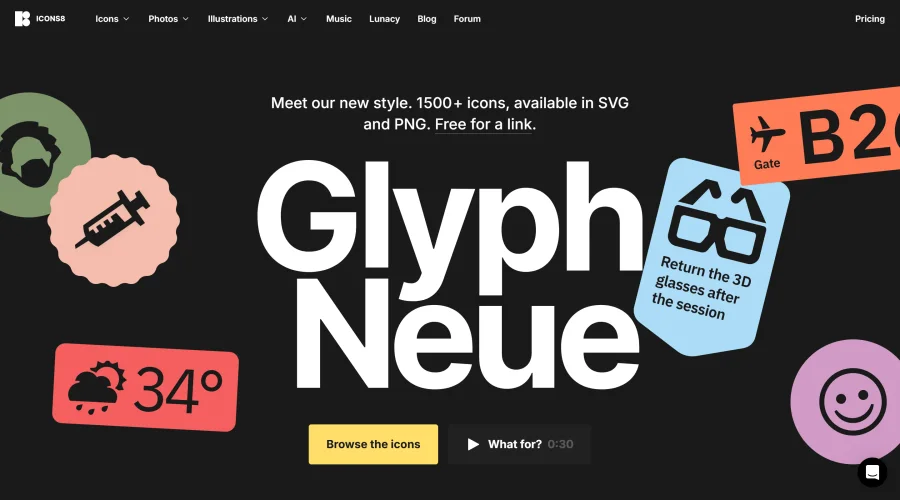

Glyph Neue
Over 1,500 icons in SVG and PNG formats, free with attribution.
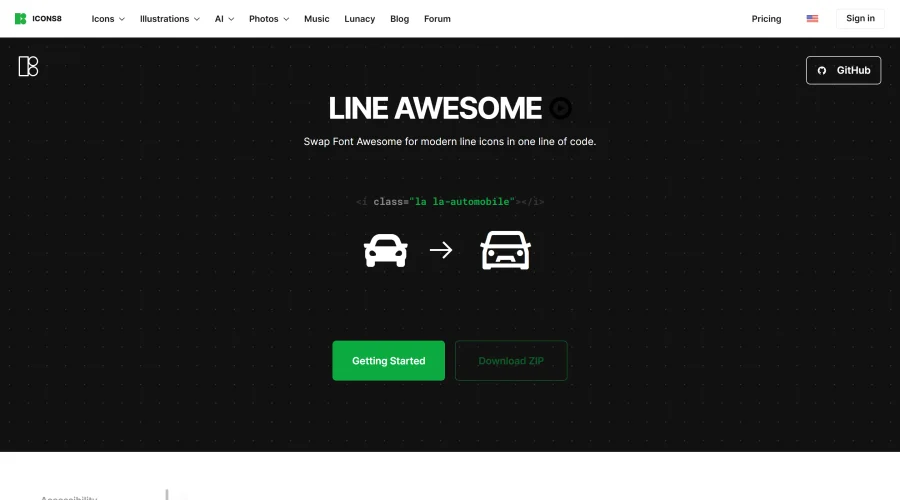

Line Awesome
Easily replace Font Awesome with modern line icons using one line of code.
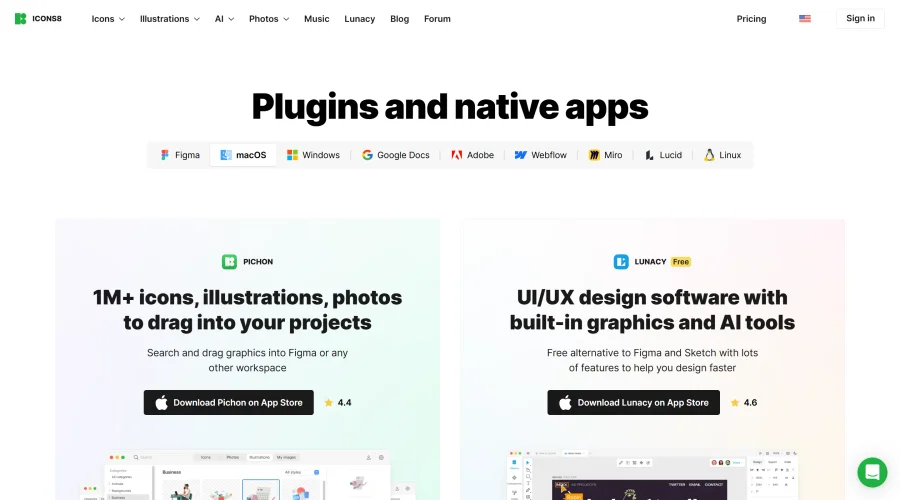

Pichon
Drag and drop the best design graphics with ease.
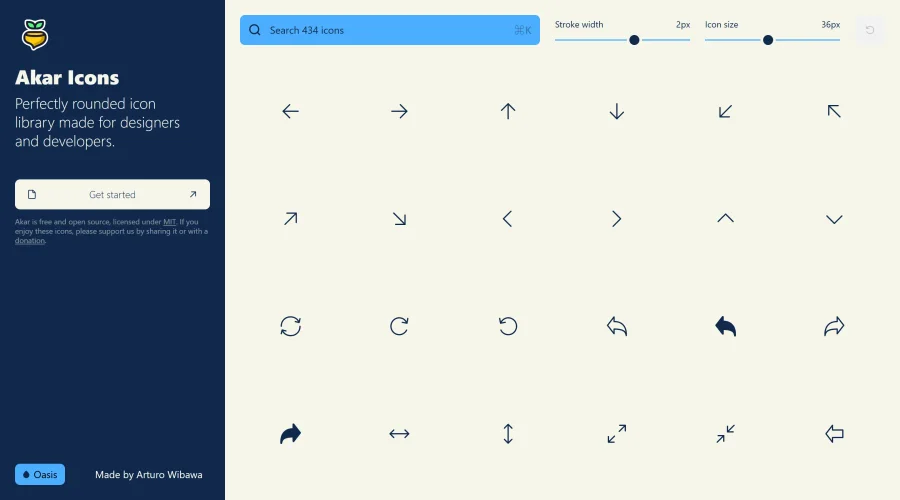

Akar Icons
A perfectly rounded icon library designed for designers and developers.
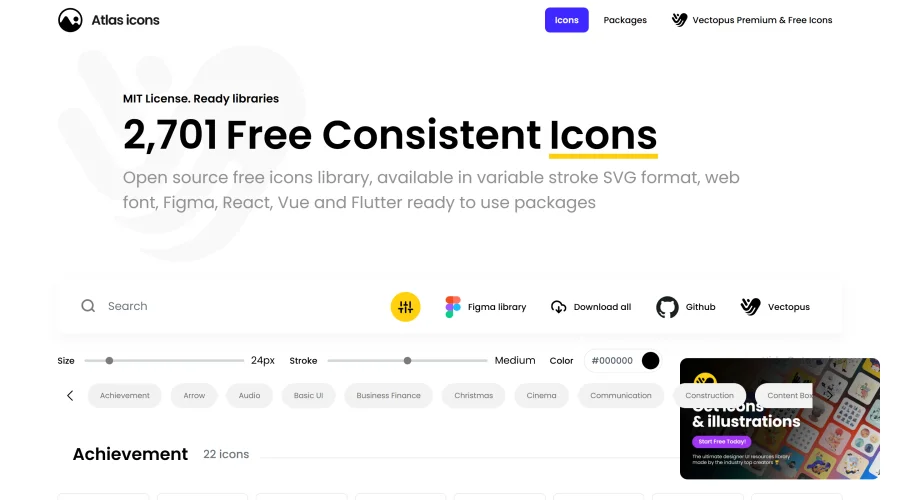

Atlas Icons
Versatile open-source icon library, offering various stroke widths and formats.
Explore Other Categories
Discover more design resources
New to Design?
Explore our comprehensive design glossary to master essential terminology from A/B Testing to Wireframes.
Browse GlossaryLooking for something specific?
Search through our entire collection of design tools and resources