
What it costs
- Free tier
- Yes
Free typography education resource (articles, YouTube, free Type Check, newsletter) with no paid product.
Auto-checked on 8 August 2026Source
About Pimp my Type
What Is Pimp my Type?
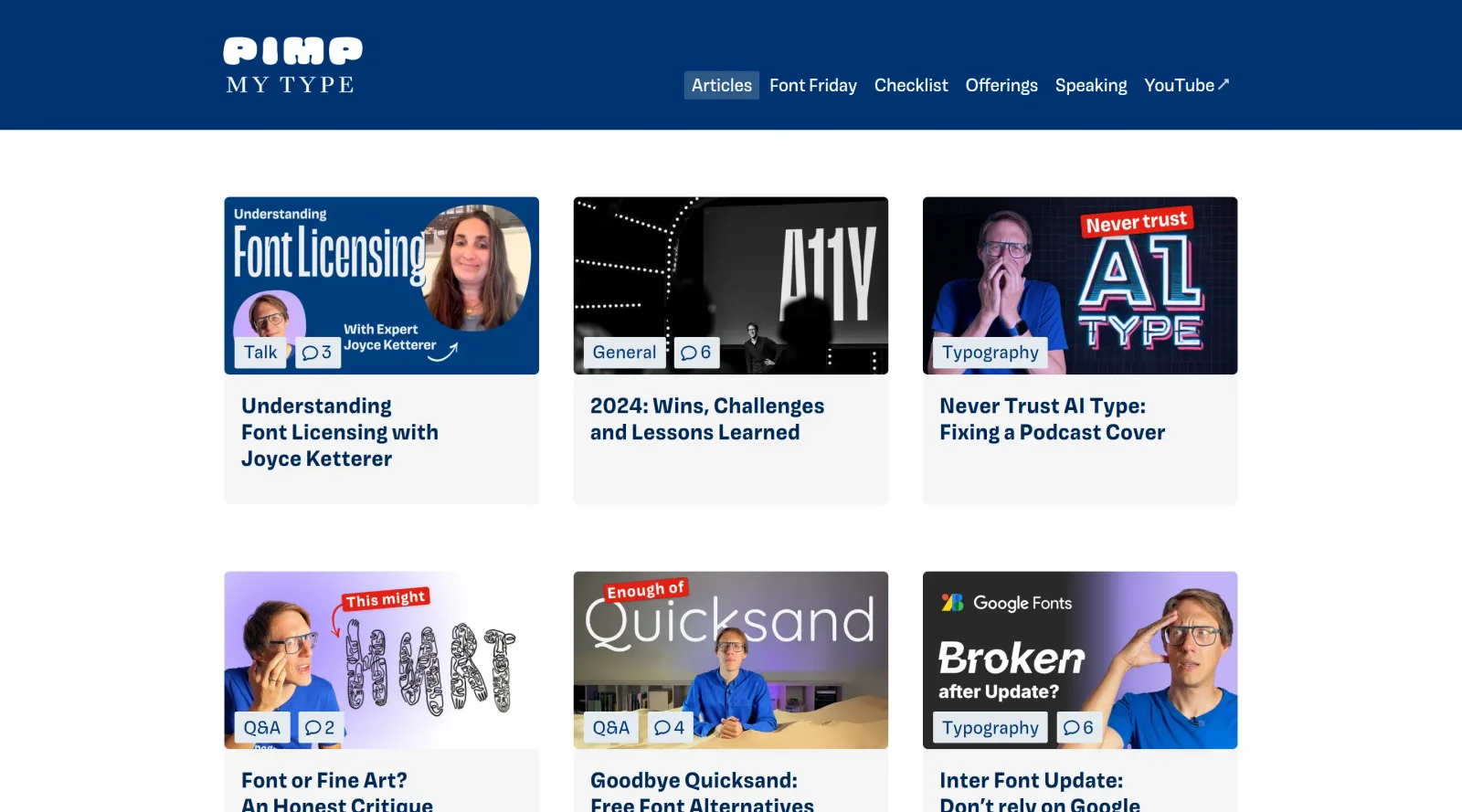
Pimp my Type is a free online resource focused on typography education and tools for mastering digital typography. It provides articles, videos, and interactive generators that help designers analyze typefaces and create effective pairings. In the design workflow, Pimp my Type fits as a reference and experimentation hub for typographers refining font choices during projects like branding, web design, and print layouts.
What Pimp my Type Does
- Explains the Font Matrix system for classifying typefaces by skeleton (form model), flesh (contrast and serifs), and skin (finer details like decorative features).
- Offers a Font Pairing Generator that filters combinations based on the Font Matrix to suggest compatible typefaces.
- Provides visual breakdowns of typeface anatomy, such as apertures, diagonal stress, and letter shapes in words like "Megatypos".
- Discusses variable fonts, including adjustments for weight, width, and slant in tools like Adobe software.
- Features podcasts and interviews with experts like Indra Kupferschmid on typeface classification and pairing strategies.
- Includes tutorials on fixing typography issues, such as balancing word emphasis using variable font features.
How Pimp my Type Can Be Used
- Designers use the Font Matrix to filter fonts by underlying structure, ensuring pairings share the same form model regardless of serif or sans-serif styles.
- During branding projects, typographers apply the generator to select harmonious font pairs for logos, headlines, and body text.
- In web and UI design, it guides adjustments to variable fonts for responsive layouts, tweaking width and weight to maintain balance across screen sizes.
- Teams reference articles and videos for workshops on typeface organization, filtering in software like Photoshop or Illustrator, and avoiding common pairing errors.
- Illustrators and authors pair fonts for book covers or promotional materials, starting with skeleton matches before adding contrast layers.
Who Is Pimp my Type For?
Pimp my Type serves typography enthusiasts, graphic designers, UI/UX specialists, and font developers seeking structured methods for typeface analysis and pairing. It suits intermediate to advanced users handling digital projects where precise font selection impacts readability and aesthetics, such as websites, apps, books, and podcasts. Beginners can use it to build foundational knowledge on font anatomy and classification systems beyond traditional models. Visit Pimp my Type
Featured Tools
Sponsored
Artlist
Royalty-free music, SFX, 8K footage, templates, LUTs and 100+ AI models on a single subscription for video creators.

Icons8
Large icon packs featuring over 10,000 icons for consistent design themes.

Vidu
AI video generator with text, image and reference-to-video modes, producing 3–16 second clips at up to 1080p with characters that stay consistent across shots.
Your tool here
The tools above are our own picks until the slots sell.

Tools we recommend

Editorially chosen. Some links above are affiliate links — if you sign up we may earn a commission, at no extra cost to you.
More Typography Tools


ZnortDesigns
Explore your local font library, discover font pairings, and find curated typography resources and design deals in one designer-friendly tool.

FontsBy
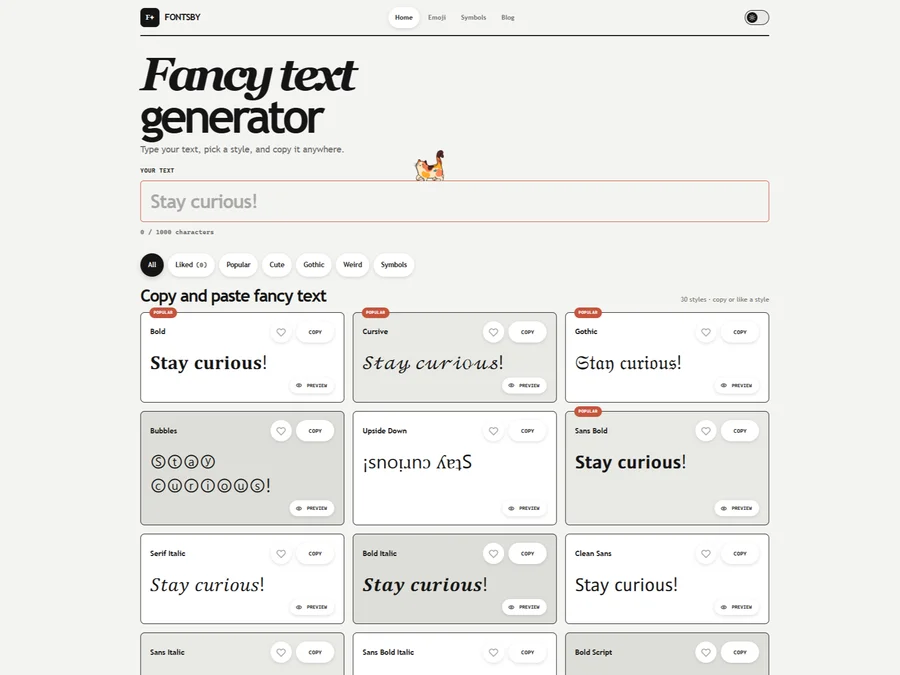
Fancy text generator for Instagram, Twitter, TikTok and Discord. Copy and paste bold, cursive and stylish Unicode fonts, symbols and emoji instantly for bios, usernames, names and social media posts.

FontPlop
Fontplop offers free font testing, conversion, and generation tools, plus stylish text generators for social media. Test glyphs, compare fonts, and convert font files privately in your browser.


205TF
French type foundry showcasing work from independent designers.


All Free Fonts
A selection of beautiful, free fonts curated for quality.


atipo
Digital foundry and design studio specializing in typefaces.
Explore Other Categories
Discover more design resources
New to Design?
Explore our comprehensive design glossary to master essential terminology from A/B Testing to Wireframes.
Browse GlossaryLooking for something specific?
Search through our entire collection of design tools and resources