
What it costs
- Free tier
- No
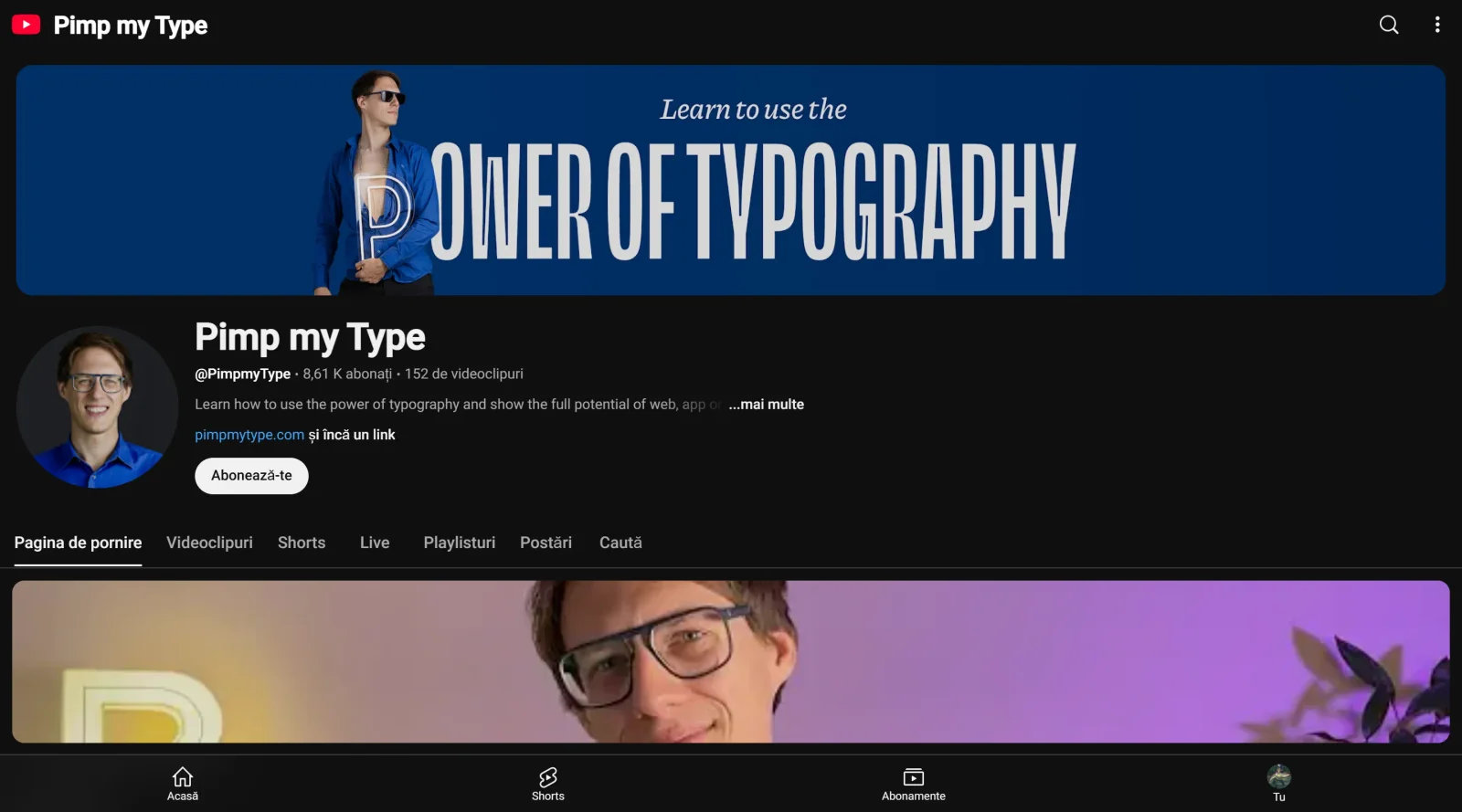
Scrape landed on a YouTube 401 error page, not the tool's own site; no pricing captured.
Auto-checked on 8 August 2026Source
About Pimp my Type
What Is Pimp my Type?
Pimp my Type is a free educational resource focused on learning the power of typography in digital design. It provides content through videos, articles, and tools that explain typeface characteristics, classification, and pairing methods. Operating primarily via a YouTube channel and website, Pimp my Type fits into the early stages of the design workflow, where designers build foundational knowledge before selecting fonts for projects.
What Pimp my Type Does
- Introduces the Font Matrix, a system for classifying typefaces by skeleton (form models like dynamic or static), flesh (contrast and serifs), and skin (finer details like decorative features).
- Offers a Font Pairing Generator that filters typeface combinations based on the Font Matrix to suggest compatible pairs.
- Provides video tutorials on font design processes, including outline editing, stem adjustments, and handling overshoots in tools like Glyphs.
- Discusses variable fonts, covering axes such as weight, width, and slant for dynamic typeface adjustments.
- Explains typeface pairing principles, emphasizing underlying form models over superficial traits like serifs.
- Features interviews with typography experts on classification systems and practical applications in design.
How Pimp my Type Can Be Used
- Designers use the Font Matrix from Pimp my Type to analyze typefaces by breaking them into layers, aiding selection for web or print projects requiring consistent visual structure.
- Generate font pairs with the tool for children's books, posters, or UI elements, ensuring harmony based on shared skeletal forms regardless of serif variations.
- Follow video guides to adjust variable fonts in design software, balancing word emphasis by tweaking width or weight without altering size.
- Apply classification methods during workshops or self-study to filter fonts by features like aperture shape or diagonal stress for better hierarchy in layouts.
- Reference expert discussions to avoid outdated type classification models and describe typefaces by observable traits in client presentations or team reviews.
Who Is Pimp my Type For?
Pimp my Type serves typography students, junior designers, and self-taught developers entering digital design who need structured education on font selection and pairing. It supports roles like UI/UX designers working on small-screen interfaces, illustrators pairing type for books, and font enthusiasts exploring variable font capabilities. Experienced typographers use it for deeper insights into modern classification like the Font Matrix. Visit Pimp my Type
Featured Tools
Sponsored
Artlist
Royalty-free music, SFX, 8K footage, templates, LUTs and 100+ AI models on a single subscription for video creators.

Icons8
Large icon packs featuring over 10,000 icons for consistent design themes.

Vidu
AI video generator with text, image and reference-to-video modes, producing 3–16 second clips at up to 1080p with characters that stay consistent across shots.
Your tool here
The tools above are our own picks until the slots sell.
Spotlight
SponsoredRotates daily
Animated Icons 2.0
Enhance your projects with 900+ animated icons.
More Educational Tools


10x Designers
Broaden your design skills with this resource.


AJ Smart
Premier resource for UX/UI, design sprints, and design thinking.


Android Design Hub
Android UI design best practices for creating beautiful interfaces.


Baseline
Expertly crafted free design bootcamp for skill enhancement.


Better Web Type
Complimentary web typography course for designers and developers.


Biased by Design
Insights on recognizing and countering cognitive bias in design.
Explore Other Categories
Discover more design resources
New to Design?
Explore our comprehensive design glossary to master essential terminology from A/B Testing to Wireframes.
Browse GlossaryLooking for something specific?
Search through our entire collection of design tools and resources