

What it costs
- Free tier
- No
Paid one-time macOS measuring app with a 30-day money-back guarantee, but the price is on a separate Buy page not captured in the scrape.
Auto-checked on 8 August 2026Source
About PixelSnap 2
What Is PixelSnap 2?
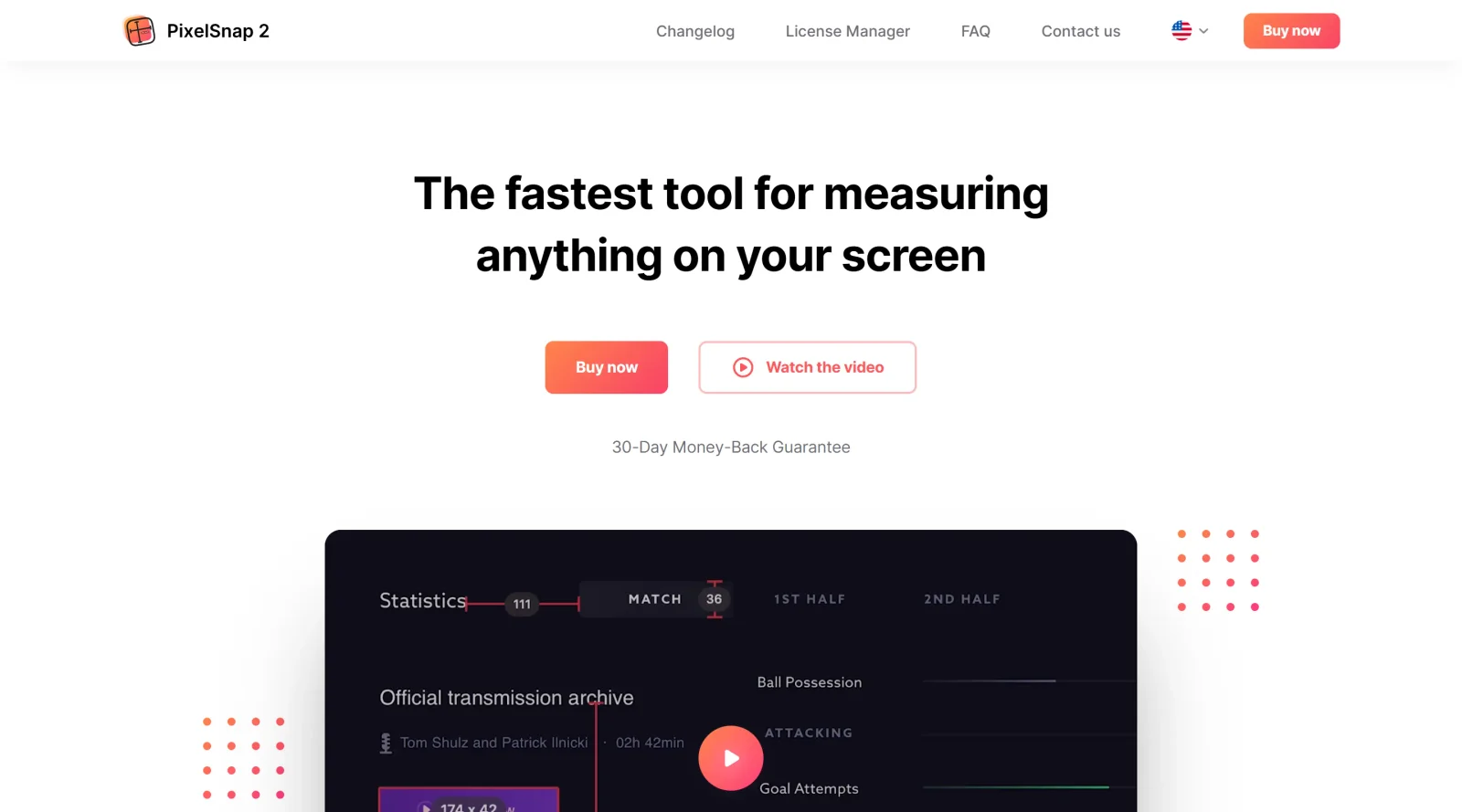
PixelSnap 2 is a screen measurement tool for Mac that enables users to measure distances, dimensions, and alignments of elements across any application or display. Designed for the design-tools category, it serves as a utility in design and development workflows where precise pixel-level analysis is required. As a paid application, PixelSnap 2 integrates with design software such as Sketch, Figma, Adobe XD, and Affinity Suite, providing real dimensions regardless of display zoom levels or Retina scaling.
What PixelSnap 2 Does
- Measures distances between any elements on the screen by dragging a cursor or crosshair.
- Detects and captures object boundaries automatically when dragging an area around them.
- Allows measurement of multiple objects simultaneously on the same screen.
- Adds snappable guides for horizontal and vertical alignment checks that snap to screen elements.
- Exports measurements as images or screenshots for sharing and collaboration.
- Supports integrations with tools like CleanShot, Adobe XD, Sketch, Figma, and Affinity Suite.
- Provides customizable shortcuts, Touch Bar support, and options to hold measurements on screen.
How PixelSnap 2 Can Be Used
- Designers measure spacing and sizes in UI mockups open in Sketch or Figma to ensure consistent layouts during iteration.
- Developers verify pixel-perfect alignment of web elements by checking distances between components in browsers or prototypes.
- Teams capture and export measurements of on-screen graphics for handoff documents, including screenshots with overlaid dimensions.
- Users add guides to inspect alignment across multiple app windows, adjusting tolerance for low-contrast or shadowed elements.
- Workflows involve activating via dock icon or hotkey to quickly grab dimensions without switching applications.
Who Is PixelSnap 2 For?
PixelSnap 2 suits UI designers, web developers, and anyone needing precise screen measurements on Mac systems with Retina displays or multiple monitors. It fits roles involving layout verification, asset inspection, and cross-tool collaboration, particularly for projects requiring pixel accuracy in apps like browsers, design editors, or prototypes. Experience levels range from junior designers learning spacing rules to senior developers auditing implementations.Visit PixelSnap 2
Featured Tools
Sponsored
Artlist
Royalty-free music, SFX, 8K footage, templates, LUTs and 100+ AI models on a single subscription for video creators.

Icons8
Large icon packs featuring over 10,000 icons for consistent design themes.

Vidu
AI video generator with text, image and reference-to-video modes, producing 3–16 second clips at up to 1080p with characters that stay consistent across shots.
Your tool here
The tools above are our own picks until the slots sell.

Tools we recommend


getimg.ai
20+ AI models for image, video & audio in one workspace


OpenArt
All-in-one AI image, video & audio generator


YouCam Online Editor
Free online AI photo & video editor
Editorially chosen. Some links above are affiliate links — if you sign up we may earn a commission, at no extra cost to you.
More Design Tools Tools


Pryzm
Pryzm is a real-time studio for designers who need backgrounds that don't look like everyone else's. Layer procedural gradients, then stack glass, grain, light and blobs.


Modeinspect
Mode turns your product’s codebase into editable canvas frames. Refine real UI with visual controls, experiment with AI then share or hand off for review.


GoProd
Remove backgrounds and upscale images effectively.


Kittl
AI-first design platform with image, vector, and video generation, plus templates, mockups, and print-ready exports.


Lunacy
Free design software enhanced with AI tools and built-in graphics.


Smart Upscaler
Automatically improve image clarity using AI technology.
Explore Other Categories
Discover more design resources
New to Design?
Explore our comprehensive design glossary to master essential terminology from A/B Testing to Wireframes.
Browse GlossaryLooking for something specific?
Search through our entire collection of design tools and resources