

All-in-one portfolio builder for showcasing and selling work online.
What it costs
- Free tier
- No
Paid website builder with a 15-day free trial (no card); subscription plan prices live on a separate /pricing page (homepage only shows a $199 setup-service offer).
Auto-checked on 8 August 2026Source
About Pixpa
What Is Pixpa?
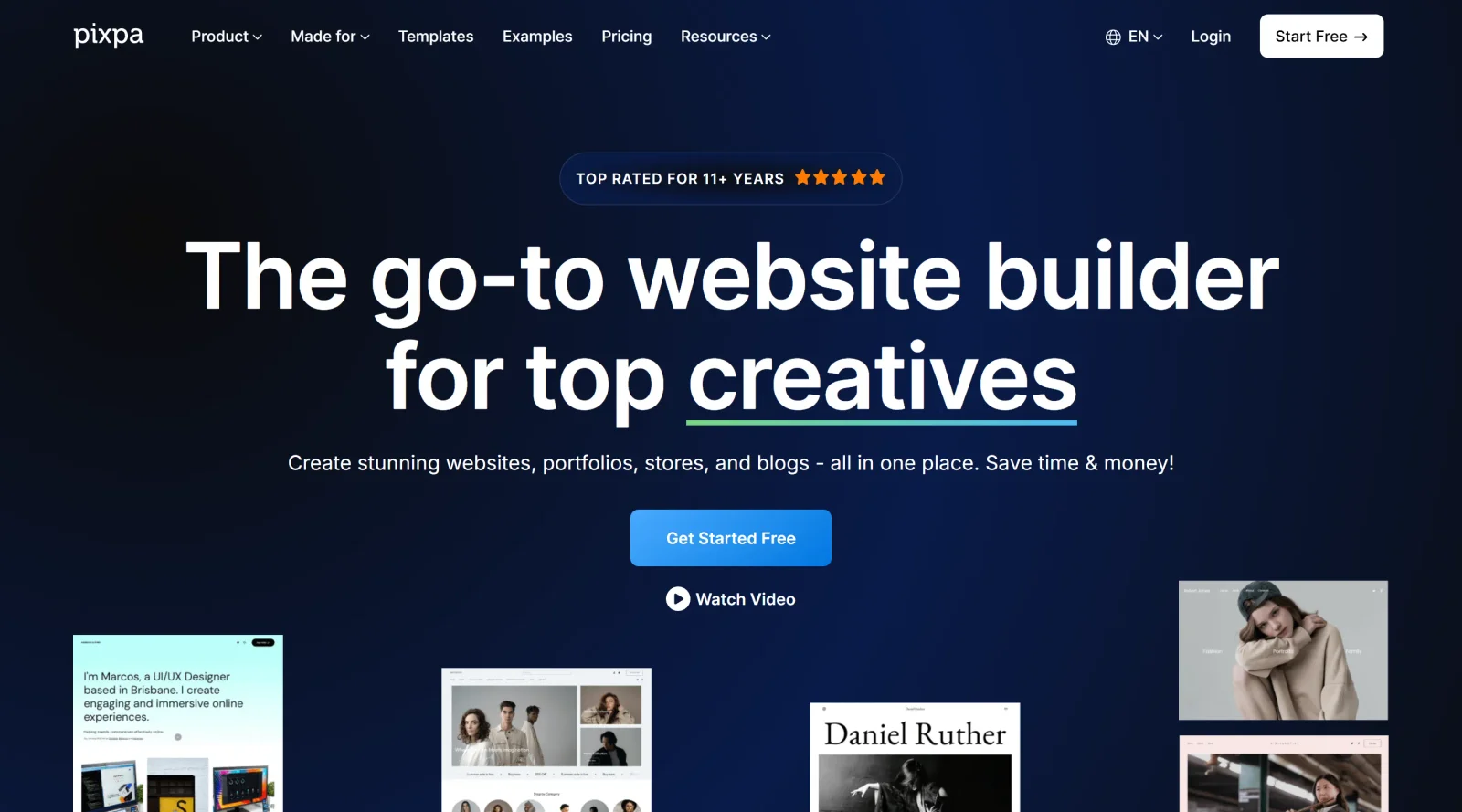
Pixpa is a **website builder** designed as an all-in-one platform for creatives to create professional websites, portfolios, blogs, online stores, and client galleries without coding knowledge. It serves as a comprehensive solution in the design workflow, enabling users to showcase work, manage client interactions, and handle sales from a single dashboard. As a paid service with plans starting around $6 to $9 per month depending on billing cycles, Pixpa provides responsive templates, hosting, and integrated tools tailored for photographers, designers, and artists.
What Pixpa Does
- Provides over 200 responsive templates for building portfolio websites, blogs, and eCommerce stores.
- Offers built-in online store functionality for selling physical products, digital downloads, prints, and services via Stripe or PayPal integration.
- Supports client galleries for sharing, proofing, and delivering images with options for client purchases and automated fulfillment.
- Includes a drag-and-drop page builder, visual style editor, and customization options for fonts, colors, headers, footers, and menus.
- Delivers all-inclusive features like custom domains, SSL certificates, website hosting, and mobile responsiveness across all plans.
- Enables blogging with post management, scheduling, and multimedia support.
How Pixpa Can Be Used
- Photographers use Pixpa to set up portfolio sites with client-proofing galleries, where clients view, select, and buy prints or downloads directly.
- Designers build business websites combining portfolios, blogs for case studies, and stores for selling templates or services.
- Artists create online shops to sell original works or digital files, managing inventory, orders, and shipping from the platform.
- Freelancers and agencies organize multiple client projects using standalone gallery plans or full sites with team workflows.
- Creatives start with a 15-day free trial to customize templates, add content, and launch sites after selecting a subscription plan.
Who Is Pixpa For?
Pixpa suits photographers, designers, artists, and other creative professionals seeking an integrated **website builder** for portfolios, client management, blogging, and eCommerce without needing separate tools or coding. It fits freelancers, agencies, students, and educators handling visual work, with discounts up to 55% for educational users and scalable plans from basic to advanced for growing projects. Plans support upgrades, downgrades, and cancellations with a 30-day money-back guarantee on new subscriptions.
Featured Tools
Sponsored
Artlist
Royalty-free music, SFX, 8K footage, templates, LUTs and 100+ AI models on a single subscription for video creators.

Icons8
Large icon packs featuring over 10,000 icons for consistent design themes.

Vidu
AI video generator with text, image and reference-to-video modes, producing 3–16 second clips at up to 1080p with characters that stay consistent across shots.
Your tool here
The tools above are our own picks until the slots sell.
Spotlight
SponsoredRotates daily
HyNote
Records and transcribes interviews and meetings, then turns them into summaries and action items.
Tools we recommend
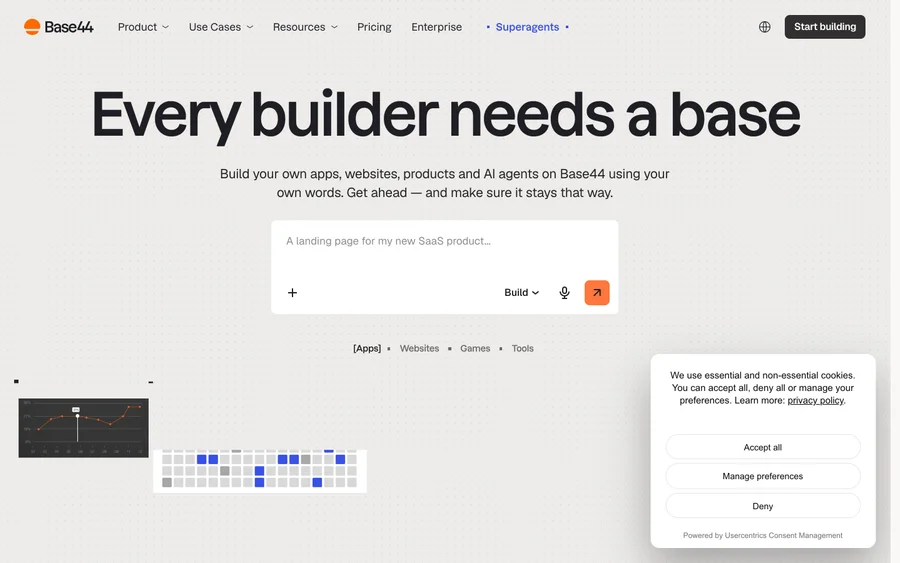

Base44
Build full-stack apps from a prompt (by Wix)
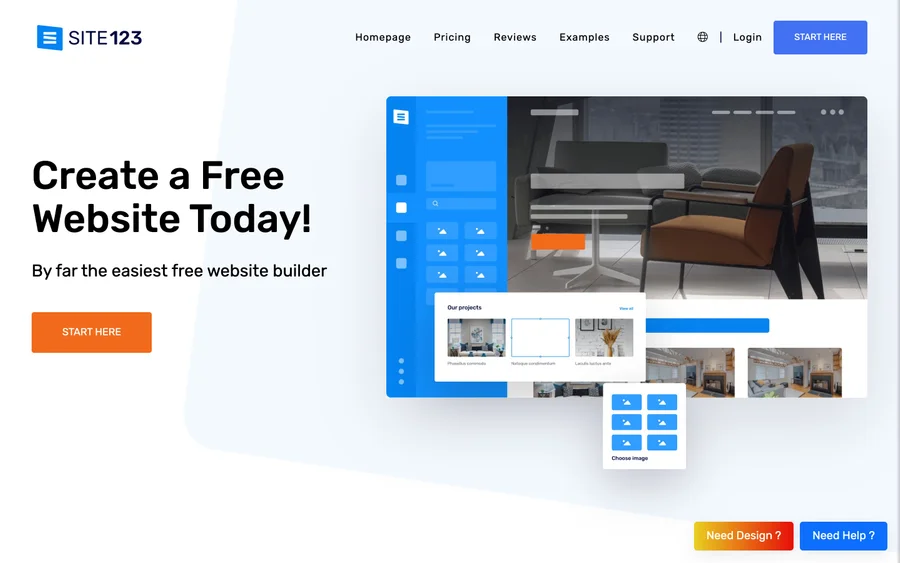

SITE123
Free website builder with hosting included
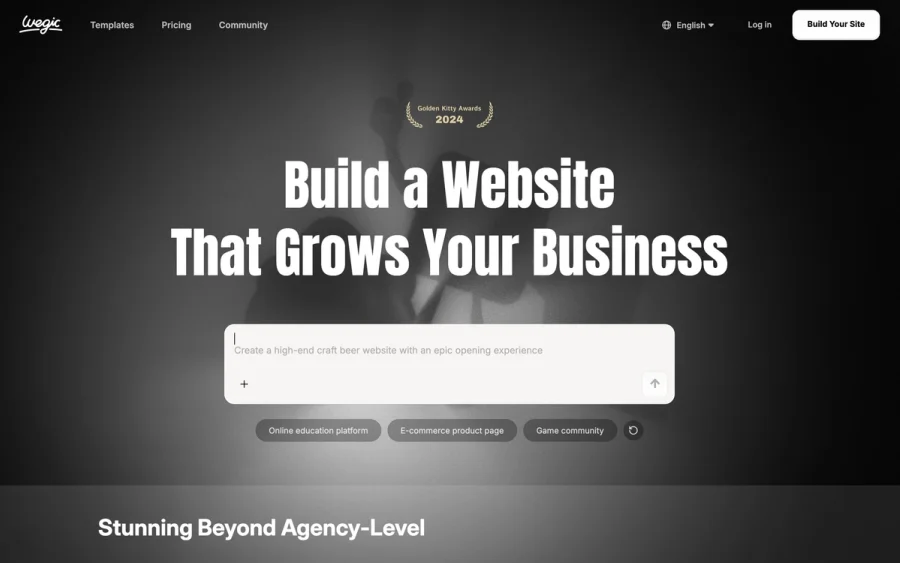

Wegic
Build & manage a whole site by chatting with AI
Editorially chosen. Some links above are affiliate links — if you sign up we may earn a commission, at no extra cost to you.
More Website Builders Tools


Framer
Design and launch your dream website with no coding required.
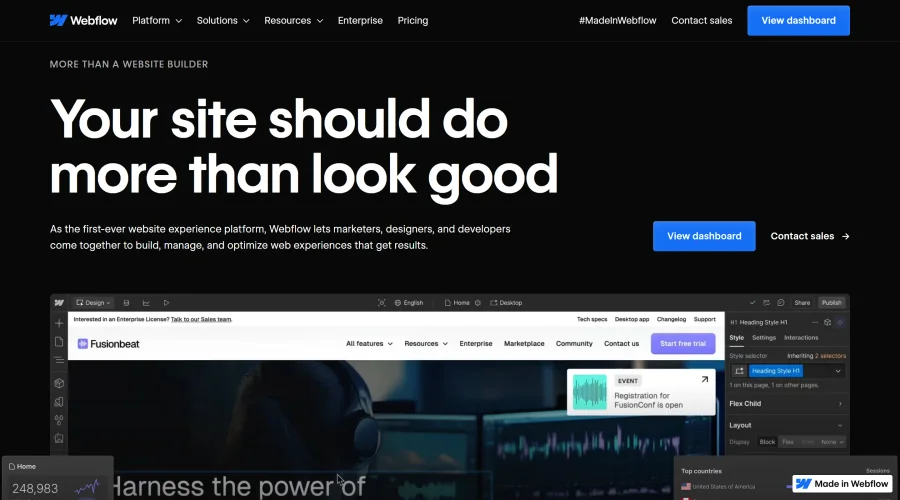

Webflow
Accelerate website creation without needing to code.
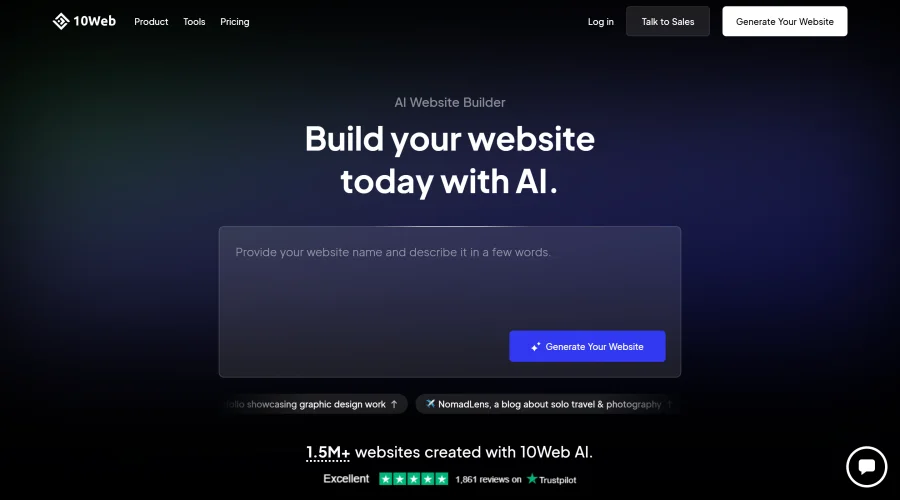

10Web
AI-enhanced WordPress website builder for easy site creation.
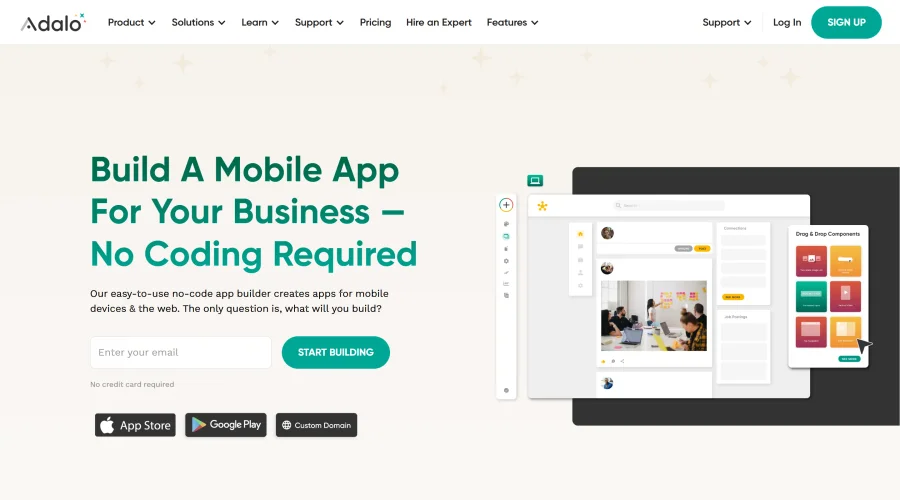

Adalo
Turn app ideas into reality without needing to code.
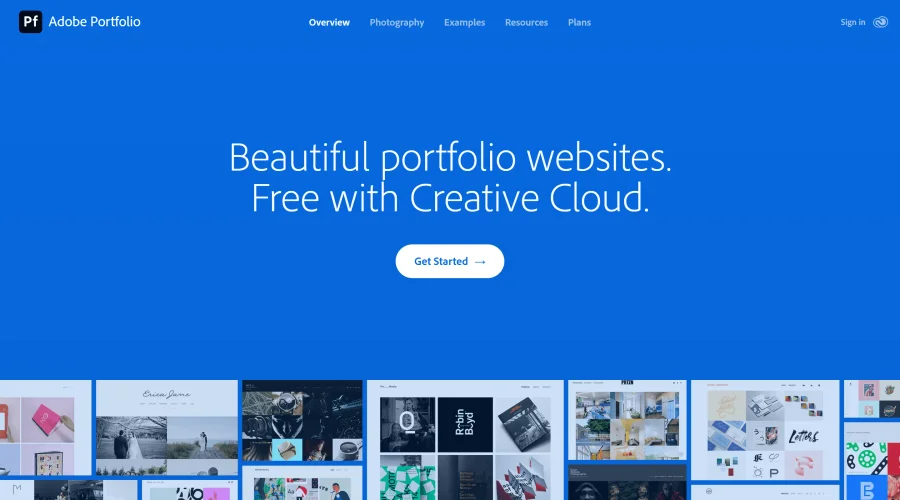

Adobe Portfolio
Build stunning portfolio websites, free with Creative Cloud.
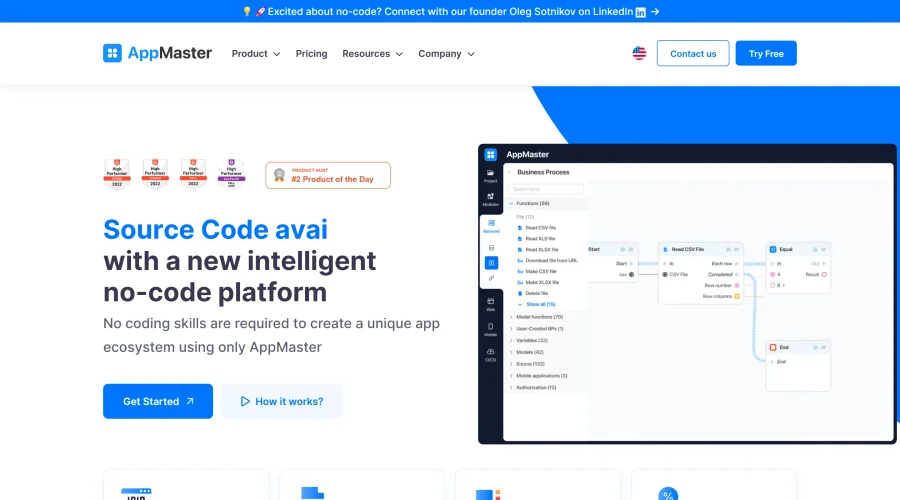

AppMaster
Next-gen no-code platform for automating business processes and building native apps.
Explore Other Categories
Discover more design resources
New to Design?
Explore our comprehensive design glossary to master essential terminology from A/B Testing to Wireframes.
Browse GlossaryLooking for something specific?
Search through our entire collection of design tools and resources