

Native iOS tool designed specifically for creating mobile products.
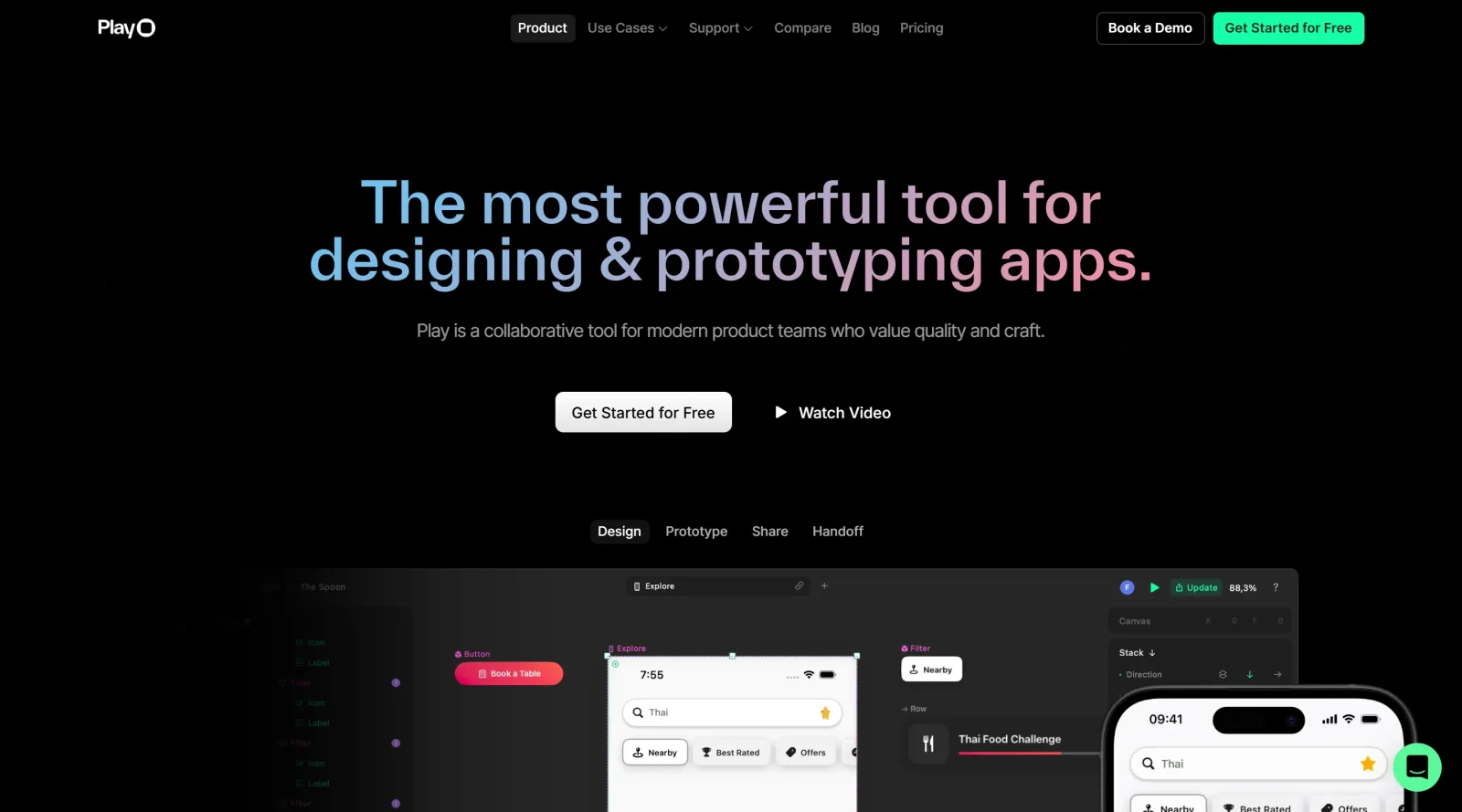
What happened to Play
Play was a Mac and iPhone app for designing app interfaces in real SwiftUI, and won an Apple Design Award in 2025. Its maker, Rabbit 3 Times, ended support on April 20, 2026, Apple acquired certain assets from the company, and the app is no longer on the App Store.
About Play
What Is Play?
Play is a native iOS design tool for creating, prototyping, and collaborating on mobile products directly from iPhone or iPad devices. It fits into the design workflow by enabling designers to build functional prototypes using Apple's native UI components, reducing the need for multiple tools in traditional mobile design processes. As a design-tools option available for free, Play supports both mobile and Mac use, with real-time syncing across devices.
What Play Does
- Provides access to native iOS elements such as Apple Maps, Swift Charts, SF Symbols, date pickers, switches, modals, and input text fields.
- Supports responsive prototypes that adapt to different iPhone models using structured auto layout and freeform canvas options.
- Enables design of interactions with Core Animation, including tap, pan gestures, multi-tap, and edge pan for performant prototypes.
- Allows real-time collaboration between iPhone and Mac users, with designs syncing across devices.
- Imports designs from Figma via copy-paste and generates real-time SwiftUI code for export to Xcode.
- Incorporates native features like camera access, haptics, light/dark mode, and accessibility support for text and UI appearance.
How Play Can Be Used
- Designers start from scratch or import Figma files to assemble pages using the Play Library of UI components like buttons, cards, and navigation bars.
- Build high-fidelity prototypes with native interactions, such as panning on maps or toggling switches, then preview across iPhone models with a tap.
- Teams collaborate in real-time: one user iterates on iPhone while another inspects states and interactions on Mac.
- Engineers review prototypes on device, inspect properties via state manager, and export SwiftUI code directly into Xcode for implementation.
- Incorporate advanced elements like AR, camera feeds, or JSON data integration for testing real-world app behaviors without coding.
Who Is Play For?
Play serves iOS product designers seeking a mobile-first tool to create prototypes that match native app experiences, as well as developers who inspect designs and generate code handoffs. It suits teams handling mobile app projects where quick iteration between design and engineering reduces back-and-forth, particularly for those familiar with SwiftUI or Figma workflows. Solo creators prototyping on the go also find it applicable due to its iPhone-native input. Visit Play
Featured Tools
Sponsored
Artlist
Royalty-free music, SFX, 8K footage, templates, LUTs and 100+ AI models on a single subscription for video creators.

Icons8
Large icon packs featuring over 10,000 icons for consistent design themes.

Vidu
AI video generator with text, image and reference-to-video modes, producing 3–16 second clips at up to 1080p with characters that stay consistent across shots.
Your tool here
The tools above are our own picks until the slots sell.

Tools we recommend
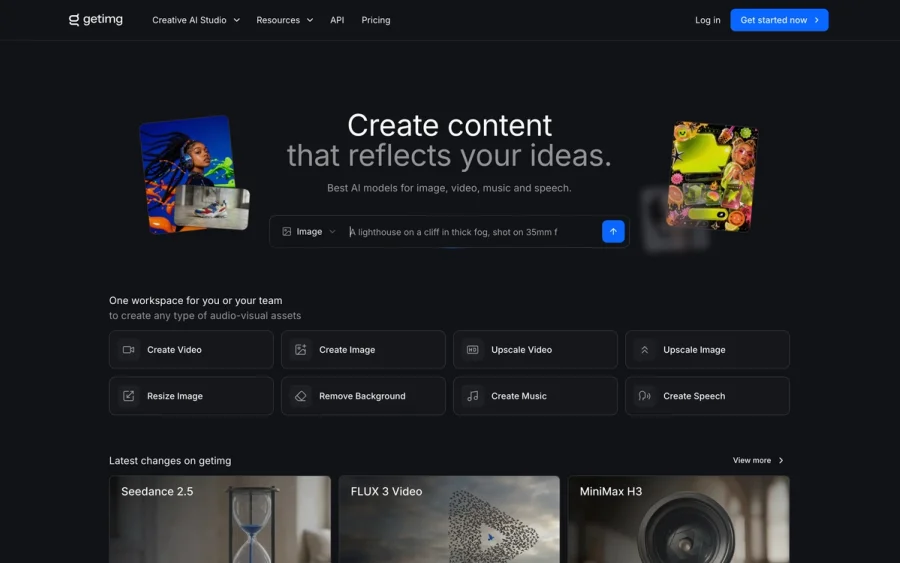

getimg.ai
20+ AI models for image, video & audio in one workspace
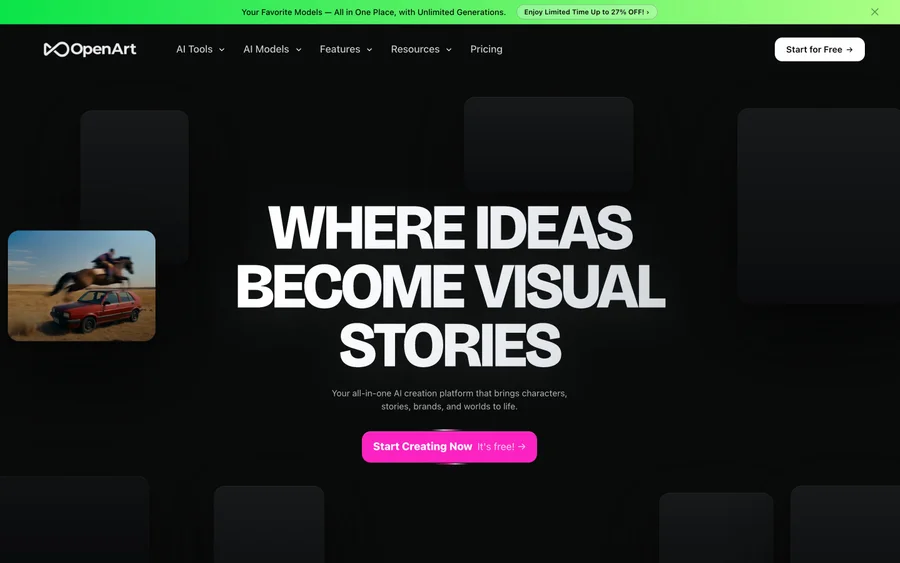

OpenArt
All-in-one AI image, video & audio generator


YouCam Online Editor
Free online AI photo & video editor
Editorially chosen. Some links above are affiliate links — if you sign up we may earn a commission, at no extra cost to you.
More Design Tools Tools
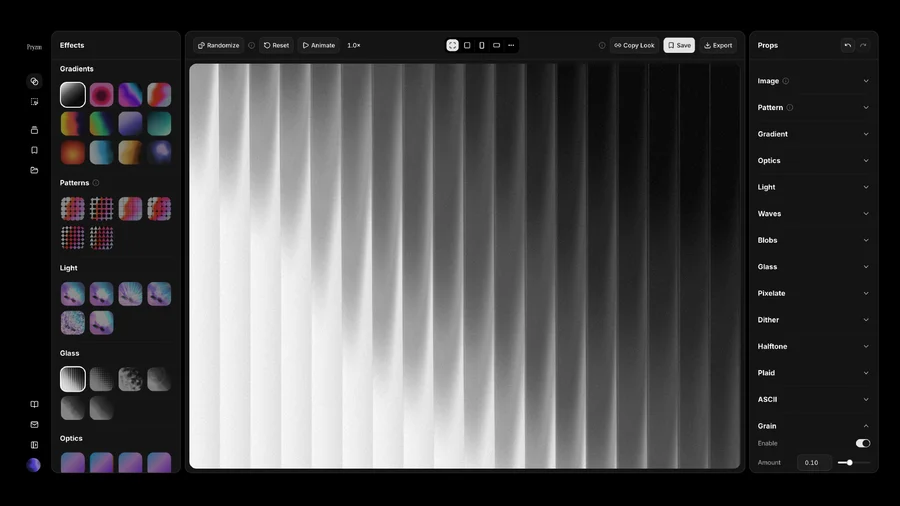

Pryzm
Pryzm is a real-time studio for designers who need backgrounds that don't look like everyone else's. Layer procedural gradients, then stack glass, grain, light and blobs.

Modeinspect
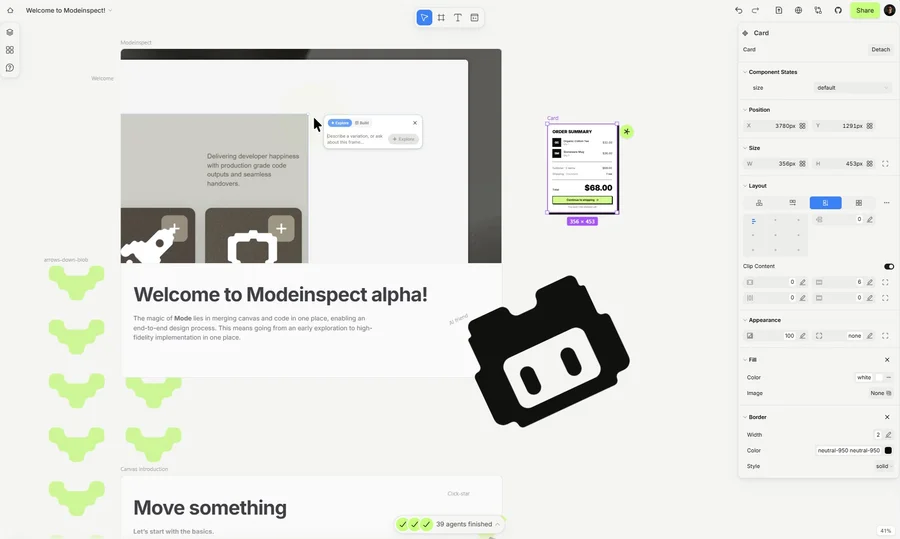
Mode turns your product’s codebase into editable canvas frames. Refine real UI with visual controls, experiment with AI then share or hand off for review.

GoProd
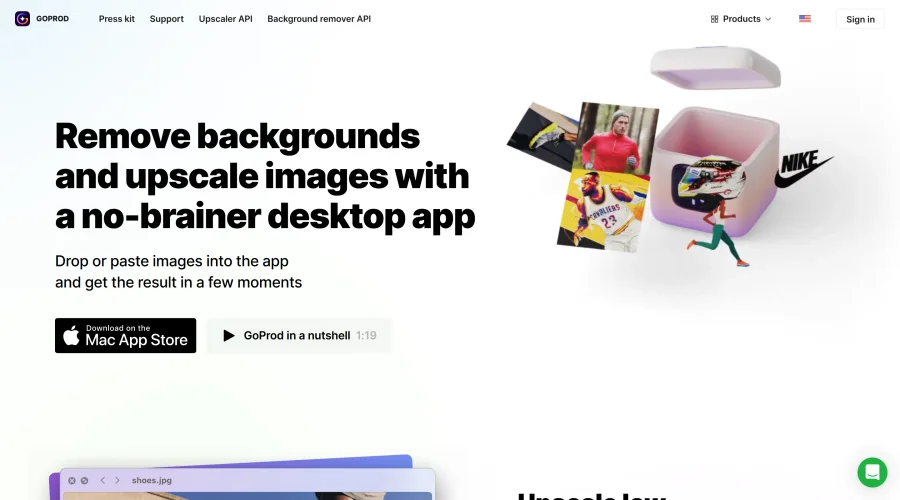
Remove backgrounds and upscale images effectively.

Kittl
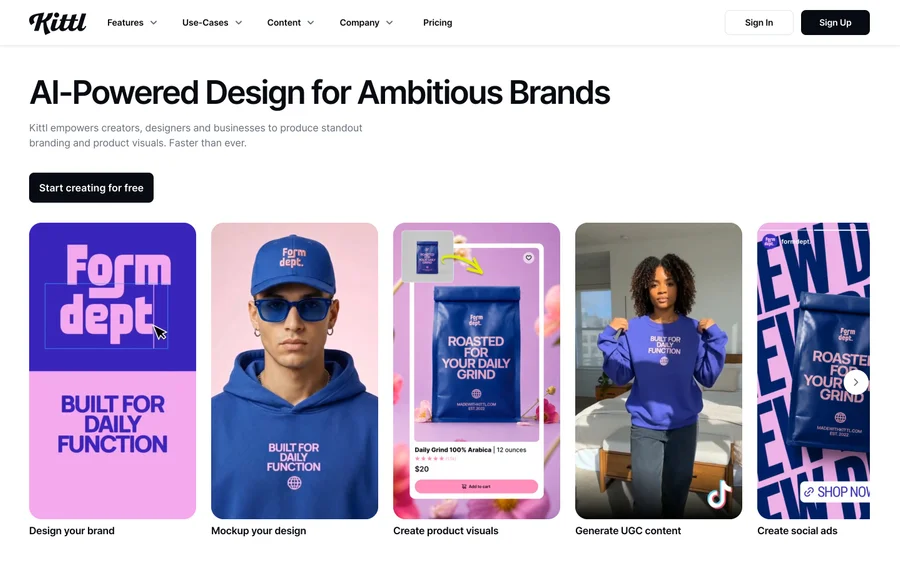
AI-first design platform with image, vector, and video generation, plus templates, mockups, and print-ready exports.

Lunacy
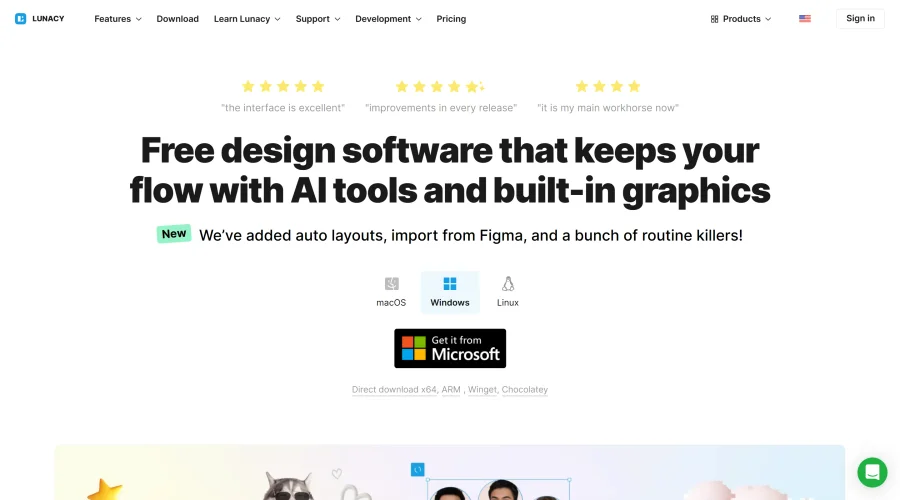
Free design software enhanced with AI tools and built-in graphics.
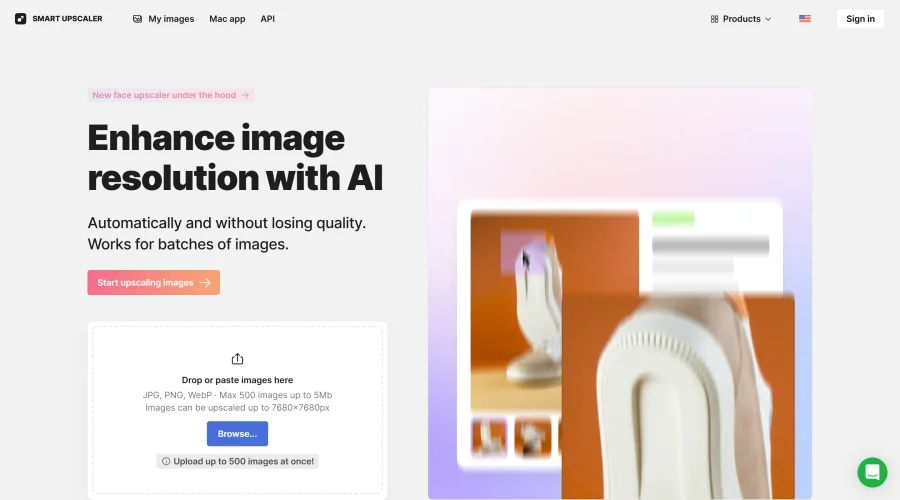

Smart Upscaler
Automatically improve image clarity using AI technology.
Explore Other Categories
Discover more design resources
New to Design?
Explore our comprehensive design glossary to master essential terminology from A/B Testing to Wireframes.
Browse GlossaryLooking for something specific?
Search through our entire collection of design tools and resources