

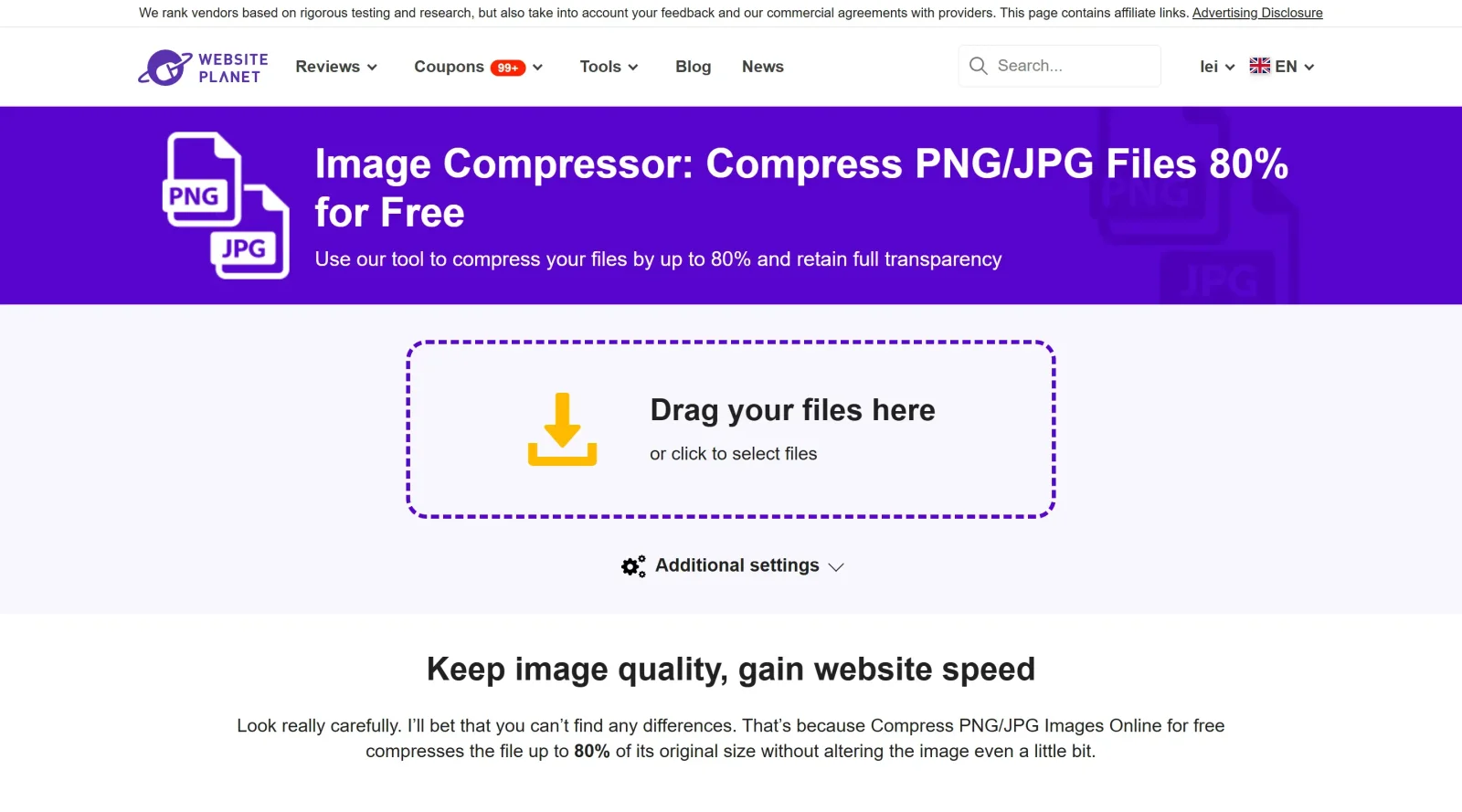
Danish compression tool for PNGs and JPGs. Beware, the website's default language is Danish.
What it costs
- Free tier
- Yes
Free online PNG/JPG compressor utility from WebsitePlanet with no paid tier (scrape landed on the WebsitePlanet homepage, not the tool page).
Auto-checked on 8 August 2026Source
About PNG Kompressor
Discover the essential tool for designers and web developers: the PNG Kompressor. This online utility is designed to optimize image files without sacrificing quality, making it a must-have in any design tool repository.What is the Image Compressor?The Image Compressor is a free online tool that allows users to compress PNG and JPG files by up to 80%. This significant reduction in file size helps maintain high-quality visuals while improving website performance. The user-friendly interface enables anyone to drag and drop files or select them directly from their device, streamlining the compression process.
Why Use this Image Compressor?
Enhance Website Speed
In today's digital landscape, website speed is crucial for user experience and search engine ranking. Large image files can slow down page loading times, leading to higher bounce rates. By utilizing the Image Compressor, designers can ensure that their websites load faster, providing a seamless experience for visitors. Smaller images mean quicker load times, which enhances overall site performance and user satisfaction.
Retain Image Quality
One of the standout features of the Image Compressor is its ability to reduce file sizes without compromising image quality. Unlike other compression tools that may sacrifice clarity for size, this tool ensures that your images remain sharp and vibrant. Users can confidently showcase high-quality visuals on their websites without worrying about negative impacts on aesthetics.
Save Storage Space
For designers working with numerous high-resolution images, storage space can quickly become an issue. The Image Compressor not only reduces the size of images for web use but also frees up valuable storage on devices. This means more room for additional projects or files without the need for costly upgrades or external storage solutions.
Simplify File Sharing
Sharing images has never been easier with the Image Compressor. Compressed files are smaller and more manageable, making it simple to send high-quality images via email or upload them to social media platforms. This efficiency is especially beneficial for collaborative projects where quick sharing of design assets is essential.
Key Features
- Free to Use: The Image Compressor is completely free with no hidden fees, making it accessible for everyone from freelancers to large design teams.
- User-Friendly Interface: The drag-and-drop functionality simplifies the process, allowing users to compress multiple files quickly.
- High Compression Rates: Achieve up to 80% reduction in file size while maintaining image integrity.
- Supports Multiple Formats: Whether you're working with PNG or JPG files, this tool has you covered.
- No Software Installation Required: As an online tool, there's no need to download or install software, saving time and resources.
How It Works
Using the Image Compressor is straightforward:
- Upload Your Files: Drag and drop your PNG or JPG files into the designated area or click to select them from your device.
- Compression Process: Once uploaded, the tool automatically begins compressing your images while preserving their quality.
- Download Your Compressed Images: After compression, you can easily download your optimized images directly to your device.
Frequently Asked Questions
What types of images can I compress?
The Image Compressor supports both PNG and JPG formats, making it versatile for various design needs.
Will compressing my images affect their quality?
No! The Image Compressor is designed specifically to reduce file sizes while keeping image quality intact. You won't notice any difference in clarity after compression.
Is there a limit on the number of images I can compress?
There are no hidden limits on usage; you can compress as many images as you need without worrying about costs or restrictions.
Conclusion
Incorporating the Image Compressor into your design toolkit will significantly enhance your workflow. By optimizing image sizes without losing quality, this tool not only improves website performance but also saves valuable storage space and simplifies file sharing. Whether you're a professional designer or a casual user looking to improve your digital assets, the Image Compressor is an indispensable resource that delivers exceptional results effortlessly. Embrace this powerful tool today and elevate your design projects to new heights!
Featured Tools
Sponsored
Artlist
Royalty-free music, SFX, 8K footage, templates, LUTs and 100+ AI models on a single subscription for video creators.

Icons8
Large icon packs featuring over 10,000 icons for consistent design themes.

Vidu
AI video generator with text, image and reference-to-video modes, producing 3–16 second clips at up to 1080p with characters that stay consistent across shots.
Your tool here
The tools above are our own picks until the slots sell.

Tools we recommend


getimg.ai
20+ AI models for image, video & audio in one workspace


OpenArt
All-in-one AI image, video & audio generator


YouCam Online Editor
Free online AI photo & video editor
Editorially chosen. Some links above are affiliate links — if you sign up we may earn a commission, at no extra cost to you.
More Design Tools Tools


Pryzm
Pryzm is a real-time studio for designers who need backgrounds that don't look like everyone else's. Layer procedural gradients, then stack glass, grain, light and blobs.


Modeinspect
Mode turns your product’s codebase into editable canvas frames. Refine real UI with visual controls, experiment with AI then share or hand off for review.


GoProd
Remove backgrounds and upscale images effectively.


Kittl
AI-first design platform with image, vector, and video generation, plus templates, mockups, and print-ready exports.


Lunacy
Free design software enhanced with AI tools and built-in graphics.


Smart Upscaler
Automatically improve image clarity using AI technology.
Explore Other Categories
Discover more design resources
New to Design?
Explore our comprehensive design glossary to master essential terminology from A/B Testing to Wireframes.
Browse GlossaryLooking for something specific?
Search through our entire collection of design tools and resources