

AI plugins that automate professional photo retouching while preserving natural texture.
What it costs
- Free tier
- Yes
Offers genuinely free tools (Frequency Separation, Color Match Free) and a 20-image free cloud trial, but the core AI plugins are paid and priced individually on a /pricing page not fetched.
Auto-checked on 8 August 2026Source
About Retouch4me
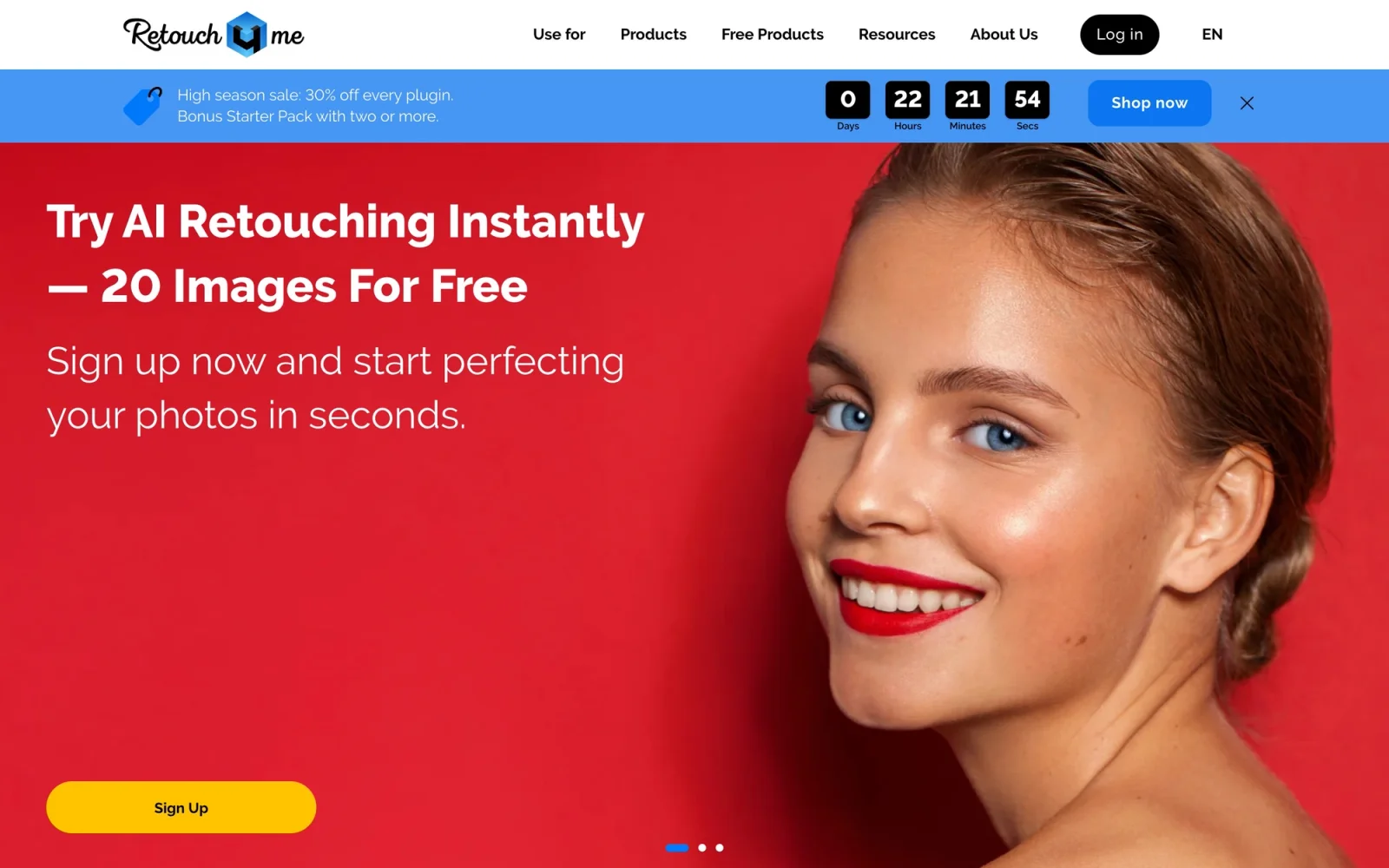
Retouch4me: AI Plugins for Automated Professional Photo Retouching
Retouch4me is a suite of AI-powered plugins that automate the repetitive parts of professional photo retouching — skin healing, dodge and burn, color matching, and background cleanup — while carefully preserving natural skin texture. Instead of one bundled app, each retouching task is its own dedicated, AI-trained plugin, so photographers and retouchers can buy exactly the tools they need. The result is a workflow that can cut hours of manual work down to seconds without the plastic, over-processed look automated retouching is often criticized for.
Key Features
- Heal — Automatically removes minor skin defects like blemishes, post-acne marks, and enlarged pores.
- Dodge & Burn — Smooths problem skin areas and evens out shadows and highlights.
- Portrait Volumes — Adds depth and dimension by intelligently lightening and darkening the face.
- Skin Tone and Skin Mask — Evens skin tone automatically and generates a one-click skin selection for targeted edits.
- Color Match — Copies the color and grade from a reference image, painting, or video still.
- Clean Backdrop and Dust — Removes backdrop dirt, folds, and sensor dust, plus particles on surfaces.
- Specialty tools — White Teeth, Eyes (vessels and brilliance), Stray Hairs, Fabric (clothing wrinkles), Mattifier, Face Make, and more.
- Video plugins — Heal, Color Match, Dodge & Burn, and Dust are also available for video.
How Retouch4me Works
Each plugin is trained to perform one retouching task and applies it in a single click, analyzing the image and making natural-looking corrections that respect skin texture. The tools run both as standalone applications and as plugins inside Adobe Photoshop (via the universal Retouch4me Photoshop Panel) and other professional editors, fitting directly into an existing workflow. Retouch4me supports Windows 10 and 11 and macOS 10.15 and later.
Beyond the Plugins: Apps for Volume Work
Retouch4me also offers standalone tools for high-volume photographers. Apex is an all-in-one AI retouching app with real-time preview, Arams handles batch processing, culling, and workflow automation, and MyShot manages galleries and client delivery. A few tools — including Frequency Separation and a free version of Color Match — are available at no cost.
Pricing
Retouch4me uses a one-time license model rather than a subscription: you buy each plugin once and keep it. Heal, for example, is priced at $145, and other plugins are priced similarly, so you can build only the toolkit you need. A free trial lets you test the plugins on a limited number of images before purchasing.
Who It's For
- Professional and high-volume retouchers who want to automate repetitive edits
- Portrait, fashion, and beauty photographers who need natural, texture-preserving results
- Product and e-commerce photographers cleaning up backgrounds and surfaces
- Studios that need batch processing, culling, and client delivery in one ecosystem
Conclusion
Retouch4me turns time-consuming manual retouching into one-click, AI-driven edits — without sacrificing the natural texture that separates professional work from over-smoothed automation. With à-la-carte, one-time-purchase plugins that run standalone or inside Photoshop, plus dedicated apps for batch and video work, it's a practical, professional toolkit for anyone who retouches at volume.
Featured Tools
Sponsored
Artlist
Royalty-free music, SFX, 8K footage, templates, LUTs and 100+ AI models on a single subscription for video creators.

Icons8
Large icon packs featuring over 10,000 icons for consistent design themes.

Vidu
AI video generator with text, image and reference-to-video modes, producing 3–16 second clips at up to 1080p with characters that stay consistent across shots.
Your tool here
The tools above are our own picks until the slots sell.
Spotlight
SponsoredRotates daily
Animated Icons 2.0
Enhance your projects with 900+ animated icons.
Tools we recommend


getimg.ai
20+ AI models for image, video & audio in one workspace


Hailuo AI
Cinematic AI video with camera control


OpenArt
All-in-one AI image, video & audio generator
Editorially chosen. Some links above are affiliate links — if you sign up we may earn a commission, at no extra cost to you.
More AI Tools Tools


Vidu
AI video generator with text, image and reference-to-video modes, producing 3–16 second clips at up to 1080p with characters that stay consistent across shots.
AI Boilerplate
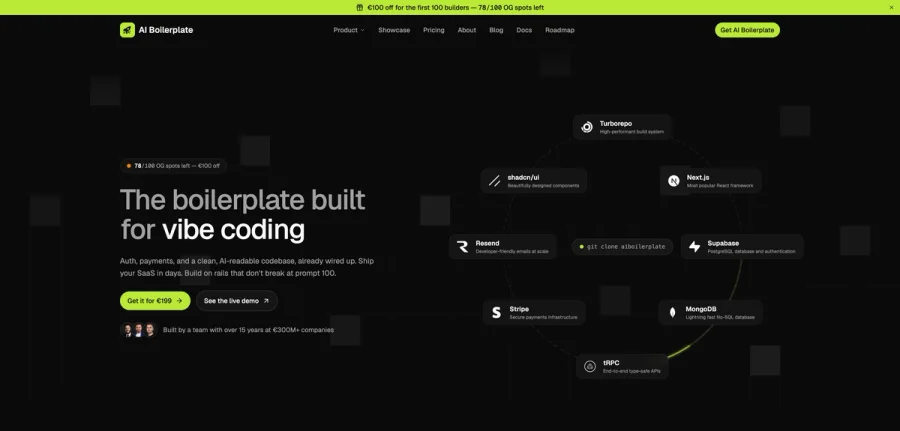
The boilerplate built for vibe coding. Includes authentication, payments, storage, and a clean, AI-readable codebase, already wired up. Build on rails that don't break at prompt 100.

PromptCreek
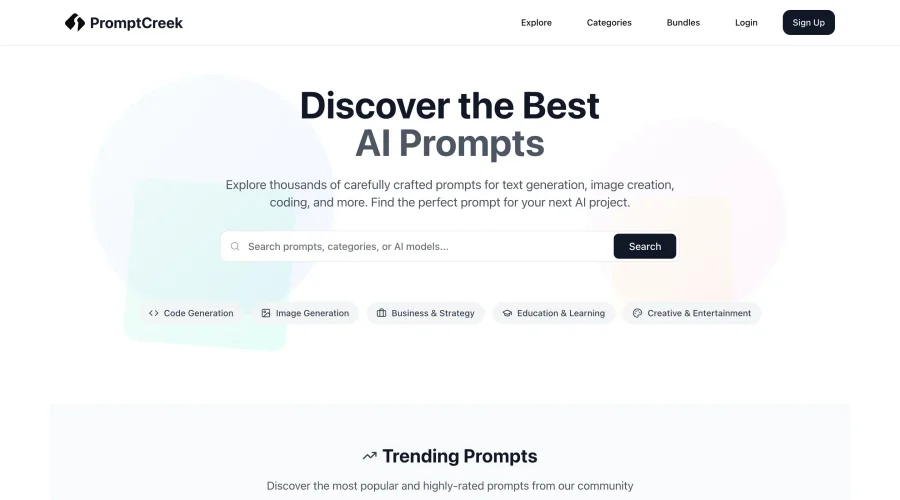
Prompt Creek is a free community-driven repository featuring thousands of AI prompts. Discover, bookmark, and share quality prompts for ChatGPT, Claude, and other AI tools.
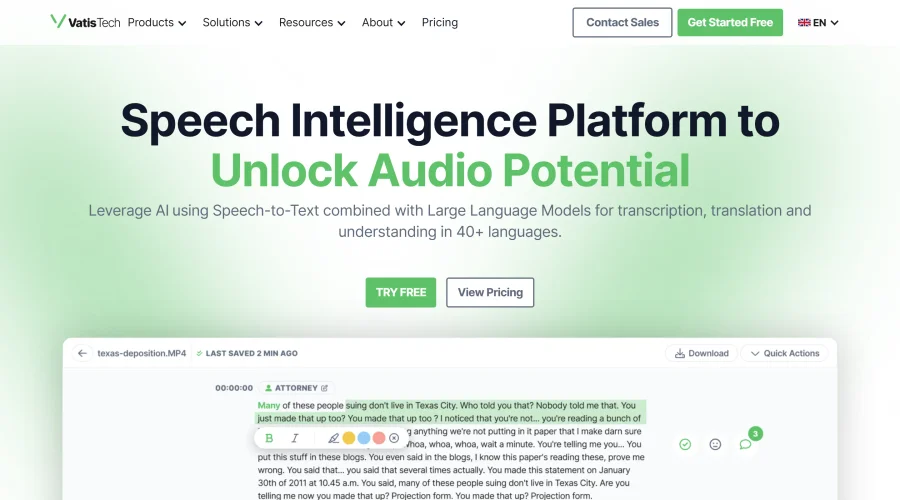

Vatis Tech
Vatis Tech is the most powerful speech-to-text infrastructure. It can be used to transcribe user interviews and client meetings.


DomoAI
AI animation platform that turns text, images, and video into anime, realistic, and custom styles — with video restyle, lip sync, upscaling, and more.
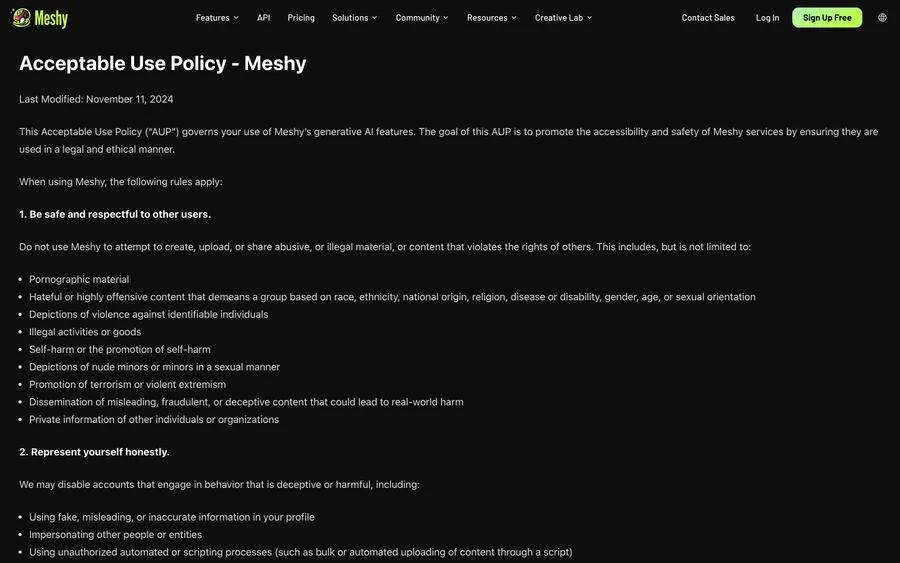

Meshy
AI 3D model generator that turns text or images into game- and print-ready models.
Explore Other Categories
Discover more design resources
New to Design?
Explore our comprehensive design glossary to master essential terminology from A/B Testing to Wireframes.
Browse GlossaryLooking for something specific?
Search through our entire collection of design tools and resources