

What it costs
- Free tier
- Yes
Free to use with no usage limits ('unlimited free trial, free until you go Pro'); Pro pricing is on a separate /pricing page not captured, so catalog 'Paid' may understate the free tier.
Auto-checked on 8 August 2026Source
About Rotato
What Is Rotato?
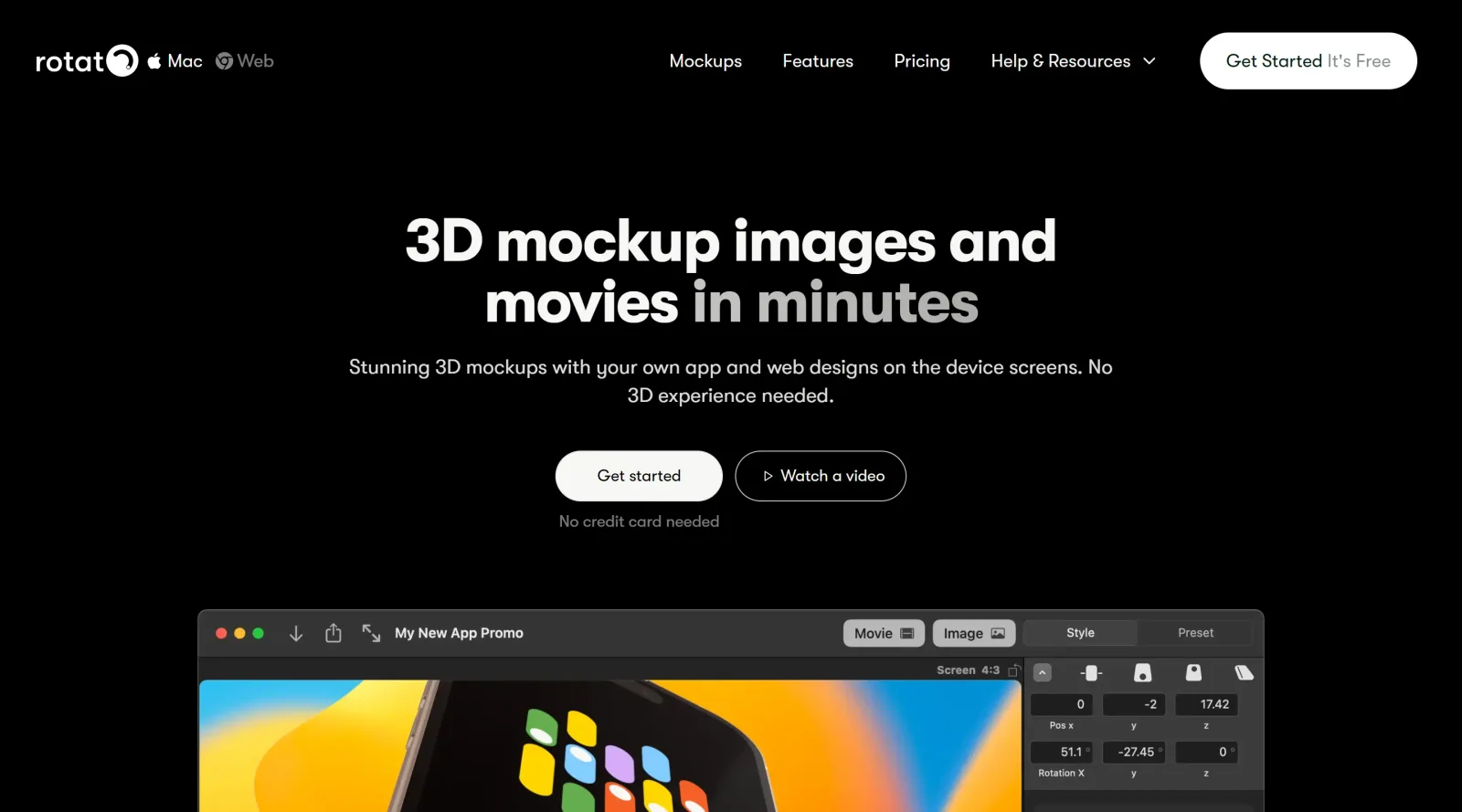
Rotato is a Mac application designed for creating and animating 3D mockups. It enables designers to place images or videos onto device models such as iPhones, iPads, MacBooks, Android phones, and laptops, generating photorealistic renders and animations. As a tool in the mockups category, Rotato fits into design workflows for showcasing UI designs, app prototypes, and web projects on realistic 3D devices. It operates as a paid application with an unlimited free trial, allowing offline use without credit card requirements.
What Rotato Does
- Imports images or videos by drag-and-drop onto pre-built 3D device mockups like MacBook Air, iPhones, iPads, and Android devices.
- Adjusts device properties including color, shadows, clay mode for matte finishes, and reflections for photorealism.
- Animates mockups with rotation, lid opening, scrolling content, and customizable easing curves for duration and speed.
- Renders high-resolution still images up to 4K or videos at high speeds using Apple Metal integration.
- Applies effects such as depth of field blur, vignette, lens effects, and 3D layer explosions via Figma plugin integration.
- Supports backgrounds like images, colors, or 3D scenes, plus text labels on device parts.
How Rotato Can Be Used
- Drag a UI design screenshot onto a MacBook mockup, adjust the angle and lid position, then render a still image for portfolio presentations.
- Import an app animation video into an iPhone mockup, set rotation animation with ease-in/out curves, and export a movie for App Store previews.
- Connect an iPhone via USB to pull screenshots directly, wrap them in a 3D device frame, and add shadows or clay style for client demos.
- Use the Figma plugin to select a frame, render it in an iPad mockup with exploded layers, then fine-tune animation in the standalone app.
- Combine multiple device mockups with focus blur on background elements for slide decks or social media posts showcasing web breakpoints.
Who Is Rotato For?
Rotato serves Mac-based UI/UX designers, product designers, and developers needing quick 3D mockups for app and web designs. It suits those working on client presentations, portfolio pieces, or marketing assets who require device-specific renders without 3D modeling expertise. Freelancers and teams at agencies handling mobile, tablet, and laptop prototypes find it applicable for iterative workflows. Experience levels range from intermediate users familiar with design tools like Figma to those seeking faster alternatives to complex 3D software. Visit Rotato
Featured Tools
Sponsored
Artlist
Royalty-free music, SFX, 8K footage, templates, LUTs and 100+ AI models on a single subscription for video creators.

Icons8
Large icon packs featuring over 10,000 icons for consistent design themes.

Vidu
AI video generator with text, image and reference-to-video modes, producing 3–16 second clips at up to 1080p with characters that stay consistent across shots.
Your tool here
The tools above are our own picks until the slots sell.
Spotlight
SponsoredRotates daily
Hailuo AI
AI video generator from MiniMax with cinematic, language-driven camera control.
More Mockups Tools
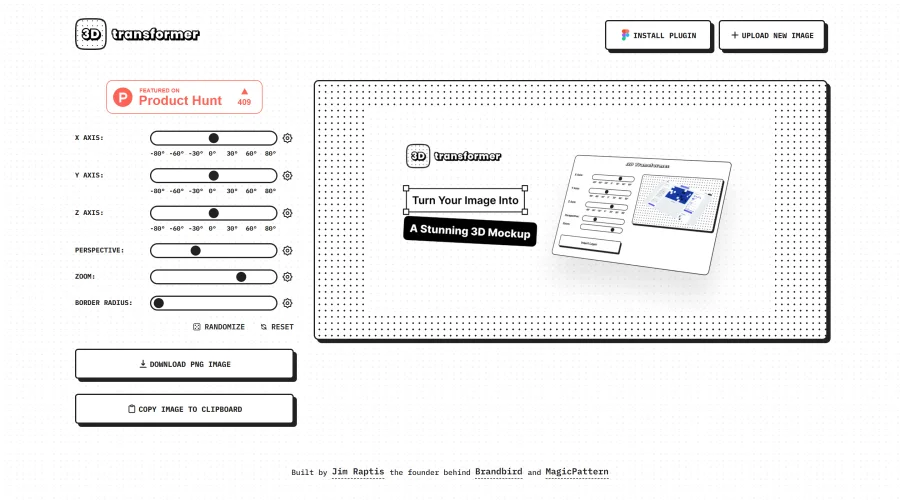
3D Transformer
Transform frames into striking 3D mockups online and in Figma.
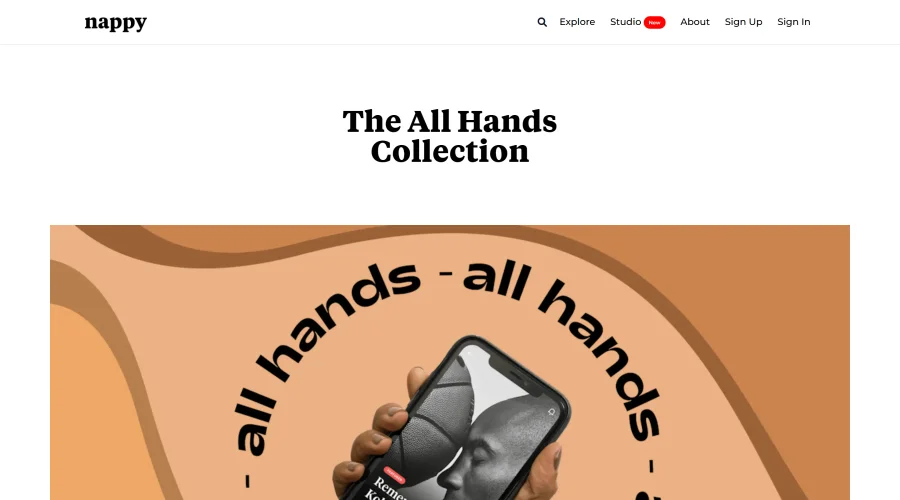
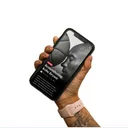
All Hands
25 free device mockups showcasing diverse hand types.
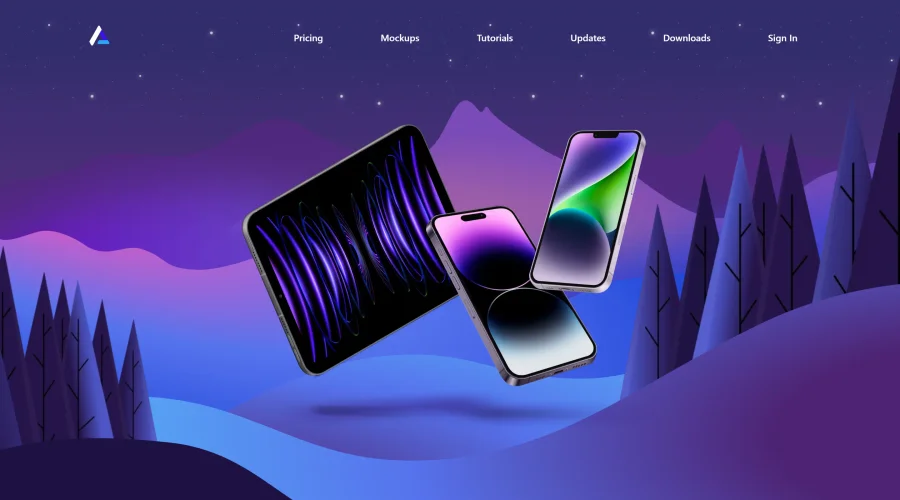

Angle
1,000 vector and 3D device mockups compatible with Sketch, Figma, and XD.
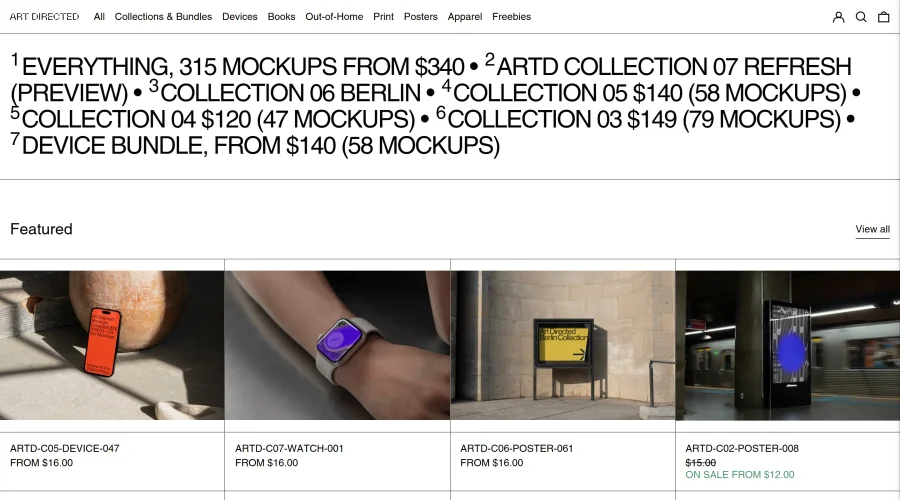
Art Directed
Modern mockups designed for contemporary design presentations.
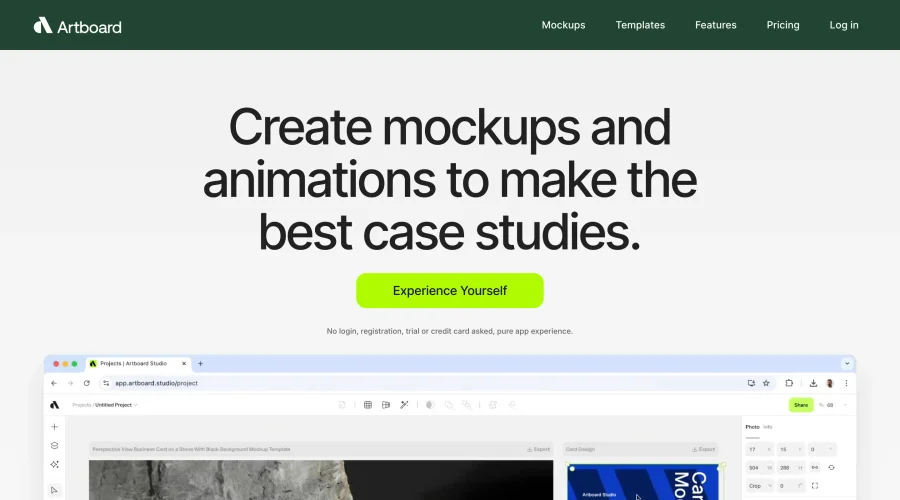

Artboard Studio Mockup Generator
Design amazing mockups and realistic scenes effortlessly.
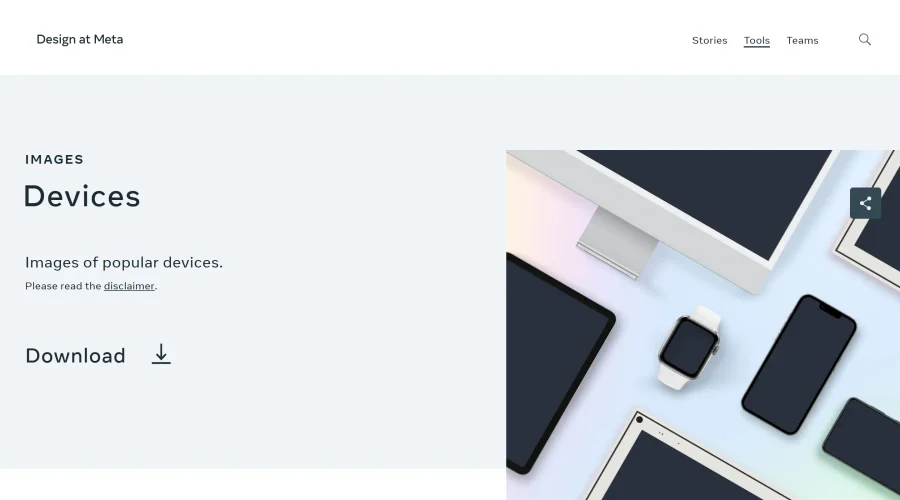

Design at Meta - Devices
Gallery of popular device images for diverse uses.
Explore Other Categories
Discover more design resources
New to Design?
Explore our comprehensive design glossary to master essential terminology from A/B Testing to Wireframes.
Browse GlossaryLooking for something specific?
Search through our entire collection of design tools and resources