
Access Apple's extensive set of over 1,500 diverse icons.
What it costs
- Free tier
- Yes
SF Symbols is Apple's free app for developers; scrape hit the Apple Developer homepage with no pricing shown (catalog lists it as Paid).
Auto-checked on 8 August 2026Source
About SF Symbols
What Is SF Symbols?
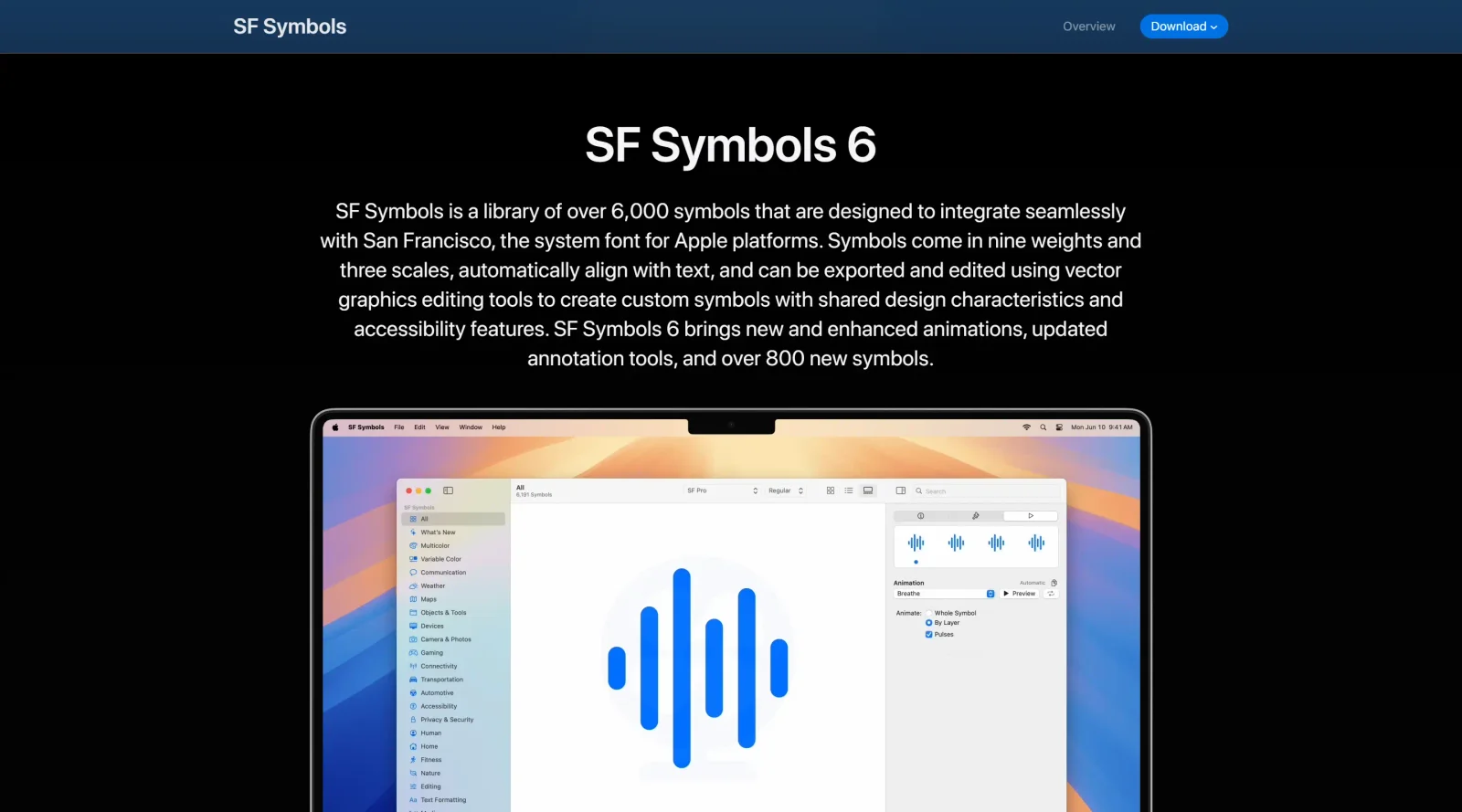
SF Symbols is Apple's icon library providing over 6,900 vector-based symbols for use in apps across Apple platforms. It serves as a core resource in the icons category, offering paid access through the SF Symbols app for designers and developers to browse, customize, and export symbols that align with the San Francisco system font. SF Symbols fits into design workflows by enabling consistent iconography that supports text alignment, accessibility features like Dynamic Type, and rendering modes, streamlining UI development for iOS, macOS, and related platforms.
What SF Symbols Does
- Delivers over 6,900 symbols in nine weights and three scales (small, medium, large) that automatically align with text labels.
- Supports multiple rendering modes including Monochrome, Hierarchical, Palette, and Multicolor for varied visual effects.
- Allows creation and annotation of custom symbols using vector editing tools within the SF Symbols app.
- Provides export options in formats like SVG and PNG for integration into design comps or asset catalogs.
- Includes localization enhancements and color customization to match app palettes.
- Features Draw animations and Variable Draw for organic stroke effects, plus gradients for added dimension in SF Symbols 7.
How SF Symbols Can Be Used
- In UI design for navigation bars, tab bars, toolbars, context menus, and widgets to represent tasks or content categories without needing separate icon files.
- During app prototyping by copying symbol images in PNG or SVG for mockups in tools like Figma or Sketch.
- For developer handoff, where symbols bundle as fonts in iOS projects, ensuring optical alignment with San Francisco font.
- In custom symbol workflows: duplicate built-in symbols, edit vectors with annotations for layers and enclosures, then export for use.
- To implement accessibility by supporting Dynamic Type, Bold Text, and variable rendering that adapts to user preferences.
- With Magic Replace for smooth transitions between related symbols, preserving enclosures and applying animations like Draw On/Off.
Who Is SF Symbols For?
SF Symbols targets UI designers and developers building for Apple platforms, including iOS, macOS, iPadOS, and watchOS apps. It suits teams needing a scalable icon library with system-level integration, from junior designers prototyping interfaces to experienced developers implementing accessible, performant icons. Projects involving consistent branding, multilingual support, or advanced animations benefit most, as symbols remain within the Apple ecosystem for native use. Visit SF Symbols
Featured Tools
Sponsored
Artlist
Royalty-free music, SFX, 8K footage, templates, LUTs and 100+ AI models on a single subscription for video creators.

Icons8
Large icon packs featuring over 10,000 icons for consistent design themes.

Vidu
AI video generator with text, image and reference-to-video modes, producing 3–16 second clips at up to 1080p with characters that stay consistent across shots.
Your tool here
The tools above are our own picks until the slots sell.
Spotlight
SponsoredRotates daily
HyNote
Records and transcribes interviews and meetings, then turns them into summaries and action items.
Tools we recommend


Editorially chosen. Some links above are affiliate links — if you sign up we may earn a commission, at no extra cost to you.
More Icons Tools
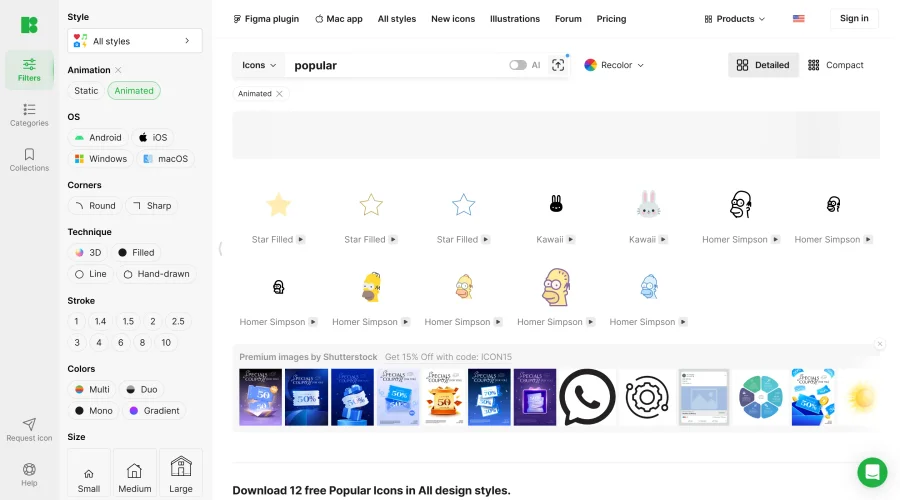

Animated Icons 2.0
Enhance your projects with 900+ animated icons.
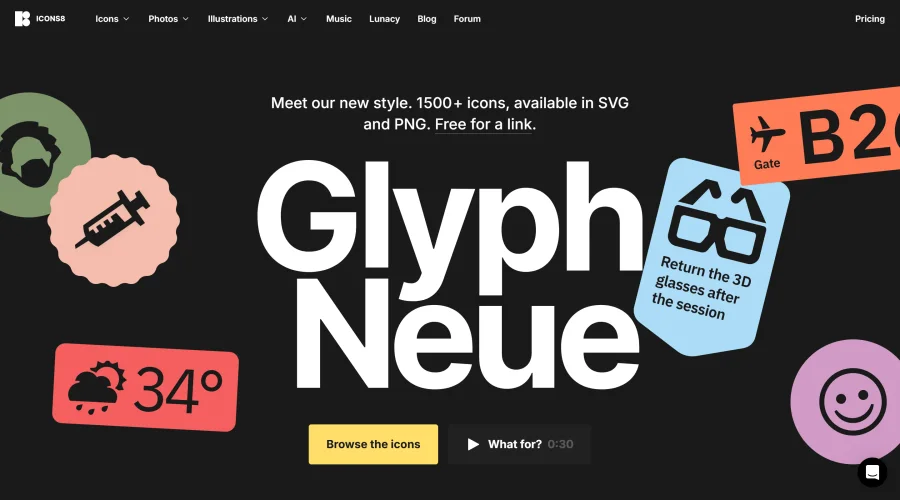

Glyph Neue
Over 1,500 icons in SVG and PNG formats, free with attribution.
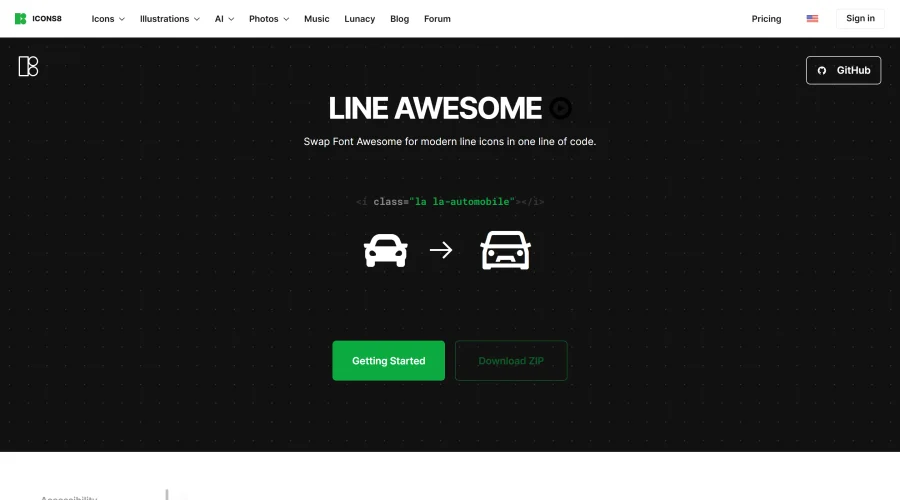

Line Awesome
Easily replace Font Awesome with modern line icons using one line of code.
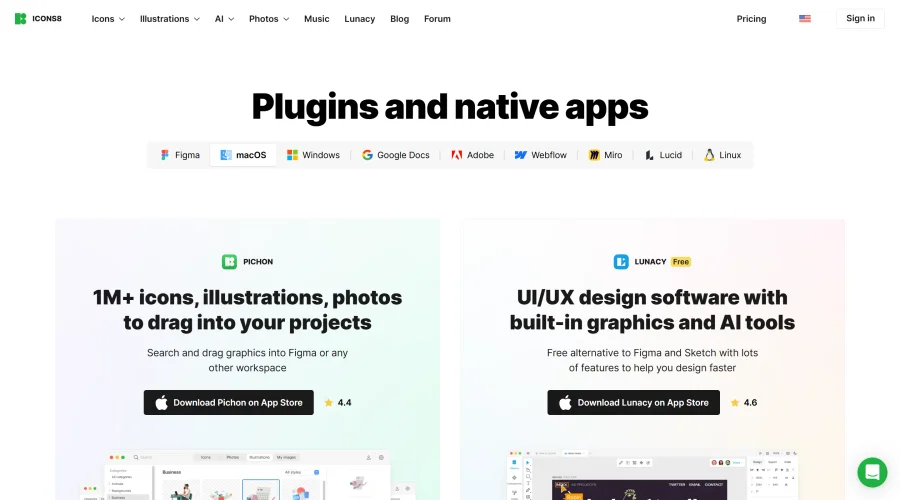

Pichon
Drag and drop the best design graphics with ease.
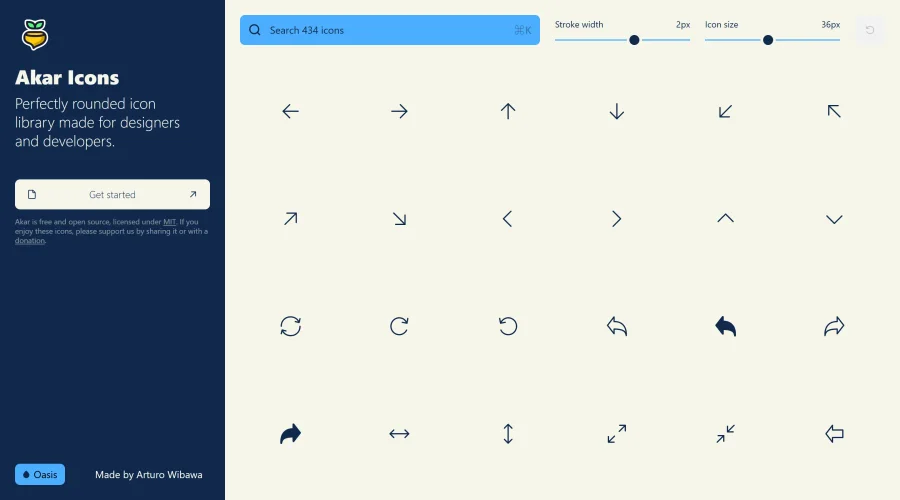

Akar Icons
A perfectly rounded icon library designed for designers and developers.
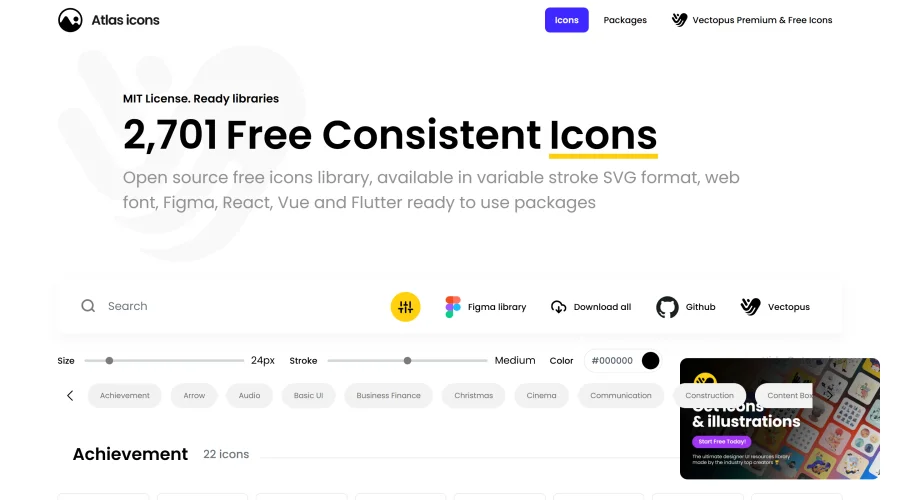

Atlas Icons
Versatile open-source icon library, offering various stroke widths and formats.
Explore Other Categories
Discover more design resources
New to Design?
Explore our comprehensive design glossary to master essential terminology from A/B Testing to Wireframes.
Browse GlossaryLooking for something specific?
Search through our entire collection of design tools and resources