

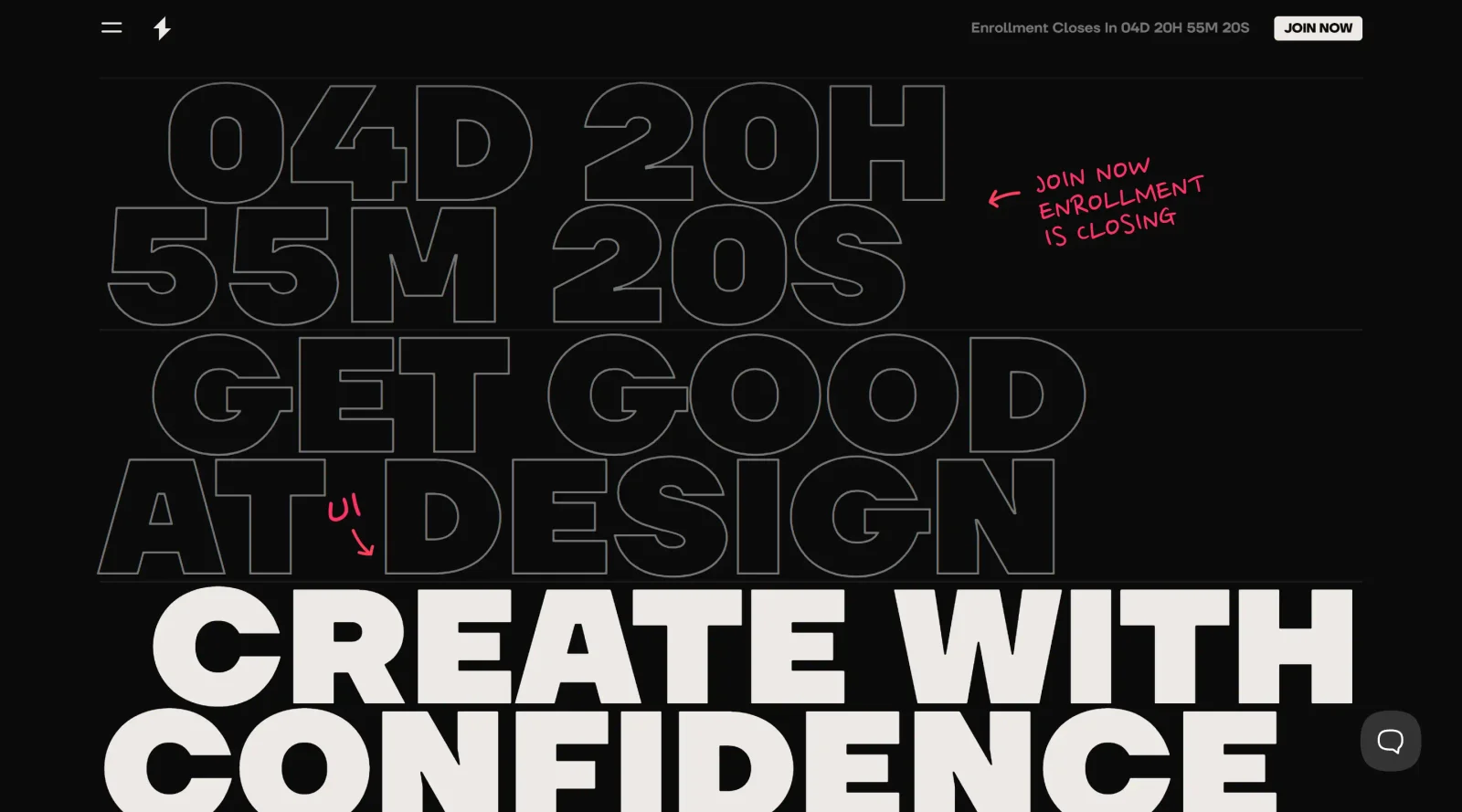
Online experience for designing attractive and functional interfaces.
What it costs
- Free tier
- No
- Paid plans from
- $1997/yr
Interface-design training membership is $1997/yr USD billed annually; some free resources exist but the program itself is paid.
Auto-checked on 8 August 2026Source
About Shift Nudge
What Is Shift Nudge?
Shift Nudge is an online educational course focused on professional interface design training. It provides over 13 hours of video content across 85 lessons, teaching systematic approaches to typography, layout, color, style, imagery, elements, and interaction design. As a paid program in the educational category, Shift Nudge equips working designers with frameworks to make design decisions without guesswork, applicable in tools like Figma for creating attractive and functional interfaces. The course fits into the design workflow as a foundational learning resource, particularly during skill-building phases before or alongside project execution, helping designers refine visual craft for enterprise systems and real-world applications.
What Shift Nudge Does
- Delivers structured lessons on typography fundamentals, including type selection, hierarchy, and alignment principles.
- Covers layout systems, such as grid usage, spacing constraints like 8-pixel grids, and visual alignment techniques.
- Teaches color theory and application, defining color roles for actions, states, and brand consistency across interfaces.
- Provides guidance on style, elements, and tactics for interface components, including interactive states like hover, focus, and disabled.
- Includes Figma 101 training with practical exercises for organizing files, using reference materials, and applying design principles.
- Offers resources like checklists, accessibility checkpoints, and developer handoff strategies to support design execution and collaboration.
How Shift Nudge Can Be Used
- Designers follow the self-paced curriculum over 8 weeks to build skills in typography and layout, then apply them to low-fidelity wireframes for client projects.
- In team workflows, members use Shift Nudge lessons on color systems and grid alignment to standardize interface designs before developer handoff.
- During interface refinement, learners reference course tactics for interactive states and animations, linking to external examples for precise implementation.
- Working designers integrate Figma exercises from Shift Nudge to organize components, define symbols, and ensure constraints like character limits for responsive layouts.
- For enterprise systems, the course supports creating style guides with defined font sizes, colors, and alignments to reduce documentation overhead in handoffs.
Who Is Shift Nudge For?
Shift Nudge serves working designers, including self-taught individuals, career switchers, and experienced professionals seeking systematic foundations in interface design. It targets those handling UI projects who need clarity in visual decisions for typography, layout, and color, particularly in enterprise workflows or tool-agnostic applications. Junior to mid-level UI designers, as well as teams at companies like Figma and Google, use it to advance craft without formal training backgrounds. Visit Shift Nudge
Featured Tools
Sponsored
Artlist
Royalty-free music, SFX, 8K footage, templates, LUTs and 100+ AI models on a single subscription for video creators.

Icons8
Large icon packs featuring over 10,000 icons for consistent design themes.

Vidu
AI video generator with text, image and reference-to-video modes, producing 3–16 second clips at up to 1080p with characters that stay consistent across shots.
Your tool here
The tools above are our own picks until the slots sell.

More Educational Tools


10x Designers
Broaden your design skills with this resource.


AJ Smart
Premier resource for UX/UI, design sprints, and design thinking.


Android Design Hub
Android UI design best practices for creating beautiful interfaces.


Baseline
Expertly crafted free design bootcamp for skill enhancement.


Better Web Type
Complimentary web typography course for designers and developers.


Biased by Design
Insights on recognizing and countering cognitive bias in design.
Explore Other Categories
Discover more design resources
New to Design?
Explore our comprehensive design glossary to master essential terminology from A/B Testing to Wireframes.
Browse GlossaryLooking for something specific?
Search through our entire collection of design tools and resources