

Comprehensive tools for a fully collaborative design process.
What it costs
- Free tier
- No
Paid Mac design app; homepage shows only a free trial/download plus free handoff and education tiers, with plan pricing on a separate /pricing page not captured.
Auto-checked on 8 August 2026Source
About Sketch
What Is Sketch?
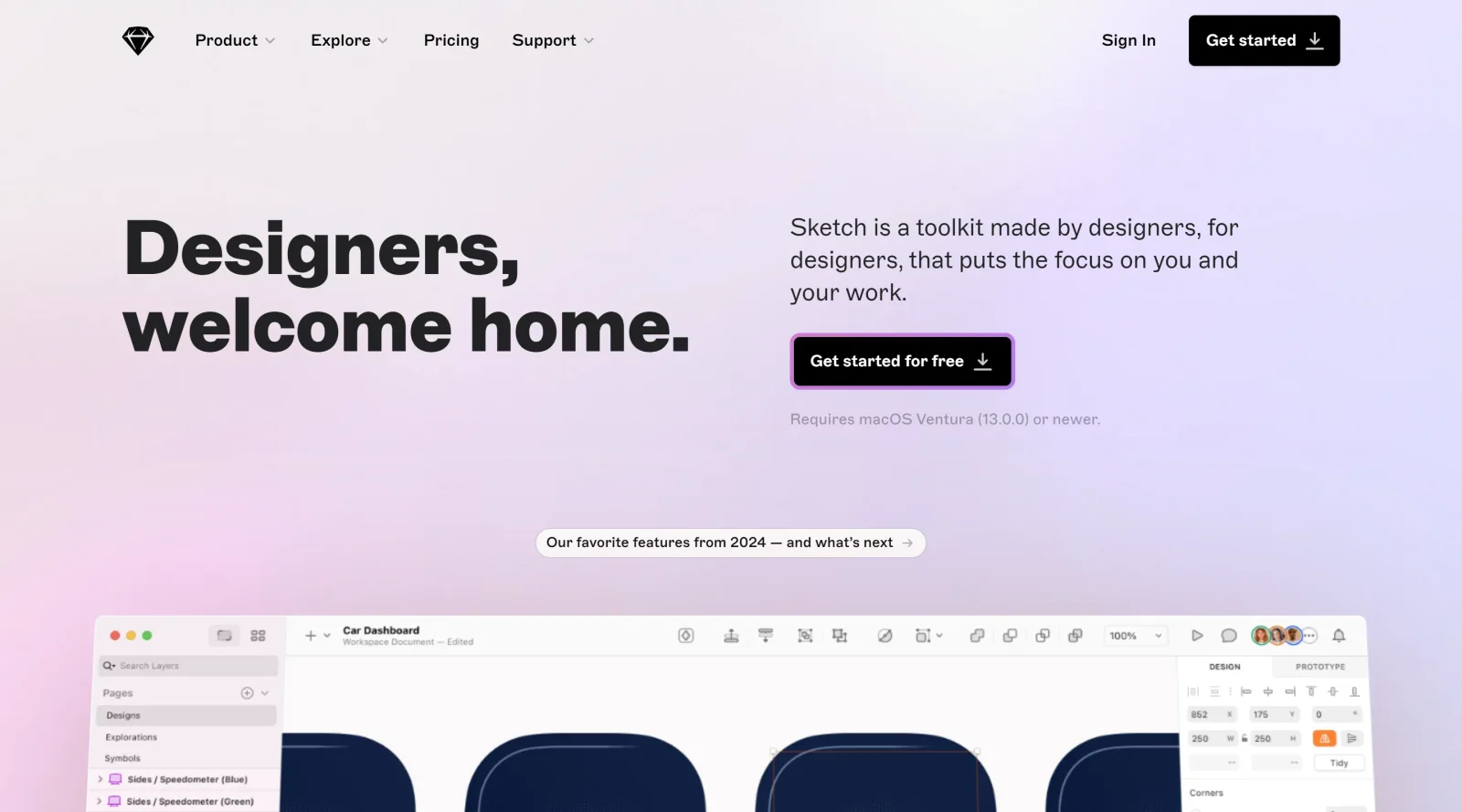
Sketch is a vector graphics editor designed for user interface (UI) and user experience (UX) design, primarily for websites and mobile applications. It serves as a core tool in the design workflow, enabling designers to create layouts, prototypes, and assets on an infinite canvas using artboards that represent screens or interactions. As a paid design tool in the design-tools category, Sketch supports collaborative processes with features for real-time editing, shared workspaces, and feedback integration.
What Sketch Does
- Provides vector editing tools including shapes, pen tool, freehand paths, and Boolean operations like union, subtract, intersect, and difference.
- Supports symbols and components for creating reusable UI elements that can be overridden for variations across designs.
- Offers prototyping capabilities such as hotspots, scrolling areas, overlays for modals and menus, and interactions like hover, drag, and swipe.
- Includes layer styling options with fills, borders, shadows, blend modes, opacity controls, and dashed lines.
- Enables precise alignment with pixel snapping, smart guides, grids, rulers, and distribution tools for object spacing.
- Facilitates exports in multiple formats including PNG, JPG, SVG, and PDF, with customizable settings for slices and frames.
How Sketch Can Be Used
- Designers create artboards for iOS, Android, web, or custom screen sizes to build webpage layouts or mobile app interfaces, scaling vectors for any device.
- Teams collaborate in real-time on shared documents, pinning comments on specific layers, resolving feedback threads, and syncing libraries across workspaces.
- Developers import prototypes into browsers or devices for testing interactions like scrolling, modals, and multi-directional navigation without coding.
- UI designers repurpose symbols for buttons, icons, or navigation elements, applying overrides to adapt them to different states or pages.
- Workflows involve setting up grids, adding text and shapes, defining styles for consistency, and exporting assets for handoff to engineering teams.
Who Is Sketch For?
Sketch targets web designers, digital designers, UX designers, and UI professionals working on screen-based projects like mobile apps and websites. It suits individual designers handling layouts on macOS Sonoma or later, as well as teams needing collaborative features for prototypes and handoffs. Experience levels range from those familiar with vector tools to advanced users leveraging plugins and integrations for extended functionality.Visit Sketch
Featured Tools
Sponsored
Artlist
Royalty-free music, SFX, 8K footage, templates, LUTs and 100+ AI models on a single subscription for video creators.

Icons8
Large icon packs featuring over 10,000 icons for consistent design themes.

Vidu
AI video generator with text, image and reference-to-video modes, producing 3–16 second clips at up to 1080p with characters that stay consistent across shots.
Your tool here
The tools above are our own picks until the slots sell.
Spotlight
SponsoredRotates daily
HyNote
Records and transcribes interviews and meetings, then turns them into summaries and action items.
Tools we recommend


getimg.ai
20+ AI models for image, video & audio in one workspace


OpenArt
All-in-one AI image, video & audio generator


YouCam Online Editor
Free online AI photo & video editor
Editorially chosen. Some links above are affiliate links — if you sign up we may earn a commission, at no extra cost to you.
More Design Tools Tools


Pryzm
Pryzm is a real-time studio for designers who need backgrounds that don't look like everyone else's. Layer procedural gradients, then stack glass, grain, light and blobs.


Modeinspect
Mode turns your product’s codebase into editable canvas frames. Refine real UI with visual controls, experiment with AI then share or hand off for review.


GoProd
Remove backgrounds and upscale images effectively.


Kittl
AI-first design platform with image, vector, and video generation, plus templates, mockups, and print-ready exports.


Lunacy
Free design software enhanced with AI tools and built-in graphics.


Smart Upscaler
Automatically improve image clarity using AI technology.
Explore Other Categories
Discover more design resources
New to Design?
Explore our comprehensive design glossary to master essential terminology from A/B Testing to Wireframes.
Browse GlossaryLooking for something specific?
Search through our entire collection of design tools and resources