
What it costs
- Free tier
- Yes
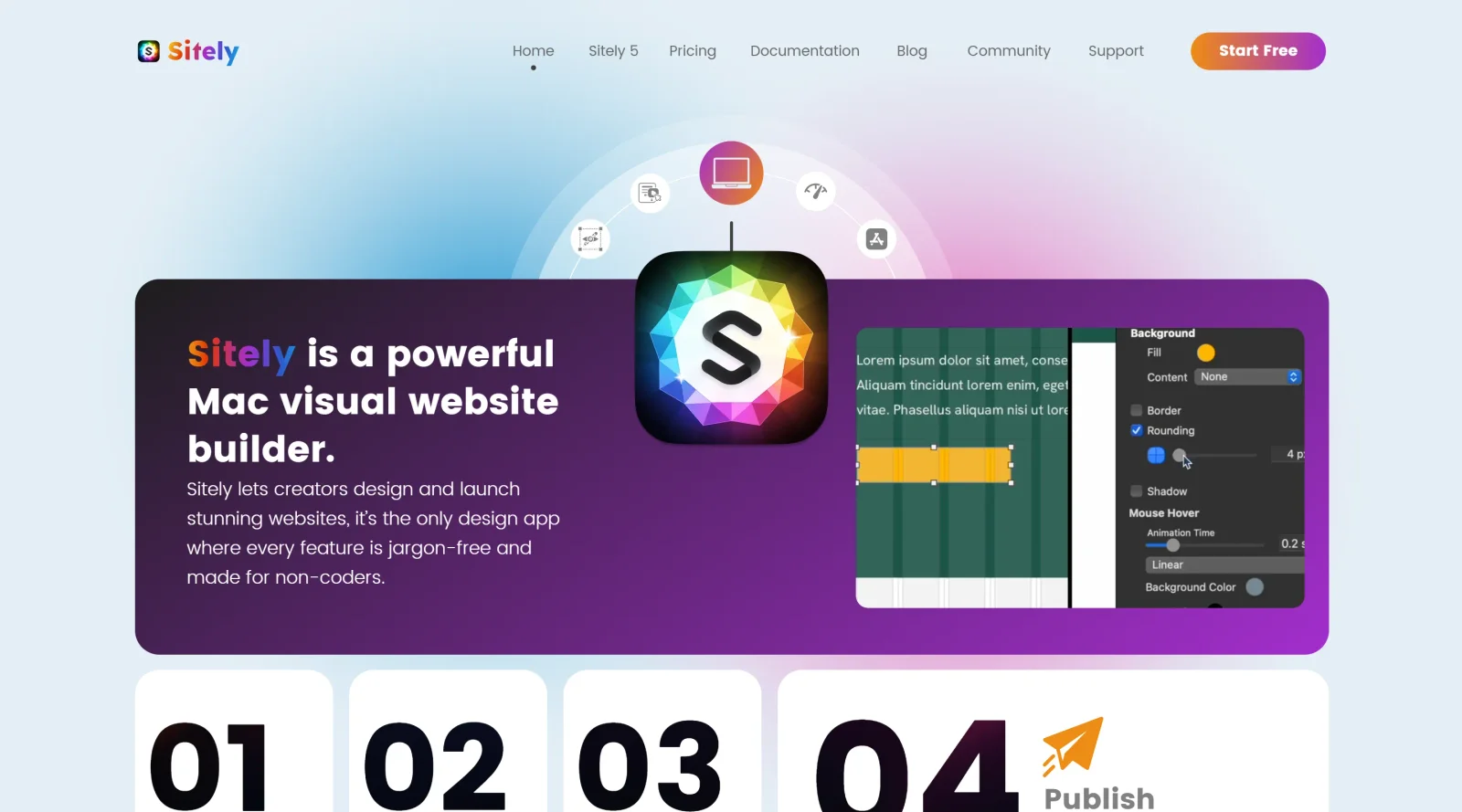
Sparkle is now 'Sitely', a Mac visual website builder; pricing is on a separate store page not shown.
Auto-checked on 8 August 2026Source
About Sparkle
What Is Sparkle?
Sparkle is a visual website builder designed exclusively for Mac users, enabling the creation of websites through a drag-and-drop interface without coding. As a tool in the website-builders category, Sparkle follows a freemium pricing model, where the core app is free to download, with paid upgrades available as in-app purchases for additional features like site export and unlimited projects. It positions itself in the design workflow as an accessible entry point for building responsive web pages, starting from a blank canvas or generated templates, and fits between simple page layout apps like Apple's Pages and more complex web development environments.
What Sparkle Does
- Provides buttons for adding text, images, and other common elements directly to a blank canvas.
- Offers a "More" tray with additional components such as navigation, forms, and structural elements for site building.
- Supports paragraph styles for text formatting, including font, color, and alignment adjustments similar to Pages.
- Allows page management with settings for names, HTML file names, descriptions, keywords, and alignment.
- Generates individualized templates using AI by inputting a core website idea, including multiple pages, layouts, buttons, and contact forms.
- Enables importing existing websites for editing and previewing changes before publishing.
How Sparkle Can Be Used
- Design a personal portfolio by starting with a blank canvas, adding text and images via quick buttons, and applying styles for consistent typography across pages.
- Build a business site like a bakery or music promotion page by selecting an AI-generated template, customizing layouts, and adding navigation elements.
- Create landing pages for online campaigns, making swift changes to text, forms, and photos without developer involvement.
- Redesign an existing site by importing it into Sparkle, previewing modifications in the interface, and exporting for deployment.
- Prototype multi-page websites with features like contact forms and buttons, using the page pane to set metadata and structure.
Who Is Sparkle For?
Sparkle serves Mac users seeking a no-code solution for website creation, including small business owners needing quick sites for blogs, shops, or services, as well as designers familiar with tools like Pages or Keynote who prefer visual editing over HTML and CSS. It suits beginners creating their first site from templates or scratch, professionals prototyping landing pages or portfolios, and anyone handling updates without technical skills, provided they work on macOS Mavericks or later. Free tier works for single-page testing, while paid versions support multiple sites and exports. Visit Sparkle
Featured Tools
Sponsored
Artlist
Royalty-free music, SFX, 8K footage, templates, LUTs and 100+ AI models on a single subscription for video creators.

Icons8
Large icon packs featuring over 10,000 icons for consistent design themes.

Vidu
AI video generator with text, image and reference-to-video modes, producing 3–16 second clips at up to 1080p with characters that stay consistent across shots.
Your tool here
The tools above are our own picks until the slots sell.

Tools we recommend

Base44
Build full-stack apps from a prompt (by Wix)

SITE123
Free website builder with hosting included
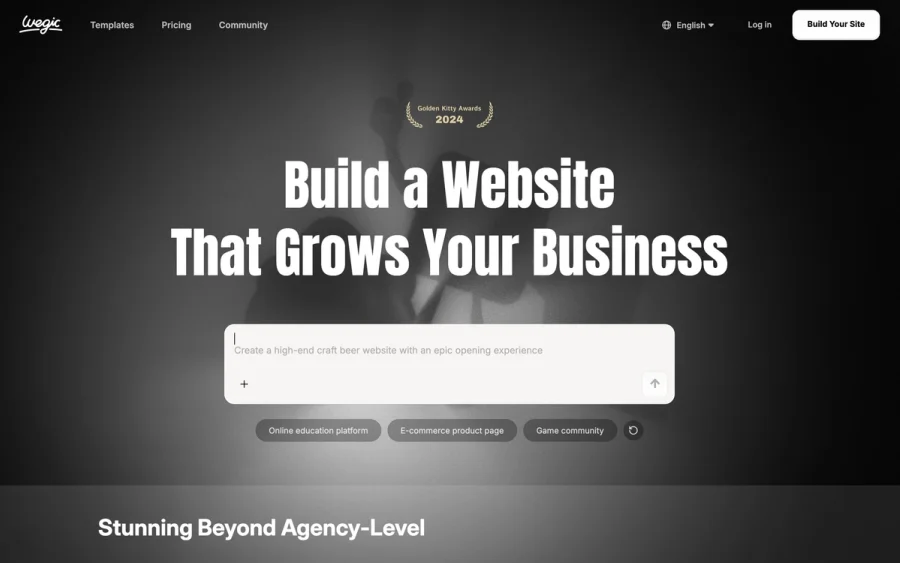

Wegic
Build & manage a whole site by chatting with AI
Editorially chosen. Some links above are affiliate links — if you sign up we may earn a commission, at no extra cost to you.
More Website Builders Tools
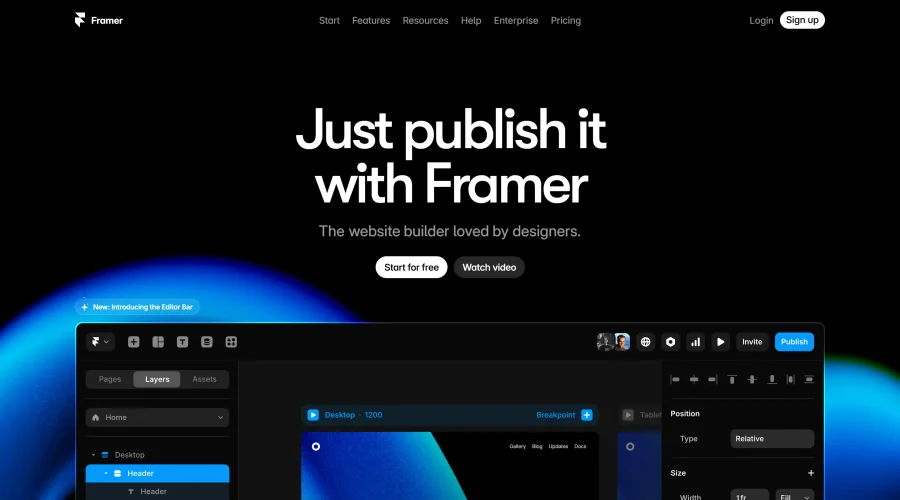

Framer
Design and launch your dream website with no coding required.
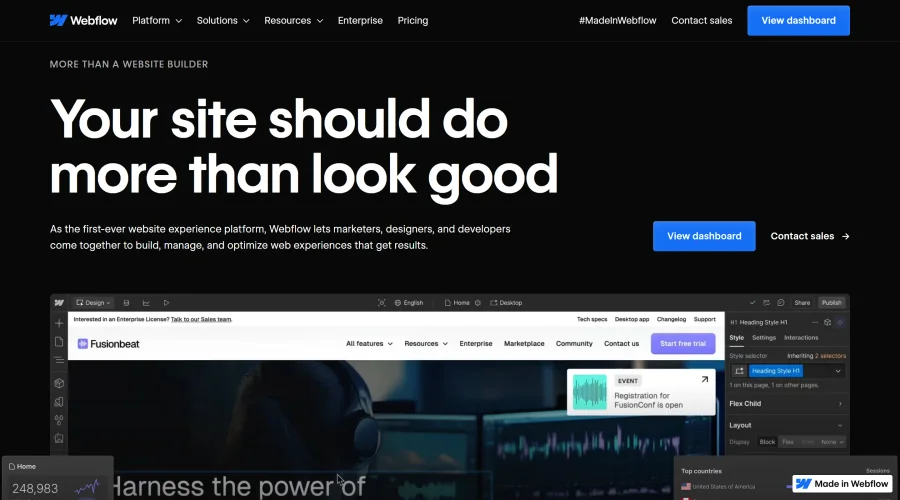

Webflow
Accelerate website creation without needing to code.
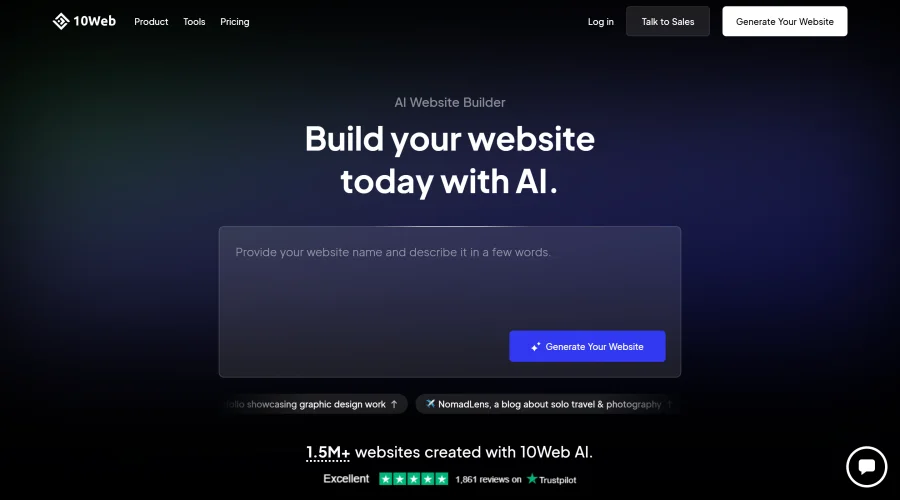

10Web
AI-enhanced WordPress website builder for easy site creation.
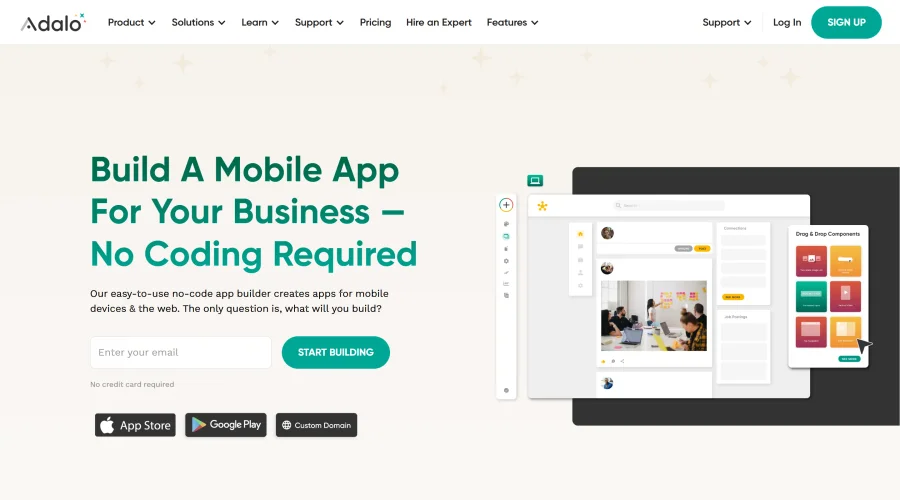

Adalo
Turn app ideas into reality without needing to code.
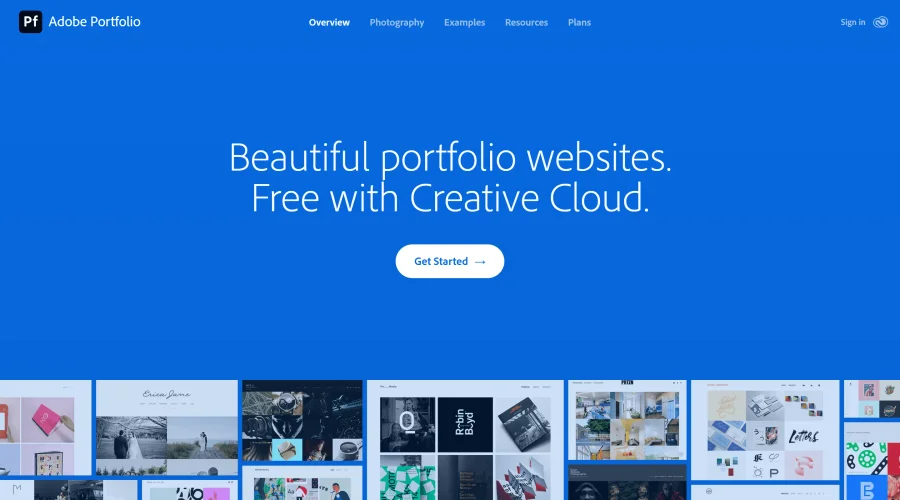

Adobe Portfolio
Build stunning portfolio websites, free with Creative Cloud.
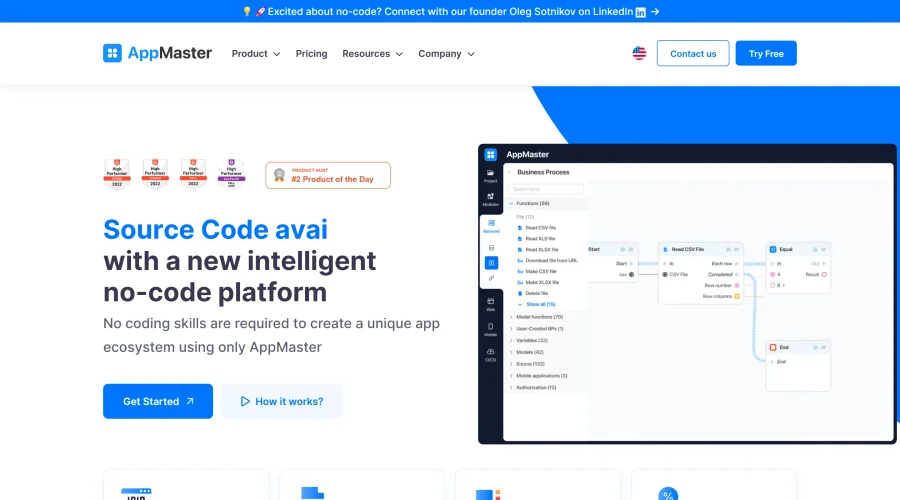

AppMaster
Next-gen no-code platform for automating business processes and building native apps.
Explore Other Categories
Discover more design resources
New to Design?
Explore our comprehensive design glossary to master essential terminology from A/B Testing to Wireframes.
Browse GlossaryLooking for something specific?
Search through our entire collection of design tools and resources