

Create web animations directly in the browser, designed for designers and developers.
What it costs
- Free tier
- No
Spirit has been discontinued as a service; browser animation tool with no pricing shown.
Auto-checked on 8 August 2026Source
About Spirit
What Is Spirit?
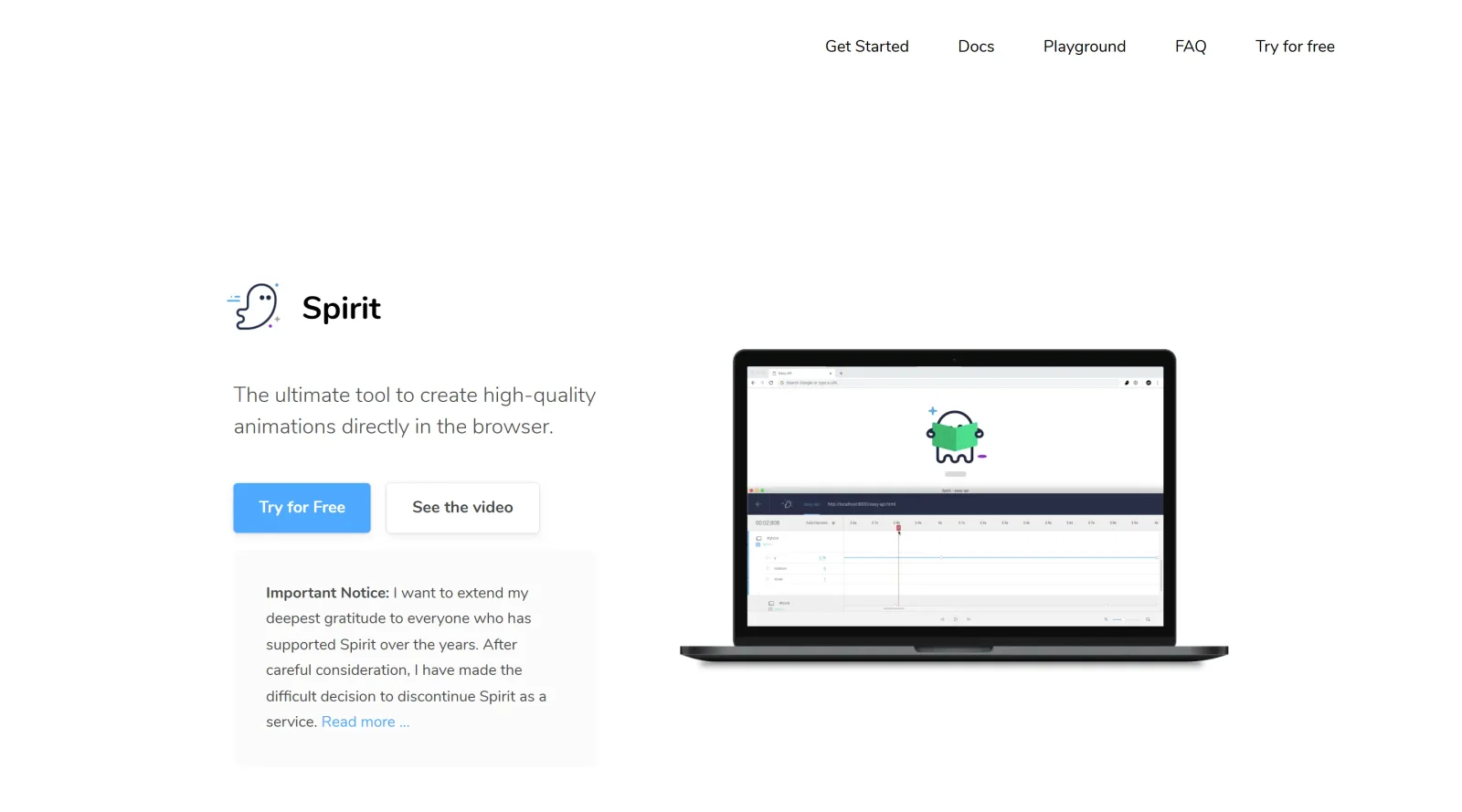
Spirit is a **design tool** in the animation category that enables users to create web animations directly in the browser. It serves designers and developers by providing a visual interface for building interactive animations on existing web pages without initial coding requirements. As a paid tool, Spirit integrates into the design workflow through its desktop application, primarily for macOS, combined with a Chrome extension and web player, allowing real-time editing and playback using GSAP for animation handling.
What Spirit Does
- Connects to any web page via Chrome extension to select and animate DOM elements in real-time.
- Provides a timeline interface for adding keyframes, adjusting timing, and applying easing functions like elastic ease out.
- Supports animation of CSS properties including position, size, opacity, box-shadow, z-index, clip-path, and filters.
- Allows animation of SVG-specific properties such as stroke, fill, color, and GSAP features like drawSVG.
- Exports animations as JSON files for import into Spirit's web player or direct embedding in production sites.
- Enables custom properties and JavaScript expressions for dynamic effects based on mouse events or scrolling.
How Spirit Can Be Used
- Animate navigation menus or banners on live sites like news pages by connecting Spirit Studio, selecting elements, and setting keyframes for entrance effects.
- Create SVG animations by embedding SVGs in HTML, connecting the page, and animating paths with stroke properties for drawing effects.
- Build interactive elements where animations respond to user input, such as mouse position or button clicks for play/reverse controls.
- Iterate on existing animations by importing JSON data into Spirit Studio after reloading a connected web page.
- Prototype motion for UI components directly in the browser, adjusting properties like opacity and scale across multiple elements in a group.
Who Is Spirit For?
Spirit targets designers and developers working on web animations who need a browser-based tool for visual creation and live editing. It suits those handling interactive web elements, SVG graphics, or page transitions, particularly users familiar with web technologies like CSS, SVG, and GSAP. Experience levels range from intermediate designers prototyping motions to developers fine-tuning timings and exporting for production. Roles in UI/UX design, front-end development, and motion design benefit from its real-time workflow on actual web pages. Visit Spirit
Featured Tools
Sponsored
Artlist
Royalty-free music, SFX, 8K footage, templates, LUTs and 100+ AI models on a single subscription for video creators.

Icons8
Large icon packs featuring over 10,000 icons for consistent design themes.

Vidu
AI video generator with text, image and reference-to-video modes, producing 3–16 second clips at up to 1080p with characters that stay consistent across shots.
Your tool here
The tools above are our own picks until the slots sell.

Tools we recommend


getimg.ai
20+ AI models for image, video & audio in one workspace


OpenArt
All-in-one AI image, video & audio generator


YouCam Online Editor
Free online AI photo & video editor
Editorially chosen. Some links above are affiliate links — if you sign up we may earn a commission, at no extra cost to you.
More Design Tools Tools


Pryzm
Pryzm is a real-time studio for designers who need backgrounds that don't look like everyone else's. Layer procedural gradients, then stack glass, grain, light and blobs.


Modeinspect
Mode turns your product’s codebase into editable canvas frames. Refine real UI with visual controls, experiment with AI then share or hand off for review.


GoProd
Remove backgrounds and upscale images effectively.


Kittl
AI-first design platform with image, vector, and video generation, plus templates, mockups, and print-ready exports.


Lunacy
Free design software enhanced with AI tools and built-in graphics.


Smart Upscaler
Automatically improve image clarity using AI technology.
Explore Other Categories
Discover more design resources
New to Design?
Explore our comprehensive design glossary to master essential terminology from A/B Testing to Wireframes.
Browse GlossaryLooking for something specific?
Search through our entire collection of design tools and resources