

What it costs
- Free tier
- No
Stacker has pivoted to "AI agents" (stacker.ai) offering $100 free credits with no card to start, but no plan prices are shown (on /pricing).
Auto-checked on 8 August 2026Source
About Stacker
What Is Stacker?
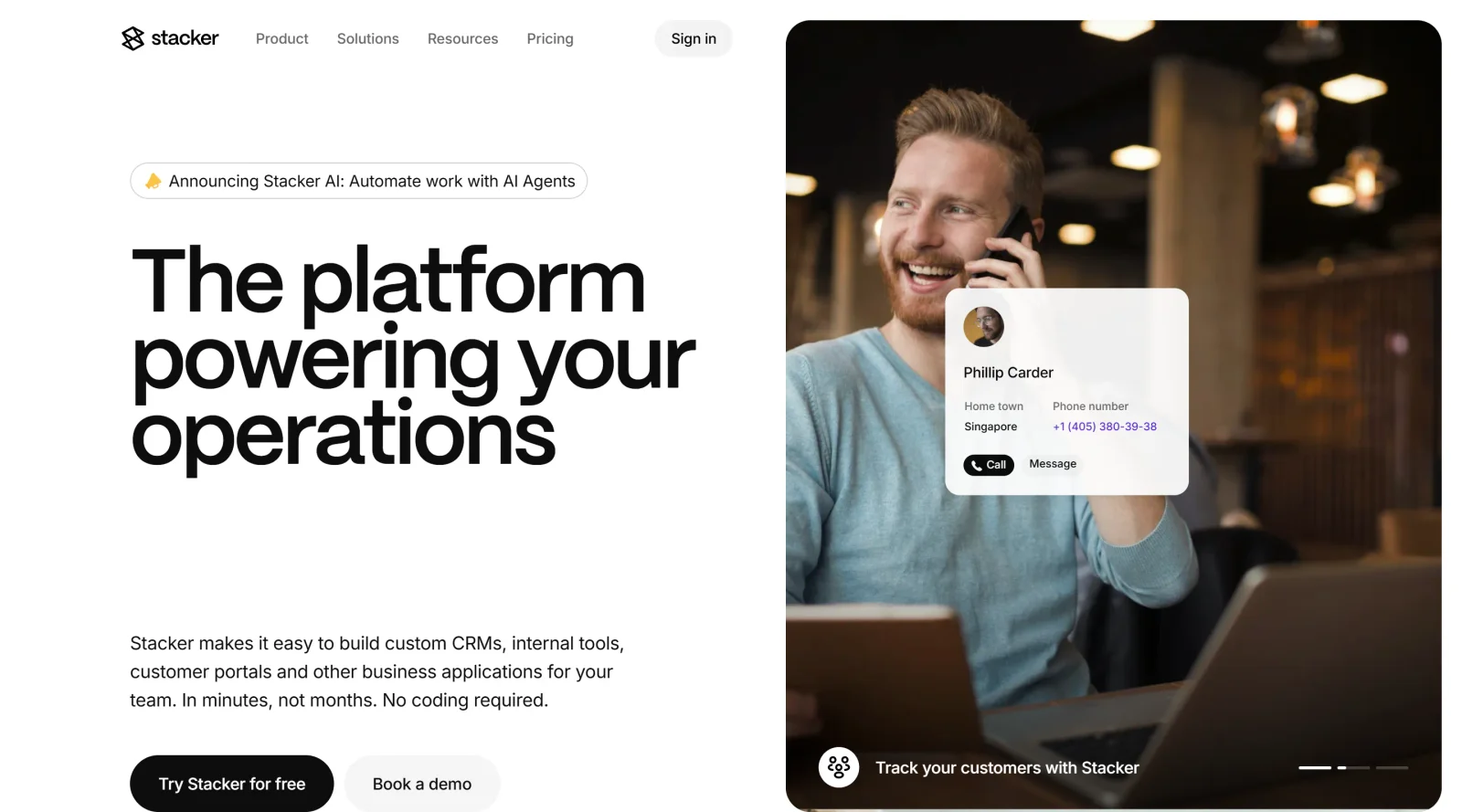
Stacker is a no-code platform classified as a website builder that enables users to create custom software applications without coding. Its core purpose is to transform databases, particularly Airtable data, into fully functional web apps, portals, and internal tools. Stacker fits into the design workflow for teams needing to build client-facing interfaces or operational dashboards quickly, bypassing traditional development processes. As a paid tool, Stacker offers subscription plans starting from around $29 to $79 per month for starter tiers, scaling to $299 to $349 for pro levels, with enterprise options available.
What Stacker Does
- Connects to Airtable and other data sources to generate frontends for existing databases.
- Supports building multiple apps or portals with limits based on the pricing plan, from 1 app in starter tiers to unlimited in pro plans.
- Manages records with capacity scaling from 10,000 per app in starter plans to unlimited in higher tiers.
- Provides user permissions, roles, and access controls for internal and external users.
- Allows customization through custom domains, CSS, and scripts in advanced plans.
- Enables collaboration with editor seats, from 1 in starter to 10 or more in pro plans.
How Stacker Can Be Used
- Designers convert Airtable project trackers into client portals where stakeholders view updates without login credentials beyond basic permissions.
- Teams build internal dashboards for sales data, assigning role-based views to different departments.
- Small businesses create customer-facing web apps from spreadsheets, such as inventory management tools with external user access.
- Organizations develop multi-app workflows, like HR onboarding portals linked to employee databases, using higher-tier unlimited records and apps.
- Developers prototype no-code solutions rapidly, integrating data connections for real-time updates in operational tools.
Who Is Stacker For?
Stacker serves non-technical teams, small businesses, and growing organizations requiring custom website buildersfor data-driven web apps. It suits product managers, operations leads, and designers handling internal tools or client portals who use Airtable or similar databases. Experience levels range from beginners with starter plans for single apps to advanced users leveraging pro features for complex permissions and scaling needs. Project types include CRM frontends, inventory systems, and collaborative dashboards where coding is avoided.
Featured Tools
Sponsored
Artlist
Royalty-free music, SFX, 8K footage, templates, LUTs and 100+ AI models on a single subscription for video creators.

Icons8
Large icon packs featuring over 10,000 icons for consistent design themes.

Vidu
AI video generator with text, image and reference-to-video modes, producing 3–16 second clips at up to 1080p with characters that stay consistent across shots.
Your tool here
The tools above are our own picks until the slots sell.
Spotlight
SponsoredRotates daily
HyNote
Records and transcribes interviews and meetings, then turns them into summaries and action items.
Tools we recommend

Base44
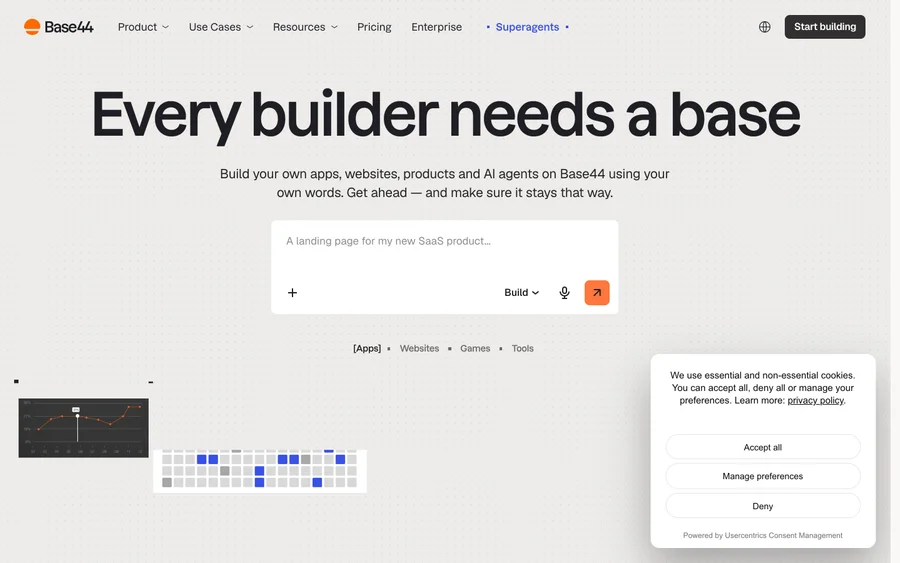
Build full-stack apps from a prompt (by Wix)

SITE123
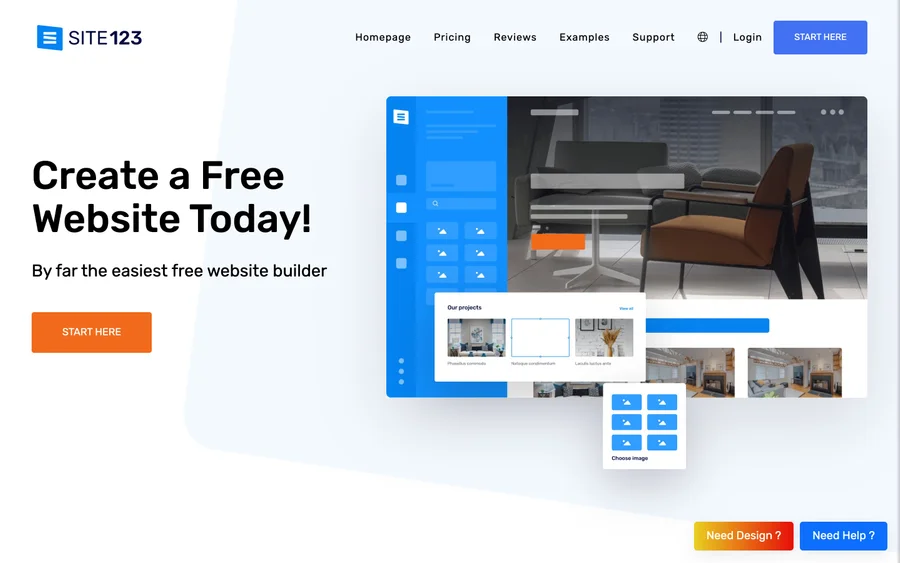
Free website builder with hosting included

Wegic
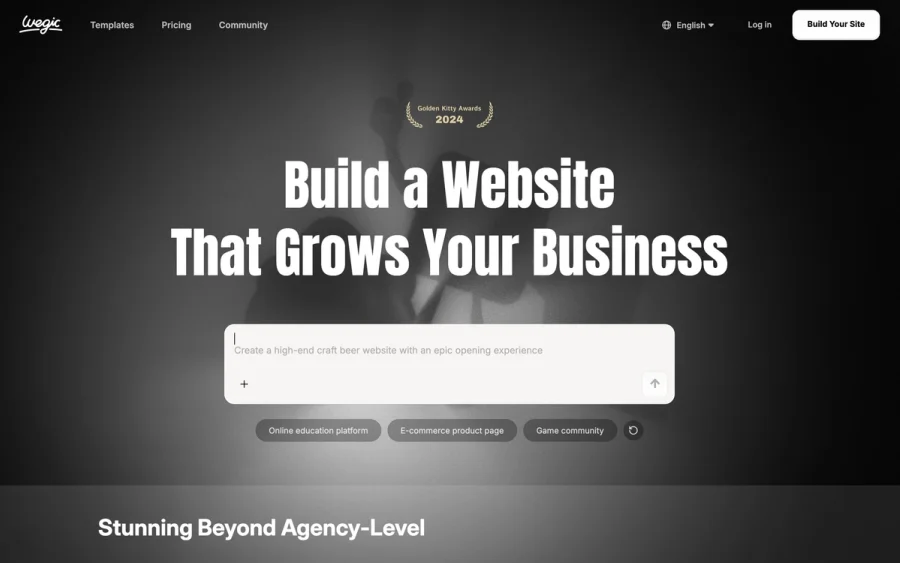
Build & manage a whole site by chatting with AI
Editorially chosen. Some links above are affiliate links — if you sign up we may earn a commission, at no extra cost to you.
More Website Builders Tools


Framer
Design and launch your dream website with no coding required.
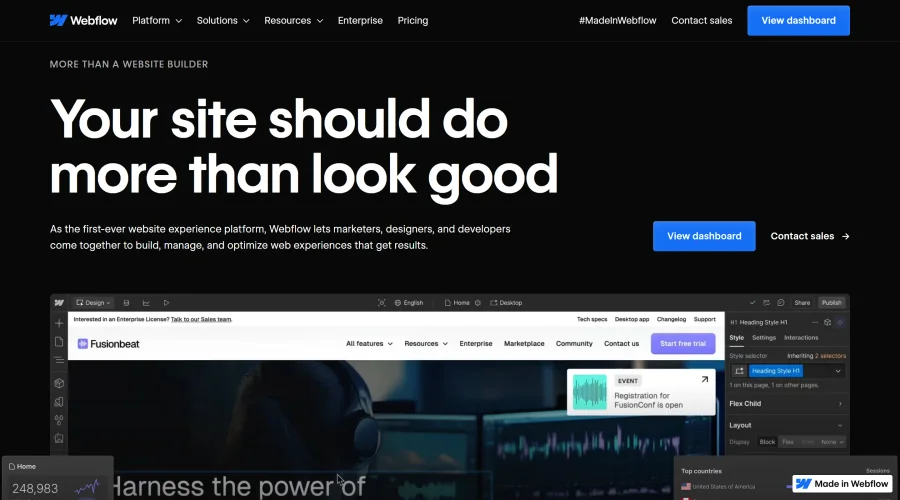

Webflow
Accelerate website creation without needing to code.
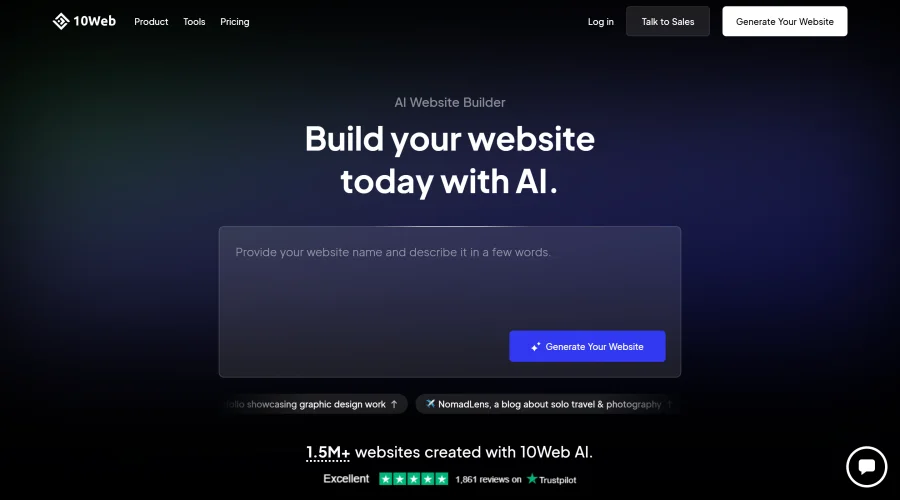

10Web
AI-enhanced WordPress website builder for easy site creation.
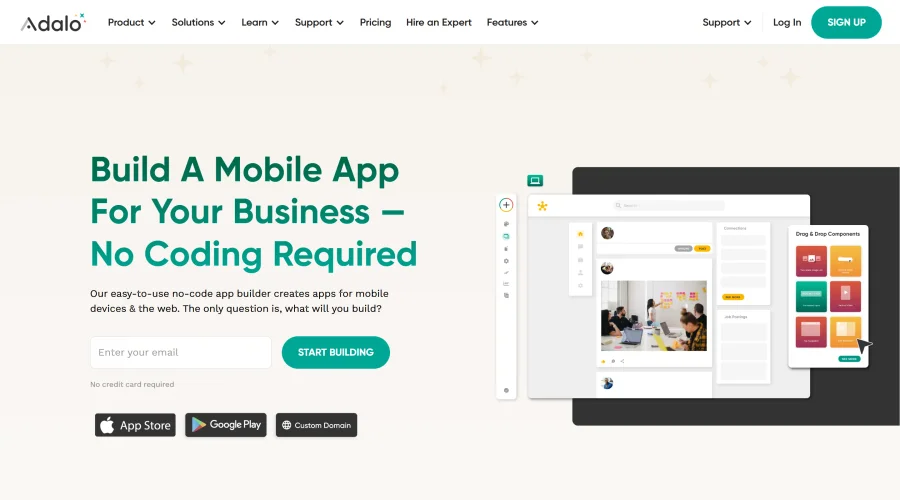

Adalo
Turn app ideas into reality without needing to code.
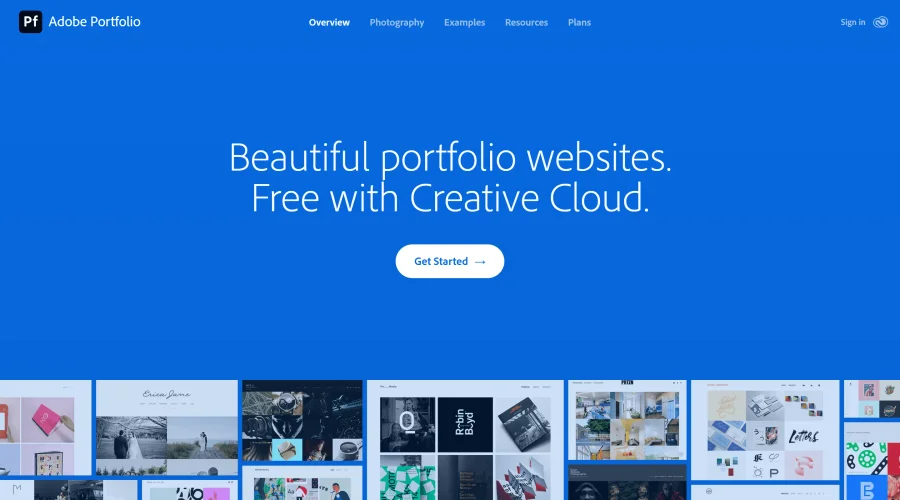

Adobe Portfolio
Build stunning portfolio websites, free with Creative Cloud.

AppMaster
Next-gen no-code platform for automating business processes and building native apps.
Explore Other Categories
Discover more design resources
New to Design?
Explore our comprehensive design glossary to master essential terminology from A/B Testing to Wireframes.
Browse GlossaryLooking for something specific?
Search through our entire collection of design tools and resources