

Advanced tool for designing and publishing comprehensive brand guidelines.
What it costs
- Free tier
- Yes
Pro and Enterprise tiers listed with a "Try free" signup but no numeric prices; full pricing is on the separate /plans page.
Auto-checked on 8 August 2026Source
About Standards
What Is Standards?
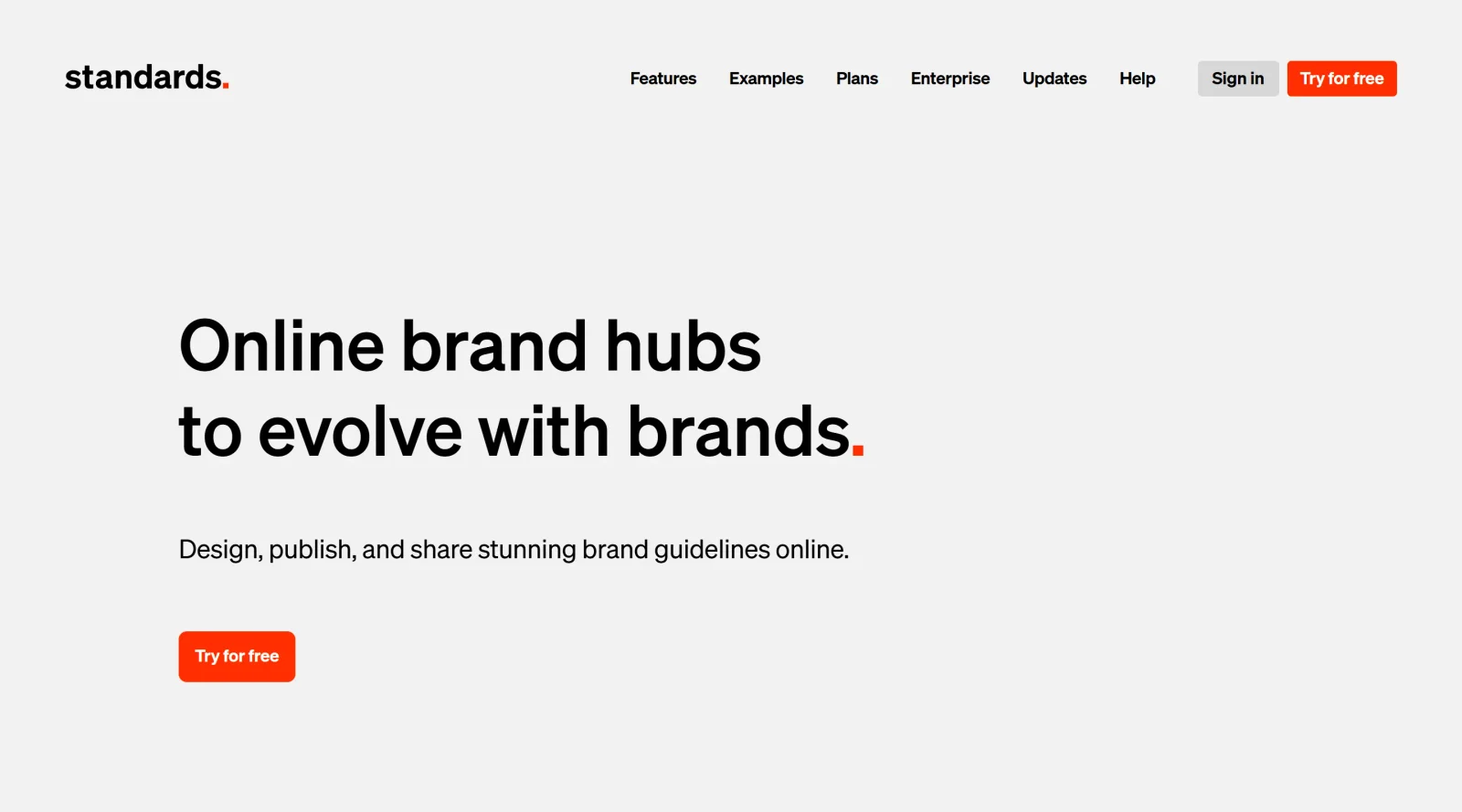
Standards is a browser-based platform for designing and publishing brand guidelines online. Rather than relying on static PDF documents, Standards allows designers and teams to create modern, interactive brand guideline websites without requiring coding knowledge. The tool operates on a freemium pricing model, making it accessible to both individual designers and larger agencies. Standards is designed to replace outdated PDF-based workflows by enabling real-time collaboration, automatic updates, and responsive design across all devices.
What Standards Does
- Design and publish interactive brand guidelines that function as modern websites with full visual control and precision
- Enable real-time team collaboration and client involvement, with instant visibility into all updates across the brand guideline site
- Automate typography scaling responsively based on browser size, or lock it at specified scales for consistency
- Calculate and manage color values from a single HEX input, instantly generating color swatches and palette variations
- Store and manage brand assets including logo files, fonts, and design components in a centralized location
- Support modular component design and reuse across multiple brand guidelines to save time and effort
- Incorporate animations, videos, and interactive elements within brand documentation
- Control access through password protection and privacy settings, with options for Enterprise plans offering SSO and custom security features
How Standards Can Be Used
- Agencies can build and maintain client brand guidelines while retaining ownership and control of updates, eliminating the need to send updated PDFs
- In-house design teams can collaboratively manage brand systems and ensure all stakeholders access the current version of brand standards
- Design teams working across multiple brands can leverage reusable components and templates to accelerate guideline creation
- Organizations can provide clients and external partners access to brand assets and usage guidelines without confusion over which version is correct
- Teams managing complex brand architectures with multiple sub-brands can organize and share distinct brand guidelines in a single platform
Who Is Standards For?
Standards is designed for design teams, branding agencies, and in-house design departments that need to create comprehensive, collaborative brand guidelines. It serves designers who want precise control over every detail of their brand documentation while eliminating the friction of PDF management. The platform is particularly valuable for agencies managing multiple client brands, teams requiring real-time collaboration with clients, and organizations needing to scale their brand systems across internal and external stakeholders. Visit Standards
Featured Tools
Sponsored
Artlist
Royalty-free music, SFX, 8K footage, templates, LUTs and 100+ AI models on a single subscription for video creators.

Icons8
Large icon packs featuring over 10,000 icons for consistent design themes.

Vidu
AI video generator with text, image and reference-to-video modes, producing 3–16 second clips at up to 1080p with characters that stay consistent across shots.
Your tool here
The tools above are our own picks until the slots sell.

Tools we recommend


getimg.ai
20+ AI models for image, video & audio in one workspace


OpenArt
All-in-one AI image, video & audio generator


YouCam Online Editor
Free online AI photo & video editor
Editorially chosen. Some links above are affiliate links — if you sign up we may earn a commission, at no extra cost to you.
More Design Tools Tools


Pryzm
Pryzm is a real-time studio for designers who need backgrounds that don't look like everyone else's. Layer procedural gradients, then stack glass, grain, light and blobs.


Modeinspect
Mode turns your product’s codebase into editable canvas frames. Refine real UI with visual controls, experiment with AI then share or hand off for review.


GoProd
Remove backgrounds and upscale images effectively.


Kittl
AI-first design platform with image, vector, and video generation, plus templates, mockups, and print-ready exports.


Lunacy
Free design software enhanced with AI tools and built-in graphics.


Smart Upscaler
Automatically improve image clarity using AI technology.
Explore Other Categories
Discover more design resources
New to Design?
Explore our comprehensive design glossary to master essential terminology from A/B Testing to Wireframes.
Browse GlossaryLooking for something specific?
Search through our entire collection of design tools and resources