

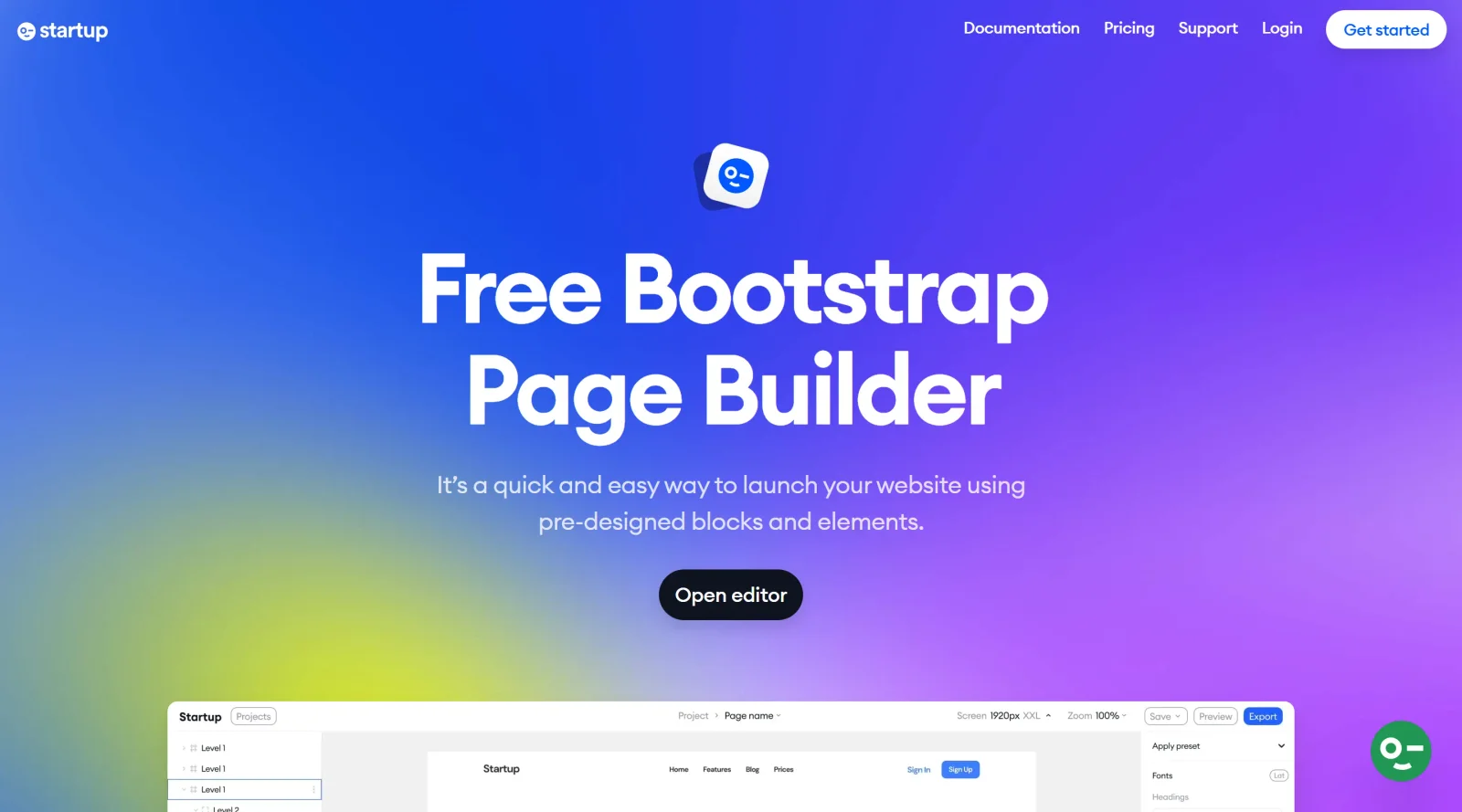
No-code solution tailored for startup website development.
What it costs
- Free tier
- Yes
Designmodo homepage shows Postcards ($19/mo) and Slides ($9/mo) plans, but the Startup product's own pricing wasn't on the page.
Auto-checked on 8 August 2026Source
About Startup
What Is Startup?
Startup is a no-code website builder designed for startup website development. It falls within the website builders category and operates on a freemium pricing model, allowing users to start without upfront costs while offering paid upgrades for additional features. Startup enables non-technical users to create and launch websites tailored to early-stage businesses, fitting into the initial stages of a design workflow where rapid prototyping and deployment are prioritized over custom coding.
What Startup Does
- Provides a no-code interface for building complete websites without programming knowledge.
- Offers pre-built templates optimized for startup needs, such as landing pages and product showcases.
- Supports drag-and-drop editing to customize layouts, text, and images.
- Includes hosting and domain integration in its freemium structure.
- Enables responsive design that adapts to mobile and desktop devices.
- Facilitates basic SEO tools and analytics integration for site performance tracking.
How Startup Can Be Used
- Startups can use Startup to quickly assemble a landing page for investor pitches, inputting company details via a simple editor to generate a professional site.
- Product teams deploy minimum viable product (MVP) websites, adding sign-up forms and feature descriptions without developer involvement.
- Founders iterate on site designs during weekly sprints, testing variations for user engagement before scaling to paid plans.
- Marketing leads create campaign-specific microsites, embedding videos and contact forms for lead generation.
Who Is Startup For?
Startup serves startup founders, solo entrepreneurs, and small teams lacking coding expertise who need fast website deployment for business launches or pivots. It suits non-designers handling early-stage projects like pitch decks, product waits lists, or service overviews, where speed and simplicity outweigh advanced customization. Experience levels range from complete beginners to those familiar with basic web concepts but preferring no-code solutions. Visit Startup
Featured Tools
Sponsored
Artlist
Royalty-free music, SFX, 8K footage, templates, LUTs and 100+ AI models on a single subscription for video creators.

Icons8
Large icon packs featuring over 10,000 icons for consistent design themes.

Vidu
AI video generator with text, image and reference-to-video modes, producing 3–16 second clips at up to 1080p with characters that stay consistent across shots.
Your tool here
The tools above are our own picks until the slots sell.

Tools we recommend
Base44
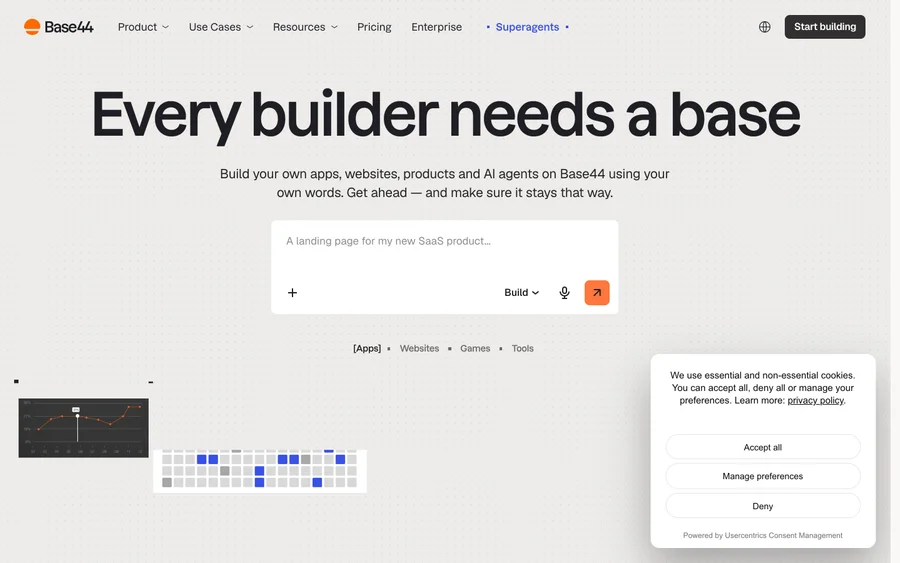
Build full-stack apps from a prompt (by Wix)
SITE123
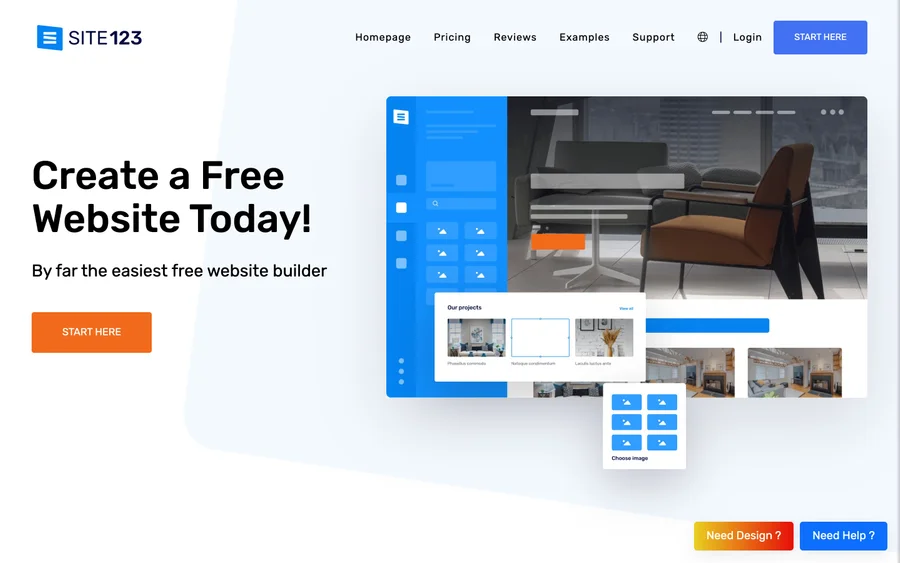
Free website builder with hosting included
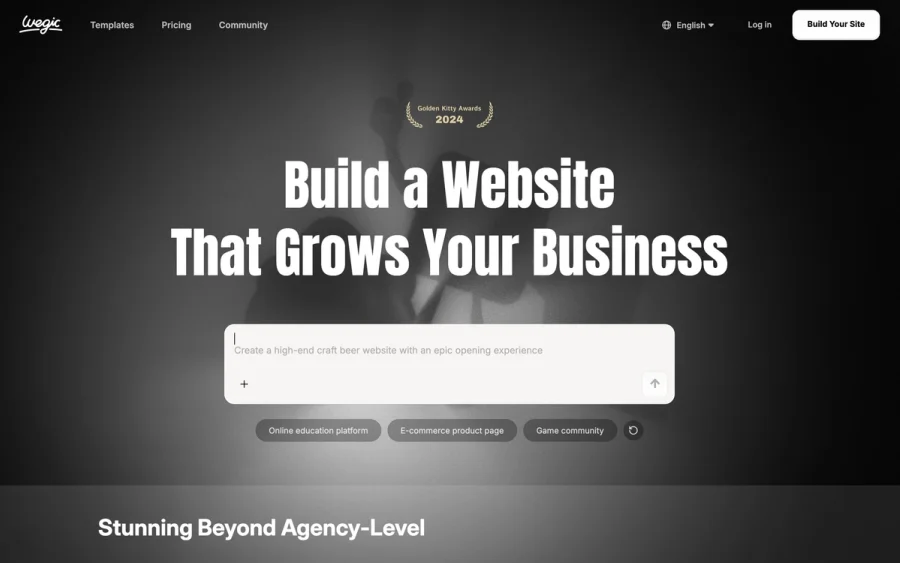
Wegic
Build & manage a whole site by chatting with AI
Editorially chosen. Some links above are affiliate links — if you sign up we may earn a commission, at no extra cost to you.
More Website Builders Tools


Framer
Design and launch your dream website with no coding required.
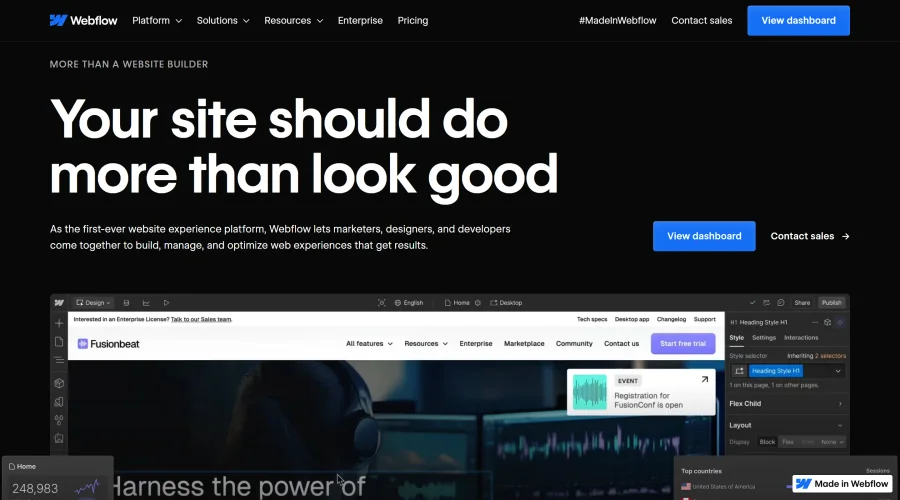

Webflow
Accelerate website creation without needing to code.
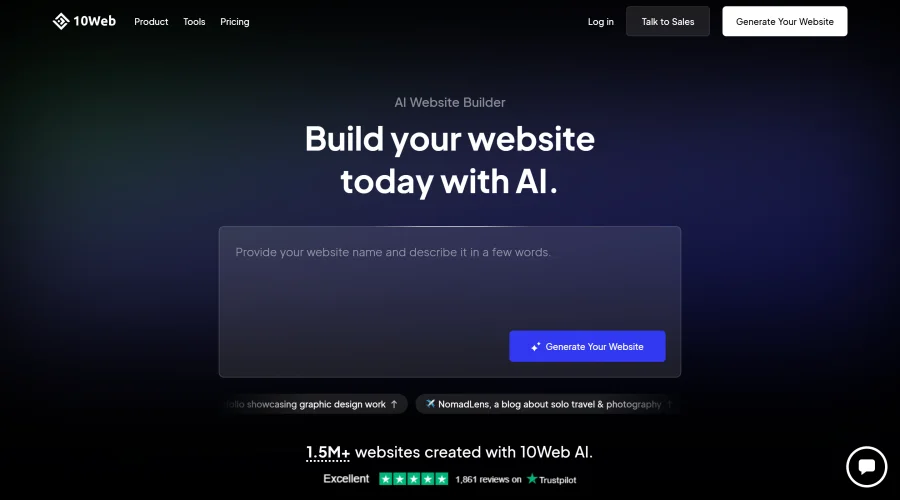

10Web
AI-enhanced WordPress website builder for easy site creation.
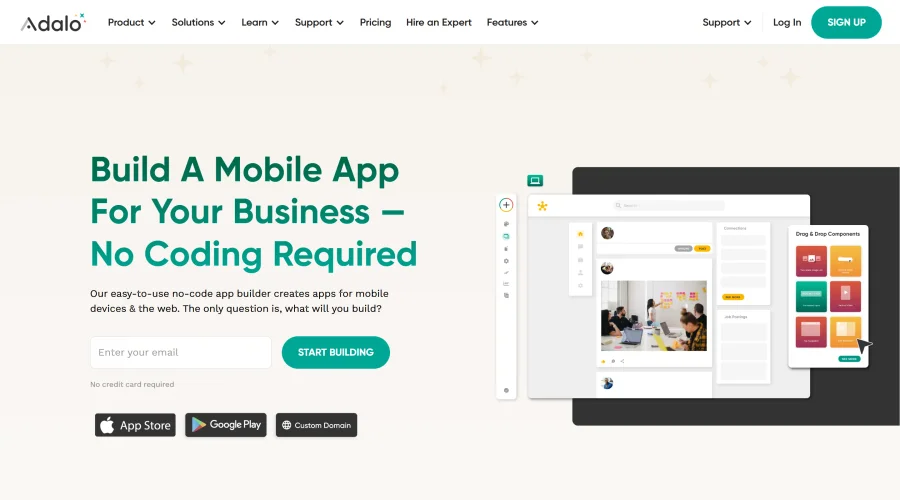
Adalo
Turn app ideas into reality without needing to code.
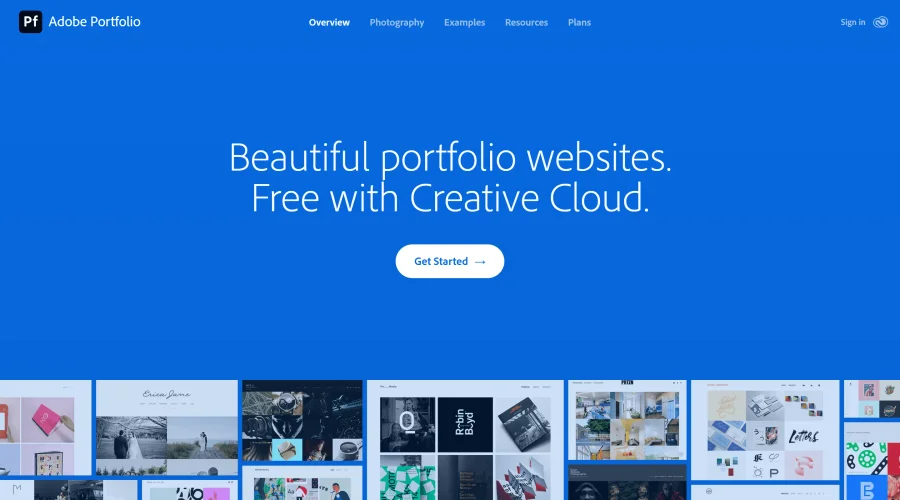

Adobe Portfolio
Build stunning portfolio websites, free with Creative Cloud.
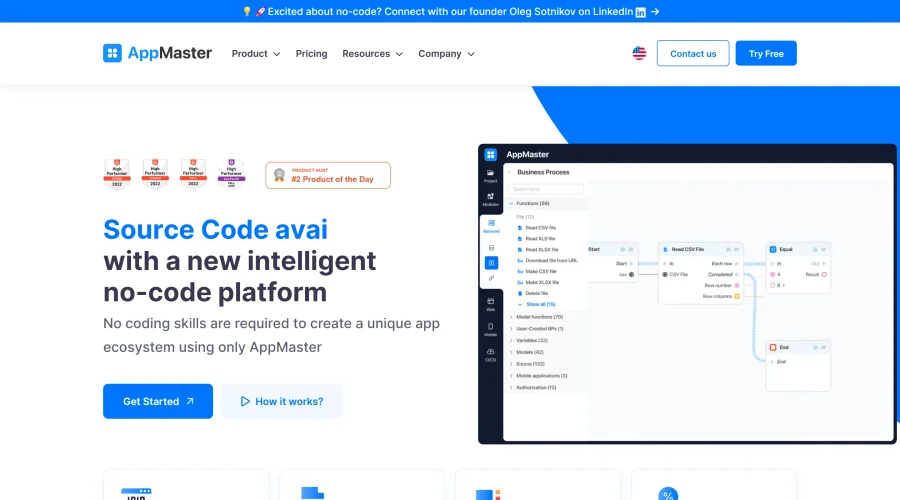

AppMaster
Next-gen no-code platform for automating business processes and building native apps.
Explore Other Categories
Discover more design resources
New to Design?
Explore our comprehensive design glossary to master essential terminology from A/B Testing to Wireframes.
Browse GlossaryLooking for something specific?
Search through our entire collection of design tools and resources