

Create a Figma library directly from Storybook for seamless integration.
What it costs
- Free tier
- No
- Paid plans from
- $149/mo (billed yearly)
Team plan is $149/mo billed yearly ($199/mo monthly) and Agency is custom; "Try for free" is a trial, not a free tier.
Auto-checked on 8 August 2026Source
About story.to.design
What Is story.to.design?
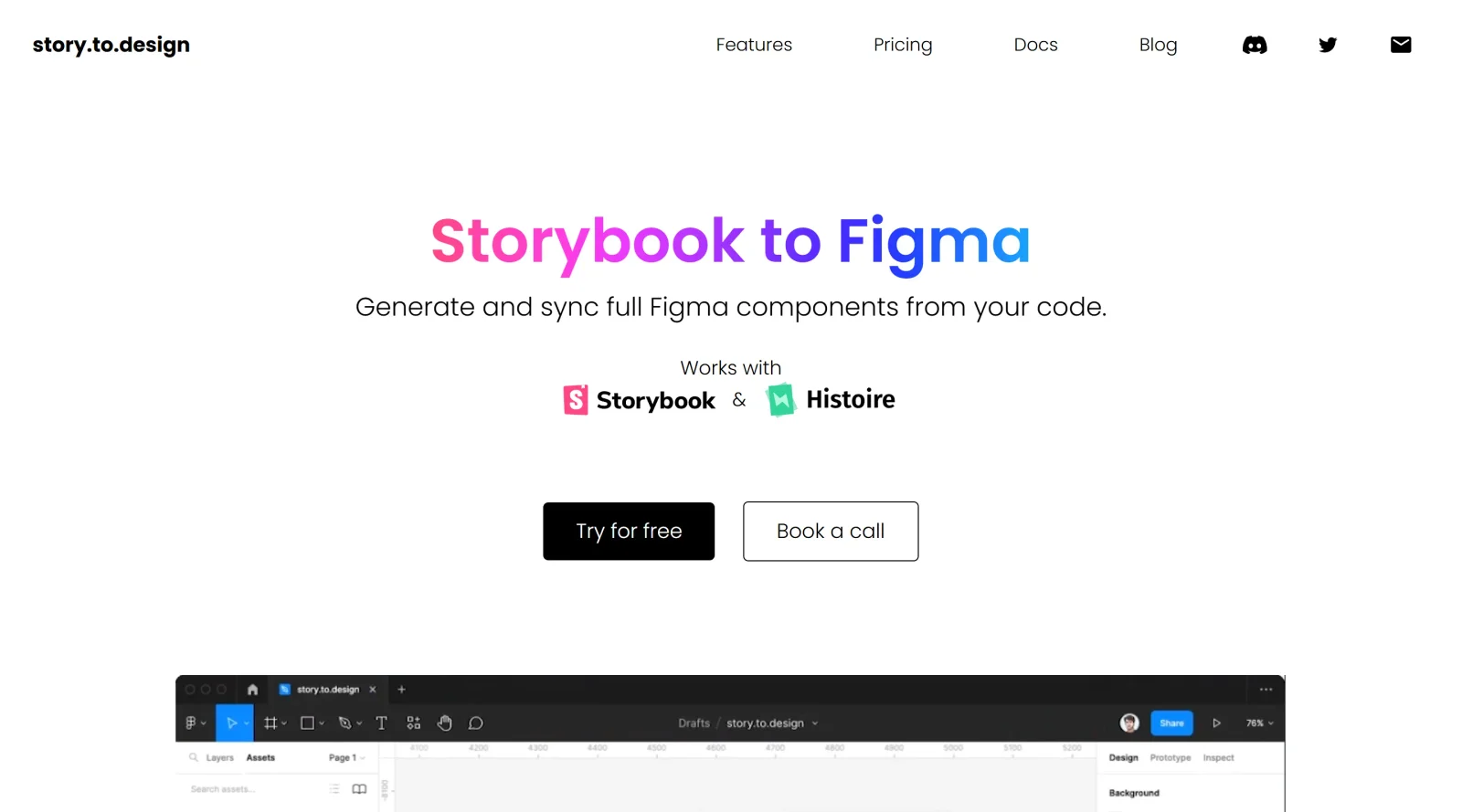
story.to.design is a Figma plugin in the design-toolscategory that imports components from Storybook to create a Figma library. It enables teams to generate and maintain UI kits or libraries directly from Storybook, Backlight, or Histoire stories, supporting a paid pricing model.
The core purpose of story.to.design is to transform coded components into Figma-ready assets, bridging design and development workflows. It fits into design systems where consistency between code and design is essential, allowing updates from Storybook changes to sync automatically in Figma.
What story.to.design Does
- Imports components from Storybook into Figma by pasting a Storybook URL and selecting stories.
- Generates Figma components with variants based on story arguments, mapping properties automatically.
- Supports design tokens by importing them as Figma styles for consistent application.
- Maintains synchronization by updating Figma libraries when Storybook stories change.
- Detects pre-configured stories using the s2dparameter for automatic variant loading without manual selection.
- Works with Storybook versions 6.x to 8.0 and frameworks including React, Angular, Vue, Svelte, and others.
How story.to.design Can Be Used
- Connect a Storybook instance to Figma by pasting its URL, then import selected components and variants for prototyping.
- Update existing Figma libraries after code changes by re-importing stories, reducing manual variant recreation.
- Build design systems by importing components from Backlight or Histoire alongside Storybook for multi-tool workflows.
- Apply design tokens as Figma styles during import to ensure color, spacing, and typography alignment across teams.
- Drag imported components marked as "Ready" from the Assets panel onto canvases, including their documentation frames.
Designers encounter scenarios where Storybook components evolve in code, but Figma files lag behind; story.to.design addresses this by enabling quick imports and one-click updates in real project iterations.
Who Is story.to.design For?
story.to.design serves design and development teams maintaining design systems with Storybook, particularly UI/UX designers and front-end developers who need code-accurate Figma libraries. It suits projects using Figma for prototyping and Storybook for component documentation, from mid-sized teams to larger organizations handling frequent updates across frameworks like React or Vue. Experience levels range from intermediate users familiar with plugins to advanced practitioners scaling UI kits.
Featured Tools
Sponsored
Artlist
Royalty-free music, SFX, 8K footage, templates, LUTs and 100+ AI models on a single subscription for video creators.

Icons8
Large icon packs featuring over 10,000 icons for consistent design themes.

Vidu
AI video generator with text, image and reference-to-video modes, producing 3–16 second clips at up to 1080p with characters that stay consistent across shots.
Your tool here
The tools above are our own picks until the slots sell.
Spotlight
SponsoredRotates daily
Glyph Neue
Over 1,500 icons in SVG and PNG formats, free with attribution.
Tools we recommend


getimg.ai
20+ AI models for image, video & audio in one workspace


OpenArt
All-in-one AI image, video & audio generator


YouCam Online Editor
Free online AI photo & video editor
Editorially chosen. Some links above are affiliate links — if you sign up we may earn a commission, at no extra cost to you.
More Design Tools Tools


Pryzm
Pryzm is a real-time studio for designers who need backgrounds that don't look like everyone else's. Layer procedural gradients, then stack glass, grain, light and blobs.


Modeinspect
Mode turns your product’s codebase into editable canvas frames. Refine real UI with visual controls, experiment with AI then share or hand off for review.


GoProd
Remove backgrounds and upscale images effectively.


Kittl
AI-first design platform with image, vector, and video generation, plus templates, mockups, and print-ready exports.


Lunacy
Free design software enhanced with AI tools and built-in graphics.


Smart Upscaler
Automatically improve image clarity using AI technology.
Explore Other Categories
Discover more design resources
New to Design?
Explore our comprehensive design glossary to master essential terminology from A/B Testing to Wireframes.
Browse GlossaryLooking for something specific?
Search through our entire collection of design tools and resources