

What it costs
- Free tier
- Yes
- Paid plans from
- $49/yr
Free to use with an optional Premium at $49/year (custom domains, analytics) — a paid tier the catalog's Free label misses.
Auto-checked on 8 August 2026Source
About Straw.page
What Is Straw.page?
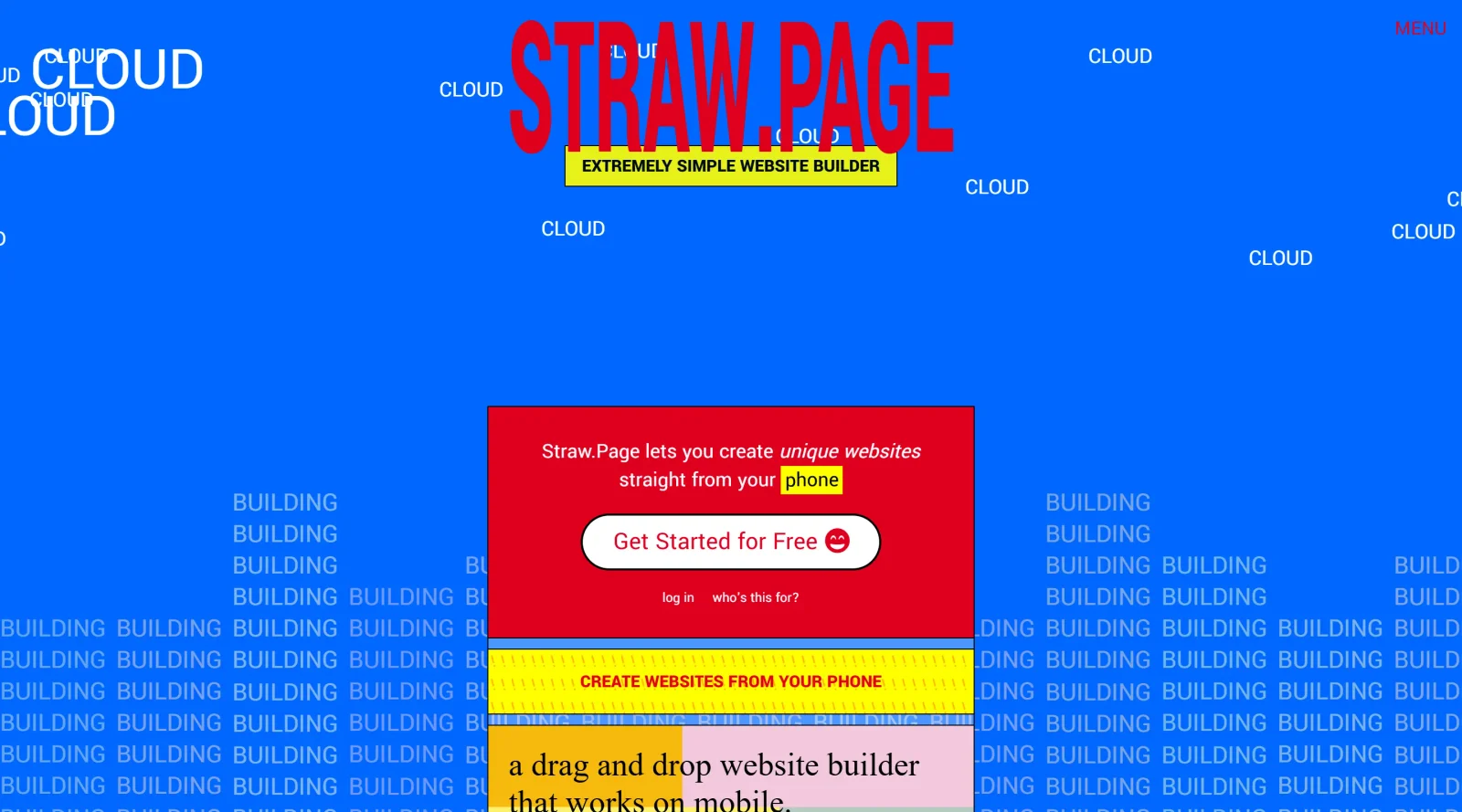
Straw.page is a **website builder** in the category of website-builders that enables users to create websites using a drag-and-drop interface. Its core purpose is to provide an extremely straightforward method for building sites without coding, accessible directly from mobile devices or desktops via any web browser. Straw.page fits into design workflows for quick prototyping, personal pages, or simple content publishing, with a free plan available that supports up to 2 sites and 5 pages each.
What Straw.page Does
- Offers a drag-and-drop editor with a grid-based interface for flexible layout placement without design restrictions.
- Provides randomly generated templates that are hyper-flexible and customizable for various site types.
- Supports mobile-first responsive design, ensuring sites display consistently across devices.
- Includes one-click publishing to subdomains with automatic SSL encryption and global content distribution for fast loading.
- Functions as a blogging platform with options for public or private posts on paid plans.
- Delivers automatic SEO optimization and built-in analytics on premium plans.
How Straw.page Can Be Used
- Design personal landing pages or link-in-bio profiles from a phone for social media sharing.
- Build portfolios or project showcases using templates and drag-and-drop elements for quick iteration.
- Create multi-page blogs with unlimited posts, custom SEO, and password protection for content creators.
- Prototype casual or professional websites with custom domains and forms for small businesses or educators.
- Develop interactive pages with GIF stickers and nostalgic elements for unconventional web projects.
Who Is Straw.page For?
Straw.page serves individuals without coding experience, such as content creators, educators, and small business owners needing simple, mobile-optimized sites. It suits beginners prototyping personal pages, link-in-bio tools, or blogs, as well as users handling quick workflows on phones. Paid plans extend to those requiring custom domains, analytics, and unlimited pages for expanded projects.Visit Straw.page
Straw.page pros and cons
- Drag-and-drop editor built to work on a phone, and it opens without an account
- Starter themes for personal, link-in-bio and minimal sites, or start from a blank page
- Doubles as a blogging platform, with posts that can be public or private
- Premium is optional at $49/year, adding custom domains and analytics to subdomain publishing
- An Explore feed of live community sites shows what others have built with it
- Premium's full feature list sits behind a login; the homepage only names custom domains and analytics
- Terms license the site's materials for personal, non-commercial use and don't address business sites
- No public help docs or FAQ; support is an email link and the maker's Twitter account
Straw.page is a deliberately playful website builder made for phones: the editor opens without an account, offers starter themes or a blank page, and publishes to a straw.page subdomain. It suits personal pages, link-in-bio sites, small blogs and experimental one-offs where speed and character matter more than structure. The trade-off is clarity. Premium is listed at $49/year for custom domains, analytics "and more", but the full list only appears after logging in, and the short terms grant a personal, non-commercial license to the site's materials. For a business site that needs clear commercial terms and a documented feature set, choose a more conventional builder.
Frequently asked questions
Is Straw.page free?
Yes. The editor is free and opens without an account, and sites publish to a straw.page subdomain. An optional Premium upgrade costs $49 per year and adds custom domains, analytics and further features that are listed after you log in.
Can I use my own domain with Straw.page?
Yes, but custom domains are a Premium feature at $49 per year. Without Premium, your site is published to a subdomain such as you.straw.page.
Can I make a blog with Straw.page?
Yes. Straw.page doubles as a blogging platform, and posts can be public or private.
Can I use Straw.page for a business website?
The homepage pitches it for landing pages, stores and professional sites, but its short terms only grant a limited license to use the site's materials for personal, non-commercial purposes and don't say whether sites you build can be commercial. Ask Straw.page by email before relying on it for a business site.
Featured Tools
Sponsored
Artlist
Royalty-free music, SFX, 8K footage, templates, LUTs and 100+ AI models on a single subscription for video creators.

Icons8
Large icon packs featuring over 10,000 icons for consistent design themes.

Vidu
AI video generator with text, image and reference-to-video modes, producing 3–16 second clips at up to 1080p with characters that stay consistent across shots.
Your tool here
The tools above are our own picks until the slots sell.
Spotlight
SponsoredRotates daily
Animated Icons 2.0
Enhance your projects with 900+ animated icons.
Tools we recommend
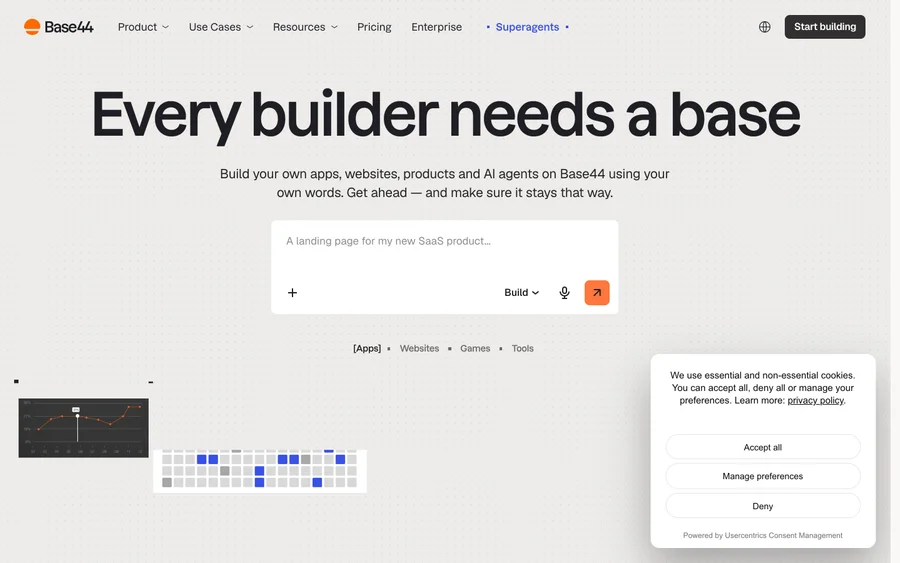

Base44
Build full-stack apps from a prompt (by Wix)
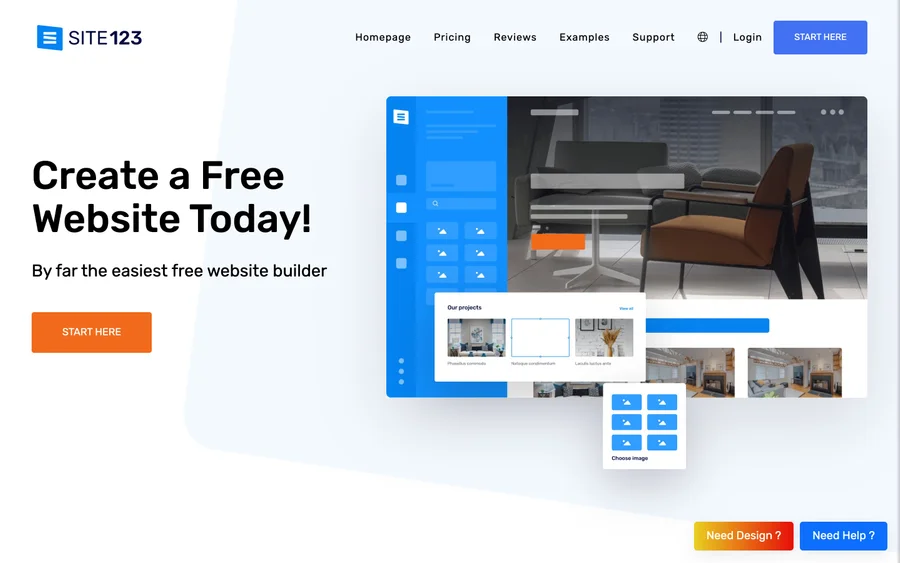

SITE123
Free website builder with hosting included
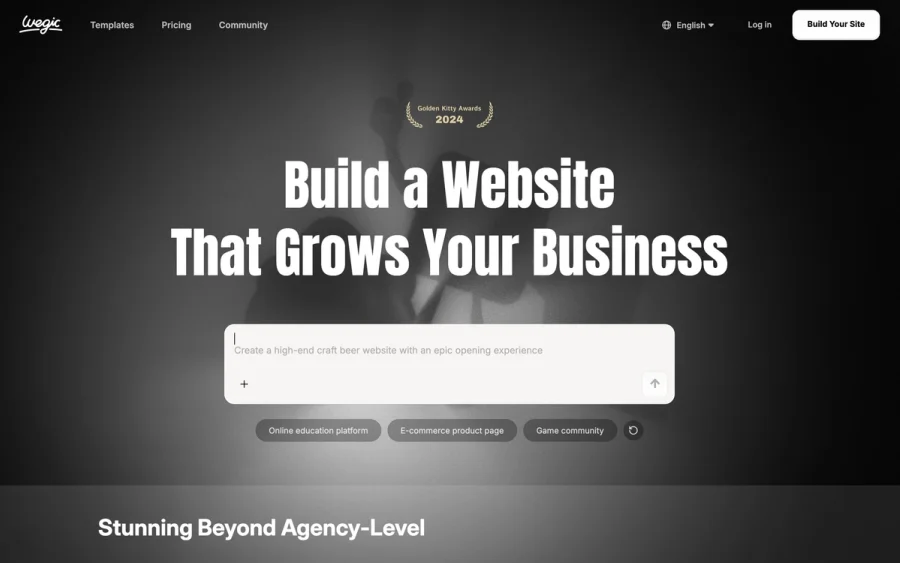

Wegic
Build & manage a whole site by chatting with AI
Editorially chosen. Some links above are affiliate links — if you sign up we may earn a commission, at no extra cost to you.
More Website Builders Tools


Framer
Design and launch your dream website with no coding required.
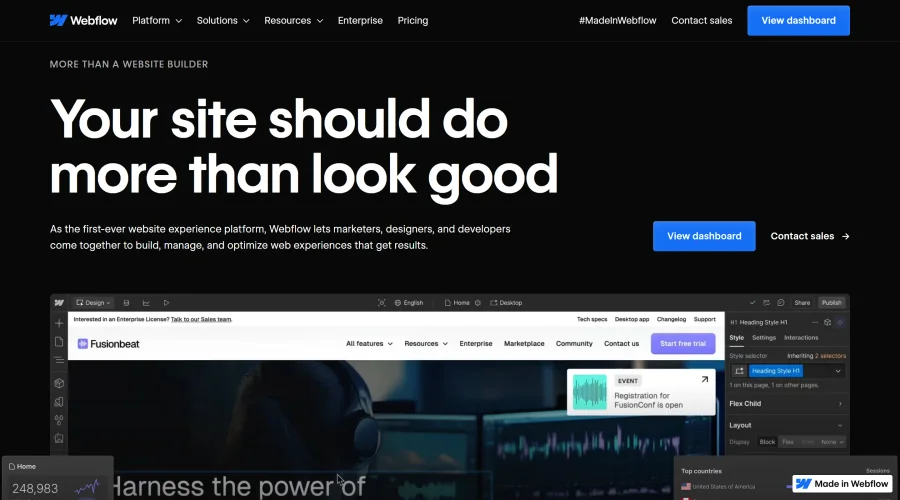

Webflow
Accelerate website creation without needing to code.
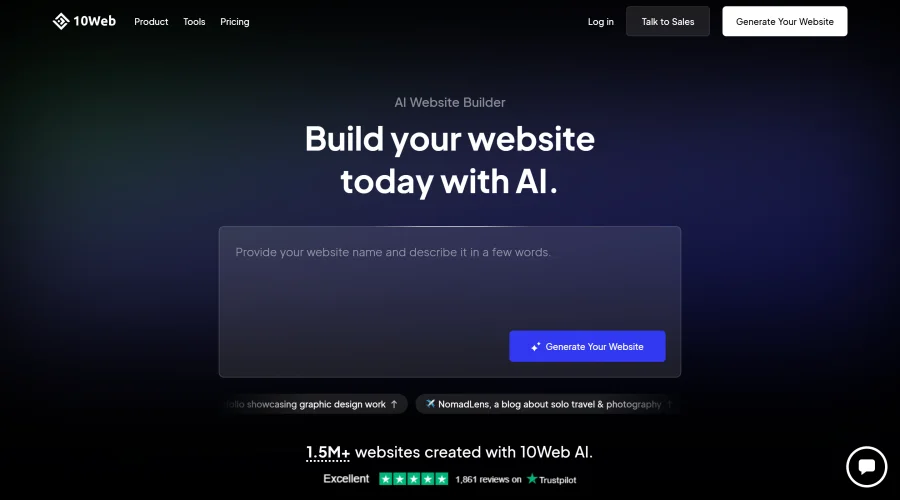

10Web
AI-enhanced WordPress website builder for easy site creation.
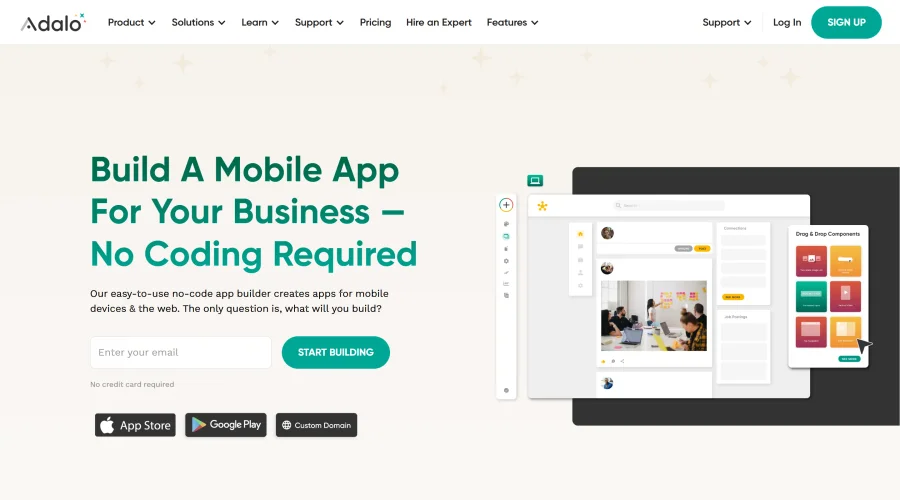

Adalo
Turn app ideas into reality without needing to code.
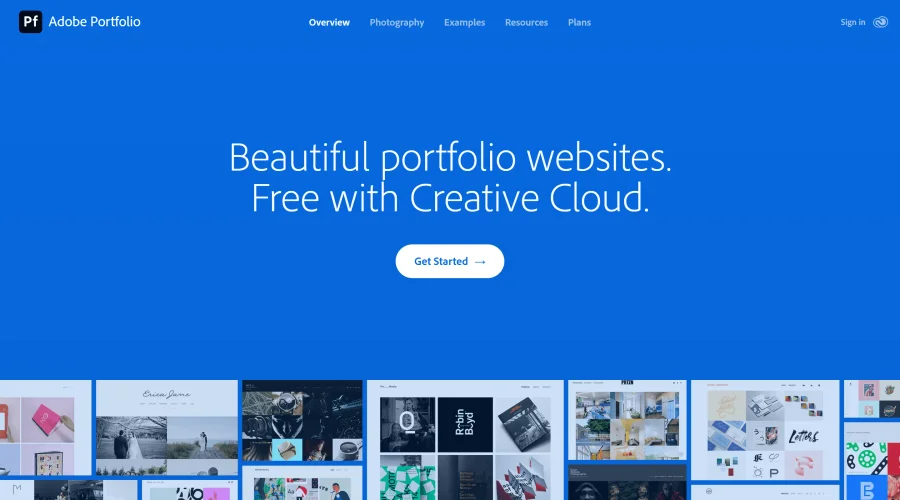

Adobe Portfolio
Build stunning portfolio websites, free with Creative Cloud.

AppMaster
Next-gen no-code platform for automating business processes and building native apps.
Explore Other Categories
Discover more design resources
New to Design?
Explore our comprehensive design glossary to master essential terminology from A/B Testing to Wireframes.
Browse GlossaryLooking for something specific?
Search through our entire collection of design tools and resources