

What it costs
- Free tier
- Yes
Free, open-source React icon set (GitHub/npm).
Auto-checked on 8 August 2026Source
About Supercons
What Is Supercons?
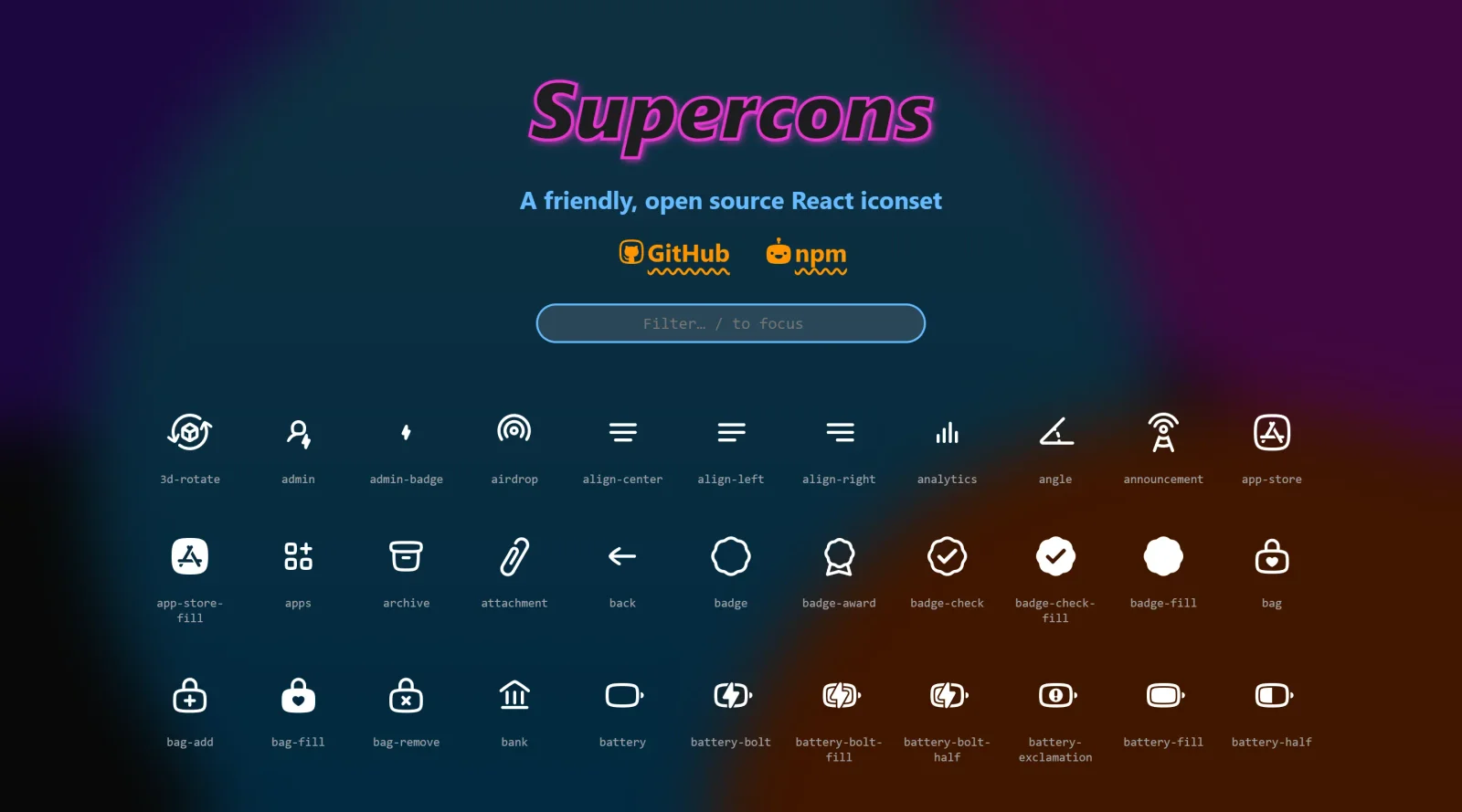
Supercons is a **free, open-source React icon set** designed for developers building user interfaces with React applications. As an icon library in the icons category, Supercons provides a collection of SVG icons that integrate directly as React components, supporting consistent visual elements across projects without additional setup costs. It fits into the design workflow during the UI development phase, where developers need scalable, customizable icons to enhance buttons, navigation, forms, and other interactive elements.
What Supercons Does
- Delivers SVG icons as individual React components for direct import and use in applications.
- Supports tree-shaking to include only necessary icons, reducing bundle size in production builds.
- Offers icons in a consistent 24x24 pixel grid for uniform sizing and alignment.
- Allows customization of size, color, and stroke through standard React props.
- Provides both outline and filled variants for many icons, such as admin, badge-check, and profile icons.
- Includes TypeScript definitions for type-safe usage in modern React projects.
How Supercons Can Be Used
- Import specific icons like import { Admin } from 'supercons' and render them in JSX for navigation menus or user dashboards.
- Combine icons with Tailwind CSS or styled-components to match design system colors in React apps.
- Use in form elements, such as adding a search icon to input fields or check icons for validation states.
- Integrate into component libraries where consistent iconography is needed across buttons, badges, and alerts.
- Employ in dashboard UIs for status indicators like lightbulb for notifications or analytics charts.
Who Is Supercons For?
Supercons serves React developers, frontend engineers, and UI designers working on web applications who require a lightweight, open-source **icon library** without licensing fees. It suits projects ranging from personal portfolios to enterprise dashboards, particularly those using TypeScript, modern bundlers like Vite or Webpack, and frameworks such as Next.js. Experience levels from intermediate to advanced benefit most, as it assumes familiarity with React component imports and prop passing. Teams seeking customizable SVG icons for categories like admin tools, social media, events, and navigation find it practical for maintaining visual consistency. Visit Supercons
Featured Tools
Sponsored
Artlist
Royalty-free music, SFX, 8K footage, templates, LUTs and 100+ AI models on a single subscription for video creators.

Icons8
Large icon packs featuring over 10,000 icons for consistent design themes.

Vidu
AI video generator with text, image and reference-to-video modes, producing 3–16 second clips at up to 1080p with characters that stay consistent across shots.
Your tool here
The tools above are our own picks until the slots sell.

Tools we recommend


Editorially chosen. Some links above are affiliate links — if you sign up we may earn a commission, at no extra cost to you.
More Icons Tools

Animated Icons 2.0
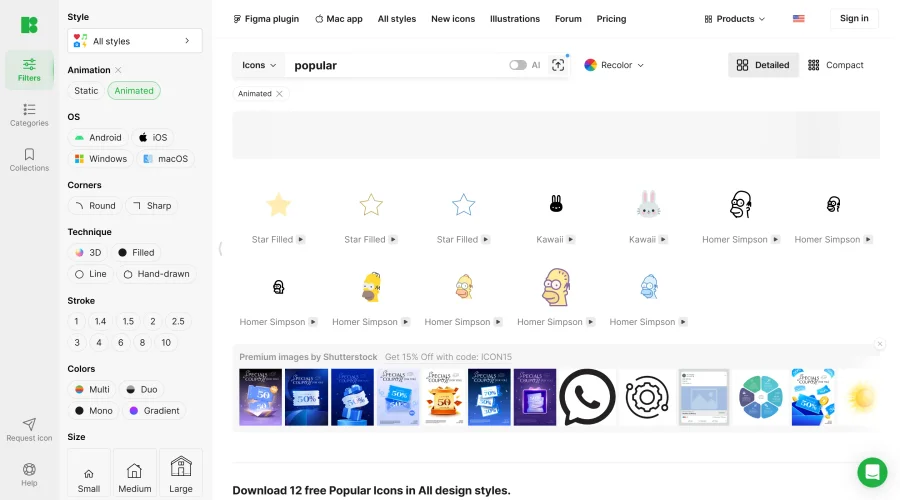
Enhance your projects with 900+ animated icons.

Glyph Neue
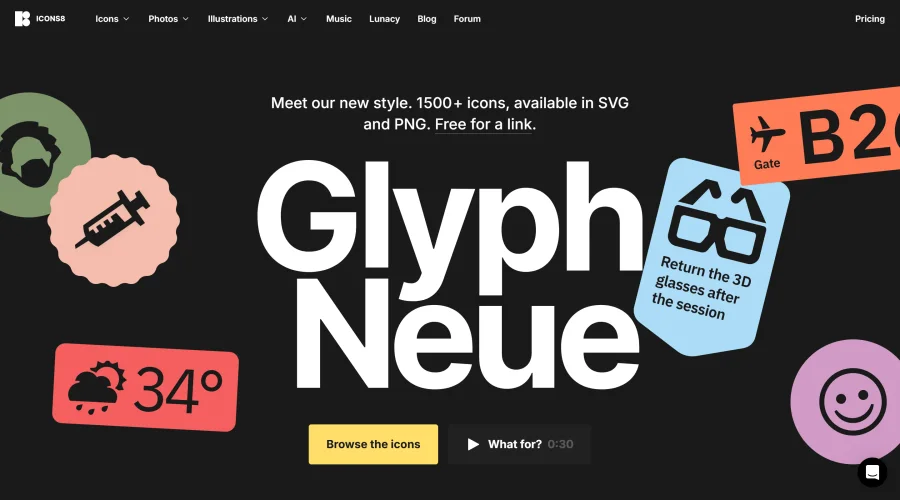
Over 1,500 icons in SVG and PNG formats, free with attribution.

Line Awesome
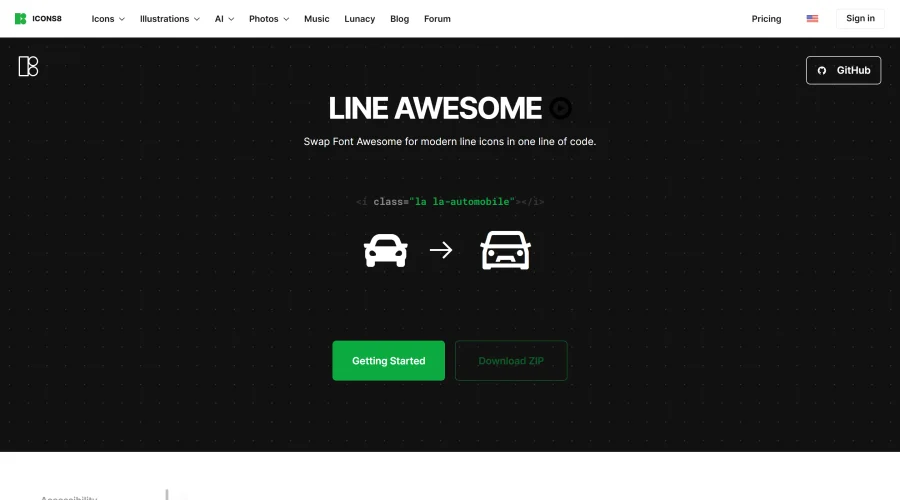
Easily replace Font Awesome with modern line icons using one line of code.
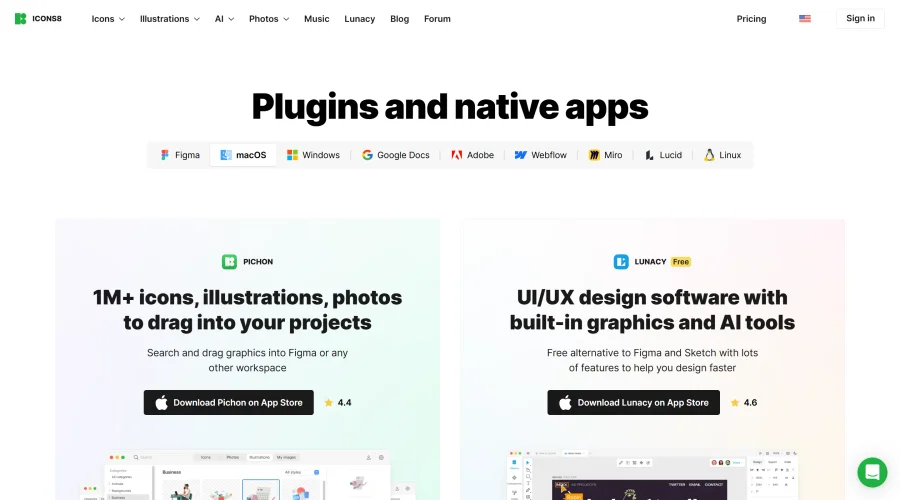

Pichon
Drag and drop the best design graphics with ease.
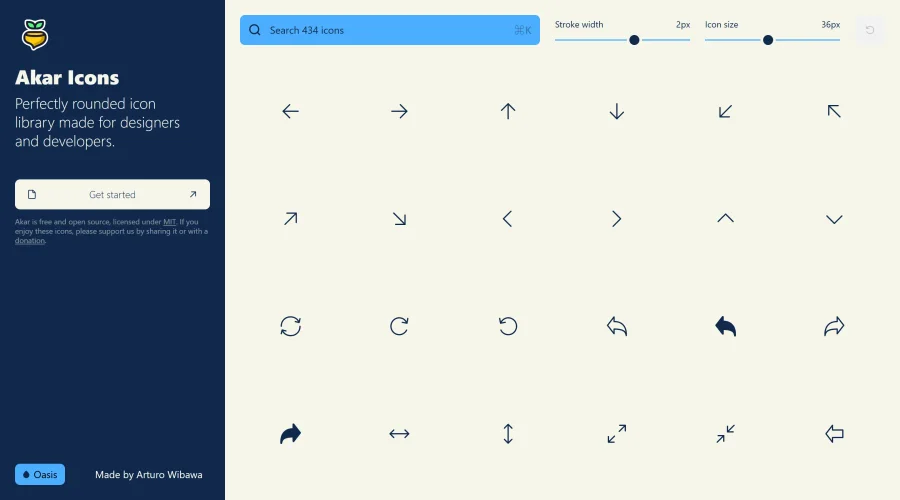

Akar Icons
A perfectly rounded icon library designed for designers and developers.
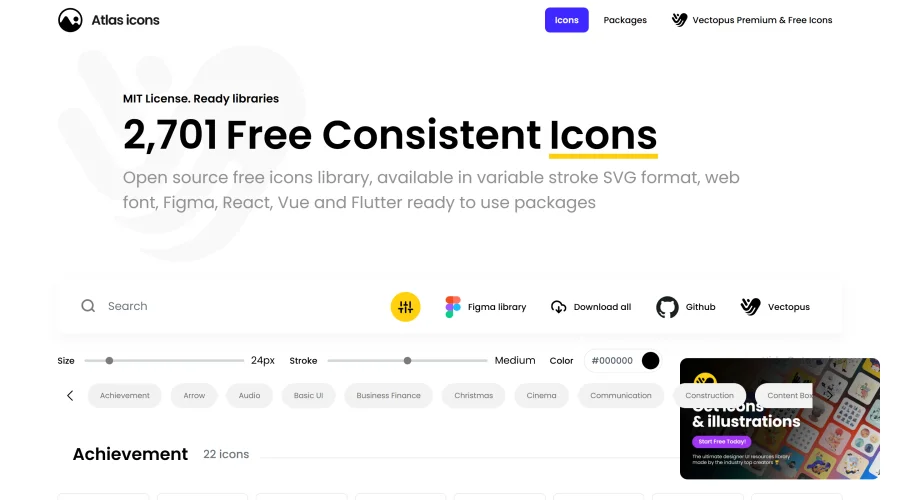

Atlas Icons
Versatile open-source icon library, offering various stroke widths and formats.
Explore Other Categories
Discover more design resources
New to Design?
Explore our comprehensive design glossary to master essential terminology from A/B Testing to Wireframes.
Browse GlossaryLooking for something specific?
Search through our entire collection of design tools and resources