

What it costs
- Free tier
- No
Domain parked at Dynadot ('website coming soon') and blocked — no live site or pricing.
Auto-checked on 8 August 2026Source
About Superflow
What Is Superflow?
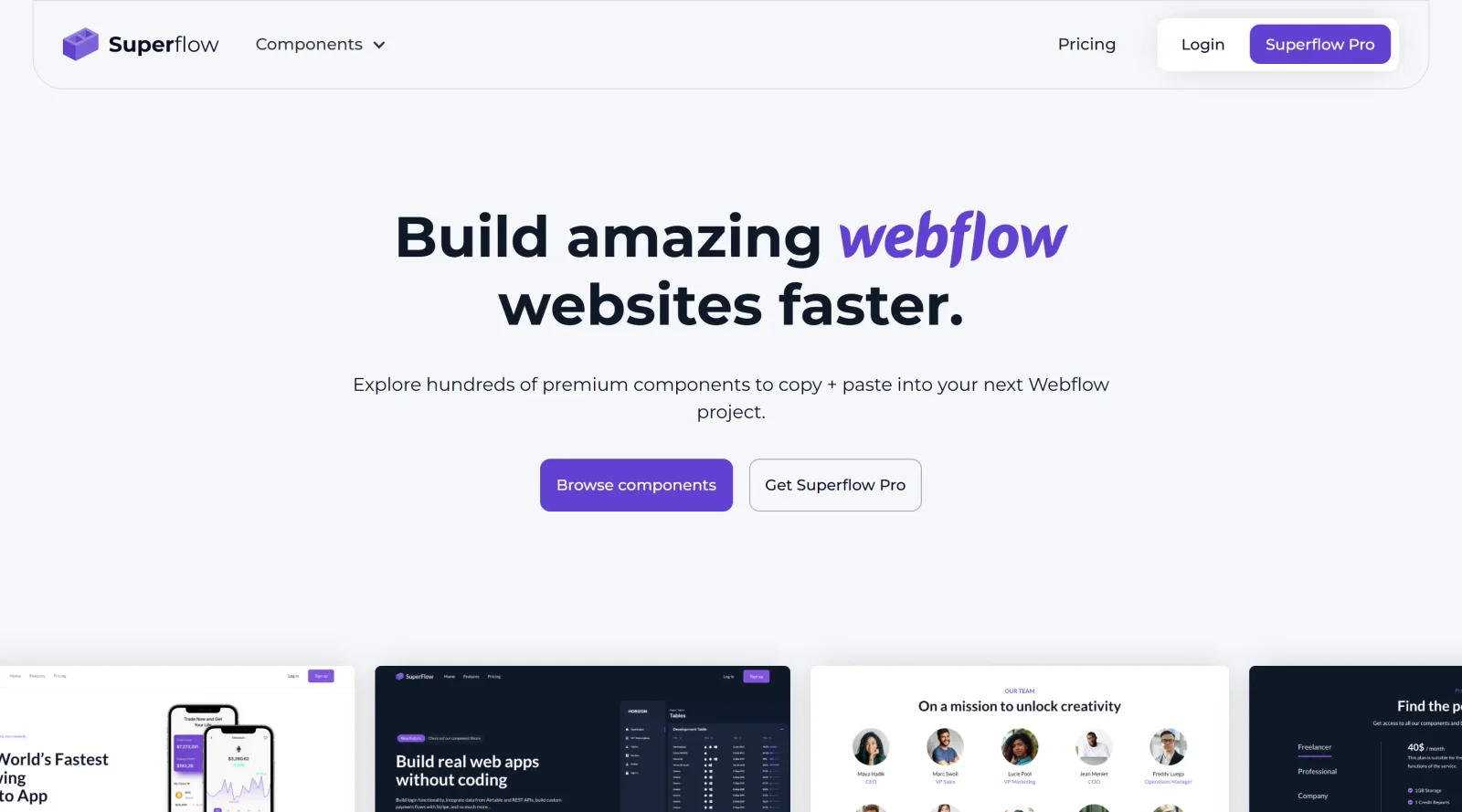
Superflow is a collaboration tool designed for annotating and reviewing live websites, particularly those built with Webflow. It enables teams to leave comments, recordings, and feedback directly on web pages without leaving the site. As part of the website-builders category through its Webflow integration, Superflow operates on a paid pricing model and fits into the design and development workflow by streamlining feedback collection during site reviews and iterations.
What Superflow Does
- Supports rich annotations by allowing comments on specific elements, text, or areas directly on live websites.
- Enables multimedia comments including file attachments, voice recordings, video, screen recordings, and screen-sharing.
- Provides GPT-4 AI Copilot for generating creative copy suggestions within annotations.
- Facilitates live design reviews through audio or video huddles for real-time feedback sessions.
- Integrates with project management tools such as ClickUp, Slack, Asana, and Monday.com to sync comments and tasks.
- Includes technical metadata with comments, such as page URL, browser version, and screen size, for developer reference.
How Superflow Can Be Used
- Install a JavaScript tag on a Webflow site and activate review mode by appending "?review" to the URL for on-demand feedback sessions.
- Conduct design handoffs where designers pin comments on UI elements and developers access associated metadata and recordings.
- Manage client reviews by enabling guest mode, allowing stakeholders to add feedback without accounts while keeping internal comments private.
- Streamline agency workflows by assigning tasks from annotations, tracking approvals, and receiving notifications via email or Slack.
- Perform cross-device testing with responsive support for desktop and mobile browsers during collaborative reviews.
Who Is Superflow For?
Superflow serves designers, developers, project managers, and clients involved in Webflow website projects. It suits web agencies, freelancers, and product teams handling staging or production sites that require precise feedback on copy, UI, and functionality. Experience levels range from individual contributors needing quick annotations to teams coordinating multiple stakeholders on iterative builds. Visit Superflow
Featured Tools
Sponsored
Artlist
Royalty-free music, SFX, 8K footage, templates, LUTs and 100+ AI models on a single subscription for video creators.

Icons8
Large icon packs featuring over 10,000 icons for consistent design themes.

Vidu
AI video generator with text, image and reference-to-video modes, producing 3–16 second clips at up to 1080p with characters that stay consistent across shots.
Your tool here
The tools above are our own picks until the slots sell.
Spotlight
SponsoredRotates daily
Glyph Neue
Over 1,500 icons in SVG and PNG formats, free with attribution.
Tools we recommend
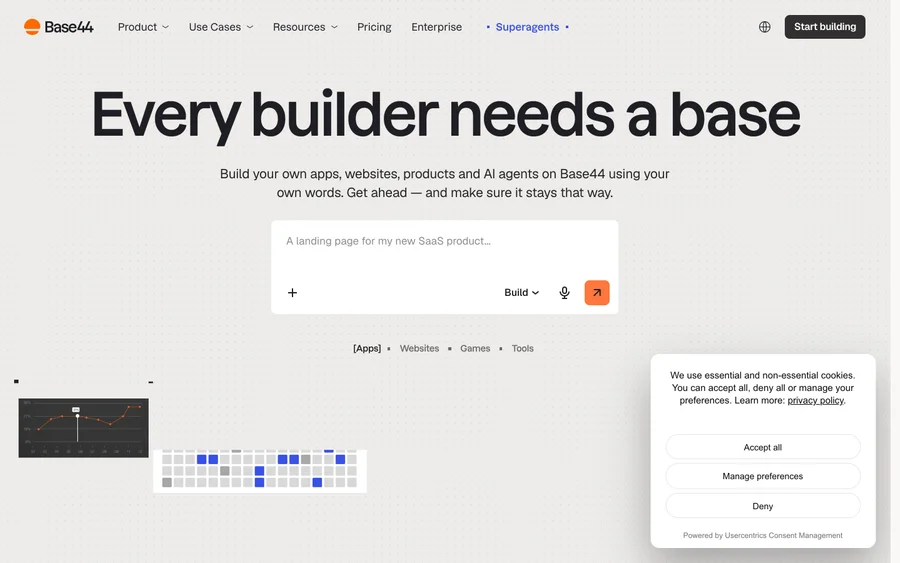

Base44
Build full-stack apps from a prompt (by Wix)
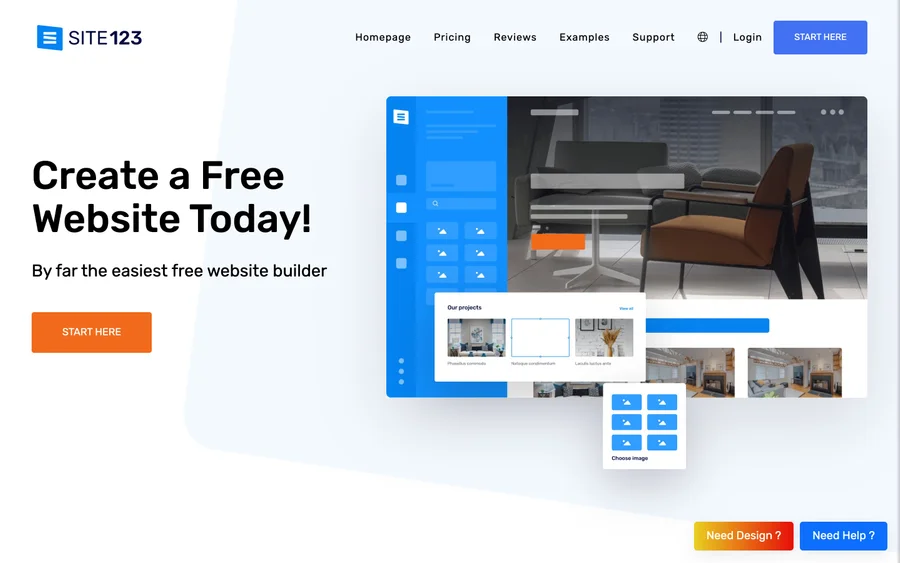

SITE123
Free website builder with hosting included
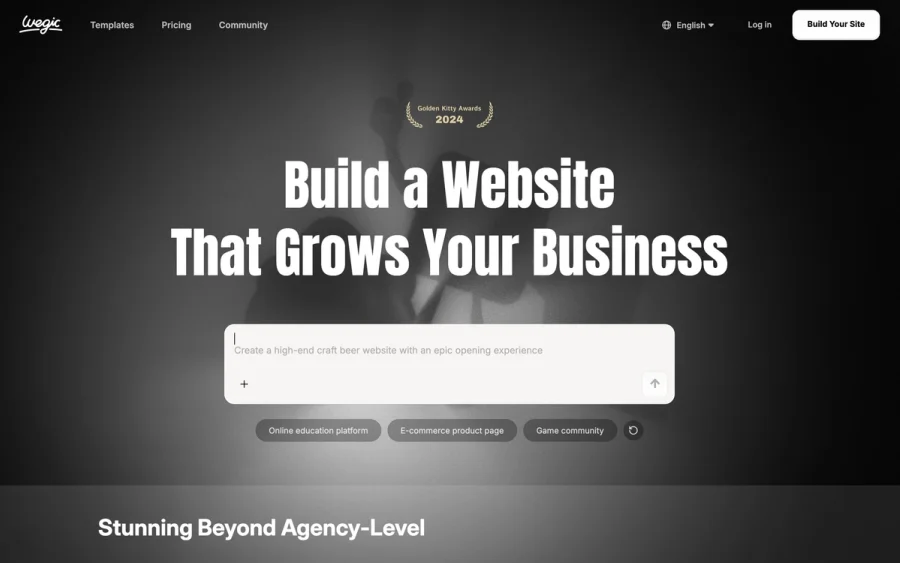

Wegic
Build & manage a whole site by chatting with AI
Editorially chosen. Some links above are affiliate links — if you sign up we may earn a commission, at no extra cost to you.
More Website Builders Tools


Framer
Design and launch your dream website with no coding required.
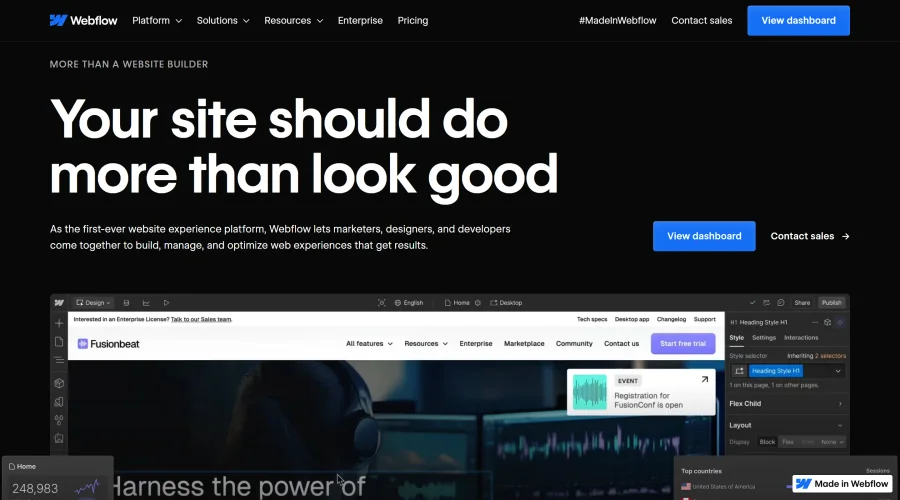

Webflow
Accelerate website creation without needing to code.
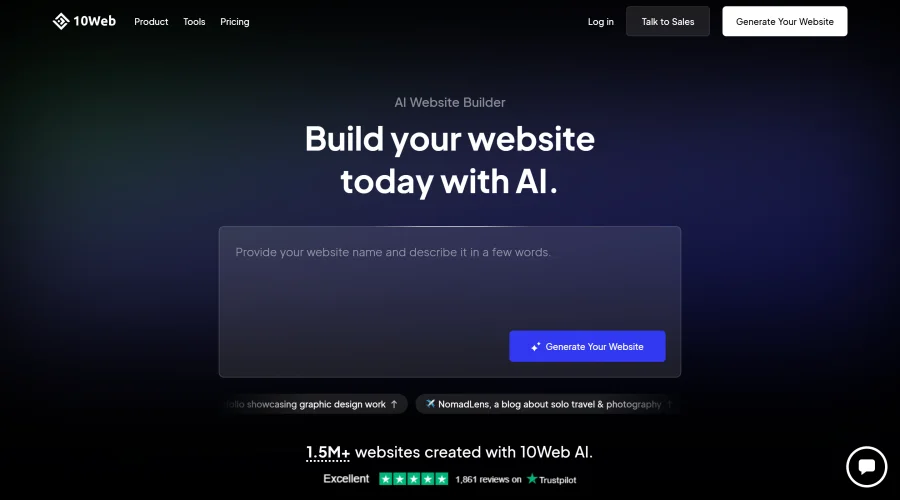

10Web
AI-enhanced WordPress website builder for easy site creation.
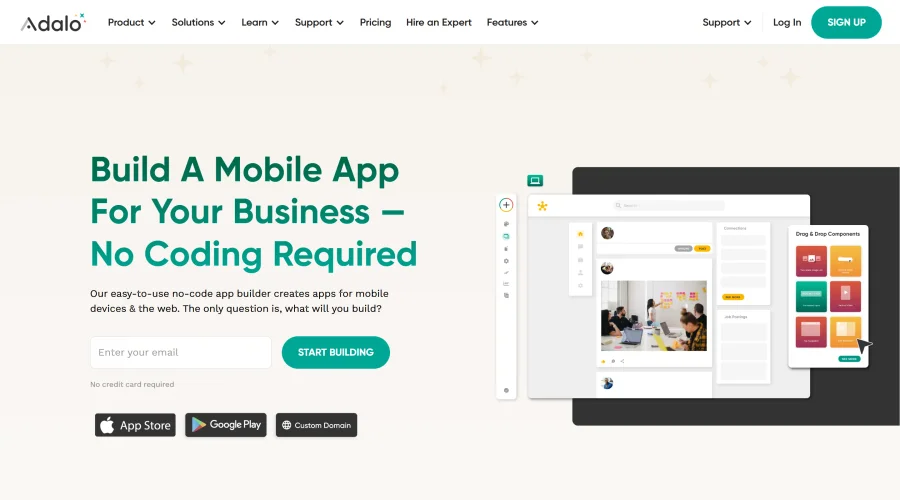

Adalo
Turn app ideas into reality without needing to code.
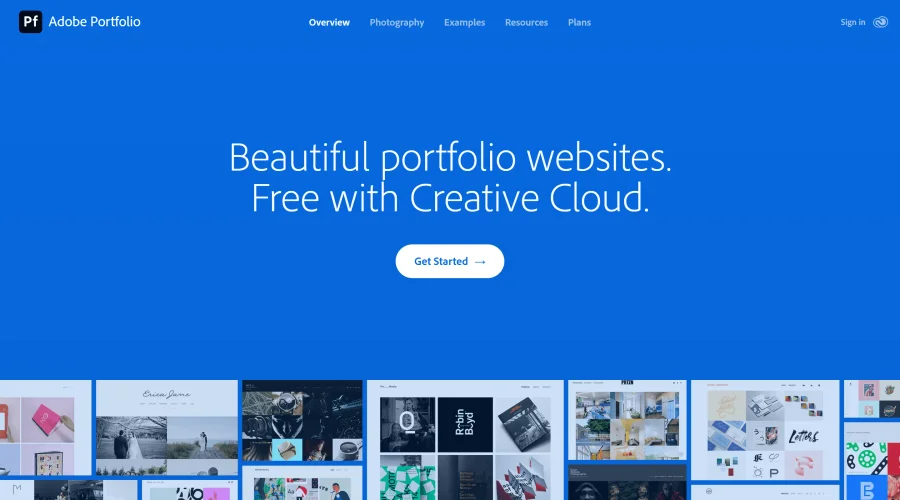

Adobe Portfolio
Build stunning portfolio websites, free with Creative Cloud.
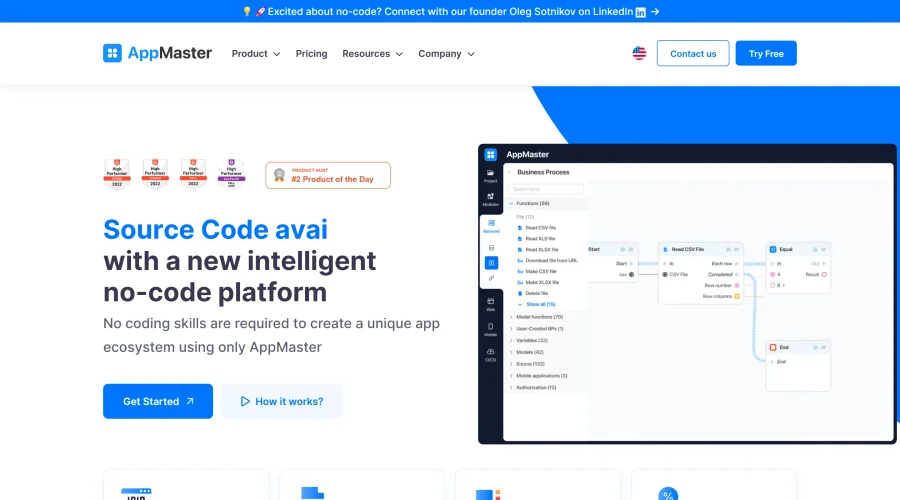

AppMaster
Next-gen no-code platform for automating business processes and building native apps.
Explore Other Categories
Discover more design resources
New to Design?
Explore our comprehensive design glossary to master essential terminology from A/B Testing to Wireframes.
Browse GlossaryLooking for something specific?
Search through our entire collection of design tools and resources