

About The Design Quiz
What Is The Design Quiz?
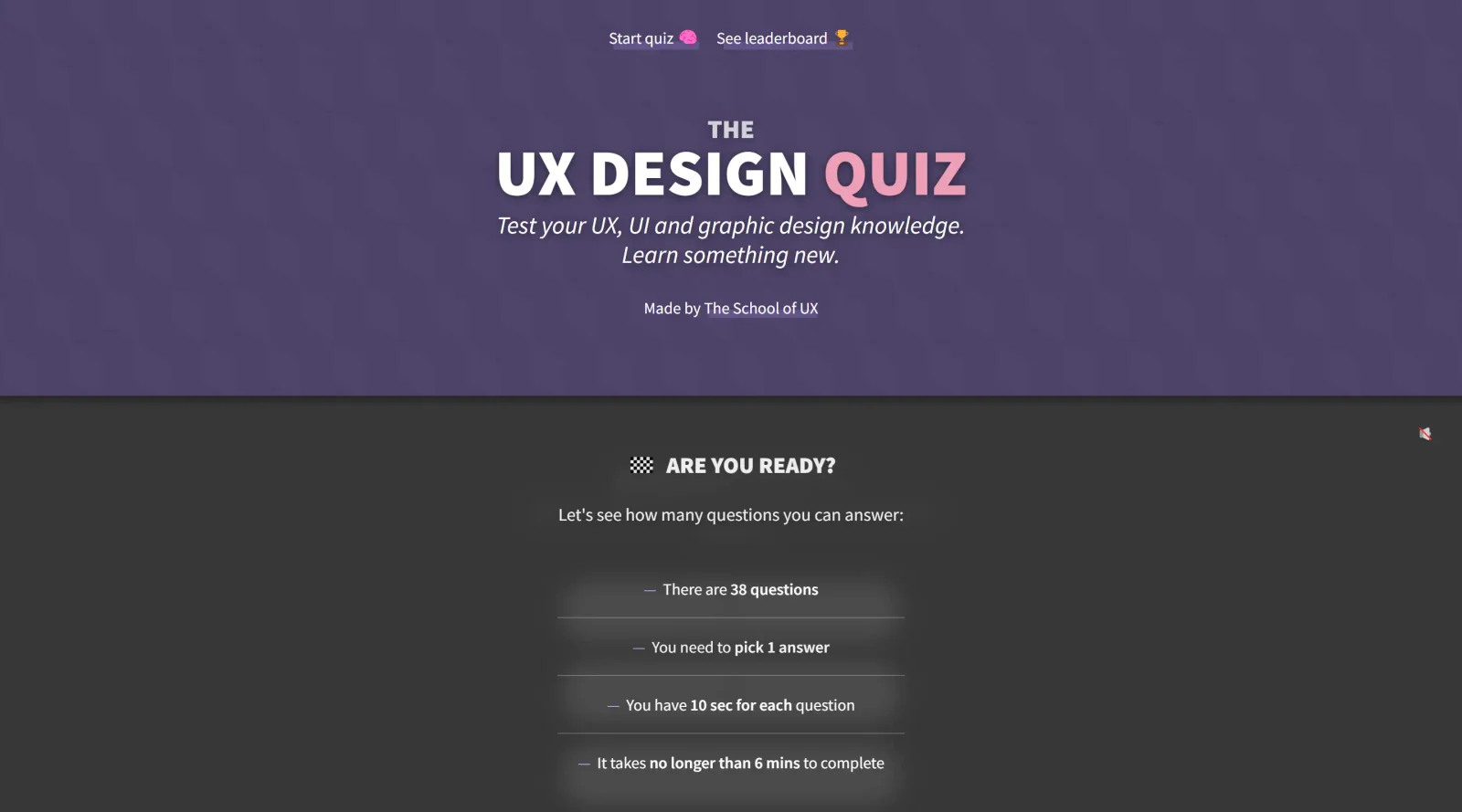
The Design Quiz is a free educational tool that tests users' knowledge in UX, UI, and graphic design through a series of questions. It serves as a self-assessment resource within the design learning workflow, allowing individuals to evaluate their understanding of core concepts without any cost. As part of the educational category, The Design Quiz helps designers identify strengths and gaps in their expertise across visual design principles, user experience strategies, and interface fundamentals.
What The Design Quiz Does
- Presents multiple-choice questions on UX topics such as Gestalt principles, Zeigarnik effect, and progressive disclosure.
- Covers UI design elements including affordances, serial position effect, and A/B testing methods.
- Includes graphic design queries on visual alignment, layer management, and common visual mistakes.
- Assesses knowledge of design processes like card sorting, affinity diagramming, and usability testing stages.
- Evaluates understanding of user-centered concepts such as peak-end rule, user flows, and information architecture.
- Provides immediate feedback on answers to reinforce learning in design fundamentals.
How The Design Quiz Can Be Used
- Designers review UX principles before client meetings by answering questions on user testing and prototypes.
- UI specialists test recall of interface controls and feedback mechanisms during workflow breaks.
- Graphic designers practice spotting visual inconsistencies in layouts through targeted pop-quiz style items.
- Teams incorporate The Design Quiz into onboarding to benchmark new members' design knowledge.
- Students use it for self-study ahead of exams, focusing on topics like double diamond process or context of use.
Who Is The Design Quiz For?
The Design Quiz suits junior designers building foundational knowledge in UX, UI, and graphic design, as well as mid-level professionals refreshing concepts like usability standards and visual hierarchy. It fits self-learners, teams conducting internal training, and educators assigning quizzes for skill assessment in educational settings. Experience levels from beginner to intermediate benefit most, particularly those handling projects involving user research, prototyping, or visual refinement. Visit The Design Quiz
Featured Tools
Sponsored
Artlist
Royalty-free music, SFX, 8K footage, templates, LUTs and 100+ AI models on a single subscription for video creators.

Icons8
Large icon packs featuring over 10,000 icons for consistent design themes.

Vidu
AI video generator with text, image and reference-to-video modes, producing 3–16 second clips at up to 1080p with characters that stay consistent across shots.
Your tool here
The tools above are our own picks until the slots sell.
Spotlight
SponsoredRotates daily
Animated Icons 2.0
Enhance your projects with 900+ animated icons.
More Educational Tools


10x Designers
Broaden your design skills with this resource.


AJ Smart
Premier resource for UX/UI, design sprints, and design thinking.


Android Design Hub
Android UI design best practices for creating beautiful interfaces.


Baseline
Expertly crafted free design bootcamp for skill enhancement.


Better Web Type
Complimentary web typography course for designers and developers.


Biased by Design
Insights on recognizing and countering cognitive bias in design.
Explore Other Categories
Discover more design resources
New to Design?
Explore our comprehensive design glossary to master essential terminology from A/B Testing to Wireframes.
Browse GlossaryLooking for something specific?
Search through our entire collection of design tools and resources