

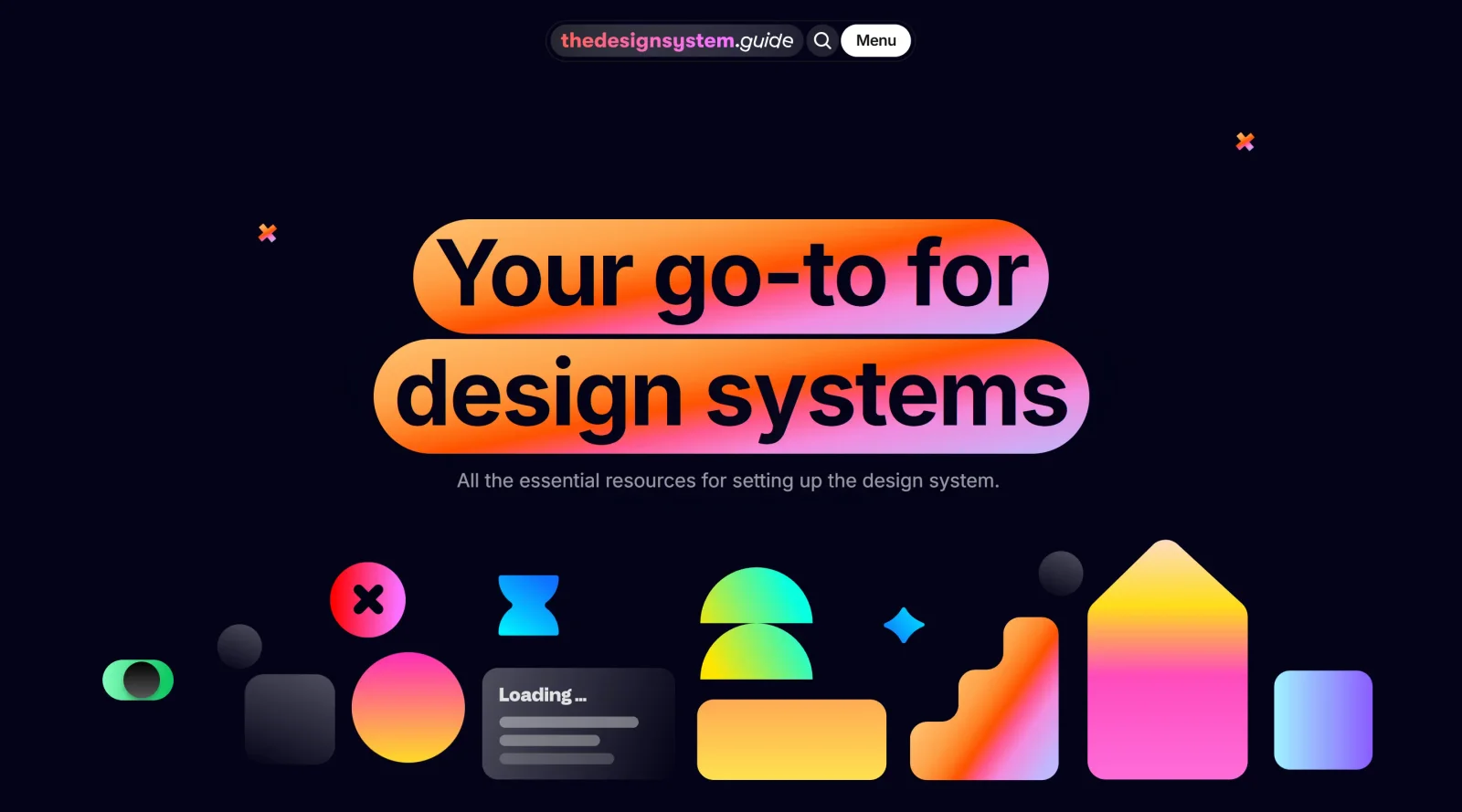
Interactive handbook for establishing a design system.
What it costs
- Free tier
- Yes
Free newsletter and knowledge base; paid courses (Design Tokens, DS Inventory) are sold but their prices aren't shown on the homepage.
Auto-checked on 8 August 2026Source
About The Design System Guide
What Is The Design System Guide?
The Design System Guide is an **interactive handbook** in the educational category that provides step-by-step guidance for establishing a design system. Available for free, it serves as a practical resource for designers and developers to structure consistent UI components, tokens, and processes within their design workflow. The Design System Guide fits early in the design process, particularly during audits, planning, and initial setup phases where teams define reusable standards to maintain consistency across products.
What The Design System Guide Does
- Offers bite-sized lectures on starting a design system, including where to begin and conducting a design audit.
- Explains the structure of a design system, covering organization of components and foundational elements.
- Details design tokens and their effective use for managing variables like colors, spacing, and typography.
- Provides coverage of planning and roadmap development for long-term design system maintenance.
- Includes sections on collaboration, adoption strategies, and metrics to track design system performance.
- Features resources and tools for practical implementation, such as inventories and AI-assisted automation.
How The Design System Guide Can Be Used
- Design teams use The Design System Guide to audit existing components and identify inconsistencies before rebuilding.
- Developers reference it during token implementation to ensure scalable, themeable design variables in codebases.
- Product managers apply its roadmap and metrics sections to align design systems with business goals and measure ROI.
- Remote teams leverage collaboration tips to integrate designers and engineers in distributed workflows.
- Beginners follow the step-by-step handbook to set up their first design system without prior experience.
Who Is The Design System Guide For?
The Design System Guide targets design strategists, UI/UX designers, front-end developers, and product teams working on scalable interfaces for tech startups or enterprises. It suits intermediate to advanced users handling design debt reduction, component libraries, or AI-enhanced automation in design systems, as well as those new to the topic seeking structured educational content. Over 15,000 users have joined its community for insights on agentic design systems and tools like Figma and GitHub integrations. Visit The Design System Guide
Featured Tools
Sponsored
Artlist
Royalty-free music, SFX, 8K footage, templates, LUTs and 100+ AI models on a single subscription for video creators.

Icons8
Large icon packs featuring over 10,000 icons for consistent design themes.

Vidu
AI video generator with text, image and reference-to-video modes, producing 3–16 second clips at up to 1080p with characters that stay consistent across shots.
Your tool here
The tools above are our own picks until the slots sell.
Spotlight
SponsoredRotates daily
HyNote
Records and transcribes interviews and meetings, then turns them into summaries and action items.
More Educational Tools


10x Designers
Broaden your design skills with this resource.


AJ Smart
Premier resource for UX/UI, design sprints, and design thinking.


Android Design Hub
Android UI design best practices for creating beautiful interfaces.


Baseline
Expertly crafted free design bootcamp for skill enhancement.


Better Web Type
Complimentary web typography course for designers and developers.


Biased by Design
Insights on recognizing and countering cognitive bias in design.
Explore Other Categories
Discover more design resources
New to Design?
Explore our comprehensive design glossary to master essential terminology from A/B Testing to Wireframes.
Browse GlossaryLooking for something specific?
Search through our entire collection of design tools and resources