

Calculate line-height for optimal baseline grid fitting.
What it costs
- Free tier
- Yes
Free line-height calculator with a free Figma plugin; no paid plan.
Auto-checked on 8 August 2026Source
About The good line-height
What Is The good line-height?
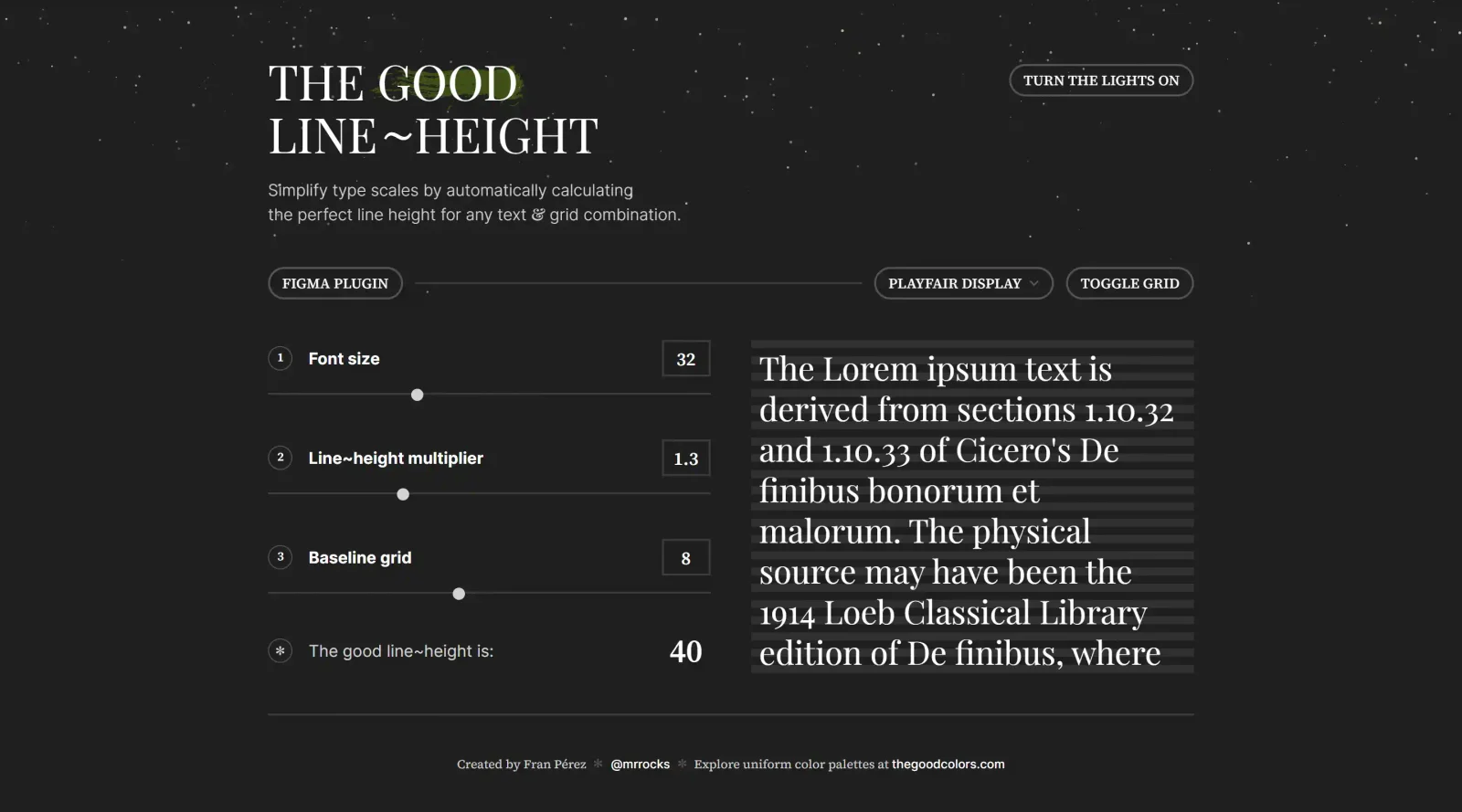
The good line-height is a free typography tool designed to calculate line-height values for optimal baseline grid fitting. It serves designers working on type scales by providing precise measurements that align text with grid systems. In the design workflow, The good line-height fits into the typography refinement stage, where adjustments ensure consistent vertical rhythm across text elements.
What The good line-height Does
- Calculates line-height based on selected fonts and grid configurations.
- Supports fonts like Playfair Display for accurate type scale generation.
- Displays a toggleable grid to visualize baseline alignment.
- Uses sample text such as Lorem ipsum to demonstrate line-height effects.
- Simplifies type scale creation by automating height computations for text and grid combinations.
- Integrates as a Figma plugin for direct use within design files.
How The good line-height Can Be Used
- Designers select a typeface and grid size to generate line-height values that fit text blocks precisely on the baseline grid.
- In Figma, the plugin applies calculations to frames, helping maintain vertical rhythm in UI layouts.
- Developers reference output values to set CSS line-height properties, ensuring pixel-perfect alignment across screen sizes.
- Teams use it during style guide creation to standardize typography scales for web or print projects.
- For responsive designs, it aids in adjusting line-heights for different font sizes and measures, such as 60-80 characters per line.
Who Is The good line-height For?
The good line-height serves typography-focused designers, UI/UX specialists, and front-end developers who prioritize baseline grid alignment in their projects. It suits users at intermediate to advanced levels working on digital products requiring precise text rhythm, such as websites, apps, or design systems. Those handling type scales in tools like Figma benefit most from its grid-fitting calculations. Visit The good line-height
Featured Tools
Sponsored
Artlist
Royalty-free music, SFX, 8K footage, templates, LUTs and 100+ AI models on a single subscription for video creators.

Icons8
Large icon packs featuring over 10,000 icons for consistent design themes.

Vidu
AI video generator with text, image and reference-to-video modes, producing 3–16 second clips at up to 1080p with characters that stay consistent across shots.
Your tool here
The tools above are our own picks until the slots sell.
Spotlight
SponsoredRotates daily
Animated Icons 2.0
Enhance your projects with 900+ animated icons.
Tools we recommend

Editorially chosen. Some links above are affiliate links — if you sign up we may earn a commission, at no extra cost to you.
More Typography Tools


ZnortDesigns
Explore your local font library, discover font pairings, and find curated typography resources and design deals in one designer-friendly tool.
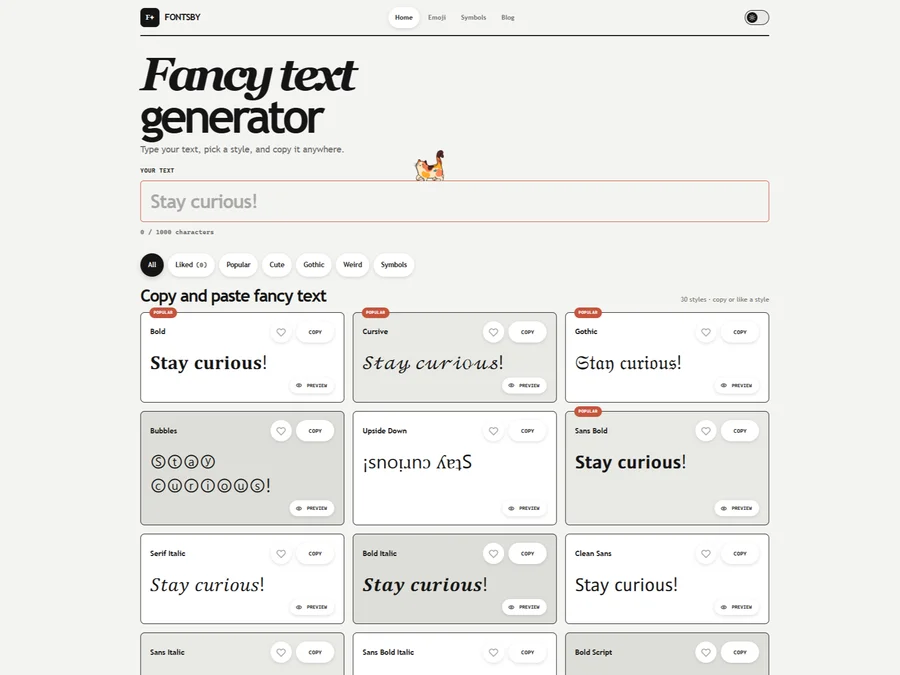

FontsBy
Fancy text generator for Instagram, Twitter, TikTok and Discord. Copy and paste bold, cursive and stylish Unicode fonts, symbols and emoji instantly for bios, usernames, names and social media posts.


205TF
French type foundry showcasing work from independent designers.


All Free Fonts
A selection of beautiful, free fonts curated for quality.


atipo
Digital foundry and design studio specializing in typefaces.


Beautiful Web Type
Guide to the best open-source typefaces.
Explore Other Categories
Discover more design resources
New to Design?
Explore our comprehensive design glossary to master essential terminology from A/B Testing to Wireframes.
Browse GlossaryLooking for something specific?
Search through our entire collection of design tools and resources