

What it costs
- Free tier
- Yes
Free educational timeline of user-interface history; no paid plan.
Auto-checked on 8 August 2026Source
About The history of UI
What Is The history of UI?
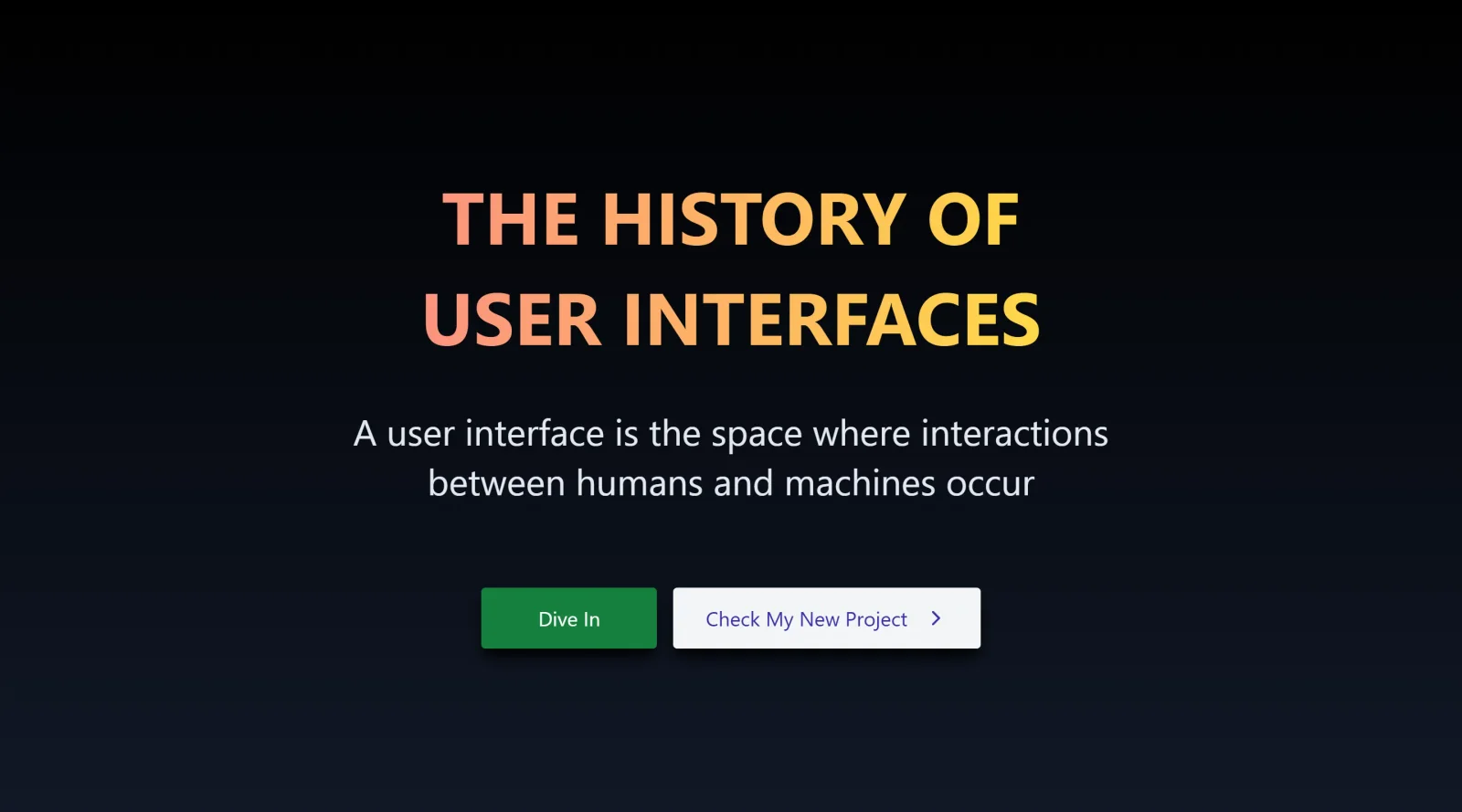
The history of UI is a free educational resource that provides a visual showcase of the evolution of user interfaces from early computing concepts to contemporary designs. It traces key developments in UI design, serving as a reference within the design workflow for understanding historical context and informing current practices. As an **educational** tool available at no cost, The history of UI fits into research and inspiration phases for designers studying interface trends across decades.
What The history of UI Does
- Displays a chronological timeline of UI milestones starting from 1943 with early concepts like punch cards and human-machine relationships.
- Highlights pioneering graphical user interfaces, such as Ivan Sutherland's Sketchpad in the 1960s, which introduced object-oriented programming and computer-aided design elements.
- Covers major hardware and software advancements, including the Xerox Alto GUI in 1973, Apple's Macintosh innovations, and Windows 95 features like the Start menu and taskbar.
- Documents shifts in design paradigms, from skeuomorphism to flat design, responsive web design, and Material Design principles.
- Illustrates the impact of mobile interfaces with entries on iOS gestures, multitouch, and Metro design language from Windows Phone.
- Extends to modern developments like progressive web apps, spatial computing, and enterprise design systems such as IBM's Carbon.
How The history of UI Can Be Used
- Designers reference The history of UI during ideation to draw inspiration from past UI patterns, such as adapting responsive design techniques coined by Ethan Marcotte for current projects.
- Teams use it in workshops to discuss the transition from command-line interfaces to GUIs, applying lessons from milestones like the Apple Macintosh to improve user-friendly layouts.
- Developers consult the timeline when building cross-platform apps, noting evolutions like AJAX for interactivity or CSS for styling separation in web development workflows.
- Educators incorporate The history of UI into courses on UI/UX history, using visual examples of flat design from iOS 7 or Material Design to teach trend analysis.
- Researchers analyze design language shifts, such as from skeuomorphic icons to minimalist interfaces, to contextualize emerging technologies like voice UIs or AR.
Who Is The history of UI For?
The history of UI serves UI/UX designers, developers, and students seeking historical perspective on interface evolution. It benefits junior designers building foundational knowledge of milestones from early GUIs to modern paradigms, as well as senior professionals contextualizing trends like responsive design or flat aesthetics in client presentations. Product teams working on cross-device experiences find value in its coverage of mobile and web shifts, while historians of technology use it for accurate timelines of innovations from Sketchpad to spatial computing. Visit The history of UI
Featured Tools
Sponsored
Artlist
Royalty-free music, SFX, 8K footage, templates, LUTs and 100+ AI models on a single subscription for video creators.

Icons8
Large icon packs featuring over 10,000 icons for consistent design themes.

Vidu
AI video generator with text, image and reference-to-video modes, producing 3–16 second clips at up to 1080p with characters that stay consistent across shots.
Your tool here
The tools above are our own picks until the slots sell.

More Educational Tools


10x Designers
Broaden your design skills with this resource.


AJ Smart
Premier resource for UX/UI, design sprints, and design thinking.


Android Design Hub
Android UI design best practices for creating beautiful interfaces.


Baseline
Expertly crafted free design bootcamp for skill enhancement.


Better Web Type
Complimentary web typography course for designers and developers.


Biased by Design
Insights on recognizing and countering cognitive bias in design.
Explore Other Categories
Discover more design resources
New to Design?
Explore our comprehensive design glossary to master essential terminology from A/B Testing to Wireframes.
Browse GlossaryLooking for something specific?
Search through our entire collection of design tools and resources