

Intelligently compress WebP, PNG, and JPEG images.
What it costs
- Free tier
- Yes
Browser compression is free for everyone (20 images, 5MB each); Web Pro/API/CDN paid tiers are priced on separate /pricing pages not scraped.
Auto-checked on 8 August 2026Source
About Tiny PNG
What Is Tiny PNG?
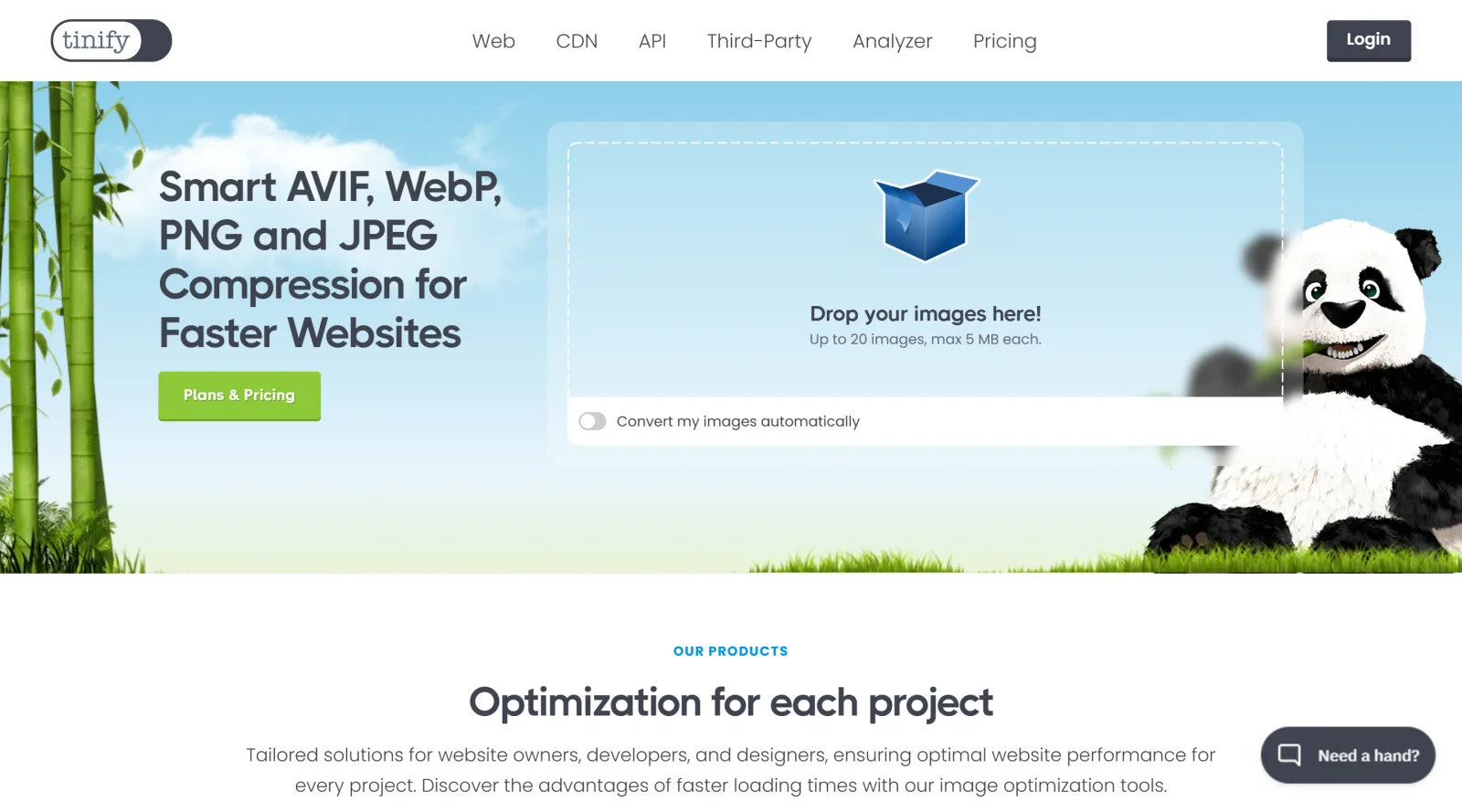
Tiny PNG is an online image compression tool in the design-tools category that intelligently compresses WebP, PNG, and JPEG images using lossy techniques. It reduces file sizes by selectively decreasing the number of colors and removing unnecessary data, resulting in smaller files with nearly invisible quality loss. As a freemium service, Tiny PNG offers free compression up to certain limits, with paid subscriptions for higher volumes. Designers and developers use Tiny PNG in their workflow to optimize images for web use, improving site performance without altering visual appearance significantly.
What Tiny PNG Does
- Compresses WebP, PNG, JPEG, and AVIF images using a smart lossy algorithm that minimizes file sizes while preserving visual quality.
- Supports bulk compression, allowing up to 20 images to be processed simultaneously via drag-and-drop or file selection.
- Handles animated PNG files and maintains transparency in PNG images during compression.
- Converts images between formats such as JPEG, PNG, and WebP as part of the optimization process.
- Provides integration options including WordPress plugins, Photoshop plugins, and a command-line interface for automated workflows.
- Preserves metadata like copyright information, creation dates, and GPS locations when selected by the user.
How Tiny PNG Can Be Used
- Web developers upload batches of site images before deployment to reduce load times and bandwidth usage.
- Graphic designers compress assets for client projects, ensuring files remain lightweight for email attachments or presentations.
- WordPress users install the plugin to automatically compress new uploads and bulk-optimize existing media libraries.
- Teams with large image collections process files via the API or CLI to integrate compression into build scripts and CI/CD pipelines.
- Content creators optimize photos for social media or blogs, converting to WebP for better compatibility and smaller sizes.
Who Is Tiny PNG For?
Tiny PNG serves web developers, graphic designers, and site administrators who need to optimize images for faster loading and better performance. It fits beginners handling simple uploads as well as experienced users automating processes through plugins or APIs. Projects involving high volumes of WebP, PNG, or JPEG files, such as websites, apps, or digital marketing campaigns, benefit from its batch capabilities and format support. Visit Tiny PNG
Featured Tools
Sponsored
Artlist
Royalty-free music, SFX, 8K footage, templates, LUTs and 100+ AI models on a single subscription for video creators.

Icons8
Large icon packs featuring over 10,000 icons for consistent design themes.

Vidu
AI video generator with text, image and reference-to-video modes, producing 3–16 second clips at up to 1080p with characters that stay consistent across shots.
Your tool here
The tools above are our own picks until the slots sell.
Spotlight
SponsoredRotates daily
HyNote
Records and transcribes interviews and meetings, then turns them into summaries and action items.
Tools we recommend


getimg.ai
20+ AI models for image, video & audio in one workspace


OpenArt
All-in-one AI image, video & audio generator


YouCam Online Editor
Free online AI photo & video editor
Editorially chosen. Some links above are affiliate links — if you sign up we may earn a commission, at no extra cost to you.
More Design Tools Tools


Pryzm
Pryzm is a real-time studio for designers who need backgrounds that don't look like everyone else's. Layer procedural gradients, then stack glass, grain, light and blobs.


Modeinspect
Mode turns your product’s codebase into editable canvas frames. Refine real UI with visual controls, experiment with AI then share or hand off for review.


GoProd
Remove backgrounds and upscale images effectively.


Kittl
AI-first design platform with image, vector, and video generation, plus templates, mockups, and print-ready exports.


Lunacy
Free design software enhanced with AI tools and built-in graphics.


Smart Upscaler
Automatically improve image clarity using AI technology.
Explore Other Categories
Discover more design resources
New to Design?
Explore our comprehensive design glossary to master essential terminology from A/B Testing to Wireframes.
Browse GlossaryLooking for something specific?
Search through our entire collection of design tools and resources