

What it costs
- Free tier
- Yes
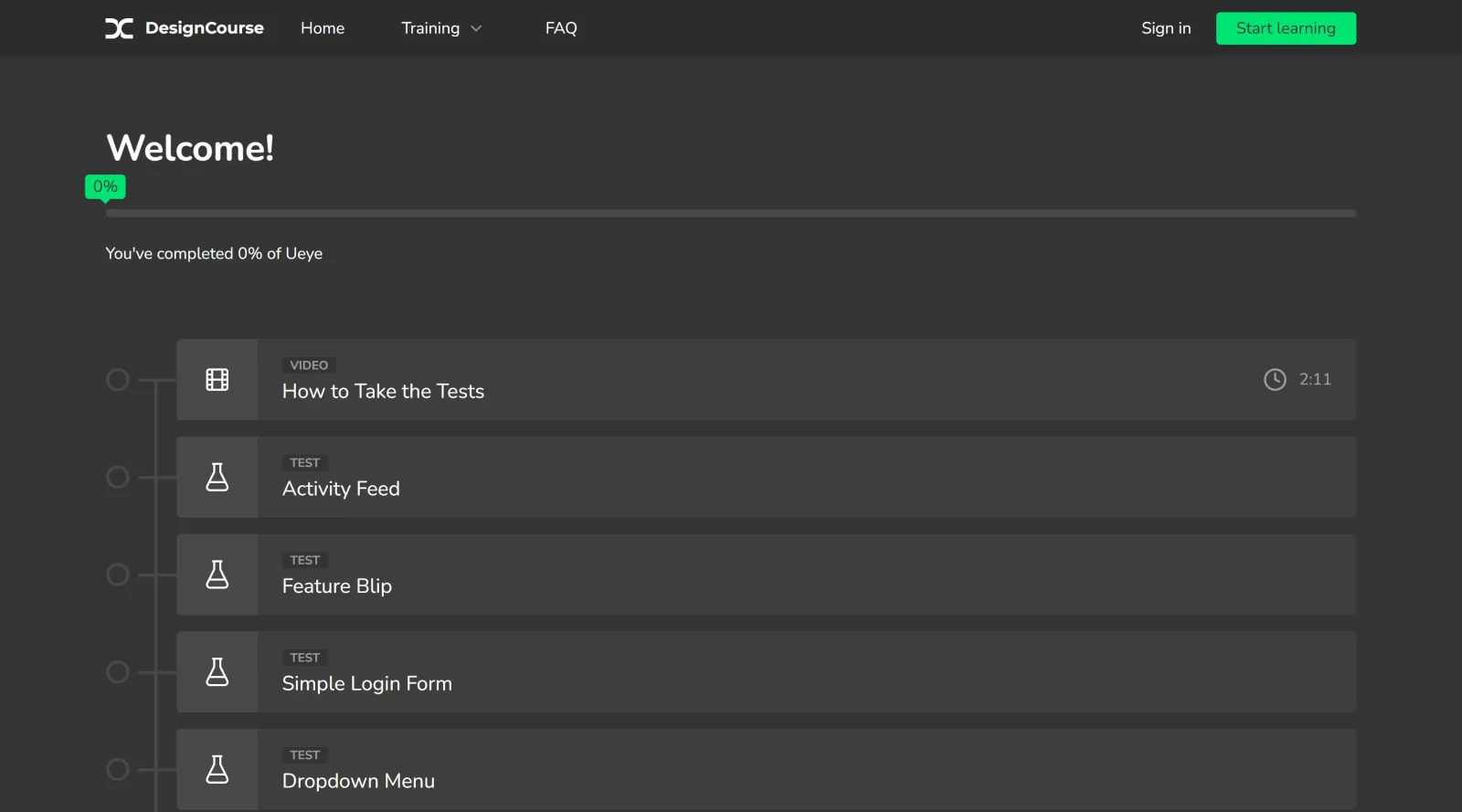
Scraped URL resolves to designcourse.com (a paid course platform), not a uEye product page; a free 2026 challenge is shown but course prices are not.
Auto-checked on 8 August 2026Source
About uEye
What Is uEye?
uEye is a free educational game designed to teach UI design fundamentals through interactive challenges. It fits into the learning phase of the design workflow, helping users build visual recognition skills before applying them in tools like Figma or prototyping software. As part of the educational category, uEye provides hands-on practice in spotting common UI issues without any cost, making it accessible for self-paced study.
What uEye Does
- Presents over 15 challenges where users identify incorrect applications of UI principles in example designs.
- Awards points for correct identifications of issues like misalignment, contrast problems, and color inconsistencies.
- Deducts points for selecting principles that are correctly applied, including trick challenges with no errors.
- Tests recognition of fundamentals such as alignment, color harmony, visual hierarchy, and shadow usage.
- Delivers immediate feedback on selections to reinforce learning of UI design rules.
- Operates as a browser-based game requiring no signups or installations.
How uEye Can Be Used
- Designers review flawed UI mockups to practice spotting spacing errors and alignment issues during daily skill-building sessions.
- Product managers and QA testers sharpen attention to detail by identifying contrast and readability problems in app interfaces.
- Beginners in UI design complete challenges to understand principles like visual hierarchy before starting projects.
- Teams incorporate uEye into workshops, competing on scores to discuss real-world fixes for color mismatches and shadow contrasts.
- Developers transitioning to design roles use it to train pattern recognition for consistent UI elements in code reviews.
Who Is uEye For?
uEye serves beginners learning UI design, aspiring designers building foundational skills, and professionals in design, product management, engineering, or QA who review visual elements. It suits those working on digital products needing precision in alignment, color, and contrast, across experience levels from novices to teams seeking quick training exercises. Visit uEye
Featured Tools
Sponsored
Artlist
Royalty-free music, SFX, 8K footage, templates, LUTs and 100+ AI models on a single subscription for video creators.

Icons8
Large icon packs featuring over 10,000 icons for consistent design themes.

Vidu
AI video generator with text, image and reference-to-video modes, producing 3–16 second clips at up to 1080p with characters that stay consistent across shots.
Your tool here
The tools above are our own picks until the slots sell.

More Educational Tools


10x Designers
Broaden your design skills with this resource.


AJ Smart
Premier resource for UX/UI, design sprints, and design thinking.


Android Design Hub
Android UI design best practices for creating beautiful interfaces.


Baseline
Expertly crafted free design bootcamp for skill enhancement.


Better Web Type
Complimentary web typography course for designers and developers.


Biased by Design
Insights on recognizing and countering cognitive bias in design.
Explore Other Categories
Discover more design resources
New to Design?
Explore our comprehensive design glossary to master essential terminology from A/B Testing to Wireframes.
Browse GlossaryLooking for something specific?
Search through our entire collection of design tools and resources