

Real-world project exercises to boost UI/UX design skills.
What it costs
- Free tier
- Yes
Free tools (palettes, font pairings, inspiration, AI analysis) with a Pricing page linked but no prices shown on the homepage.
Auto-checked on 8 August 2026Source
About UI Coach
What Is UI Coach?
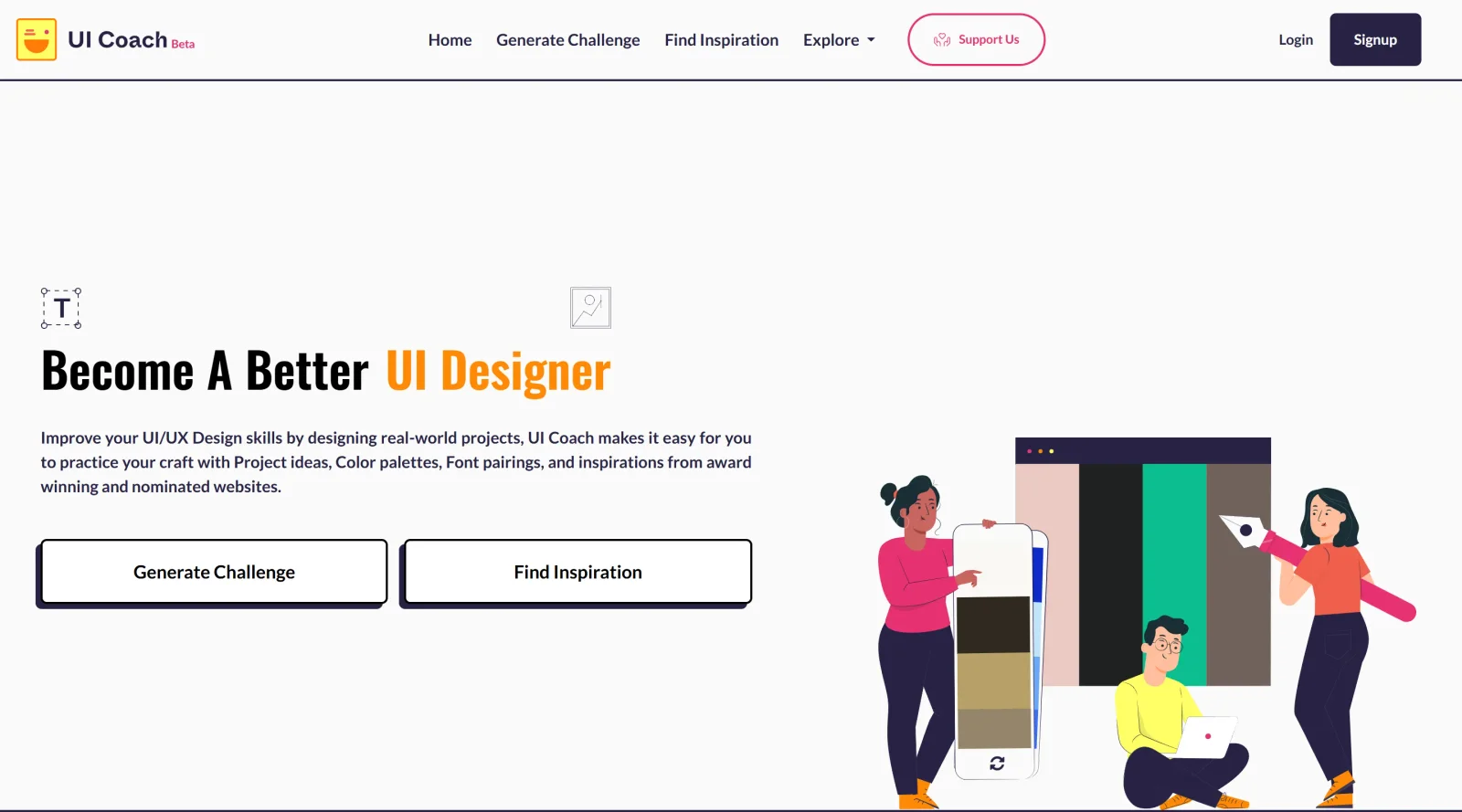
UI Coach is a free educational platform designed to help designers practice and improve UI/UX skills through real-world project exercises. It fits into the learning and skill-building phase of the design workflow, providing resources for inspiration and targeted practice before applying concepts in professional projects. As an educational tool in the UI/UX category, UI Coach offers access to project ideas, color palettes, font pairings, and curated examples of award-winning websites at no cost.
What UI Coach Does
- Generates project ideas for UI design exercises based on real-world scenarios.
- Provides color palettes to explore visual harmony in designs.
- Offers font pairings to assist with typography selection.
- Curates a collection of award-winning and nominated website designs for inspiration.
- Supports skill development through structured practice prompts in the educational category.
- Delivers free access to all core resources without subscription requirements.
How UI Coach Can Be Used
- Designers select a project idea from UI Coach and recreate it using their preferred design software to build layouts and interfaces.
- Combine UI Coach color palettes and font pairings with project prompts to experiment with visual styles on landing pages or app screens.
- Browse curated award-winning websites in UI Coach for reference during ideation phases of client work or personal portfolios.
- Incorporate daily or weekly exercises from UI Coach into a routine to simulate brief-based workflows encountered in freelance or agency settings.
- Use UI Coach prompts as timed challenges to practice rapid prototyping for mobile or web UI elements.
Who Is UI Coach For?
UI Coach serves UI/UX designers at beginner to intermediate levels seeking structured practice opportunities outside formal courses. It suits self-taught designers, students building portfolios, and professionals refining skills through targeted exercises like project recreations or inspiration gathering. Freelancers handling varied briefs and teams conducting design sprints also use it for quick skill drills. Junior developers transitioning to design roles find its free educational resources accessible for UI fundamentals. Visit UI Coach
Featured Tools
Sponsored
Artlist
Royalty-free music, SFX, 8K footage, templates, LUTs and 100+ AI models on a single subscription for video creators.

Icons8
Large icon packs featuring over 10,000 icons for consistent design themes.

Vidu
AI video generator with text, image and reference-to-video modes, producing 3–16 second clips at up to 1080p with characters that stay consistent across shots.
Your tool here
The tools above are our own picks until the slots sell.
Spotlight
SponsoredRotates daily
HyNote
Records and transcribes interviews and meetings, then turns them into summaries and action items.
More Educational Tools


10x Designers
Broaden your design skills with this resource.


AJ Smart
Premier resource for UX/UI, design sprints, and design thinking.


Android Design Hub
Android UI design best practices for creating beautiful interfaces.


Baseline
Expertly crafted free design bootcamp for skill enhancement.


Better Web Type
Complimentary web typography course for designers and developers.


Biased by Design
Insights on recognizing and countering cognitive bias in design.
Explore Other Categories
Discover more design resources
New to Design?
Explore our comprehensive design glossary to master essential terminology from A/B Testing to Wireframes.
Browse GlossaryLooking for something specific?
Search through our entire collection of design tools and resources