

What it costs
- Free tier
- Yes
Free UI/UX tips, articles and newsletter; no paid plan.
Auto-checked on 8 August 2026Source
About UI Tips
What Is UI Tips?
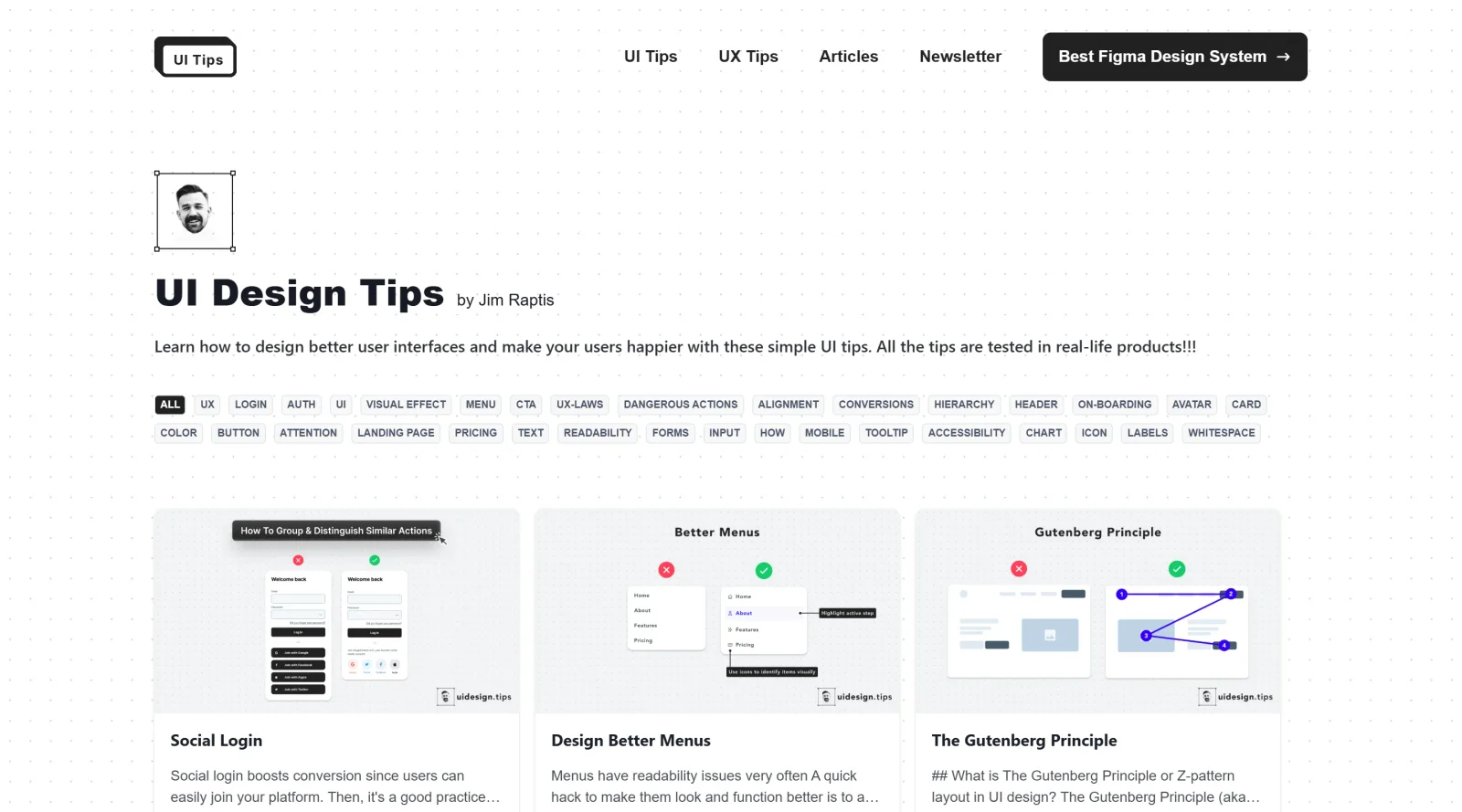
UI Tips is a **free educational resource** that provides guidance on improving user interfaces to enhance UI quality and increase user satisfaction. It serves as a collection of practical tips focused on UI design techniques, fitting into the early stages of the design workflow where designers seek to refine layouts, components, and interactions before prototyping or development. As an educational tool in the UI design category, UI Tips offers accessible insights without requiring software installation or subscription fees.
What UI Tips Does
- Delivers specific tips on UI elements such as labels, color pickers, and navigational components to support precise design decisions.
- Presents examples of UI enhancements for landing pages and apps, drawing from real-world interface scenarios.
- Offers advice on using labels effectively, including options to omit them in contextual situations like predefined color selectors.
- Provides insights into common UI patterns and best practices for elements like buttons, inputs, and informational components.
- Supports learning about interface inventory management and identifying design patterns for intuitive layouts.
- Highlights techniques for boosting usability through subtle suggestions, recent searches, and precise input methods.
How UI Tips Can Be Used
- Consult UI Tips during initial wireframing to apply rules for element shadows, insets, and outsets on buttons, sliders, and cards.
- Reference tips when designing navigational components like breadcrumbs or search fields to improve user flow in apps and websites.
- Use examples for input controls and informational elements such as tooltips or progress bars in prototyping workflows.
- Apply guidance on labels and color pickers while customizing UI kits or templates for landing pages.
- Review patterns for sliders, text fields, and steppers to select appropriate components for repetitive or precise user tasks.
- Incorporate tips into team discussions for maintaining interface inventories and iterating on design patterns.
Who Is UI Tips For?
UI Tips targets UI designers, UX professionals, and developers working on web and mobile interfaces who need quick, actionable educational content to refine their designs. It suits beginners learning core UI principles as well as experienced practitioners addressing specific challenges in component design and user satisfaction. Those involved in landing page creation, app prototyping, or maintaining design systems find its tips relevant for daily workflows. Visit UI Tips
Featured Tools
Sponsored
Artlist
Royalty-free music, SFX, 8K footage, templates, LUTs and 100+ AI models on a single subscription for video creators.

Icons8
Large icon packs featuring over 10,000 icons for consistent design themes.

Vidu
AI video generator with text, image and reference-to-video modes, producing 3–16 second clips at up to 1080p with characters that stay consistent across shots.
Your tool here
The tools above are our own picks until the slots sell.

More Educational Tools


10x Designers
Broaden your design skills with this resource.


AJ Smart
Premier resource for UX/UI, design sprints, and design thinking.


Android Design Hub
Android UI design best practices for creating beautiful interfaces.


Baseline
Expertly crafted free design bootcamp for skill enhancement.


Better Web Type
Complimentary web typography course for designers and developers.


Biased by Design
Insights on recognizing and countering cognitive bias in design.
Explore Other Categories
Discover more design resources
New to Design?
Explore our comprehensive design glossary to master essential terminology from A/B Testing to Wireframes.
Browse GlossaryLooking for something specific?
Search through our entire collection of design tools and resources