

What it costs
- Free tier
- Yes
Fully free, open-source UI element library — 100% free for personal and commercial use.
Auto-checked on 8 August 2026Source
About Uiverse
What Is Uiverse?
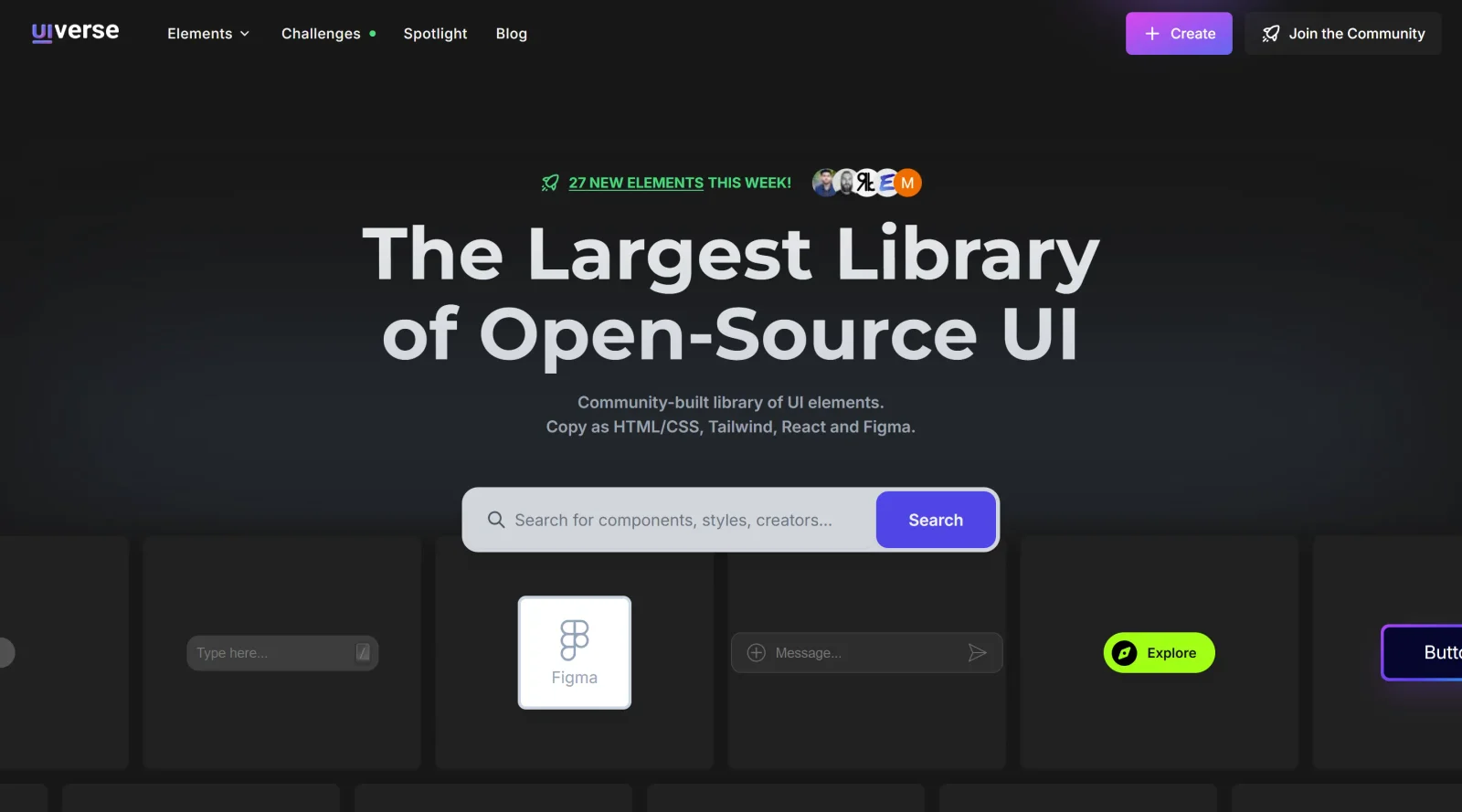
Uiverse is a free, open-source **UI kit** that provides a large collection of community-built UI elements for web development. It serves as a resource where designers and developers can access over 6,000 customizable components crafted with CSS, Tailwind, HTML, and React, fitting into the early stages of the design workflow for prototyping interfaces or integrating ready-made elements into projects.
What Uiverse Does
- Offers more than 6,700 UI elements including buttons, cards, forms, inputs, checkboxes, loaders, toggles, and tooltips.
- Allows users to copy source code in formats such as HTML/CSS, Tailwind, React, or Figma for direct implementation.
- Supports real-time preview and customization of elements with options for light/dark modes and color backgrounds.
- Enables community contributions where users submit new designs for review and inclusion in the library.
- Provides access to a GitHub repository called Galaxy containing over 3,000 unique UI elements under MIT license.
- Includes browsing by tags, categories, and sorting options like recent or popular to find specific components.
How Uiverse Can Be Used
- Designers browse elements for inspiration, copy them into Figma for mockups, or adapt them during prototyping phases.
- Developers select a button or form, preview variations, copy the code, and paste it into their HTML/CSS or Tailwind projects for rapid UI assembly.
- Teams integrate components into web applications, ensuring compatibility with frameworks like Tailwind while modifying styles as needed.
- Community members create new variations of existing elements, submit for approval, and contribute to the growing library for shared use.
- Projects requiring quick loaders or toggles use Uiverse to find MIT-licensed code suitable for personal or commercial applications without restrictions.
Who Is Uiverse For?
Uiverse suits web designers seeking visual inspiration and Figma-compatible elements, frontend developers needing CSS or Tailwind components for efficient building, and community contributors who create and share UI designs. It works for beginners exploring UI patterns as well as experienced teams accelerating prototyping on personal or commercial projects under the free MIT license. Visit Uiverse
Uiverse pros and cons
- Every community UI element is published under the MIT license, stated in the footer and the terms
- Code is visible and copyable without an account, with an export to React
- Filter by CSS or Tailwind across buttons, loaders, toggles, inputs, cards, tooltips and patterns
- Each element credits its creator, and attribution is appreciated but not required
- Elements are standalone snippets by different creators, not a consistent component system
- React export of CSS elements relies on styled-components unless you move the styles out
- The GitHub archive was last updated in September 2024 and holds about 3,000 elements
- Paid AI design systems now sit in the main nav, and the terms say purchases are non-refundable
Uiverse suits front-end developers and designers who want a ready-made button, loader, toggle or card to paste in and adapt. Licensing is the clear strength: the site and its terms put community elements under MIT, and copying code needs no account. The trade-off is consistency. Each element is a standalone snippet from a different creator, so expect to adapt class names and styles to your codebase, and the GitHub mirror hasn't been updated since September 2024. Treat it as a source of parts and ideas; for a consistent, maintained component set across a production app, a dedicated component library is the better fit.
Frequently asked questions
Is Uiverse free for commercial use?
Yes. Uiverse states that all UI elements on the site are published under the MIT License and are free for personal and commercial use, and its terms apply the MIT license to content users post. The separate AI Design Systems section is paid.
Do I need an account to use Uiverse?
No account is needed to browse elements or copy their code. Signing in with GitHub or Google is required to save favorites or to create and post your own elements.
Does Uiverse work with Tailwind and React?
Elements are built with either plain CSS or Tailwind, and you can filter the library by each. CSS elements can be exported to React, where the snippet uses styled-components unless you copy the styles into your own CSS file.
Is everything on Uiverse free?
The element library is free. The AI Design Systems are a separate paid section, sold individually or as a lifetime bundle of the whole set, and the terms say all purchases are non-refundable.
Featured Tools
Sponsored
Artlist
Royalty-free music, SFX, 8K footage, templates, LUTs and 100+ AI models on a single subscription for video creators.

Icons8
Large icon packs featuring over 10,000 icons for consistent design themes.

Vidu
AI video generator with text, image and reference-to-video modes, producing 3–16 second clips at up to 1080p with characters that stay consistent across shots.
Your tool here
The tools above are our own picks until the slots sell.

More UI Kits Tools
Apple Design Resources
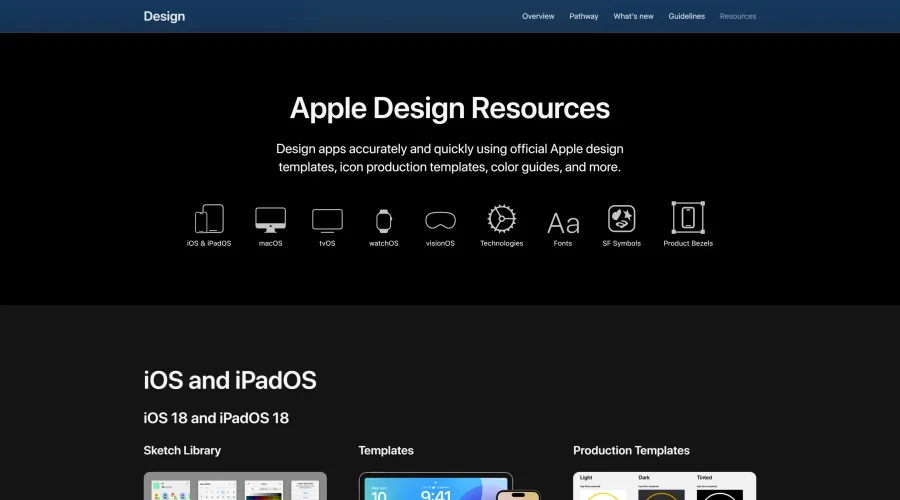
Apple’s official resources for iOS: Sketch, Photoshop, and XD templates and guides.

Blank 2.5
Fast and efficient UI kit and design system for landing page projects.
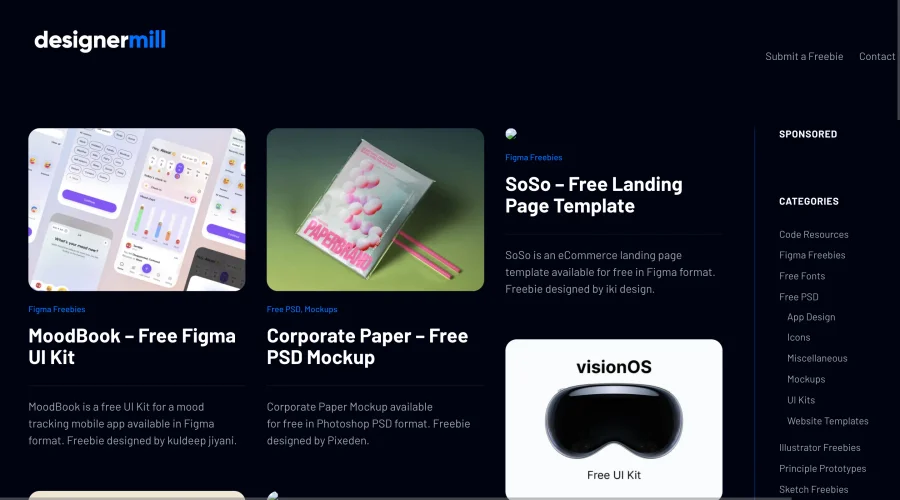

DesignerMill
Free collection of PSDs, Sketch files, fonts, and more for designers.
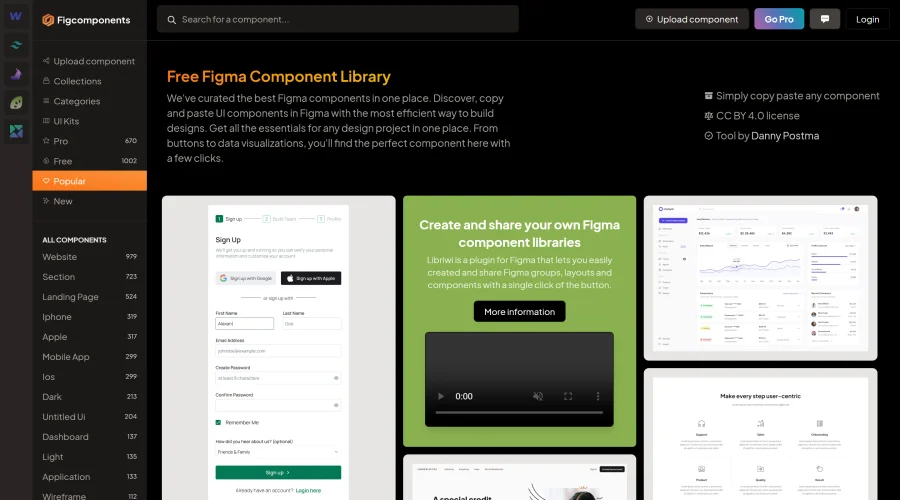

Figcomponents
A free library of Figma components for easy copying and pasting.
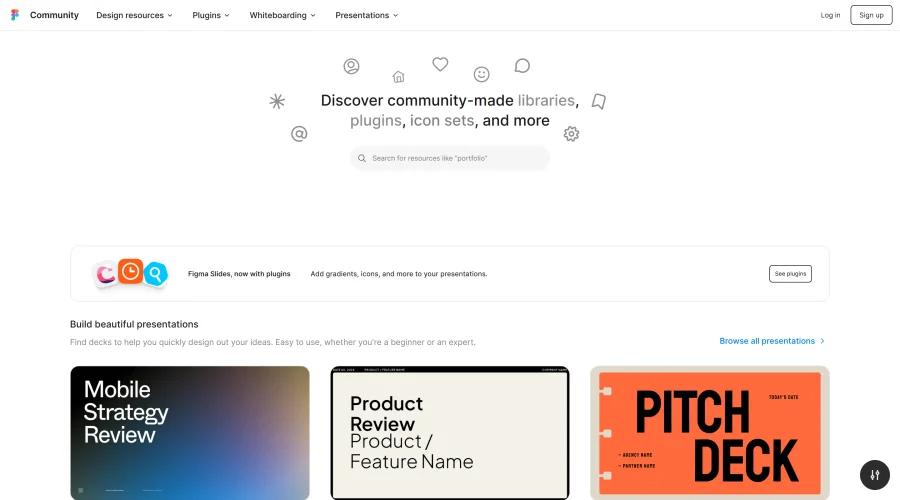
Figma Community
Exclusive files and plugins designed for Figma.
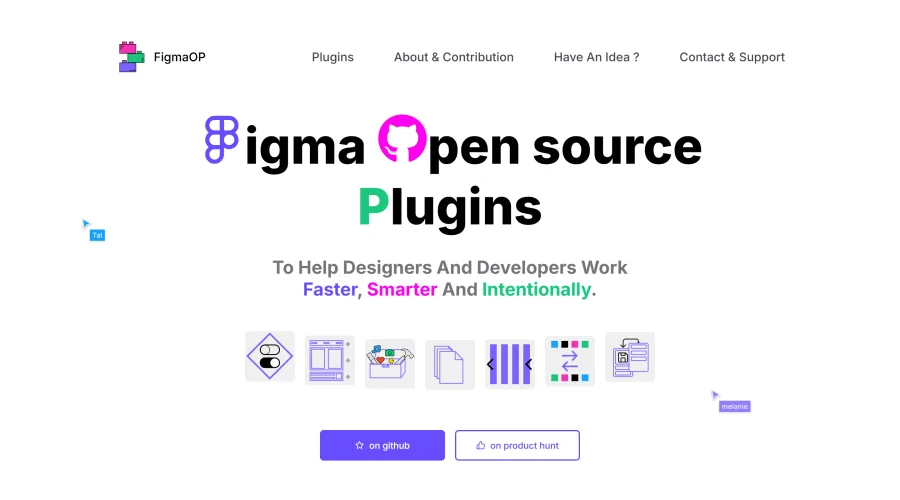
FigmaOP
Open-source plugins to enhance efficiency and intentionality in design.
Explore Other Categories
Discover more design resources
New to Design?
Explore our comprehensive design glossary to master essential terminology from A/B Testing to Wireframes.
Browse GlossaryLooking for something specific?
Search through our entire collection of design tools and resources