
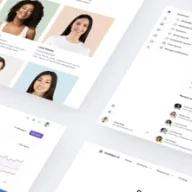
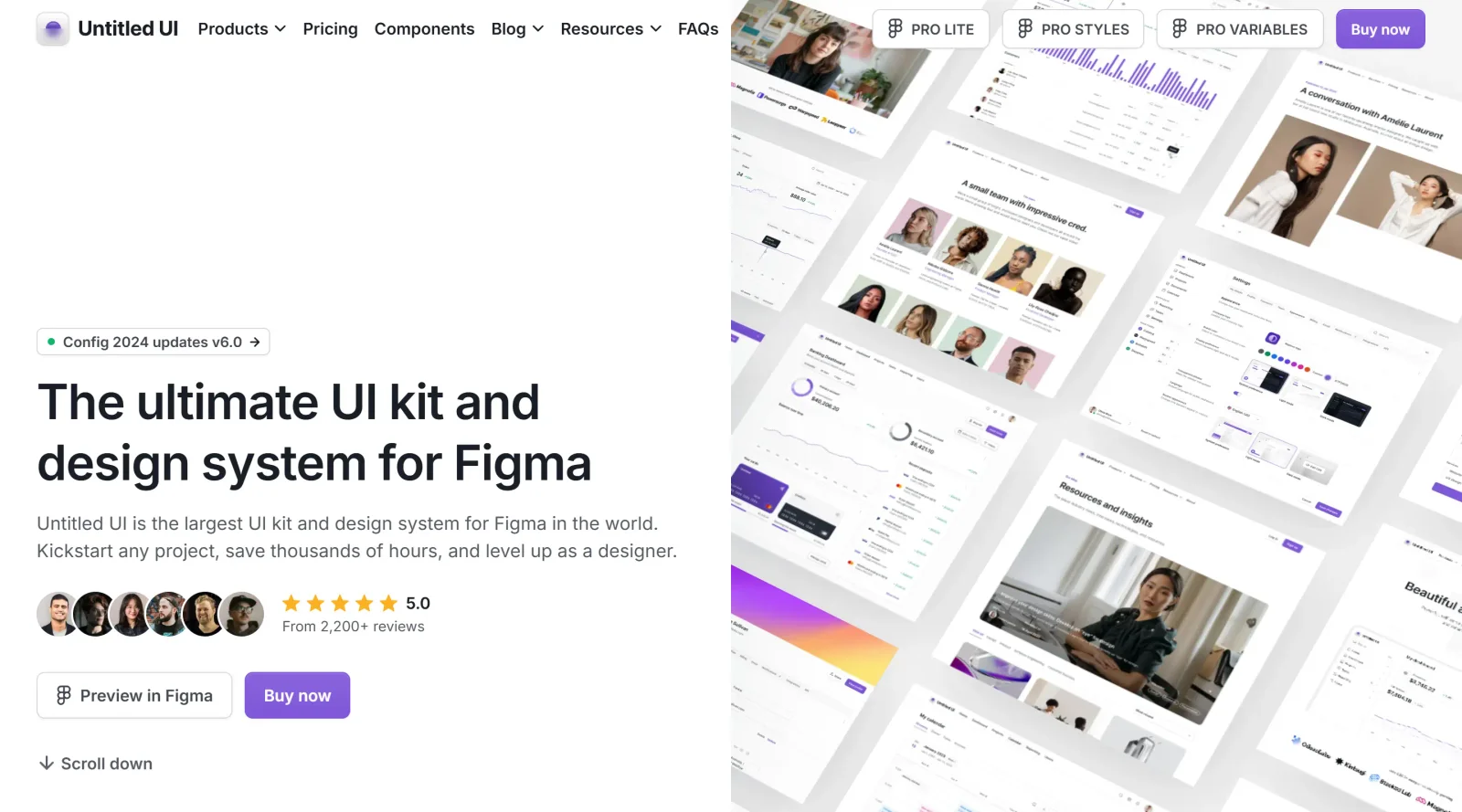
World's most extensive UI kit and design system for Figma users.
What it costs
- Free tier
- Yes
Paid Figma/React UI kit with genuine free versions (Untitled UI Figma FREE, 1,100+ free icons); actual paid prices are on a /pricing page not shown in the captured content.
Auto-checked on 8 August 2026Source
About Untitled UI
What Is Untitled UI?
Untitled UI is a **UI kit** and design system developed for Figma, providing an extensive collection of components, styles, and templates for user interface design. It serves as a foundation for building interfaces in Figma workflows, supporting the creation of websites, applications, and dashboards through pre-built elements that integrate with Figma's advanced features. As a paid resource in the ui-kits category, Untitled UI equips designers with tools to construct layouts efficiently using Auto Layout, variables, and variants.
What Untitled UI Does
- Offers over 10,000 components and variants, including buttons, badges, modals, tables, date pickers, and carousels, all built with 100% Auto Layout 5.0.
- Provides more than 900 global styles and variables for color, spacing, radius, typography, and effects, enabling consistent theming across projects.
- Supports Figma's latest features such as color variables for dark mode, min/max widths, Auto Layout wrapping, and component properties from Config 2024 and Config 2025.
- Includes production-ready page examples like 60 dashboard layouts, 80 settings pages, and marketing sections such as features, testimonials, and pricing tables.
- Delivers interactive elements with hover and click states for prototyping, along with accessible design patterns.
- Contains foundation elements like icons (1,993 components), shadows, grids, and design annotations to establish design systems.
How Untitled UI Can Be Used
- Designers import Untitled UI into Figma to assemble website pages by selecting and customizing sections, such as headers, footers, and content blocks, reducing build time from weeks to minutes.
- Teams use its dashboard and settings examples to prototype application interfaces, swapping variants for buttons, tabs, and forms to match project requirements.
- Developers reference the Auto Layout-based components to ensure designs translate accurately to code, maintaining spacing and responsiveness.
- Freelancers kickstart client projects by duplicating page templates and applying branding through variables for colors and typography.
- Product teams build marketing sites with features sections, team profiles, FAQs, and contact forms, leveraging ready variants for rapid iteration.
Who Is Untitled UI For?
Untitled UI targets Figma users who design user interfaces for web and mobile applications, including UI/UX designers, product designers, and development teams working on dashboards, SaaS products, or marketing websites. It suits intermediate to advanced Figma practitioners familiar with Auto Layout, variants, and variables, as well as teams seeking scalable components for consistent design systems across multiple projects. Those handling high-volume UI tasks benefit from its page examples and style library to streamline workflows without starting from scratch.Visit Untitled UI
Featured Tools
Sponsored
Artlist
Royalty-free music, SFX, 8K footage, templates, LUTs and 100+ AI models on a single subscription for video creators.

Icons8
Large icon packs featuring over 10,000 icons for consistent design themes.

Vidu
AI video generator with text, image and reference-to-video modes, producing 3–16 second clips at up to 1080p with characters that stay consistent across shots.
Your tool here
The tools above are our own picks until the slots sell.
Spotlight
SponsoredRotates daily
Animated Icons 2.0
Enhance your projects with 900+ animated icons.
More UI Kits Tools
Apple Design Resources
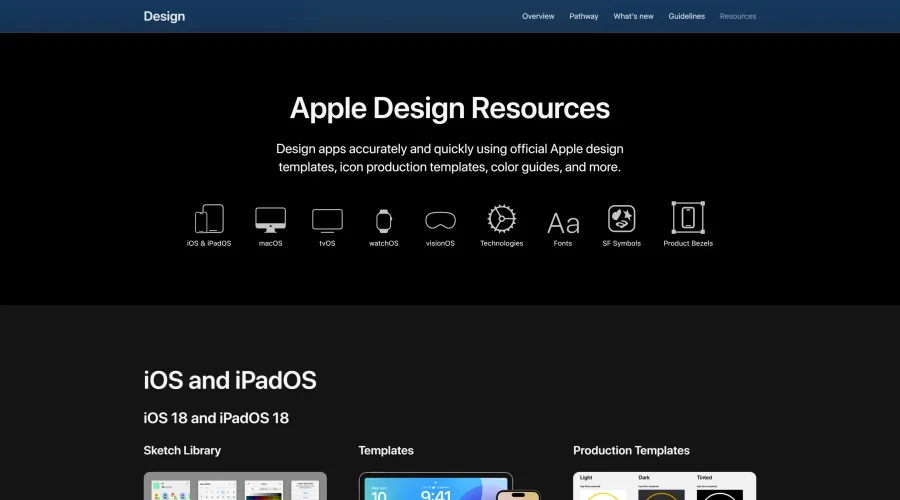
Apple’s official resources for iOS: Sketch, Photoshop, and XD templates and guides.
Blank 2.5
Fast and efficient UI kit and design system for landing page projects.

DesignerMill
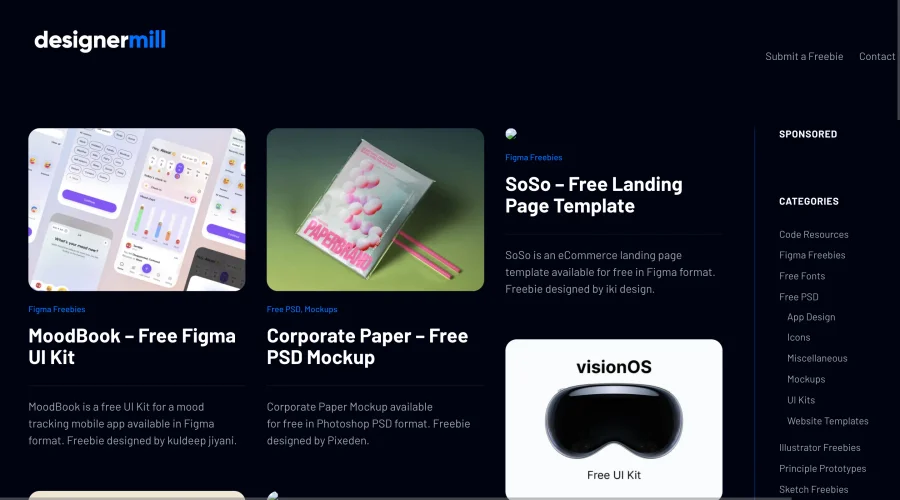
Free collection of PSDs, Sketch files, fonts, and more for designers.

Figcomponents
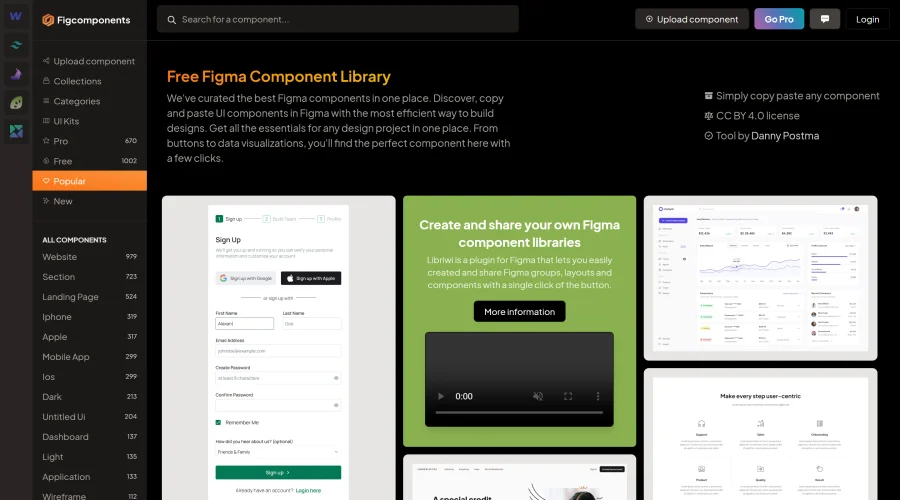
A free library of Figma components for easy copying and pasting.
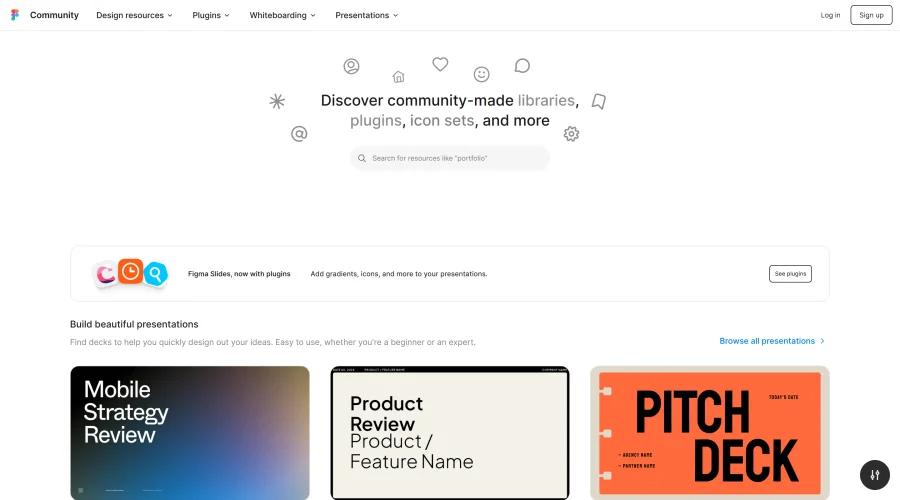
Figma Community
Exclusive files and plugins designed for Figma.
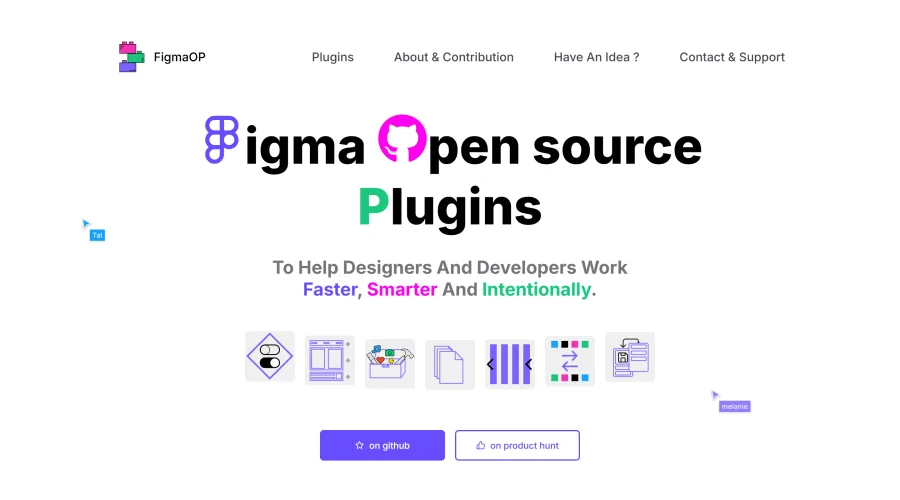
FigmaOP
Open-source plugins to enhance efficiency and intentionality in design.
Explore Other Categories
Discover more design resources
New to Design?
Explore our comprehensive design glossary to master essential terminology from A/B Testing to Wireframes.
Browse GlossaryLooking for something specific?
Search through our entire collection of design tools and resources