
What it costs
- Free tier
- Yes
UX Tools (uxtools.co) is a free design newsletter and resource hub (articles, episodes, tools database, UX Challenges) with no paid plan shown.
Auto-checked on 8 August 2026Source
About UX Challenges
What Is UX Challenges?
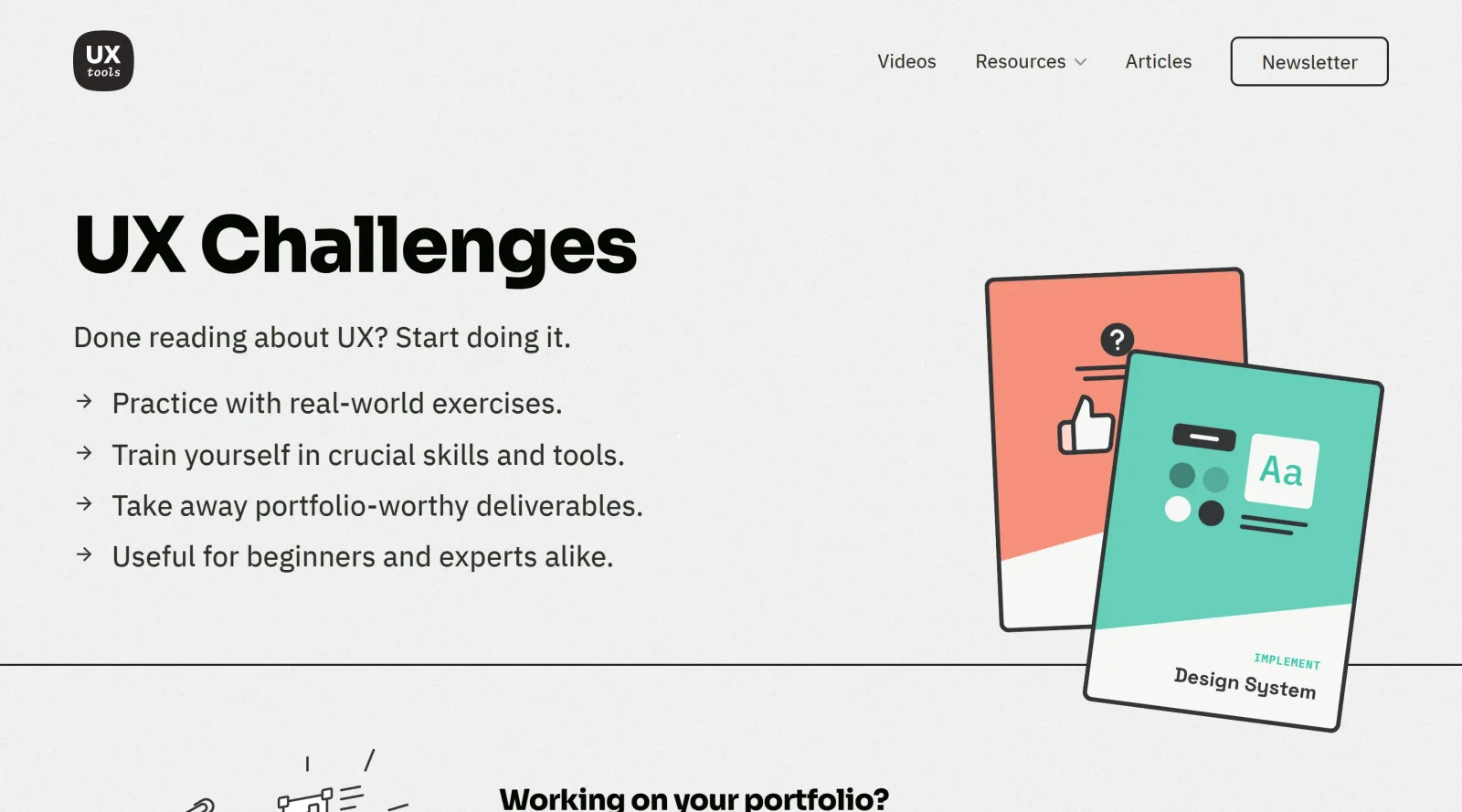
UX Challenges is a free, educational platform designed to help designers develop and practice their skills through structured design exercises. It provides real-world design scenarios and tasks that enable users to build portfolio-ready work while mastering essential UX design tools and methodologies. As a learning resource, UX Challenges fills the gap between theoretical knowledge and practical application in the design workflow.
What UX Challenges Does
- Delivers practice exercises grounded in real-world design scenarios and challenges
- Enables users to create portfolio-worthy deliverables through guided projects
- Covers training in crucial UX design skills and tool proficiency
- Offers learning pathways suited for both beginners and experienced designers
- Provides structured feedback mechanisms to improve design decision-making
How UX Challenges Can Be Used
UX Challenges serves designers looking to strengthen their practical capabilities outside of client or commercial projects. Users can work through design exercises to practice wireframing, prototyping, user flow creation, and interaction design—core competencies across UX design tools like Figma, Sketch, and Axure RP. The platform is particularly valuable for designers building portfolios, transitioning between roles, or seeking to deepen their expertise in specific design areas. Exercises can be completed at an individual's own pace, making it flexible for full-time professionals, freelancers, and students alike.
Who Is UX Challenges For?
UX Challenges is designed for designers at all experience levels—from those beginning their UX design journey to seasoned practitioners seeking skill refinement. It is especially valuable for early-career designers building portfolios, professionals preparing for design roles, and teams looking to train staff in standardized design practices. Because UX Challenges is free and self-paced, it accommodates individual learners, design students, and organizations seeking cost-effective professional development. Whether you're learning to structure user flows, improve prototyping skills, or explore interaction design principles, this educational tool provides the structure and feedback needed to grow as a designer. Visit UX Challenges
Featured Tools
Sponsored
Artlist
Royalty-free music, SFX, 8K footage, templates, LUTs and 100+ AI models on a single subscription for video creators.

Icons8
Large icon packs featuring over 10,000 icons for consistent design themes.

Vidu
AI video generator with text, image and reference-to-video modes, producing 3–16 second clips at up to 1080p with characters that stay consistent across shots.
Your tool here
The tools above are our own picks until the slots sell.

More Educational Tools


10x Designers
Broaden your design skills with this resource.


AJ Smart
Premier resource for UX/UI, design sprints, and design thinking.


Android Design Hub
Android UI design best practices for creating beautiful interfaces.


Baseline
Expertly crafted free design bootcamp for skill enhancement.


Better Web Type
Complimentary web typography course for designers and developers.


Biased by Design
Insights on recognizing and countering cognitive bias in design.
Explore Other Categories
Discover more design resources
New to Design?
Explore our comprehensive design glossary to master essential terminology from A/B Testing to Wireframes.
Browse GlossaryLooking for something specific?
Search through our entire collection of design tools and resources