

What it costs
- Free tier
- No
Paid interactive learning subscription (Pro); only discount banners shown — plan prices and any free tier are on the /pricing page not captured.
Auto-checked on 8 August 2026Source
About Uxcel
What Is Uxcel?
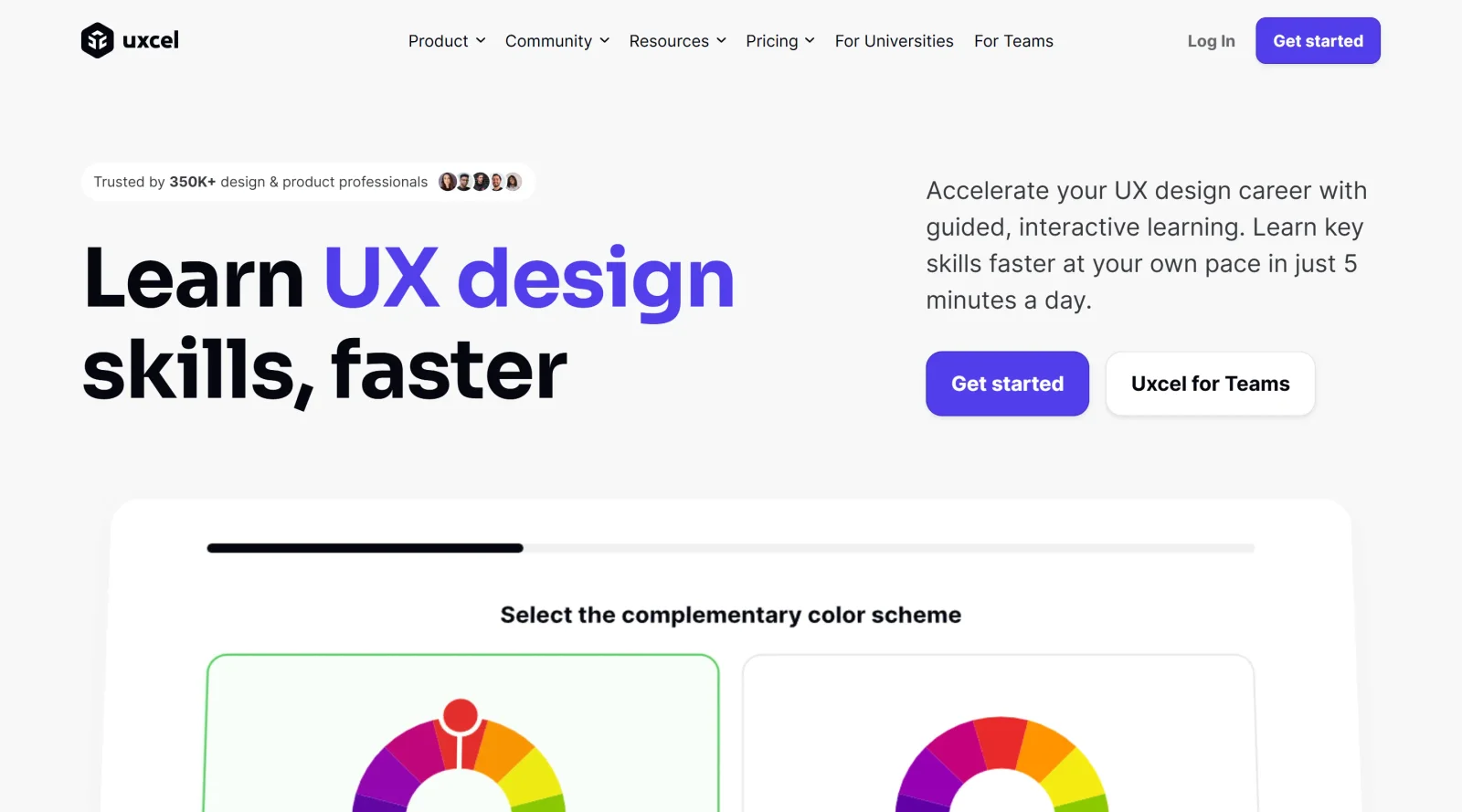
Uxcel is an educational platform that provides interactive UX courses and skill tests to support design improvement. It focuses on delivering bite-sized lessons in UI/UX design, product management, and AI skills through a web and mobile app accessible to individual learners. As a paid service, Uxcel operates in the educational category, offering structured paths for building practical competencies in digital product development. The platform integrates hands-on exercises and assessments into daily learning routines, fitting into design workflows where continuous skill enhancement is required alongside practical project work.
What Uxcel Does
- Delivers interactive lessons with hands-on exercises, challenges, and instant feedback on UX design, product management, and AI topics.
- Provides quizzes, design assessments, and skill tests to evaluate and reinforce knowledge in areas like color theory, typography, and accessibility.
- Tracks progress via visual skill graphs and dashboards that update after completing tests and courses.
- Offers career-aligned courses and structured paths for roles such as UX designer, UI designer, and product manager.
- Generates shareable certificates upon completing courses or learning paths for portfolios and LinkedIn profiles.
- Includes project briefs simulating real-world scenarios, such as customer journey mapping and product roadmaps.
How Uxcel Can Be Used
- Designers take daily 5-minute lessons to review fundamentals like Figma basics or design terminology during short breaks in their workflow.
- Teams use skill assessments and personalized recommendations from the Pulse tool to identify gaps and assign targeted training.
- Product managers follow role-based paths to apply frameworks in building roadmaps or ethical design experiences.
- Learners bookmark lessons and resume via the mobile app for self-paced study integrated into remote or office routines.
- Individuals complete project briefs to practice inclusive design or accessibility guidelines, adding portfolio pieces from guided tasks.
Who Is Uxcel For?
Uxcel serves UX designers, UI designers, product managers, and professionals entering AI-integrated roles who seek interactive educational resources for skill assessment and development. It accommodates beginners building foundational knowledge in UX principles as well as experienced users pursuing advanced topics like WCAG-compliant accessibility or product strategy. The platform supports self-paced learning for individuals and team dashboards for organizations tracking group progress. Those in digital product fields benefit from its focus on practical, gamified content that aligns with real-world design and management challenges. Visit Uxcel
Featured Tools
Sponsored
Artlist
Royalty-free music, SFX, 8K footage, templates, LUTs and 100+ AI models on a single subscription for video creators.

Icons8
Large icon packs featuring over 10,000 icons for consistent design themes.

Vidu
AI video generator with text, image and reference-to-video modes, producing 3–16 second clips at up to 1080p with characters that stay consistent across shots.
Your tool here
The tools above are our own picks until the slots sell.

More Educational Tools


10x Designers
Broaden your design skills with this resource.


AJ Smart
Premier resource for UX/UI, design sprints, and design thinking.


Android Design Hub
Android UI design best practices for creating beautiful interfaces.


Baseline
Expertly crafted free design bootcamp for skill enhancement.


Better Web Type
Complimentary web typography course for designers and developers.


Biased by Design
Insights on recognizing and countering cognitive bias in design.
Explore Other Categories
Discover more design resources
New to Design?
Explore our comprehensive design glossary to master essential terminology from A/B Testing to Wireframes.
Browse GlossaryLooking for something specific?
Search through our entire collection of design tools and resources