

What it costs
- Free tier
- Yes
Free open-source image-to-SVG vectorizer (MIT) — no paid plan.
Auto-checked on 8 August 2026Source
About Vectormaker
What Is Vectormaker?
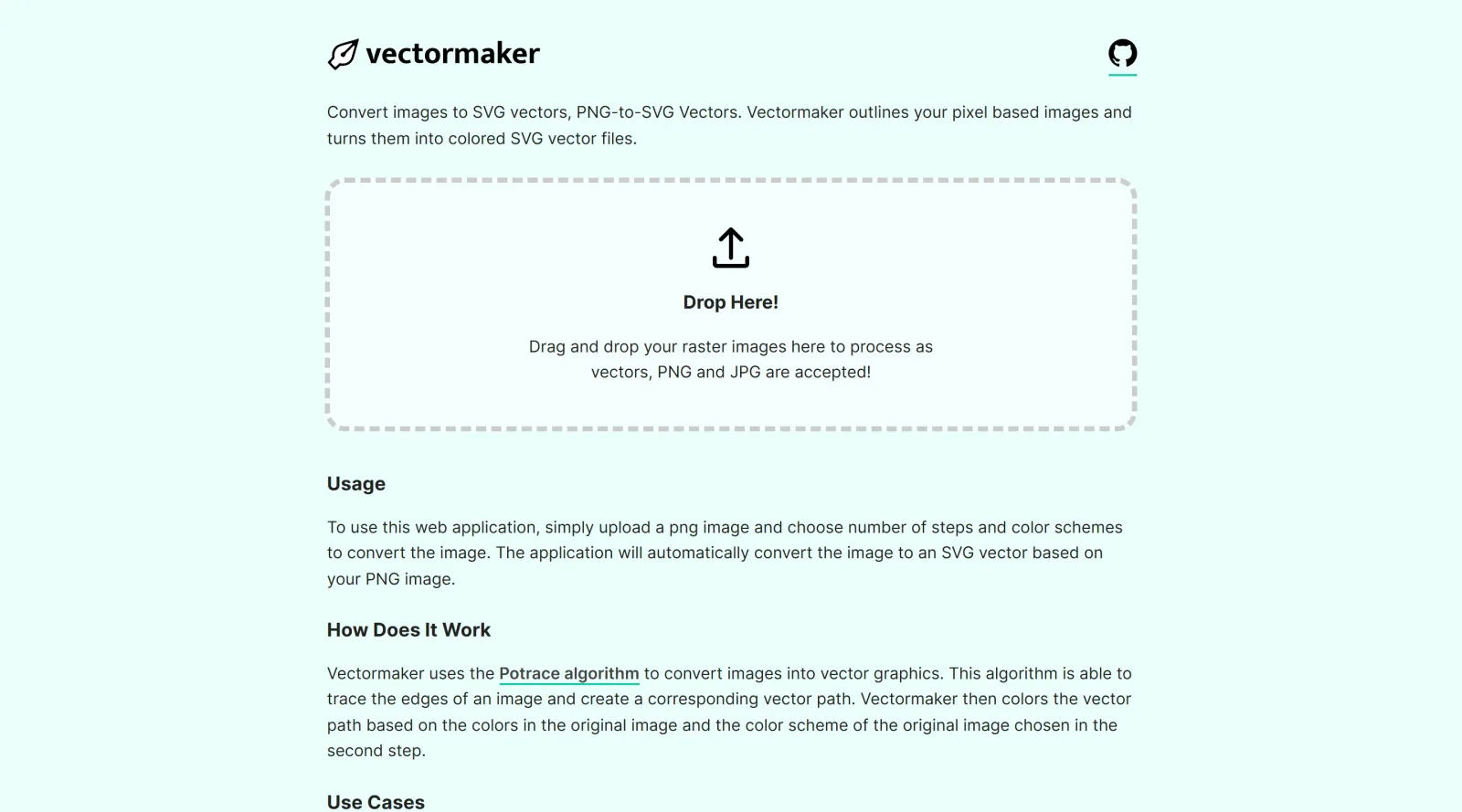
Vectormaker is a free, open-source design tool that converts raster images into scalable vector graphics in SVG format. It uses the Potrace algorithm to trace the edges of pixel-based images and generate corresponding vector paths, then applies colors based on the original image's palette. As a browser-based converter, Vectormaker requires no software installation and accepts PNG and JPG files as input, making it accessible for designers and developers who need to vectorize existing artwork quickly.
What Vectormaker Does
- Converts PNG and JPG raster images to colored SVG vector files
- Traces image edges and creates vector paths automatically using the Potrace algorithm
- Preserves and applies the original image's color scheme to the resulting vector
- Allows users to adjust the number of tracing steps and color schemes before conversion
- Produces scalable vector graphics that maintain quality at any resolution
- Outputs files in SVG format, compatible with standard vector design software and web applications
How Vectormaker Can Be Used
Vectormaker serves several practical workflows in design and development. Designers use it to create vector versions of rasterized logos when source files are unavailable, convert hand-drawn sketches or scanned artwork into editable vectors, and generate stylized flat illustrations from photographs. The tool is also useful for icon creation, transforming pixel-based icons into scalable SVG format for responsive web design. Additionally, Vectormaker can process artwork or photographs into posterized, flat-color compositions similar to artistic styles, making it applicable to illustration and decorative design projects.
Who Is Vectormaker For?
Vectormaker is suited for graphic designers, web developers, and illustrators who need a straightforward image-to-vector conversion solution. It works well for anyone with existing raster artwork—whether logos, icons, sketches, or photographs—who wants to convert them to scalable vector format without purchasing expensive software. Beginners appreciate the simplicity, while experienced designers use Vectormaker for quick conversions and as part of larger design workflows. The tool's free, open-source nature makes it particularly valuable for freelancers, students, and small design studios with budget constraints. Visit Vectormaker
Featured Tools
Sponsored
Artlist
Royalty-free music, SFX, 8K footage, templates, LUTs and 100+ AI models on a single subscription for video creators.

Icons8
Large icon packs featuring over 10,000 icons for consistent design themes.

Vidu
AI video generator with text, image and reference-to-video modes, producing 3–16 second clips at up to 1080p with characters that stay consistent across shots.
Your tool here
The tools above are our own picks until the slots sell.
Spotlight
SponsoredRotates daily
HyNote
Records and transcribes interviews and meetings, then turns them into summaries and action items.
Tools we recommend


getimg.ai
20+ AI models for image, video & audio in one workspace


OpenArt
All-in-one AI image, video & audio generator


YouCam Online Editor
Free online AI photo & video editor
Editorially chosen. Some links above are affiliate links — if you sign up we may earn a commission, at no extra cost to you.
More Design Tools Tools


Pryzm
Pryzm is a real-time studio for designers who need backgrounds that don't look like everyone else's. Layer procedural gradients, then stack glass, grain, light and blobs.


Modeinspect
Mode turns your product’s codebase into editable canvas frames. Refine real UI with visual controls, experiment with AI then share or hand off for review.


GoProd
Remove backgrounds and upscale images effectively.


Kittl
AI-first design platform with image, vector, and video generation, plus templates, mockups, and print-ready exports.


Lunacy
Free design software enhanced with AI tools and built-in graphics.


Smart Upscaler
Automatically improve image clarity using AI technology.
Explore Other Categories
Discover more design resources
New to Design?
Explore our comprehensive design glossary to master essential terminology from A/B Testing to Wireframes.
Browse GlossaryLooking for something specific?
Search through our entire collection of design tools and resources