

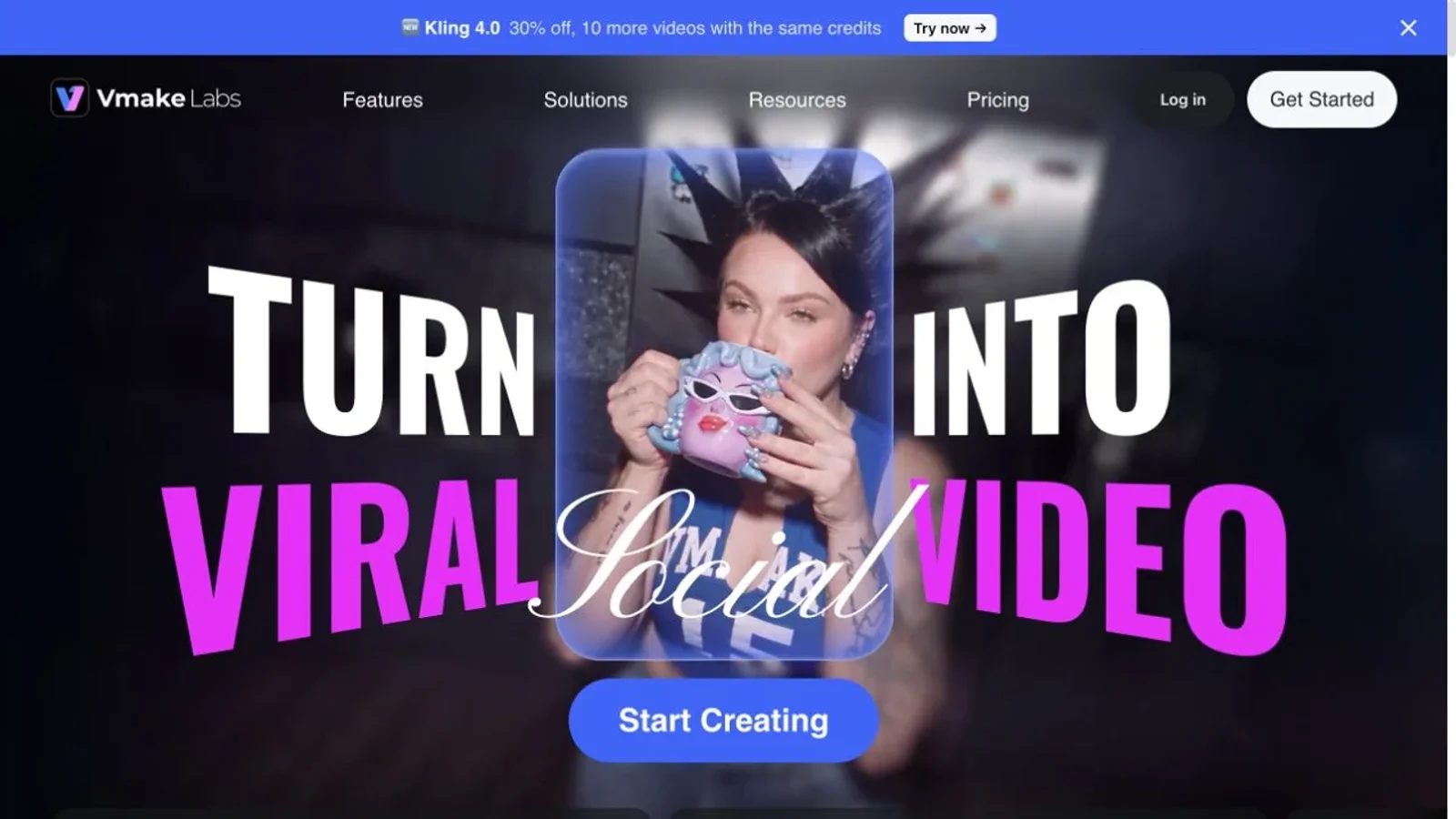
Create AI UGC ads and product videos, and sharpen low-resolution footage with Vmake Labs.
What it costs
- Free tier
- No
- Paid plans from
- $9.99/mo
Three paid tiers, monthly or yearly (yearly advertised at up to 42% off). Plus $9.99/mo gives 1,000 credits, 10 files/day on the AI tools and 1080p export. Pro $29.99/mo gives 4,500 credits, 50 files/day, 1080p and 2K export, batches of up to 30 — and is the tier where "Commercial use included" appears. Max raises the ceiling to as much as 30,000 credits/month and is the only tier unlocking 8K video and 16K images; its price is not quoted here because the page renders it in local currency and the figure varies by reader. Credits are valid 30 days on every tier and do not roll over. No free plan is listed and no free trial is advertised.
Auto-checked on 22 November 2026Source
About Vmake Labs
Vmake Labs: A Production Line for Social Video Ads, Not a Single Generator
Vmake Labs is built around one commercial job — turning products into short social videos that sell — and it approaches it as a pipeline rather than a prompt box. There is a UGC video generator, AI avatars, product showcase scenes, a hook generator and automatic captions for making the ad; and an enhancer, upscaler, noise reducer, background remover and object remover for fixing the footage you already have. Underneath it runs a dozen frontier models from different labs on one shared credit pool, so you choose the model that suits the shot rather than the one your subscription happens to include.
Key Features
- UGC ad toolkit — Generator, AI avatars, product showcase, hook generator and auto captions aimed at social ad formats.
- Many models, one pool — Seedance, Kling, Nano Banana, Gemini Omni, Minimax, Wan and GPT Image accessed through shared credits.
- Recreate video — Rework the structure of a format that is already performing rather than starting from a blank prompt.
- Restoration suite — Enhancer, 4K+ upscaling, noise reduction, background and object removal for reusing old footage.
- Batch and API — Process up to 30 files at once on Pro, with an API and CLI for volume workflows.
- Apps and languages — iOS and Android apps, and an interface in seven languages.
The Model Aggregation Is the Real Argument
Anyone producing social video seriously in 2026 has hit the same wall: the best model for a talking avatar is rarely the best for a product spin, and keeping separate subscriptions to each lab is expensive and administratively tedious. Vmake Labs sells access to a shelf of them — Seedance 2.5 and 2.0 and their Mini and Flash variants, Kling 3.0 and 4.0, Minimax H3, Gemini Omni, Wan 2.7, Nano Banana Pro and 2.1, GPT Image 2.5 — all drawing on one monthly credit balance. The pricing page is unusually concrete about what that buys, quoting expected output per model per tier, so you can estimate how many videos a month actually yields before committing rather than discovering it afterwards.
Built for Ads Specifically
The generation tools are shaped around the format rather than being general-purpose. The UGC video generator targets the creator-style ad that performs on social feeds. AI avatars handle talking-head delivery without a shoot. Product showcase builds the rotating, well-lit presentation an e-commerce listing wants. The hook generator addresses the first two seconds, which is where most short video is won or lost, and auto captions cover the fact that most of it is watched muted. "Recreate video" is the most commercially minded of the set: point it at a format that is already working and build your own version of the structure. There are tailored entry points for fashion, beauty, e-commerce and real estate, which suggests the tooling has been shaped by what those sellers actually ask for.
The Repair Half
Equally useful, and easier to overlook, is everything aimed at footage you already own. The quality enhancer and the AI 4K+ upscaler bring old or low-resolution clips up to something publishable. The noise reducer cleans audio. Background removal, text removal and object removal handle the clips that are nearly right but carry something you cannot use. For a seller with years of product footage shot on older phones, that is often more immediately valuable than generating anything new — and because it batches, a backlog can be processed in bulk rather than clip by clip.
What It Costs
Three paid tiers, billed monthly or yearly with yearly advertised at up to 42% off. Plus is $9.99 a month for 1,000 credits and ten files a day on the AI tools, exporting at 1080p. Pro is $29.99 for 4,500 credits, fifty files a day, 1080p and 2K export, batches of up to thirty, and commercial use included. Max raises the credit ceiling to as much as 30,000 a month and is the only tier that unlocks 8K video and 16K images. Two details are worth reading closely before choosing: credits are valid for thirty days on every tier and do not roll over, so the plan should match your genuine monthly volume rather than your best month; and commercial use is listed as a Pro feature, which matters if the output is going on a client's channel or your own storefront.
How to Get Started
- Decide whether you are mainly generating new video or repairing existing footage — the tiers gate those differently.
- Check the per-model output estimates on the pricing page against your monthly volume.
- Pick a tier whose commercial-use terms match how you will publish the results.
- Use batch processing for a backlog rather than running clips one at a time.
- Look at the API and CLI if video production is a recurring, automated part of your workflow.
Who It's For
- E-commerce sellers who need product video at a pace that filming cannot match
- Performance marketers testing many creative variations of the same ad
- Agencies producing UGC-style ads for several clients
- Anyone with a library of older, low-resolution footage worth bringing back into use
- Teams wanting several frontier video models without several subscriptions
Conclusion
Vmake Labs is best understood as an ad production line rather than a video generator with extras. The breadth is the point: generation, avatars, hooks, captions, restoration, upscaling and cleanup all draw on one credit balance and one set of models, which suits anyone shipping social video continuously rather than occasionally. Read the tier details before subscribing — credits expire monthly, commercial use begins at Pro, and the heaviest output resolutions are reserved for Max — and match the plan to the volume you really produce.
Featured Tools
Sponsored
Artlist
Royalty-free music, SFX, 8K footage, templates, LUTs and 100+ AI models on a single subscription for video creators.

Icons8
Large icon packs featuring over 10,000 icons for consistent design themes.

Vidu
AI video generator with text, image and reference-to-video modes, producing 3–16 second clips at up to 1080p with characters that stay consistent across shots.
Your tool here
The tools above are our own picks until the slots sell.
Spotlight
SponsoredRotates daily
Glyph Neue
Over 1,500 icons in SVG and PNG formats, free with attribution.
Tools we recommend

getimg.ai
20+ AI models for image, video & audio in one workspace


Hailuo AI
Cinematic AI video with camera control

OpenArt
All-in-one AI image, video & audio generator
Editorially chosen. Some links above are affiliate links — if you sign up we may earn a commission, at no extra cost to you.
More AI Tools Tools

Vidu
AI video generator with text, image and reference-to-video modes, producing 3–16 second clips at up to 1080p with characters that stay consistent across shots.
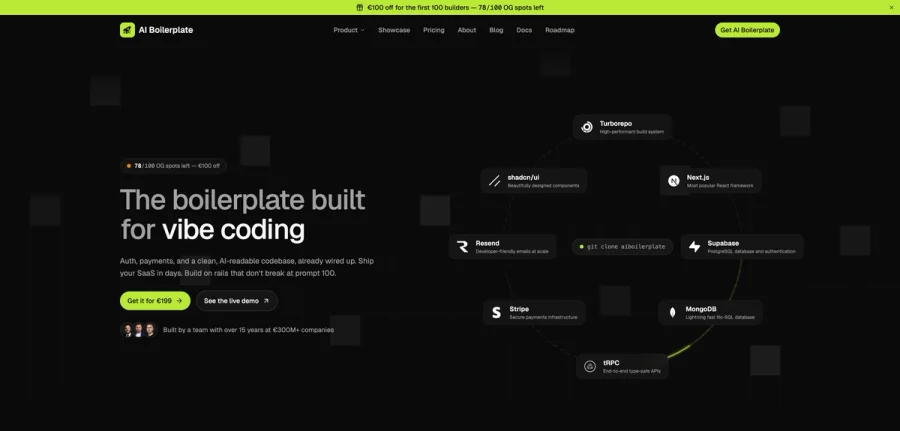

AI Boilerplate
The boilerplate built for vibe coding. Includes authentication, payments, storage, and a clean, AI-readable codebase, already wired up. Build on rails that don't break at prompt 100.
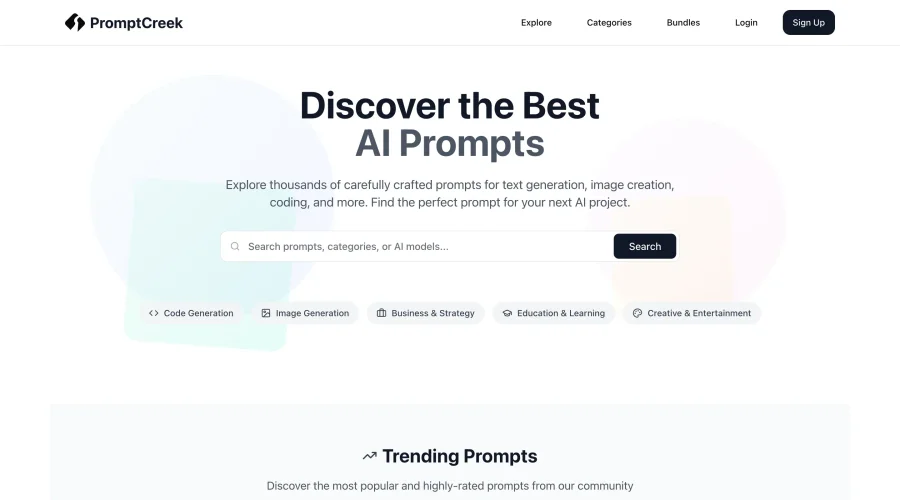

PromptCreek
Prompt Creek is a free community-driven repository featuring thousands of AI prompts. Discover, bookmark, and share quality prompts for ChatGPT, Claude, and other AI tools.
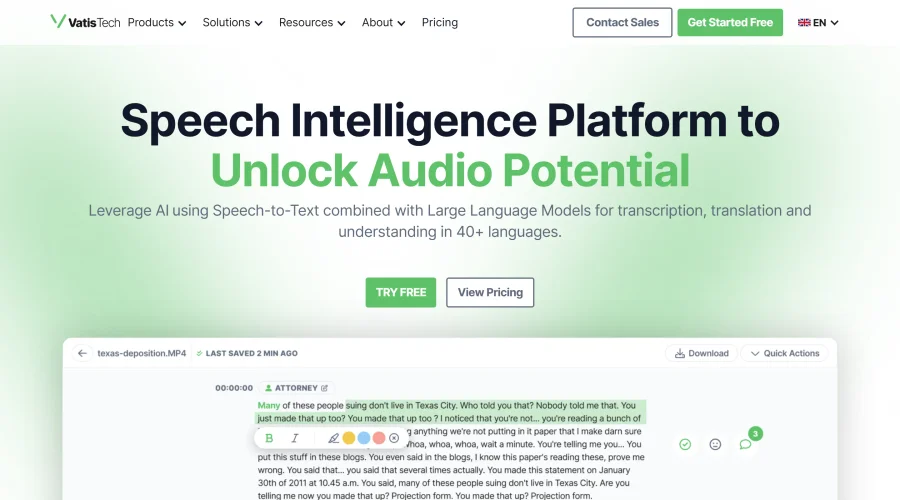

Vatis Tech
Vatis Tech is the most powerful speech-to-text infrastructure. It can be used to transcribe user interviews and client meetings.


DomoAI
AI animation platform that turns text, images, and video into anime, realistic, and custom styles — with video restyle, lip sync, upscaling, and more.

Meshy
AI 3D model generator that turns text or images into game- and print-ready models.
Explore Other Categories
Discover more design resources
New to Design?
Explore our comprehensive design glossary to master essential terminology from A/B Testing to Wireframes.
Browse GlossaryLooking for something specific?
Search through our entire collection of design tools and resources