
What it costs
- Free tier
- Yes
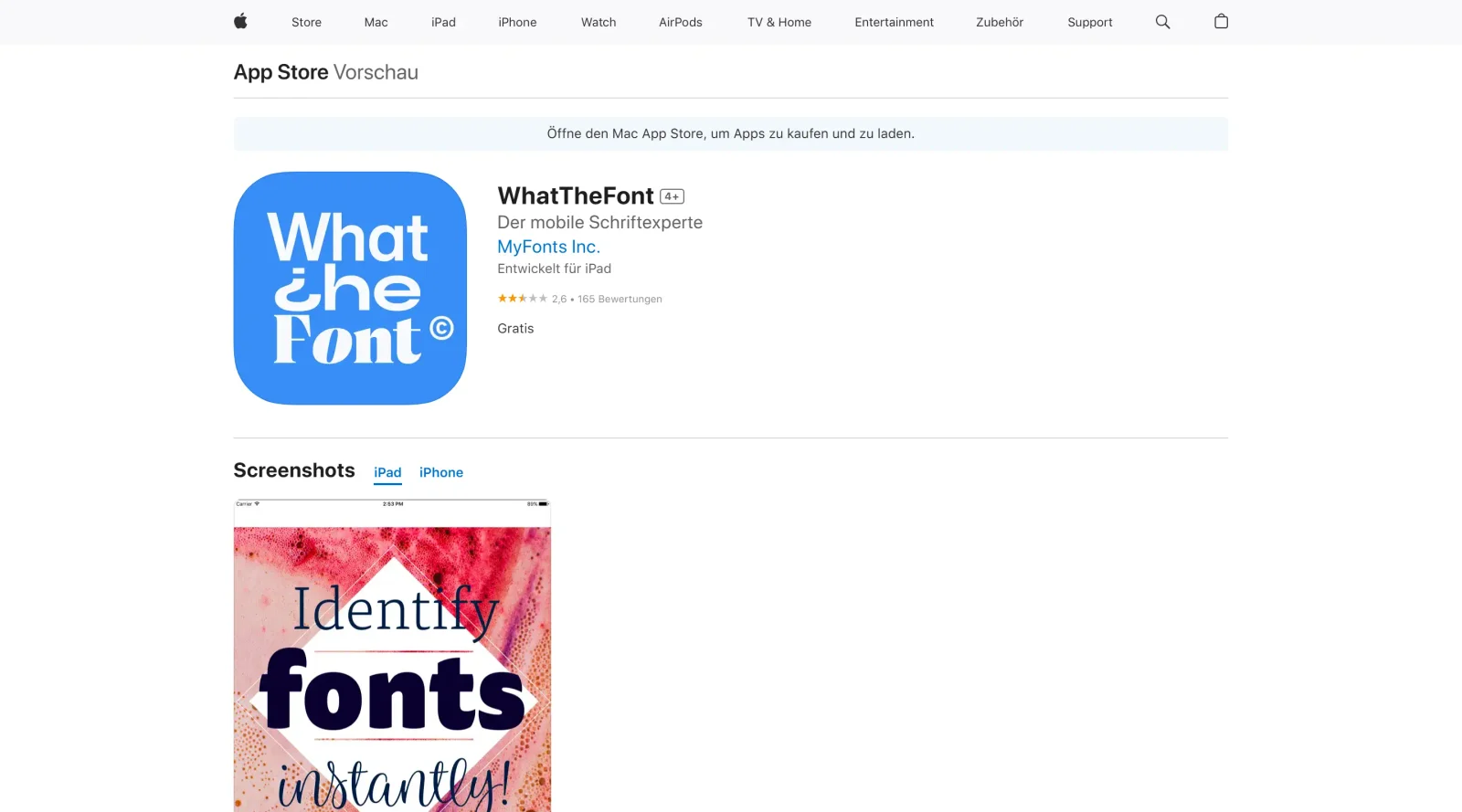
Scrape landed on the App Store 'Today' homepage, not the WhatTheFont app page, so no pricing was captured (the app is free).
Auto-checked on 8 August 2026Source
About What the Font
What Is What the Font?
What the Font is a free typography tool that identifies fonts from images, functioning like Shazam for music by analyzing uploaded photos or screenshots of text. It fits into the design workflow during font research and matching phases, where designers need to pinpoint typefaces used in existing visuals, logos, or mockups. As a **font identifier** in the typography category, What the Font enables quick matches against a large database of over 233,000 fonts without requiring manual inspection or prior knowledge of font names.
What What the Font Does
- Uploads images or photos containing text for automatic font identification.
- Searches a database of over 233,000 fonts to find exact matches or close alternatives.
- Provides previews of matched fonts with user-entered text and adjustable sizes.
- Allows cropping or selecting specific text regions in images before analysis.
- Lists multiple font matches ranked by similarity for comparison.
- Supports use via web interface and mobile apps on iOS and Android devices.
How What the Font Can Be Used
- Designers upload screenshots from client briefs or mood boards to identify unknown fonts for project recreation.
- Web developers capture text from competitor sites or designs to match typography in their builds.
- Typographers analyze printed materials, logos, or signage by photographing text and retrieving font details.
- Teams handling rebranding photograph legacy assets to source original or similar typefaces.
- Content creators identify fonts in social media graphics or ads for consistent styling across campaigns.
Who Is What the Font For?
What the Font serves graphic designers, UI/UX specialists, web developers, and typographers who encounter unidentified fonts in images during research, reverse-engineering, or replication tasks. It suits beginners needing simple image-based identification as well as experienced professionals matching fonts across large projects, regardless of platform. Visit What the Font
Featured Tools
Sponsored
Artlist
Royalty-free music, SFX, 8K footage, templates, LUTs and 100+ AI models on a single subscription for video creators.

Icons8
Large icon packs featuring over 10,000 icons for consistent design themes.

Vidu
AI video generator with text, image and reference-to-video modes, producing 3–16 second clips at up to 1080p with characters that stay consistent across shots.
Your tool here
The tools above are our own picks until the slots sell.
Spotlight
SponsoredRotates daily
GoProd
Remove backgrounds and upscale images effectively.
Tools we recommend
Editorially chosen. Some links above are affiliate links — if you sign up we may earn a commission, at no extra cost to you.
More Typography Tools


ZnortDesigns
Explore your local font library, discover font pairings, and find curated typography resources and design deals in one designer-friendly tool.
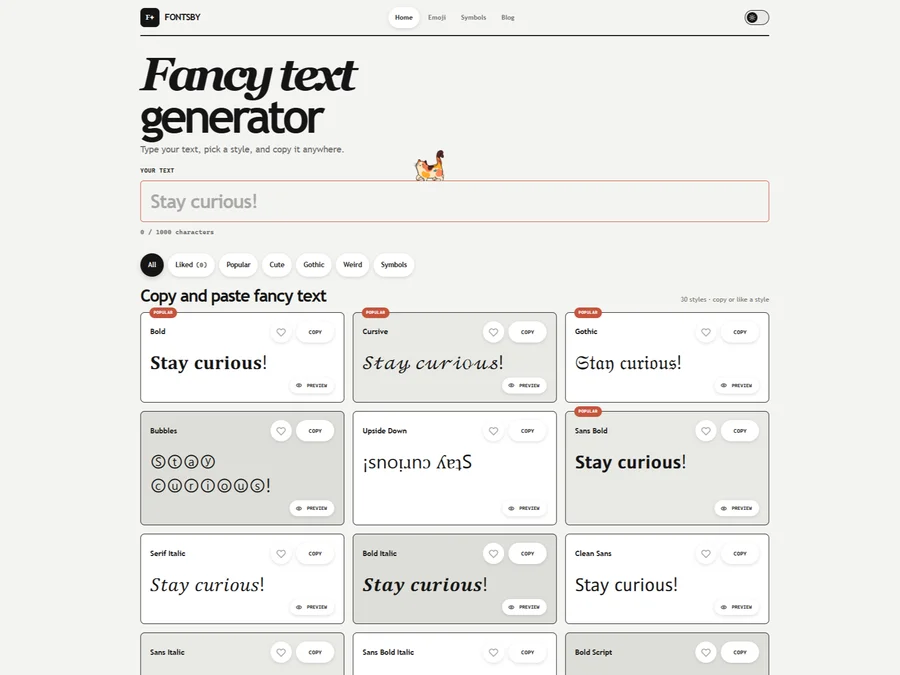

FontsBy
Fancy text generator for Instagram, Twitter, TikTok and Discord. Copy and paste bold, cursive and stylish Unicode fonts, symbols and emoji instantly for bios, usernames, names and social media posts.

FontPlop
Fontplop offers free font testing, conversion, and generation tools, plus stylish text generators for social media. Test glyphs, compare fonts, and convert font files privately in your browser.


205TF
French type foundry showcasing work from independent designers.


All Free Fonts
A selection of beautiful, free fonts curated for quality.


atipo
Digital foundry and design studio specializing in typefaces.
Explore Other Categories
Discover more design resources
New to Design?
Explore our comprehensive design glossary to master essential terminology from A/B Testing to Wireframes.
Browse GlossaryLooking for something specific?
Search through our entire collection of design tools and resources