

Browser-based AI photo and video editor with enhancement, background removal, and portrait AI.
What it costs
- Free tier
- Yes
Many tools are free to try in the browser but output is watermarked; watermark-free downloads need a subscription or pay-as-you-go credits, and the actual prices sit on a /pricing page that was cut off before the plan figures were shown.
Auto-checked on 8 August 2026Source
About YouCam Online Editor
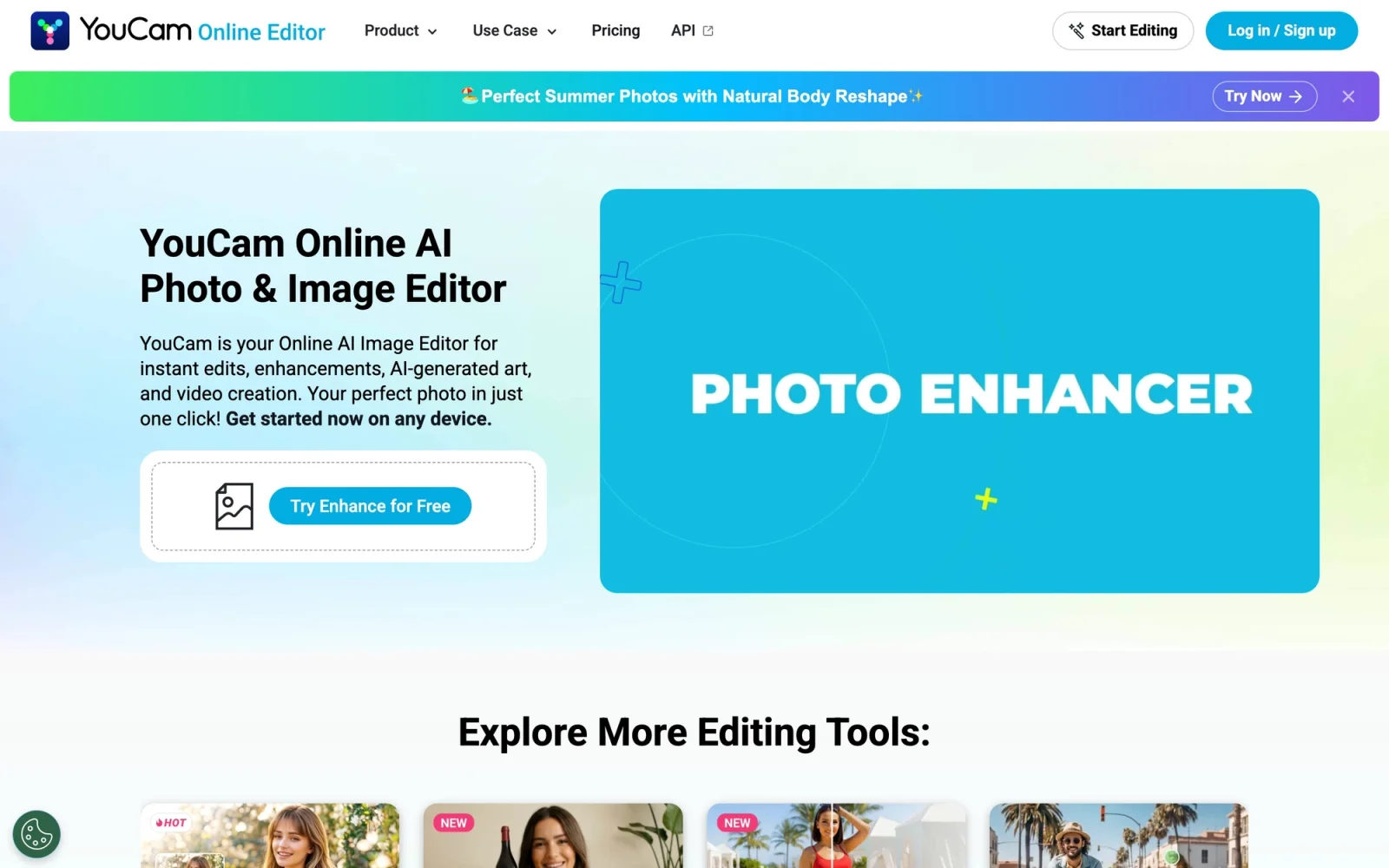
YouCam Online Editor: Free Online AI Photo and Video Editor
YouCam Online Editor is a browser-based AI photo and video editor from Perfect Corp that lets you enhance, retouch, and transform images and clips instantly — with no download and no software to install. It combines everyday editing essentials (background removal, object removal, upscaling) with an unusually deep set of AI portrait and beauty tools, reflecting Perfect Corp's background in beauty and AR technology. Whether you're cleaning up a product photo or generating a professional headshot, everything happens online in your browser.
Key Features
- AI Photo Enhancer — De-blur and upscale images to 4K for sharper results.
- Background tools — Remove, change, or blur photo backgrounds in one click, ideal for product shots and portraits.
- AI Object Remover — Delete unwanted objects from both photos and videos.
- AI Replace and Image Extender — Replace elements by text command with generative fill, or outpaint to extend an image's canvas.
- AI generation — Generate images from text, and create video with text-to-video and image-to-video.
- AI Video Enhancer and editor — Upscale video to 4K, apply style transfer, and swap faces in video.
- Portrait and beauty AI — Face Retouch, Face Reshape, Body Reshape, AI Makeup (virtual try-on), AI Hairstyle (140+ styles and colors), Hair Color, and Beard Generator.
- AI Headshot and Avatar — Produce professional headshots, avatars, and studio-style portraits.
How YouCam Online Editor Works
Because it's fully browser-based, YouCam Online Editor works on Windows, Mac, Linux, tablets, and smartphones without installation — you simply open the tool you need and start editing. Many features are free to use, while advanced AI tools run on a credit system. New users get free credits to try the premium tools, and companion YouCam mobile apps are available for iOS and Android.
What You Can Do With It
The breadth of tools makes it useful across very different tasks. E-commerce sellers can remove or swap product backgrounds and upscale listing photos; social creators can generate images and short videos, retouch portraits, and try new hairstyles or makeup; and anyone can repair old photos, colorize black-and-white images, or fix lighting and color. The portrait and beauty tools in particular go well beyond a typical editor, thanks to Perfect Corp's AR expertise.
Pricing
YouCam Online Editor is free to start — new users receive free credits and many tools are usable at no cost. Advanced AI features consume credits, which can be purchased as needed or through a membership plan, so you only pay for the heavier AI tasks you actually use.
Who It's For
- Social media creators who need quick photo and video edits plus generation
- E-commerce sellers enhancing product imagery
- Anyone wanting professional-looking headshots, avatars, or portraits
- Beauty and portrait editors who want AI makeup, hairstyle, and retouching tools
Conclusion
YouCam Online Editor packs a full AI editing suite — enhancement, background editing, generation, and a deep set of portrait and beauty tools — into a no-download browser app that runs anywhere. With free credits to start and pay-as-you-go pricing for advanced features, it's an accessible, versatile choice for creators, sellers, and anyone who wants polished results fast.
Featured Tools
Sponsored
Artlist
Royalty-free music, SFX, 8K footage, templates, LUTs and 100+ AI models on a single subscription for video creators.

Icons8
Large icon packs featuring over 10,000 icons for consistent design themes.

Vidu
AI video generator with text, image and reference-to-video modes, producing 3–16 second clips at up to 1080p with characters that stay consistent across shots.
Your tool here
The tools above are our own picks until the slots sell.
Spotlight
SponsoredRotates daily
Animated Icons 2.0
Enhance your projects with 900+ animated icons.
Tools we recommend


getimg.ai
20+ AI models for image, video & audio in one workspace


Hailuo AI
Cinematic AI video with camera control


OpenArt
All-in-one AI image, video & audio generator
Editorially chosen. Some links above are affiliate links — if you sign up we may earn a commission, at no extra cost to you.
More AI Tools Tools


Vidu
AI video generator with text, image and reference-to-video modes, producing 3–16 second clips at up to 1080p with characters that stay consistent across shots.

AI Boilerplate
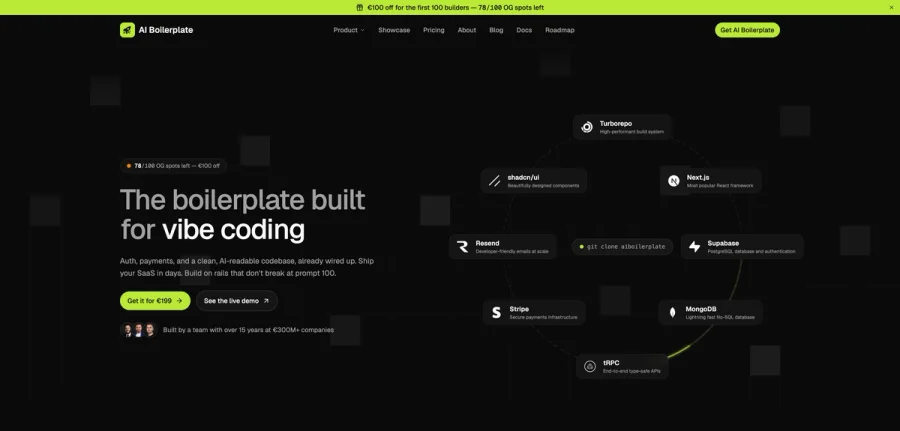
The boilerplate built for vibe coding. Includes authentication, payments, storage, and a clean, AI-readable codebase, already wired up. Build on rails that don't break at prompt 100.

PromptCreek
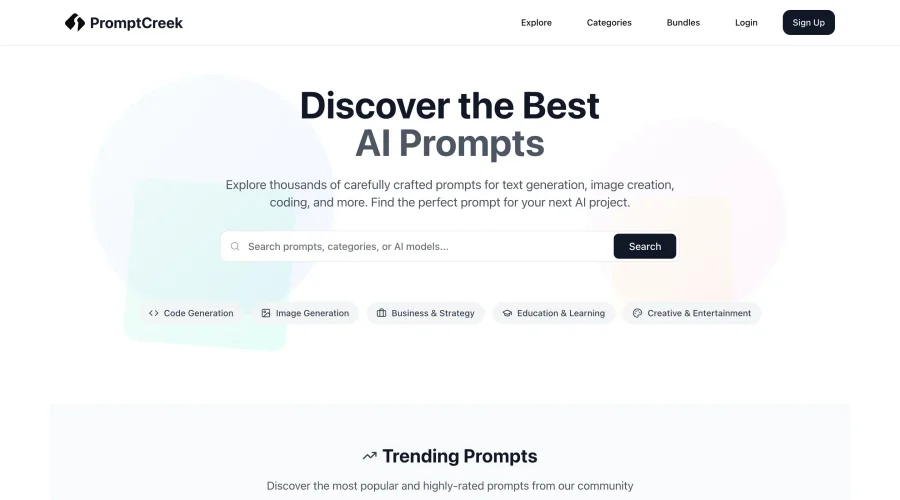
Prompt Creek is a free community-driven repository featuring thousands of AI prompts. Discover, bookmark, and share quality prompts for ChatGPT, Claude, and other AI tools.

Vatis Tech
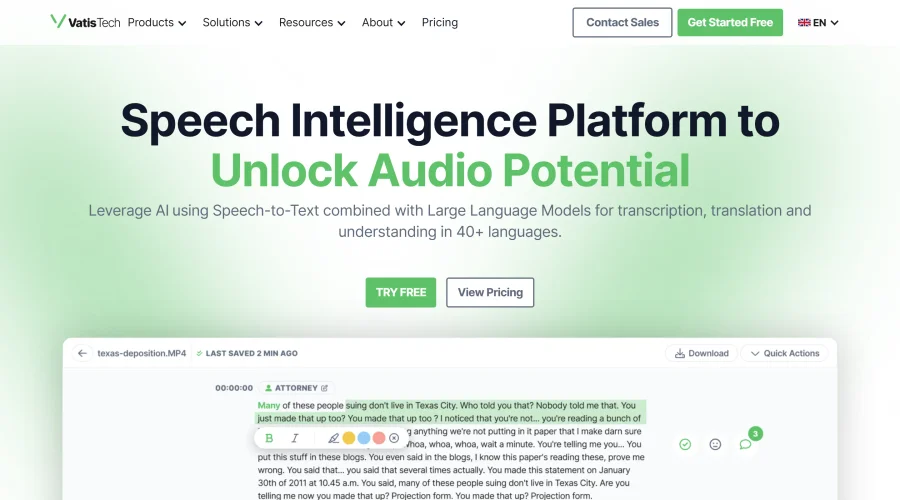
Vatis Tech is the most powerful speech-to-text infrastructure. It can be used to transcribe user interviews and client meetings.


DomoAI
AI animation platform that turns text, images, and video into anime, realistic, and custom styles — with video restyle, lip sync, upscaling, and more.

Meshy
AI 3D model generator that turns text or images into game- and print-ready models.
Explore Other Categories
Discover more design resources
New to Design?
Explore our comprehensive design glossary to master essential terminology from A/B Testing to Wireframes.
Browse GlossaryLooking for something specific?
Search through our entire collection of design tools and resources