

Platform for sharing, organizing, and collaborating on design projects.
What it costs
- Free tier
- Yes
Scrape captured only the cookie banner and nav — no prices shown; plan pricing is on the separate /pricing page.
Auto-checked on 8 August 2026Source
About Zeplin
What Is Zeplin?
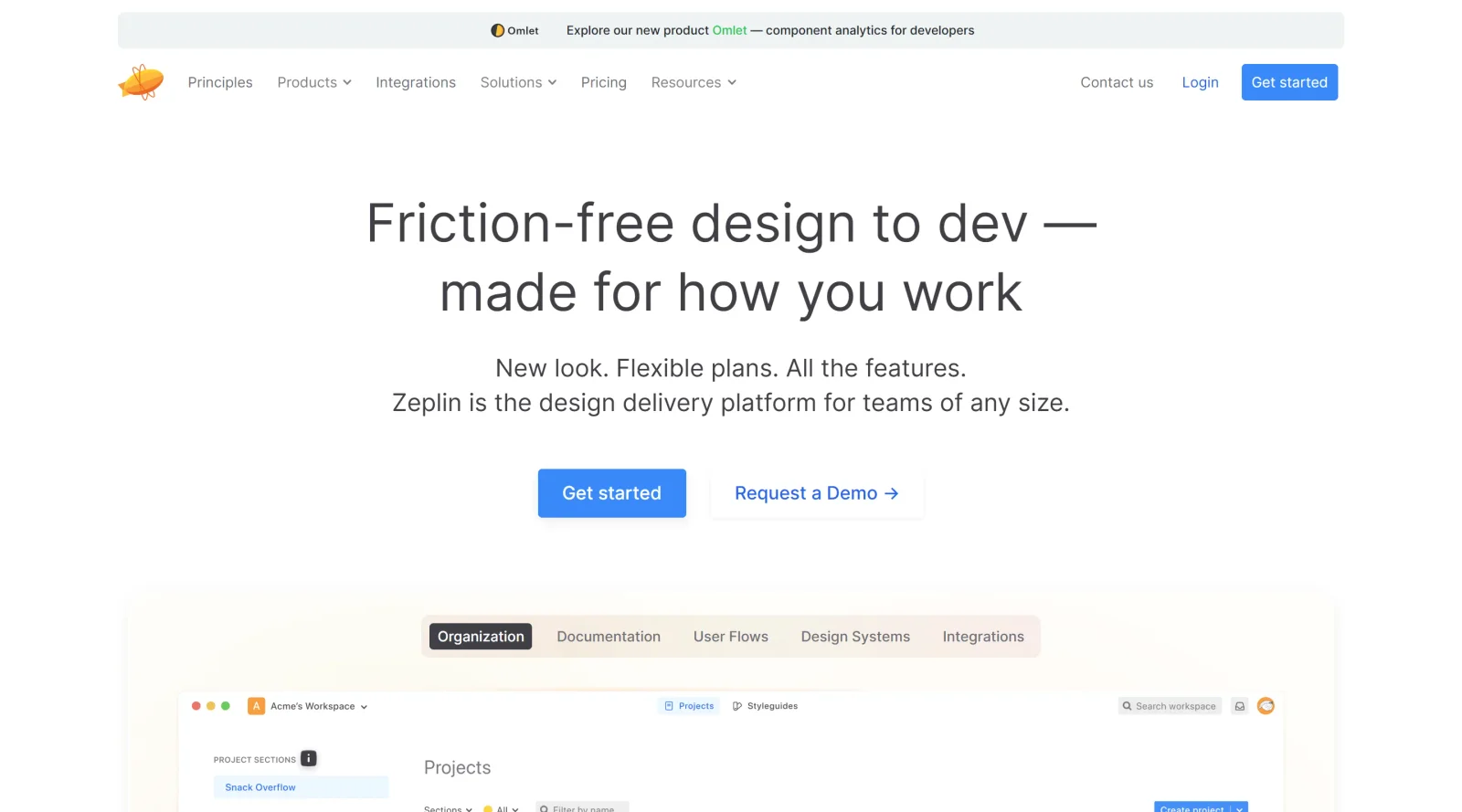
Zeplin is a cloud-based platform in the design-toolscategory that enables sharing, organizing, and collaborating on design projects. It serves as a workspace where teams publish finalized designs from tools like Sketch, Figma, Adobe XD, and Photoshop, providing a centralized location for design specifications, assets, and code snippets. Zeplin fits into the design workflow during the handoff phase between designers and developers, bridging communication gaps and supporting version control. Available on a freemium pricing model, Zeplin accommodates teams of various sizes by offering core features for free alongside paid plans for advanced capabilities.
What Zeplin Does
- Publishes finalized designs from design tools such as Sketch, Figma, Adobe XD, and Photoshop to a shared workspace.
- Generates detailed design specifications including measurements, colors, fonts, sizes, and coordinates for developers.
- Provides access to design assets and code snippets, allowing exports directly into development projects.
- Supports version control by tracking changes to screens automatically, similar to Git for designs.
- Enables integration with tools like Slack, Jira, GitHub, Notion, Teams, Storybook, and VS Code for workflow synchronization.
- Organizes designs using tags, groups, and standardized grids for easy searching and filtering.
How Zeplin Can Be Used
- Designers publish completed screens to Zeplin while continuing iterations in their primary design tool, separating ready-to-build assets from in-progress work.
- Teams document product requirements, user flows, and design behaviors directly on screens in a searchable, collaborative space.
- Developers access component highlights, design system information, and lists of screen usages to translate designs to code accurately.
- Cross-functional groups assign tasks, capture feedback via pinned comments, and approve designs asynchronously across locations.
- Product teams link screens to map user flows, identify missing scenarios, and maintain a unified design language through centralized style guides.
Who Is Zeplin For?
Zeplin serves product teams, including designers, developers, and stakeholders, who need to streamline the design-to-development handoff in digital product projects. It suits roles focused on maintaining design consistency, such as UI/UX designers exporting specs and frontend developers implementing them, across startups, agencies, and larger organizations. Zeplin works well for remote or distributed teams handling multiple projects, where clear organization and integration with existing tools reduce miscommunication. Experience levels range from individual contributors to enterprise groups managing complex workflows.Visit Zeplin
Featured Tools
Sponsored
Artlist
Royalty-free music, SFX, 8K footage, templates, LUTs and 100+ AI models on a single subscription for video creators.

Icons8
Large icon packs featuring over 10,000 icons for consistent design themes.

Vidu
AI video generator with text, image and reference-to-video modes, producing 3–16 second clips at up to 1080p with characters that stay consistent across shots.
Your tool here
The tools above are our own picks until the slots sell.
Spotlight
SponsoredRotates daily
HyNote
Records and transcribes interviews and meetings, then turns them into summaries and action items.
Tools we recommend


getimg.ai
20+ AI models for image, video & audio in one workspace


OpenArt
All-in-one AI image, video & audio generator


YouCam Online Editor
Free online AI photo & video editor
Editorially chosen. Some links above are affiliate links — if you sign up we may earn a commission, at no extra cost to you.
More Design Tools Tools


Pryzm
Pryzm is a real-time studio for designers who need backgrounds that don't look like everyone else's. Layer procedural gradients, then stack glass, grain, light and blobs.


Modeinspect
Mode turns your product’s codebase into editable canvas frames. Refine real UI with visual controls, experiment with AI then share or hand off for review.


GoProd
Remove backgrounds and upscale images effectively.


Kittl
AI-first design platform with image, vector, and video generation, plus templates, mockups, and print-ready exports.


Lunacy
Free design software enhanced with AI tools and built-in graphics.


Smart Upscaler
Automatically improve image clarity using AI technology.
Explore Other Categories
Discover more design resources
New to Design?
Explore our comprehensive design glossary to master essential terminology from A/B Testing to Wireframes.
Browse GlossaryLooking for something specific?
Search through our entire collection of design tools and resources