

What it costs
- Free tier
- Yes
Free to browse the gallery; no prices or pricing link were shown on the page, so any premium tier is unconfirmed.
Auto-checked on 8 August 2026Source
About 60FPS
What Is 60FPS?
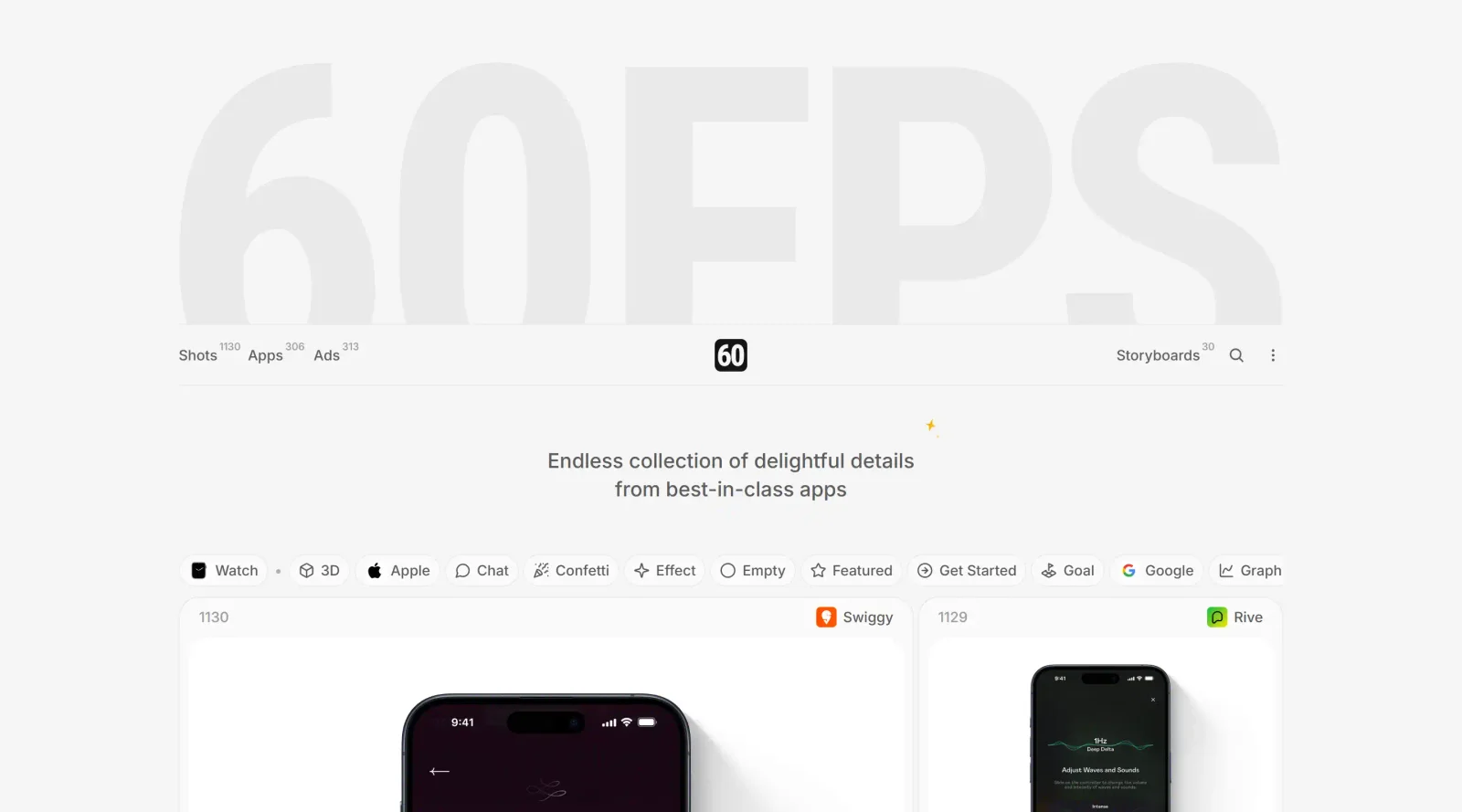
60FPS is a free design resource in the **Design** category that provides a curated collection of UI/UX animations and interaction details from leading mobile and web apps. It serves as an inspiration platform where designers can browse high-quality recordings of app elements, including micro-interactions, transitions, and storyboards, to study real-world examples of motion design. 60FPS fits into the early stages of the design workflow, such as research and ideation, helping teams reference smooth, high-performance animations rendered at 60 frames per second.
What 60FPS Does
- Collects and categorizes over 1,200 shots of UI/UX animations from iOS, Android, and web applications.
- Organizes content by app, animation type, design theme, and categories like onboarding flows, button transitions, and loading states.
- Offers filters for browsing specific interactions, such as gesture-based elements and ad storyboards.
- Provides access to detailed recordings of micro-interactions and design details from top apps like Zoom and Co-Star.
- Maintains a free core library with weekly updates and a newsletter for new content.
- Includes a PRO version for advanced filters, exclusive storyboards, and app/ad categories via a one-time fee.
How 60FPS Can Be Used
- Designers reference 60FPS during UI/UX ideation to replicate smooth transition effects in tools like Figma or Sketch for mobile app prototypes.
- Developers study animation timings and gesture interactions from real apps to implement performant motion in React Native or Flutter projects.
- Product teams analyze onboarding flows and loading animations to improve user retention in their web applications.
- Motion designers break down storyboards from ads to inform custom micro-interactions in After Effects workflows.
- Teams use the categorized shots for mood boards or client presentations, highlighting high-fidelity examples from best-in-class apps.
Who Is 60FPS For?
60FPS targets UI/UX designers, motion designers, front-end developers, and product teams working on mobile apps, web interfaces, or interactive experiences. It suits intermediate to advanced users who need precise references for high-performance animations and interaction patterns, particularly in fast-paced projects requiring polished motion design. Founders and engineers building consumer-facing products also use it to benchmark delightful details against industry leaders.
Featured Tools
Sponsored
Artlist
Royalty-free music, SFX, 8K footage, templates, LUTs and 100+ AI models on a single subscription for video creators.

Icons8
Large icon packs featuring over 10,000 icons for consistent design themes.

Vidu
AI video generator with text, image and reference-to-video modes, producing 3–16 second clips at up to 1080p with characters that stay consistent across shots.
Your tool here
The tools above are our own picks until the slots sell.
Spotlight
SponsoredRotates daily
HyNote
Records and transcribes interviews and meetings, then turns them into summaries and action items.
More Inspiration Tools
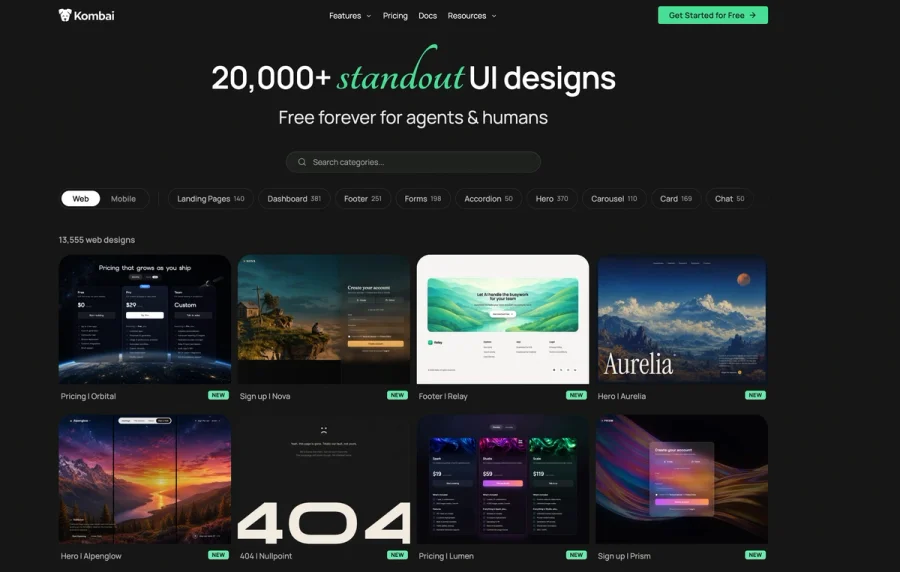

Kombai Gallery
20,000+ curated UI designs for agents and humans
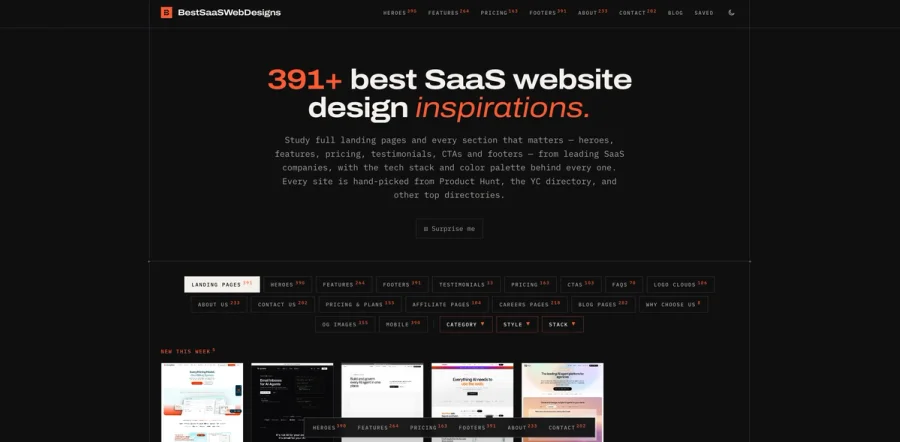

BestSaaSWebDesigns
A curated gallery of inspiring SaaS website designs, showcasing the best landing pages, layouts, UI patterns, and creative ideas from SaaS companies around the web. It’s a useful resource for founders
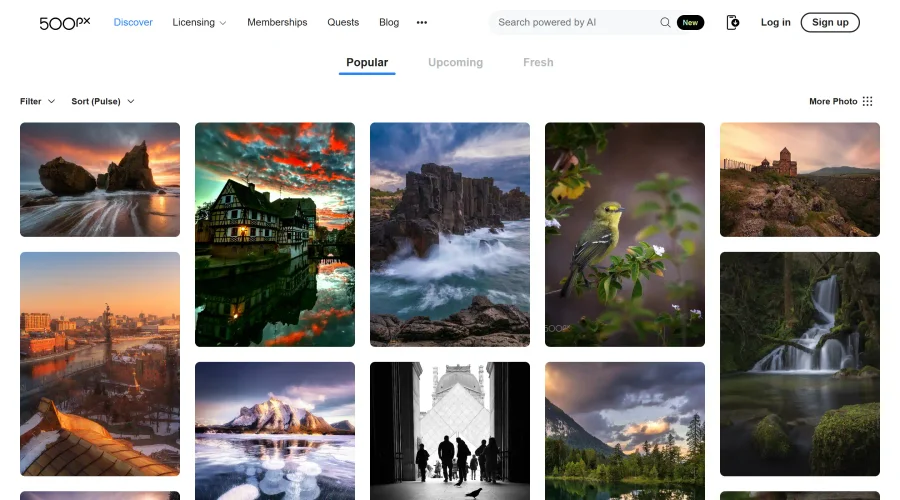

500px
Ignite inspiration with incredible photos spanning diverse styles and genres worldwide.
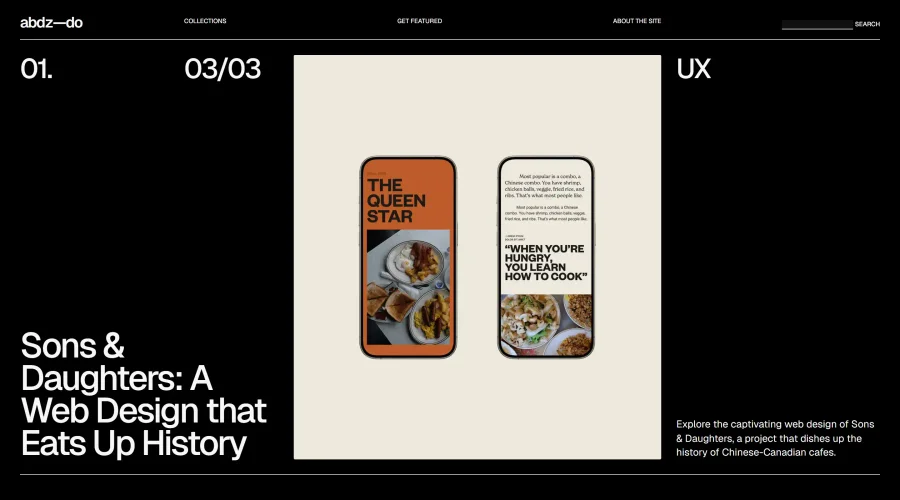

abdz.do
A collective of individual writers sharing articles on graphic design, branding, and UI.
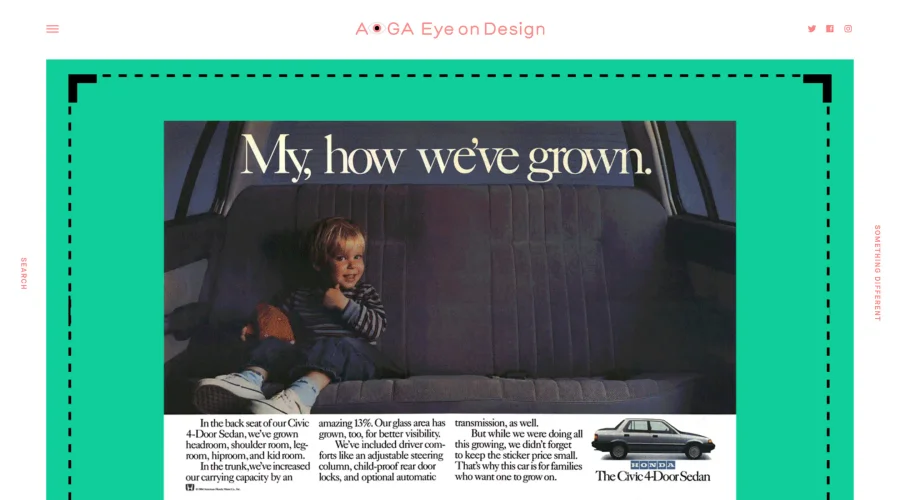

AIGA Eye on Design
A discerning eye focused on the latest and greatest work from the world's most dynamic graphic designers.
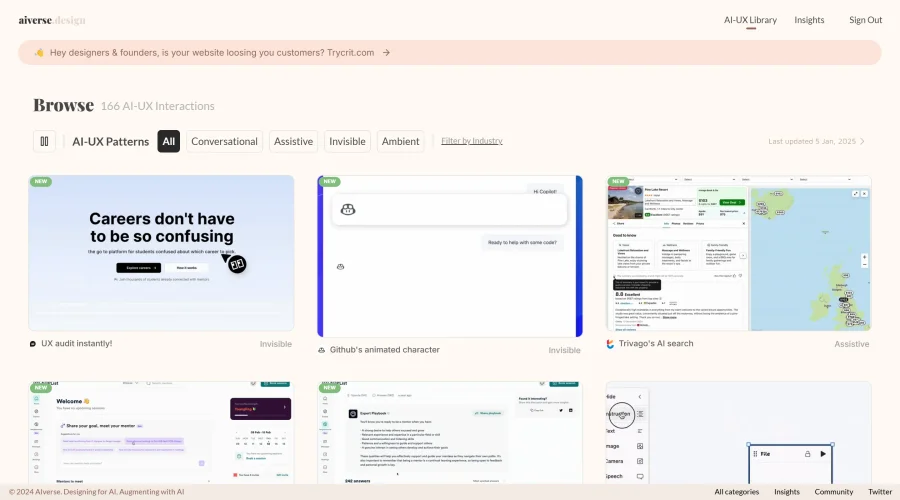
Aiverse Design
The largest library of AI-UX interactions for designers
Explore Other Categories
Discover more design resources
New to Design?
Explore our comprehensive design glossary to master essential terminology from A/B Testing to Wireframes.
Browse GlossaryLooking for something specific?
Search through our entire collection of design tools and resources