

A curated gallery of inspiring SaaS website designs, showcasing the best landing pages, layouts, UI patterns, and creative ideas from SaaS companies around the web. It’s a useful resource for founders
What it costs
- Free tier
- Yes
Free with no account: every site page, screenshot, stack tag and palette is open, and saved designs are kept in your browser rather than an account. The only commercial element is a sponsored card in the grid (currently Mobbin), not a paid tier.
Auto-checked on 19 September 2026Source
About BestSaaSWebDesigns
BestSaaSWebDesigns: A Free Gallery of SaaS Landing Pages, Broken Down Section by Section
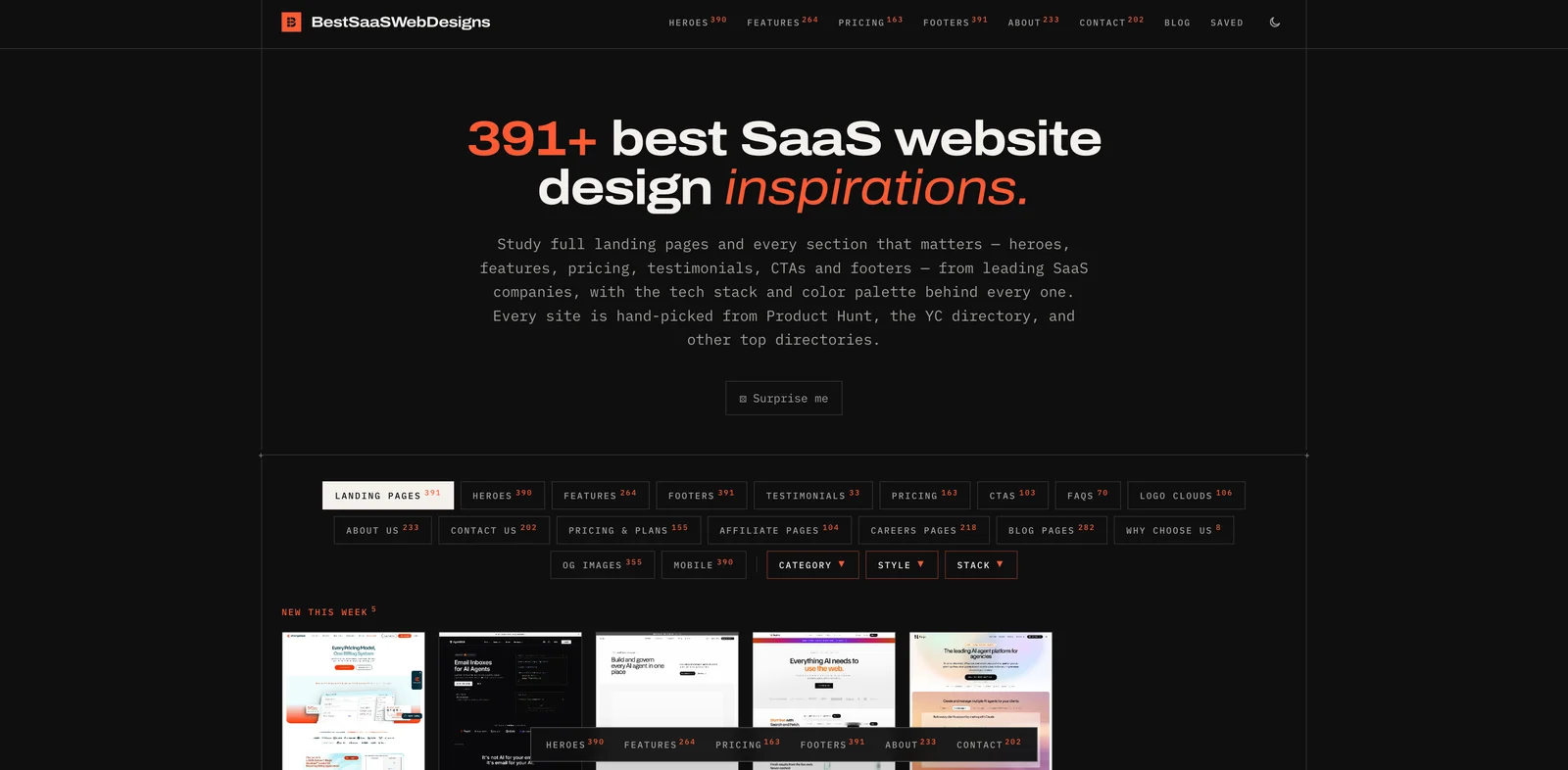
BestSaaSWebDesigns is a free, curated gallery of SaaS marketing websites — 391 of them in September 2026 — hand-picked from sources such as Product Hunt and the Y Combinator directory. What sets it apart from a wall of screenshots is the data attached to each entry: every site comes with desktop, mobile and social-preview screenshots, crops of individual sections such as the hero, pricing table and footer, and the tech stack, fonts and color palette the page is built with. Browsing and saving need no account.
Key Features
- 391 real SaaS websites — Live marketing sites from companies such as Stripe, Slack, Airtable, Gong and PlanetScale, grouped into 15 categories from Developer Tools to Finance and HR.
- Section-level browsing — More than a dozen section and page types, including heroes, feature sections, pricing tables, CTAs, FAQs, logo clouds, careers pages and affiliate pages.
- Three screenshots per site — Desktop, mobile and the OG image, so you can see how a design holds up on a phone and in a link preview.
- Stack, fonts and palette — Each entry lists its detected tech stack, its typefaces and extracted hex colors you can copy one at a time, all at once, or as CSS variables.
- Filters and sorting — Filter by page type, category, style and stack, and sort by newest, recently updated or shuffle.
- Free, no login — Everything is open, and saved designs are kept locally in your browser.
What Each Entry Includes
Open a site and you get a short breakdown rather than a lone screenshot. The Chargebee entry, for example, lists its category and style (Finance; light and colorful), its meta title, a stack of WordPress and Vue, its type (Sora and Inter) and a five-color palette anchored by #012a38. Below that sit full-page desktop and mobile captures, the OG image, and each captured section cropped straight from the live page and numbered — seven of them for Chargebee, from the hero down to the blog page. Every entry also shows when it was last updated, links out to the live site, and suggests similar designs from the same category.
Browsing by Section, Style and Category
The section pages are where BestSaaSWebDesigns is most useful for day-to-day design work. If you are designing a pricing table, you can compare 163 of them side by side; there are 390 heroes, 264 feature sections, 218 careers pages and 104 affiliate pages — page types most galleries skip. Style filters split the catalog into dark (131), light (259), colorful (240) and minimal (150), and the category pages keep you inside your own market, so a developer-tools founder can study 79 sites from that category rather than generic SaaS examples. Coverage is uneven, though: testimonial sections and "why choose us" blocks are thin next to heroes and footers.
How It Compares to Other SaaS Galleries
Other SaaS design galleries cover much of the same ground, and BestSaaSWebDesigns is candid that it is not the biggest — its own comparison page says Saaspo indexes more pages. Its case rests on depth per entry rather than volume: the stack, font and palette data, and the mobile and OG screenshots alongside each desktop capture. It also publishes free SaaS calculators (LTV and ROI) and a blog. The grid includes one sponsored card, currently for Mobbin.
How to Use BestSaaSWebDesigns
- Pick the section you are designing — hero, pricing, footer, FAQ — or a style or category, from the navigation or the filters.
- Scan the grid and open any site for its full breakdown.
- Compare the desktop and mobile captures, and copy the palette as hex values or CSS variables.
- Save favorites with the heart icon; they stay in your browser for next time.
Who It's For
- SaaS founders and marketers planning or redesigning a landing page
- Web designers who need pricing, hero or careers-page references from real products
- Developers curious which stacks and fonts well-known SaaS sites use
- Anyone benchmarking competitors' websites within a single SaaS category
Conclusion
BestSaaSWebDesigns is a focused, free reference library for SaaS marketing sites. It is not the largest gallery in its niche, and it covers public websites rather than in-app product UI, but the per-site breakdown — stack, fonts, palette, mobile and OG screenshots, and cropped sections — makes each of its 391 entries more useful than a single screenshot. With no login and nothing behind a paywall, it is an easy tab to keep open while you design.
BestSaaSWebDesigns pros and cons
- Every entry lists its detected tech stack, fonts and a copyable color palette, including as CSS variables
- Desktop, mobile and OG-image screenshots for each site, plus cropped close-ups of individual sections
- Browse by section, including pricing tables, careers pages and affiliate pages most galleries skip
- Category, style and stack filters keep references within your own market
- Completely free with no login; saved designs stay in your browser
- A smaller catalog than Saaspo, which the site itself acknowledges on its comparison page
- Marketing sites only: no in-app product UI, onboarding flows or dashboards
- Saved designs live in browser storage, so they don't sync across devices
- Some section types, such as testimonials, are thin next to heroes and footers
BestSaaSWebDesigns suits SaaS founders, marketers and web designers who want real landing pages to study, broken down into the parts they are actually designing. Its strength is the data on each entry: stack, fonts, palette, and desktop, mobile and OG screenshots, with sections cropped out individually. The trade-off is scope. It is smaller than the biggest SaaS galleries, covers marketing websites rather than product UI, and keeps saved designs in the browser only. Use it for landing-page, pricing and hero references within your category; for app screens and user flows, a product-UI library is the better fit.
Frequently asked questions
Is BestSaaSWebDesigns free?
Yes. Every site page, screenshot, stack tag and color palette is free to browse with no account, and designs you save are stored locally in your browser. The site shows a sponsored card in its grid but has no paid plan.
What does each BestSaaSWebDesigns entry include?
A breakdown of one SaaS website: desktop, mobile and OG-image screenshots, cropped close-ups of sections like the hero and pricing table, and its category, style, detected tech stack, fonts and color palette, which you can copy as hex values or CSS variables.
How many sites does BestSaaSWebDesigns have?
391 SaaS websites in September 2026, across 15 categories. Its own comparison page notes that Saaspo's catalog is larger.
Can I filter SaaS website designs by tech stack?
Yes. Alongside page type, category and style, you can filter by the tech stack detected on each site, and every entry lists its stack next to its fonts and palette.
Featured Tools
Sponsored
Artlist
Royalty-free music, SFX, 8K footage, templates, LUTs and 100+ AI models on a single subscription for video creators.

Icons8
Large icon packs featuring over 10,000 icons for consistent design themes.

Vidu
AI video generator with text, image and reference-to-video modes, producing 3–16 second clips at up to 1080p with characters that stay consistent across shots.
Your tool here
The tools above are our own picks until the slots sell.
Spotlight
SponsoredRotates daily
Animated Icons 2.0
Enhance your projects with 900+ animated icons.
More Inspiration Tools
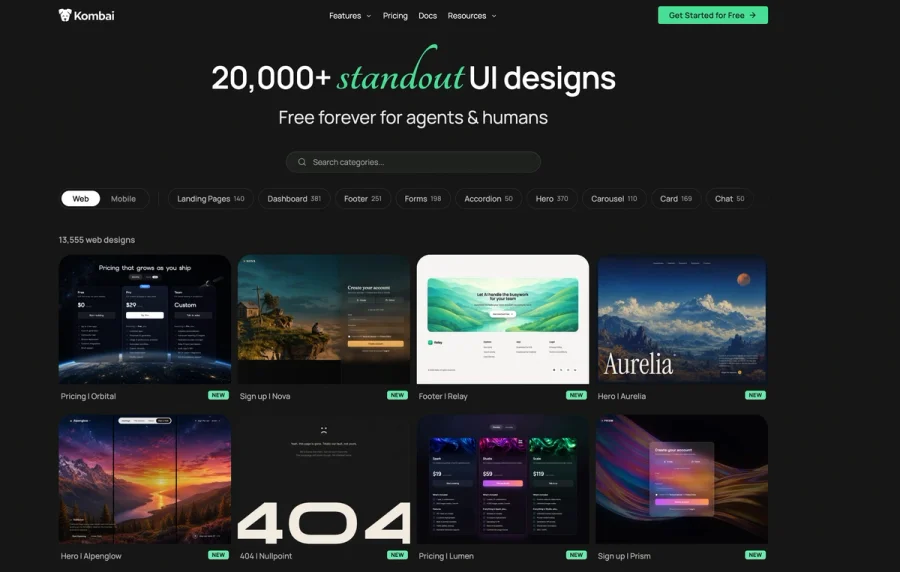

Kombai Gallery
20,000+ curated UI designs for agents and humans
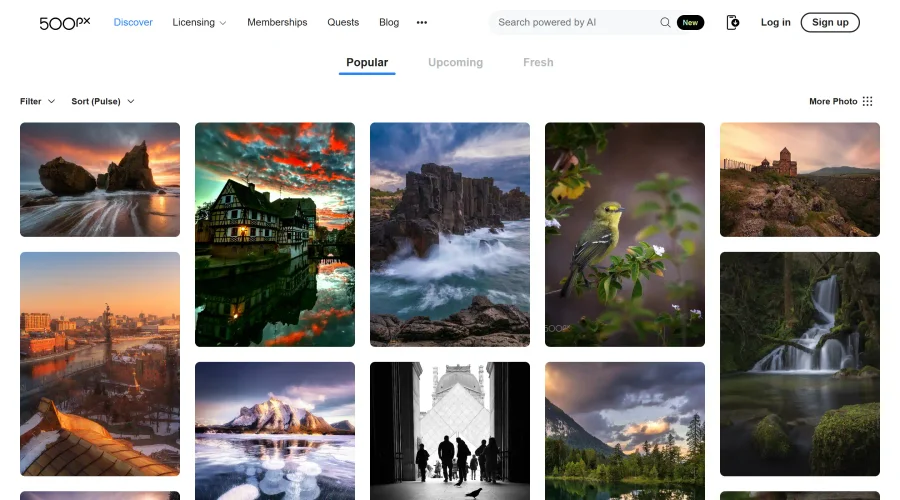

500px
Ignite inspiration with incredible photos spanning diverse styles and genres worldwide.
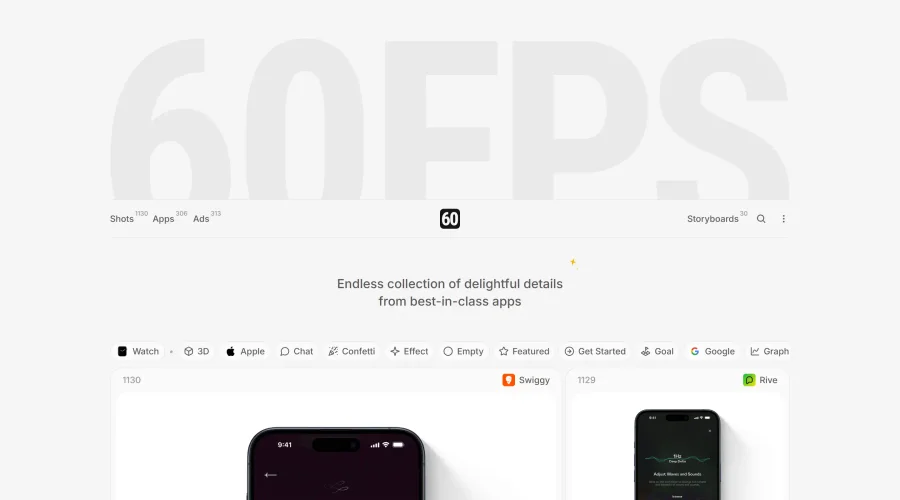

60FPS
An expanding repository of ads, interfaces, and motion design inspiration.
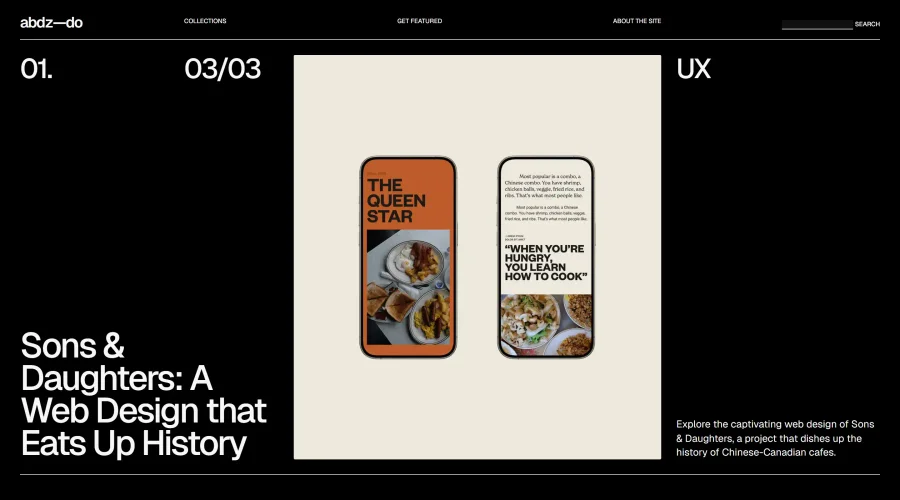
abdz.do
A collective of individual writers sharing articles on graphic design, branding, and UI.
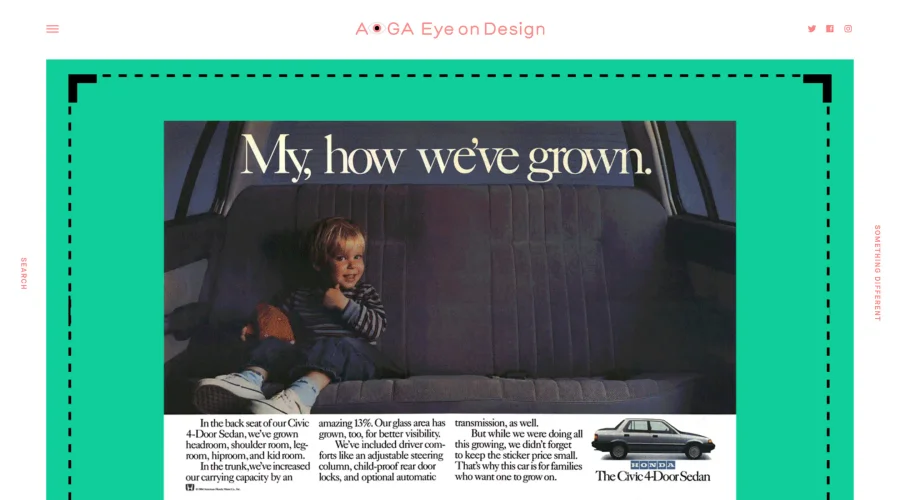

AIGA Eye on Design
A discerning eye focused on the latest and greatest work from the world's most dynamic graphic designers.
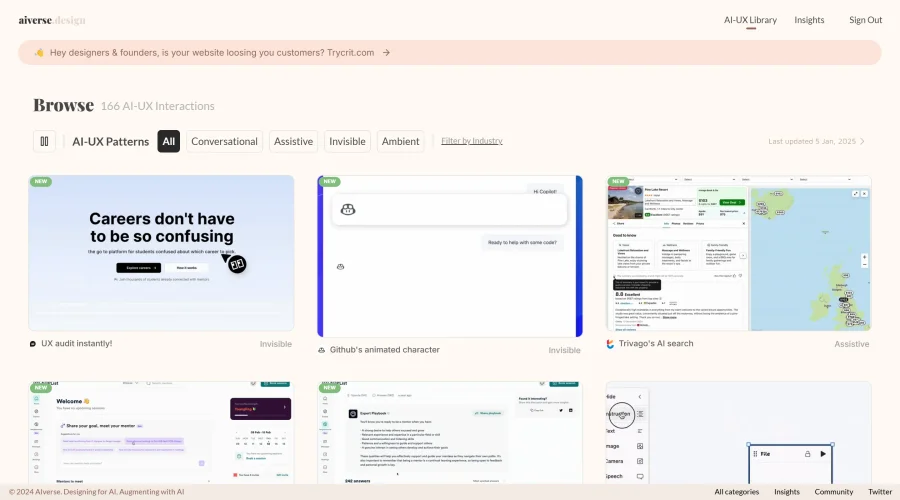
Aiverse Design
The largest library of AI-UX interactions for designers
Explore Other Categories
Discover more design resources
New to Design?
Explore our comprehensive design glossary to master essential terminology from A/B Testing to Wireframes.
Browse GlossaryLooking for something specific?
Search through our entire collection of design tools and resources