

What it costs
- Free tier
- Yes
The gallery itself is free with no account: browsing, live previews, design-system token files and the copy-paste prompt for Claude Code, Cursor or Codex all work signed out. Spending only starts if you use Remix in Kombai, which hands the design to Kombai's own agent — that runs on credits: 300 a month on the Free plan, 2,000 on Pro at $20/mo, and Team at $40 per user/mo.
Prices checked on 14 September 2026Source

About Kombai Gallery
Kombai Gallery: Free UI Design Inspiration for Designers and AI Coding Agents
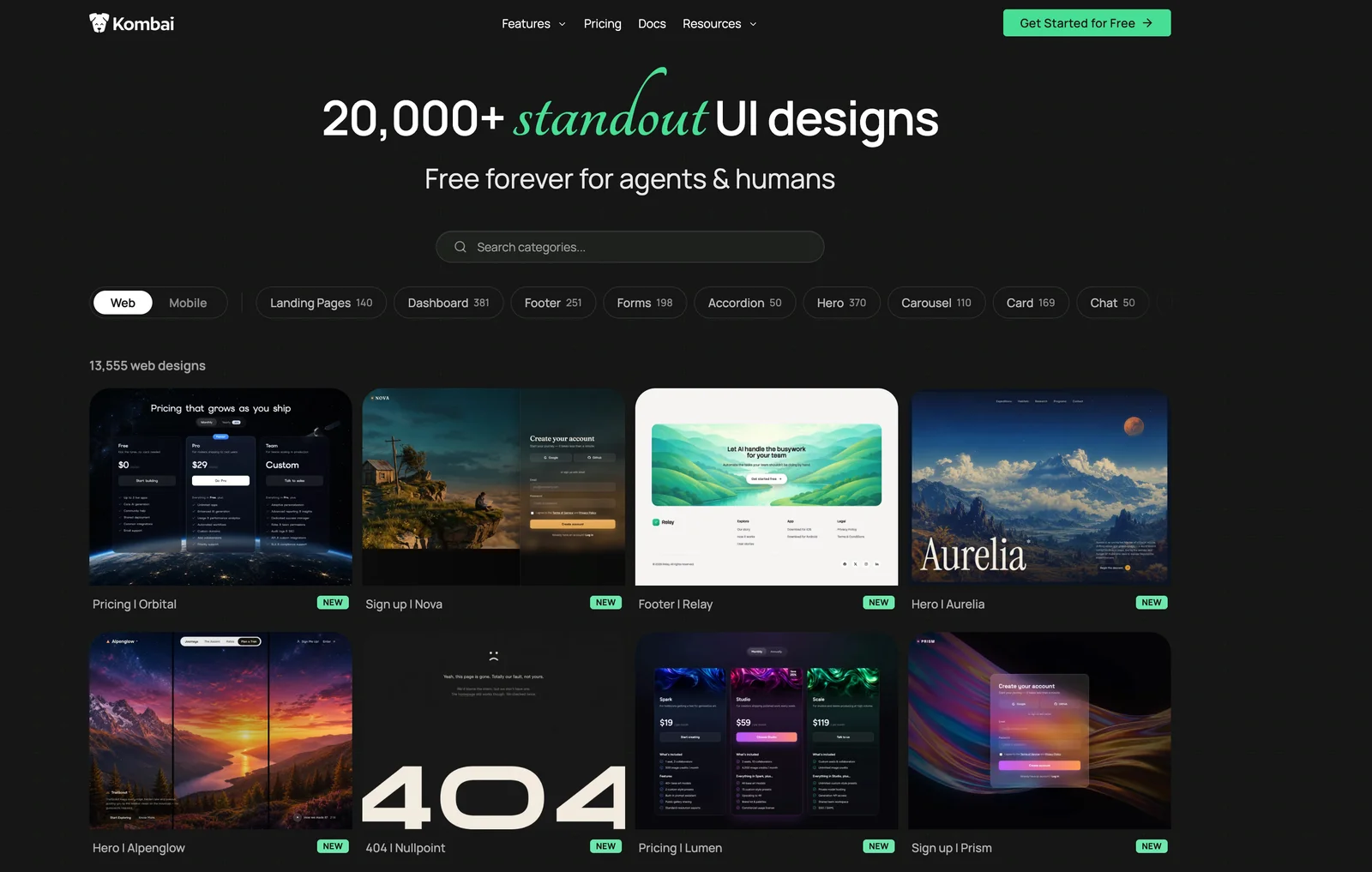
Kombai Gallery is a free library of more than 20,000 web and mobile UI designs, made by Kombai, the company behind an AI agent for front-end development. It covers the ground of a classic inspiration site — landing pages, dashboards, heroes, forms, checkout screens — but every entry is set up to be built from rather than just saved: open a live preview, read a written breakdown of the design, and copy a ready-made prompt that hands it to Claude Code, Cursor, Codex or Kombai's own agent. Browsing needs no account.
Key Features
- 20,000+ designs across web and mobile — In September 2026 the counters read 13,561 web designs and 6,649 mobile ones, switchable with a Web/Mobile toggle.
- Live previews — Designs open as working HTML pages rather than flat screenshots, so you see the real type, spacing and layout.
- Written design breakdowns — Each design lists its style, layout, components, vibe, category and platform in plain language.
- Prompts for any coding agent — "Use in other agents" copies a pre-filled prompt to paste into Claude Code, Cursor, Codex or similar.
- Design systems as design.md files — 55 web design systems with color, type, spacing and radius tokens, bundled into one markdown file an agent can read.
- Free, no signup — Browsing, previews, design systems and prompt copying all work without an account.
What's in the Library
A ⌘K search panel splits the collection into Pages & screens, Sections & components, Animations and Design systems. The first two hold the bulk. On web, the deepest categories are Dashboard (381), Hero (370), Home (346), Testimonials (313) and Navbar (299), alongside pricing pages, sign-in and sign-up screens, settings, tables, charts and 404 pages. Mobile follows the same structure, led by Card (179), Forms (164) and Tabs (150), with Chat and Checkout at 88 each. Animations is the smallest group — nine web categories and 32 templates such as Hero Scrub, Marquee and Spotlight Reveal. Kombai says it adds designs regularly and will add references for a missing category within 48 to 72 hours of an email request.
How the Design Systems Work
The design-systems section has no real equivalent in a screenshot gallery. It mixes well-known brands — Stripe, Linear, Airbnb, Spotify, Figma, Vercel — with original styles such as Neo Brutalist, Graphite Paper and Luxe Noir. Each entry lays out its color tokens, type scale, spacing and border radii, then packages everything into a design.md file covering layout, components, motion, iconography and a list of do's and don'ts, so an agent can build in that style from a single file. Treat the brand entries as careful reconstructions rather than official kits: the Stripe file states that its values were read from the live site's computed styles, flags some as approximations, and notes that its Söhne typeface is proprietary and needs a substitute.
How It Differs From a Traditional Inspiration Library
Libraries such as Mobbin and Refero archive screenshots of products that actually shipped, which is what you want when researching how real companies solve a flow. Kombai Gallery serves a different moment: you roughly know what you want and need a concrete reference to build from. The Kestrel hero, for example, is a working HTML page for a fictional agent product, set in Newsreader over Inter. Its copied prompt carries the page link, a description of the style and layout, and an instruction to match the layout, color system and type scale while adapting the structure to your stack.
How to Use Kombai Gallery
- Choose Web or Mobile, then browse a category or press ⌘K to search screens, sections, animations and design systems.
- Open a design and check its live preview and its style and layout notes.
- Click "Use in other agents" to copy the prompt, then paste it into Claude Code, Cursor, Codex or another agent.
- Or click "Remix in Kombai", which copies a prompt for Kombai's own agent and opens it in the Kombai app or your IDE — that route needs Kombai installed and runs on its credits.
Who It's For
- Developers and founders using AI coding agents who want a stronger visual reference than a text prompt
- Designers looking for web and mobile UI patterns by screen or component type
- Front-end teams that want a design-system starting point as tokens and a design.md file
- Anyone who needs landing page, dashboard or checkout inspiration without creating an account
Conclusion
Kombai Gallery is a large, free UI inspiration library designed around coding agents. The live previews, written breakdowns and copyable prompts shorten the trip from reference to working screen compared with a screenshot board. It is not a record of real shipped products, and the brand design systems are approximations, but as a free, no-signup source of web and mobile UI patterns it is a strong one — you only pay if you want Kombai's own agent to do the remixing.
Featured Tools
Sponsored
Artlist
Royalty-free music, SFX, 8K footage, templates, LUTs and 100+ AI models on a single subscription for video creators.

Icons8
Large icon packs featuring over 10,000 icons for consistent design themes.

Vidu
AI video generator with text, image and reference-to-video modes, producing 3–16 second clips at up to 1080p with characters that stay consistent across shots.
Your tool here
The tools above are our own picks until the slots sell.
Spotlight
SponsoredRotates daily
Hailuo AI
AI video generator from MiniMax with cinematic, language-driven camera control.
More Inspiration Tools

BestSaaSWebDesigns
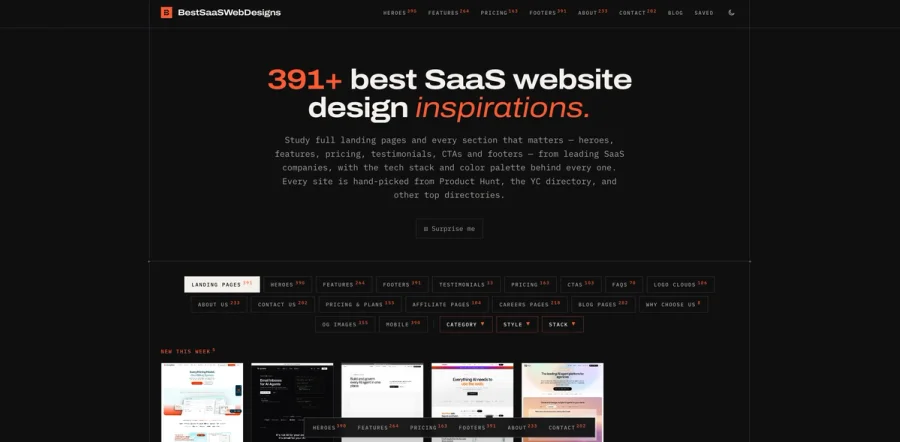
A curated gallery of inspiring SaaS website designs, showcasing the best landing pages, layouts, UI patterns, and creative ideas from SaaS companies around the web. It’s a useful resource for founders

500px
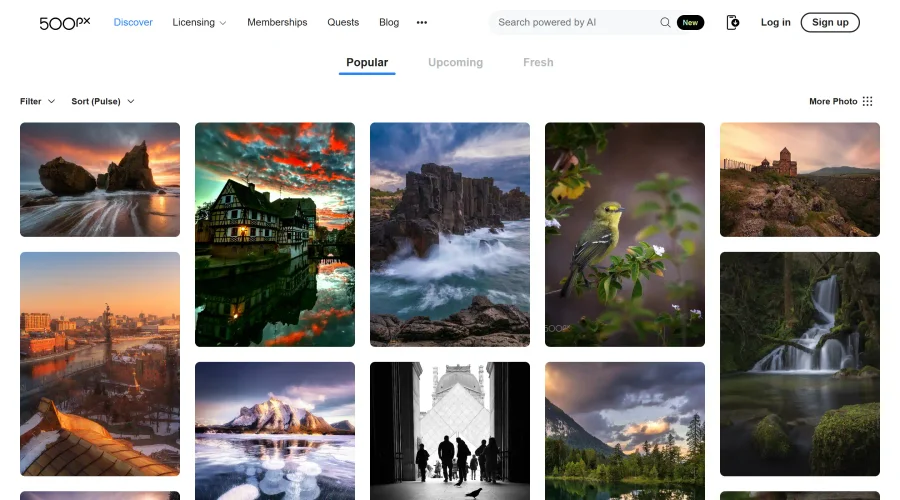
Ignite inspiration with incredible photos spanning diverse styles and genres worldwide.

60FPS
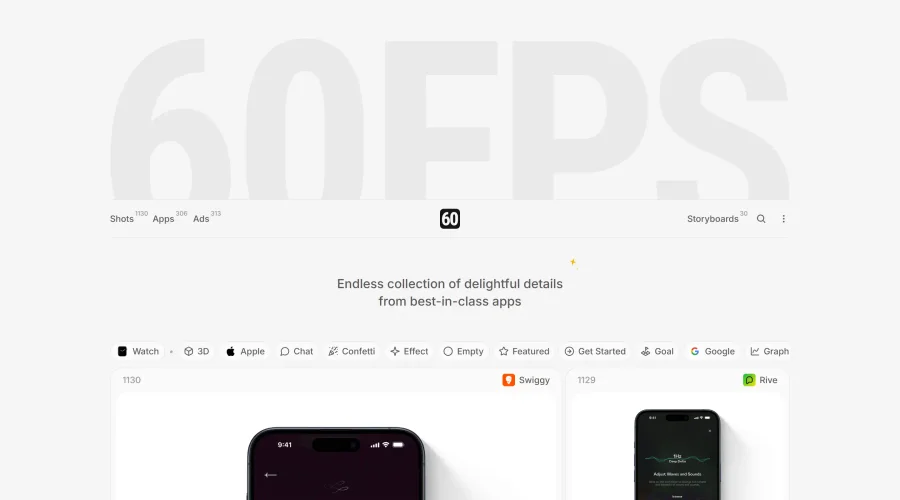
An expanding repository of ads, interfaces, and motion design inspiration.
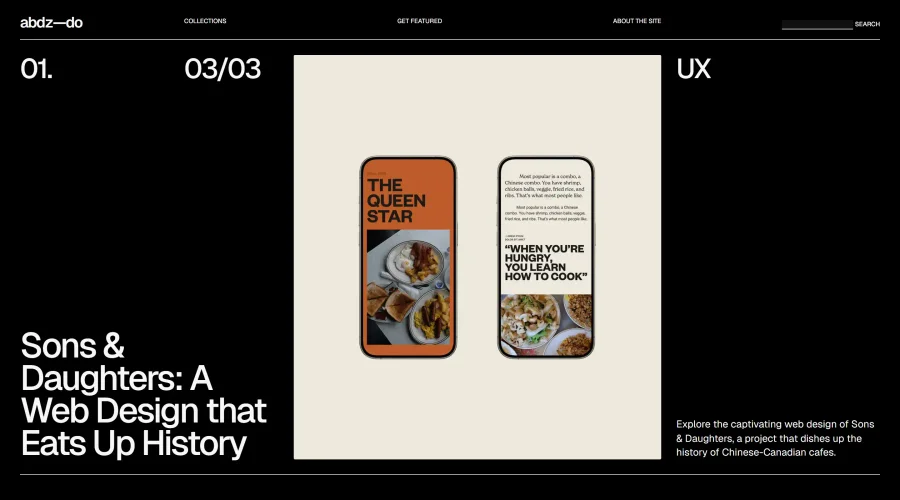

abdz.do
A collective of individual writers sharing articles on graphic design, branding, and UI.
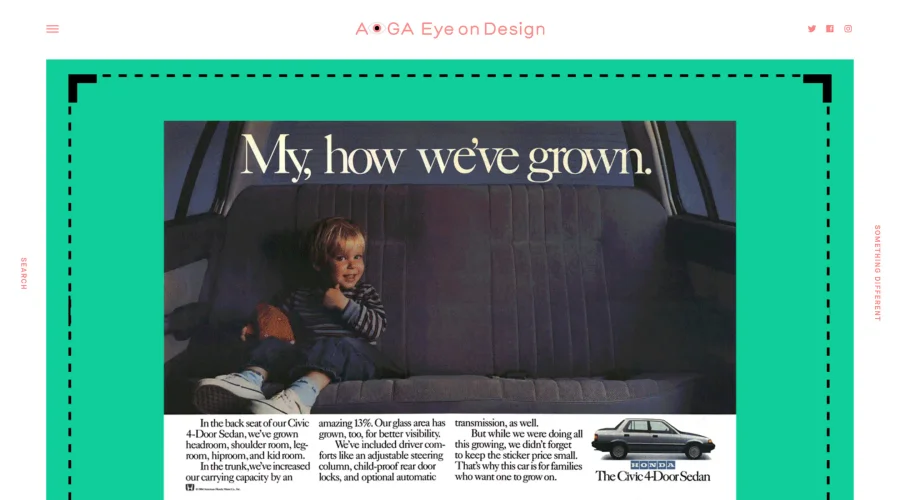

AIGA Eye on Design
A discerning eye focused on the latest and greatest work from the world's most dynamic graphic designers.
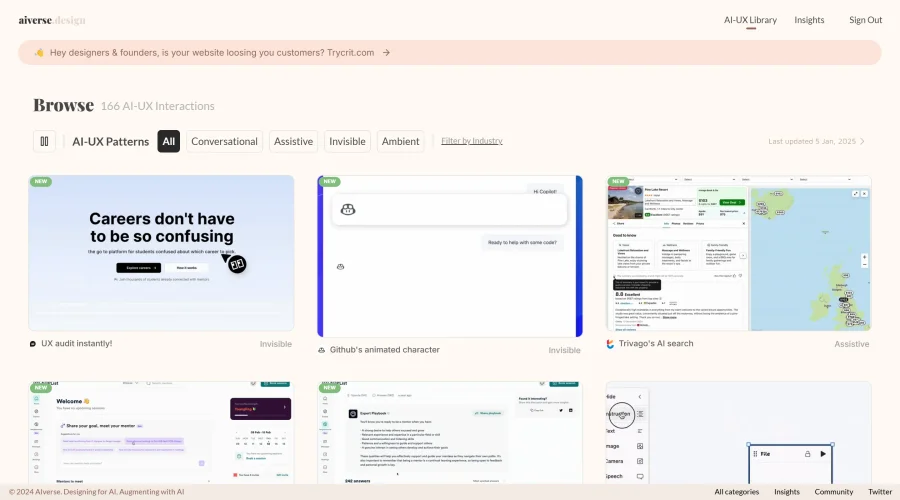

Aiverse Design
The largest library of AI-UX interactions for designers
Explore Other Categories
Discover more design resources
New to Design?
Explore our comprehensive design glossary to master essential terminology from A/B Testing to Wireframes.
Browse GlossaryLooking for something specific?
Search through our entire collection of design tools and resources